

Discover the Power of HotSchedules: The Leading Employee Scheduling App
HotSchedules stands out as the industry's top employee scheduling application because it offers the fastest and most intuitive way to manage work schedules and communicate effectively with your team. Designed with both managers and team members in mind, HotSchedules simplifies the complex task of shift planning, making work-life management easier than ever before.
Seamless Schedule Management and Team Communication
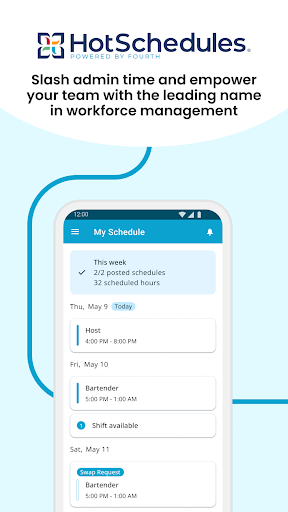
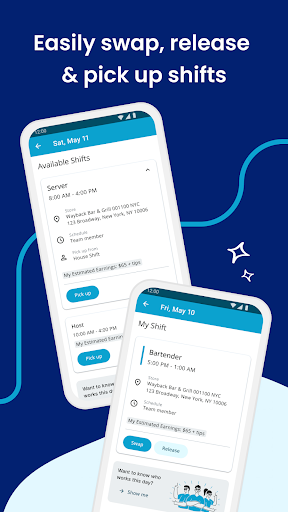
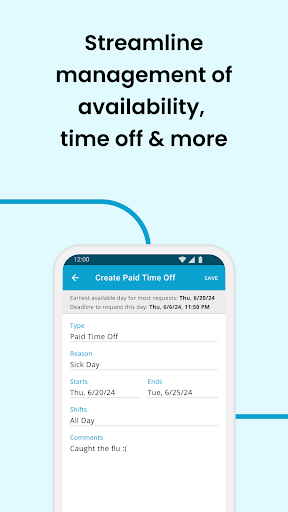
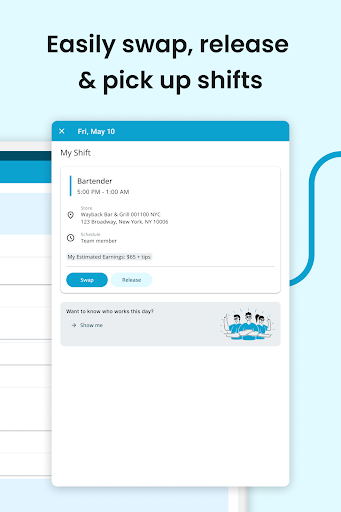
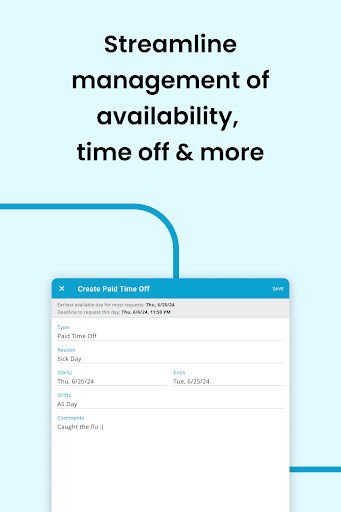
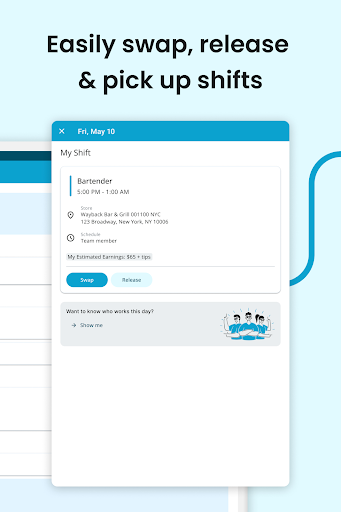
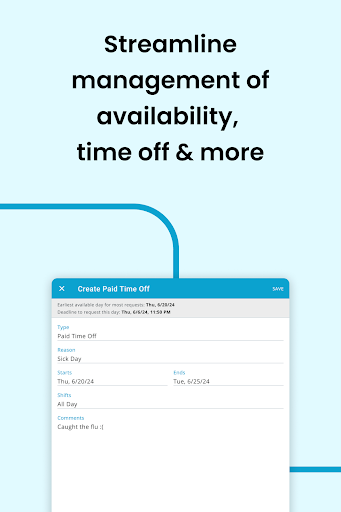
One of the key features that set HotSchedules apart is its ability to facilitate effortless shift swapping, pick-ups, or releases with just one click. Team members appreciate the ease of requesting and accepting shift changes, allowing them to maintain a healthy work-life balance. Automated shift pick-up functionalities enable staff to secure additional hours effortlessly, while time off requests streamline the process of planning personal days. Calendar synchronization ensures your schedule stays current, automatically updating on your phone with any changes approved by managers. Notifications keep everyone informed, making sure that team members and managers are always on the same page.
Efficiency and Business Monitoring for Managers
Managers benefit significantly from HotSchedules' time-saving features, saving up to 75% of the time typically spent on schedule creation and adjustments. The platform’s one-click approval system simplifies shift modifications, freeing managers from tedious administrative tasks. Additionally, its capability to provide sales and labor snapshots from anywhere empowers managers to monitor business performance in real-time, eliminating the need to stay tied to the back office. This remote access helps keep operations running smoothly and optimizes workforce management for maximum efficiency.
Stay Connected with Team Messaging
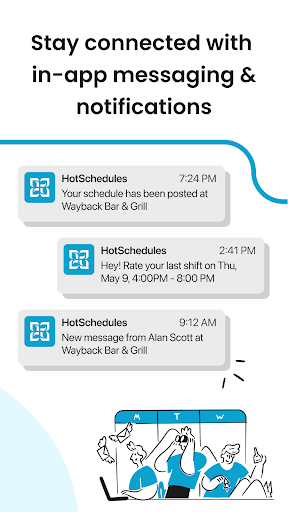
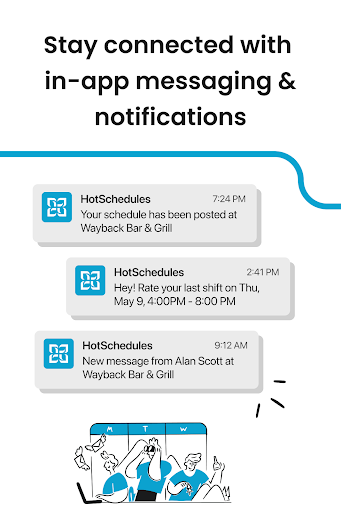
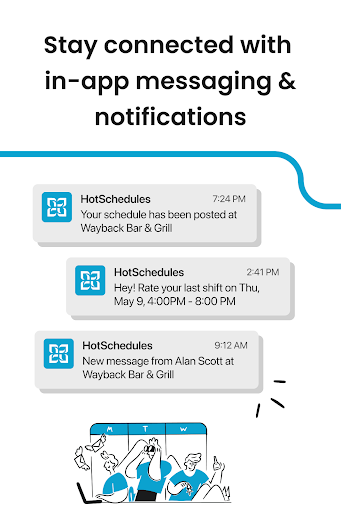
Effective communication is vital for a productive team environment. HotSchedules’ broadcast and one-to-one messaging features foster a connected and engaged team culture. Whether sharing updates or quick messages, these tools keep everyone in the loop, contributing to a happy and motivated workforce. Notifications alert team members to new messages and schedule changes, reducing miscommunication and ensuring smooth daily operations.
User Experience and Industry Relevance
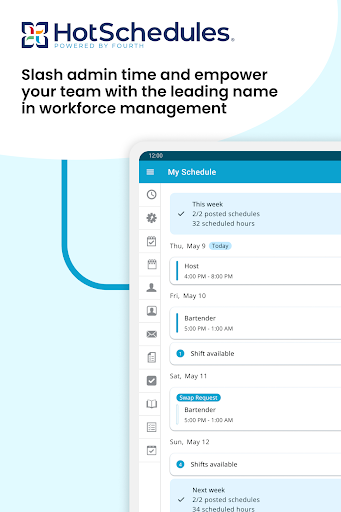
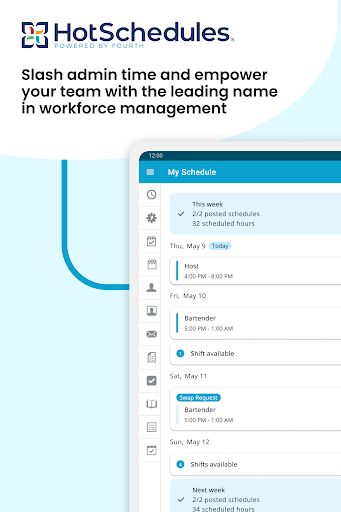
The intuitive design of HotSchedules makes it accessible to users of varying tech proficiency. Its clean layout and straightforward navigation minimize the learning curve, allowing new users to become proficient quickly. Although some minor syncing issues can occur due to connectivity, these are insignificant compared to the app’s benefits. Whether you work in hospitality, retail, or any shift-based industry, HotSchedules offers an all-in-one solution to simplify scheduling and team communication. Think of it as your personal assistant in your pocket that helps organize your work life stress-free and efficiently.
Conclusion: Why HotSchedules Is a Must-Have for Your Business
If you’re looking for a robust, easy-to-use employee scheduling app that enhances team communication and increases operational efficiency, HotSchedules is the obvious choice. It empowers managers to save valuable time, optimize staffing, and monitor business performance—all while keeping teams connected and engaged. Whether you’re a restaurant owner, retail manager, or part of any organization that relies on shift work, HotSchedules provides the tools you need to streamline your workflow and foster a positive team culture. Once you experience its convenience, you’ll wonder how you managed without it.
Pros
- User-friendly interface for easy scheduling
- Real-time updates on schedule changes
- Efficient communication with team members
- Access to schedules from any device
- Time-off requests are simple to manage
Cons
- Occasional syncing issues with other calendars
- Limited offline functionality
- Subscription may be expensive for small businesses
- Customer support can be slow at times
- User interface may feel cluttered for new users











