
Discover the Best Drawing App: Learn To Draw Step By Step
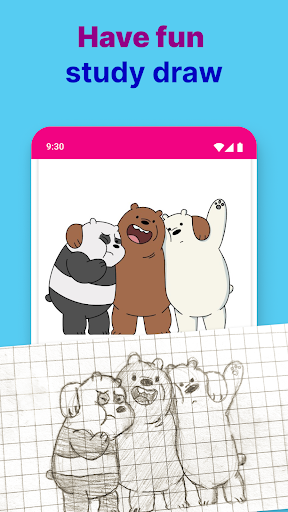
Are you eager to unlock your artistic potential and create stunning artworks? The Learn To Draw Step By Step app is your ideal companion on this creative journey. Designed for beginners and aspiring artists alike, this intuitive app transforms the often daunting process of learning to draw into an enjoyable and accessible experience. Whether you dream of sketching charming cartoons, realistic portraits, vibrant flowers, or fantasy creatures, this app offers a comprehensive platform to develop your skills from the ground up.
Why Choose Learn To Draw Step By Step?
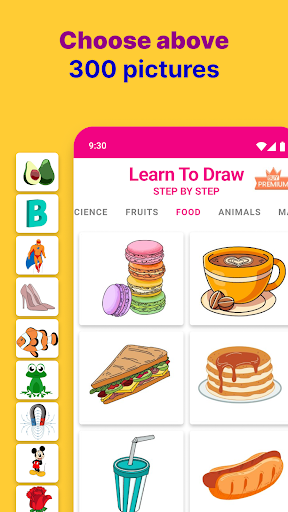
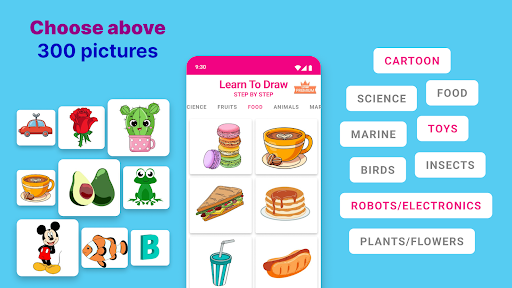
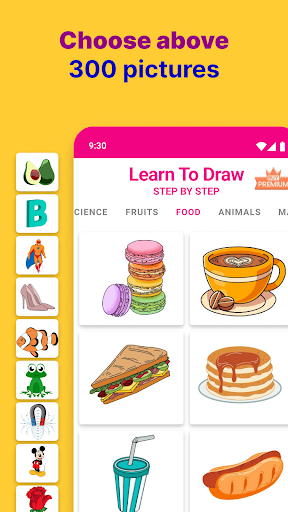
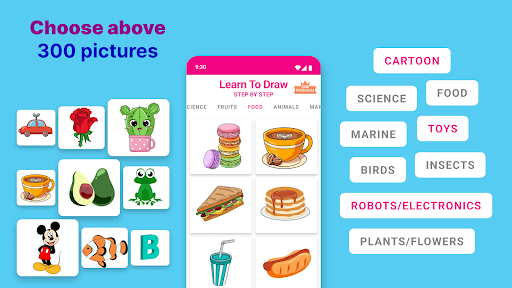
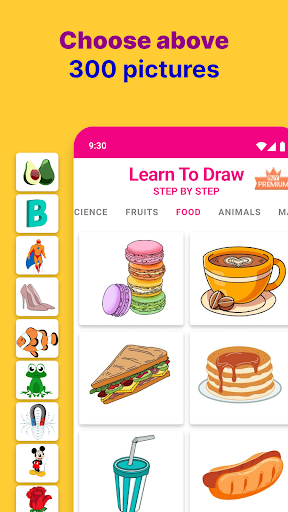
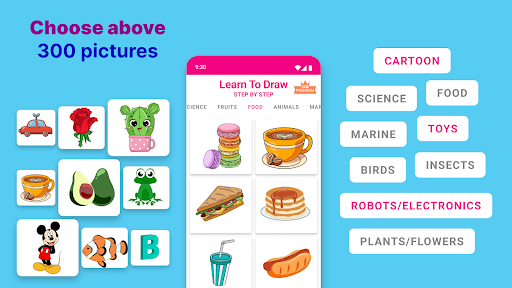
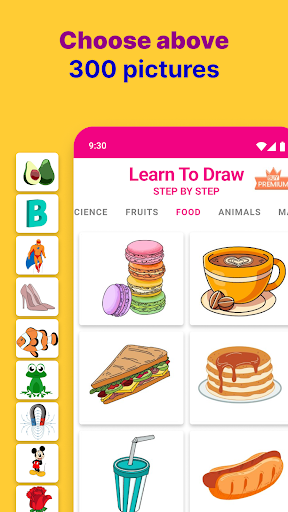
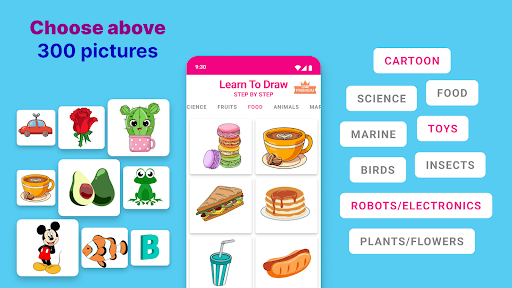
This drawing app stands out because it combines step-by-step guidance with user-friendly features that make learning to draw both easy and fun. With a clean, simple interface, the app ensures you can focus fully on your artistic practice without feeling overwhelmed. It provides a variety of categories, such as animals, characters, landscapes, and more, giving you the flexibility to explore different styles and subjects. Whether you're a total beginner or looking to refine your skills, this app adapts to your pace and progress.
Intuitive Step-by-Step Drawing Tutorials
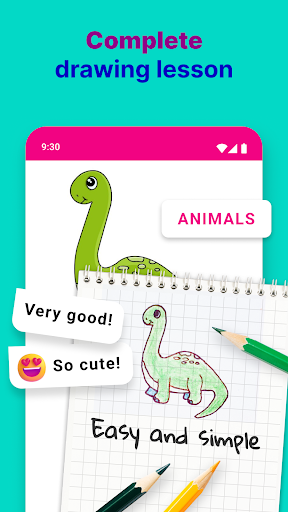
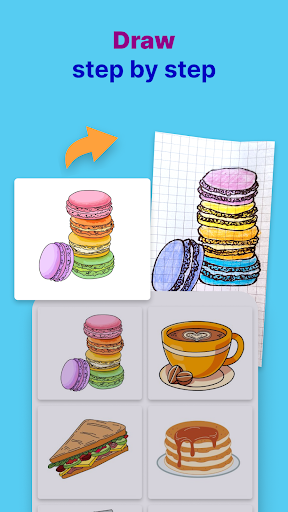
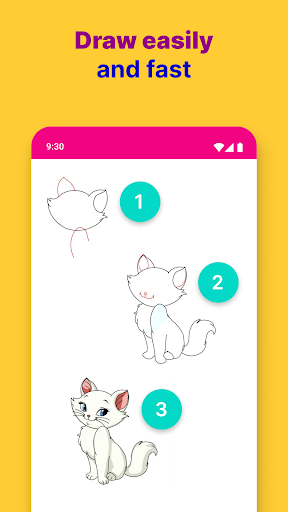
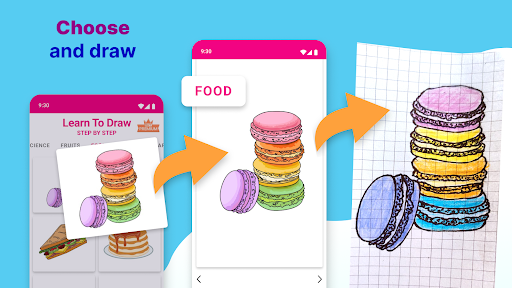
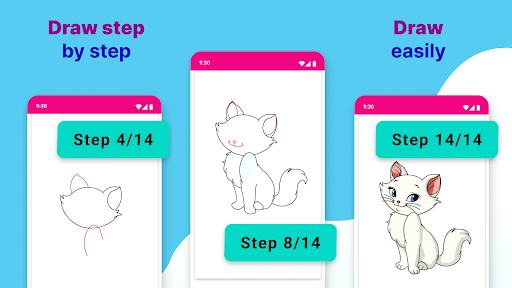
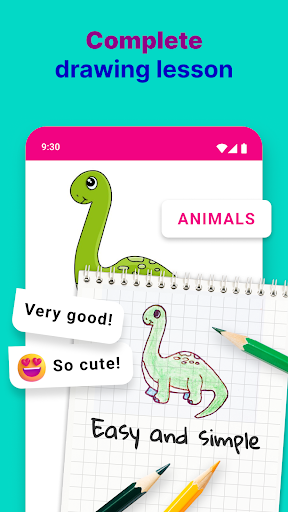
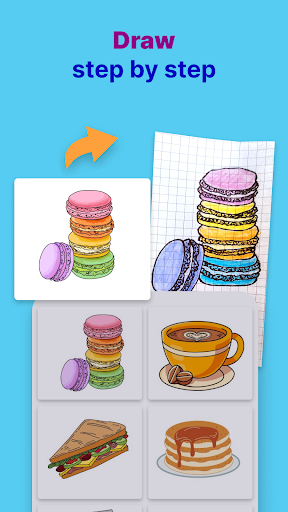
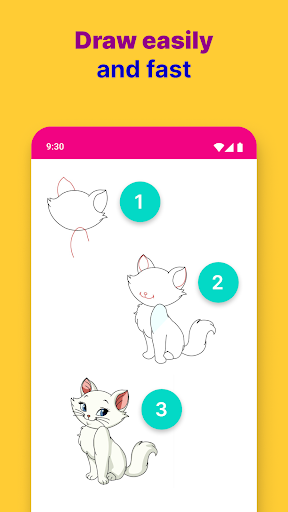
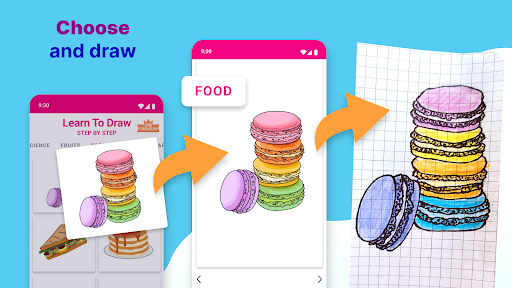
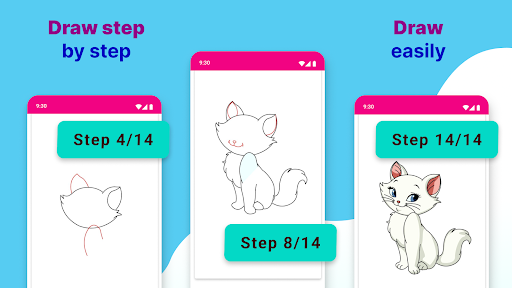
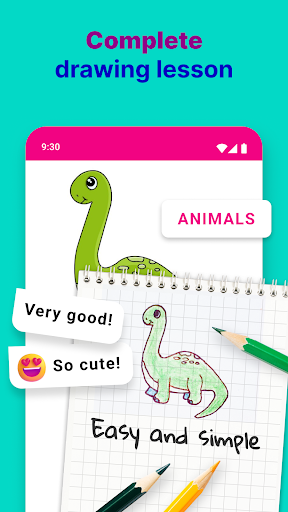
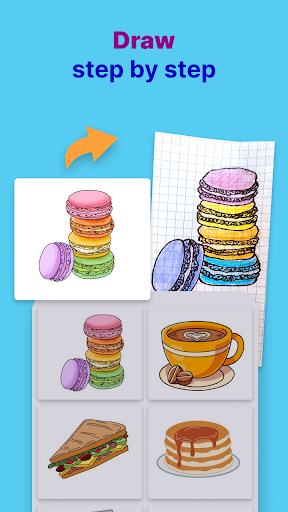
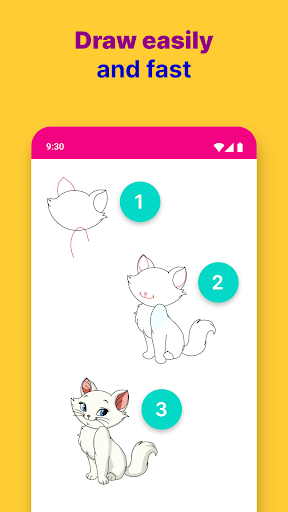
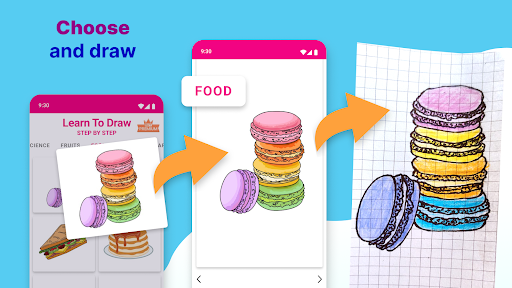
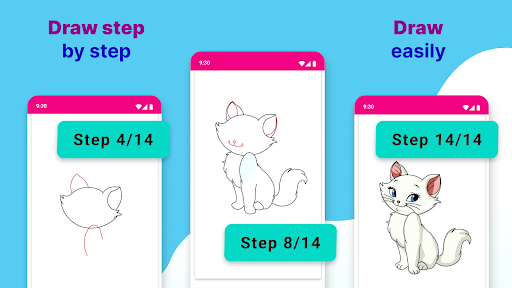
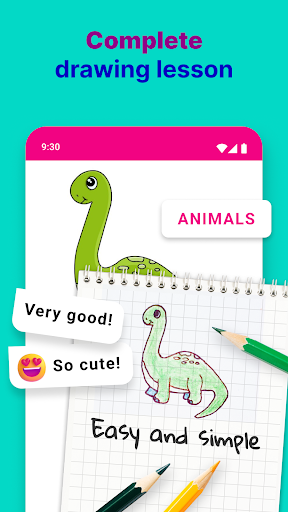
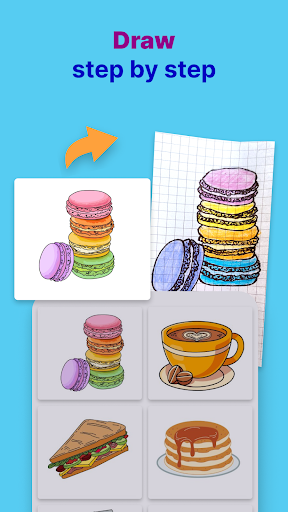
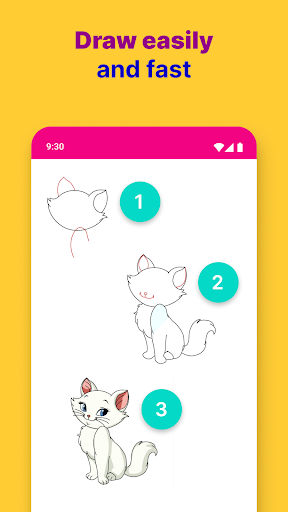
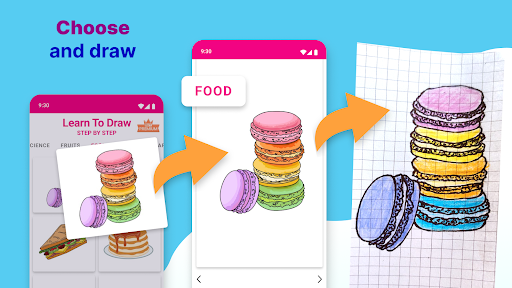
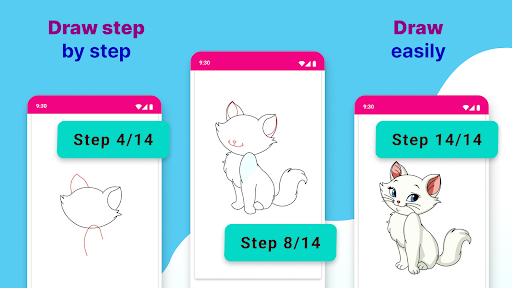
At the core of Learn To Draw Step By Step are its detailed tutorials that break down complex images into manageable steps. You start with basic shapes and simple outlines, gradually adding details, shading, and color to complete your masterpiece. This progressive approach ensures you build confidence as you see your drawings evolve from simple lines into detailed artworks. It’s like having a personal art teacher guiding you through every stage, encouraging practice and mastery along the way.
Features That Enhance Your Artistic Journey
Beyond the tutorials, the app offers numerous features to support and enhance your learning experience:
Zoom & Detail:
Use the built-in zoom function to focus on intricate areas, ensuring every detail is perfect. This feature is especially helpful when working on complex subjects or fine shading.
Undo & Redo:
Made a mistake? No worries — the undo and redo buttons allow you to correct errors easily, fostering a stress-free environment for experimentation.
Gallery & Progress Tracking:
Save your favorite drawings in the in-app gallery to monitor your improvements over time. Share your work with friends or keep it as a personal portfolio to see how much you’ve learned.
Diverse Drawing Subjects:
Explore a broad array of topics, from cute cartoons and animals to realistic portraits and fantasy characters. This variety keeps your practice sessions exciting and motivates you to try new styles.
Practice Anywhere, Anytime
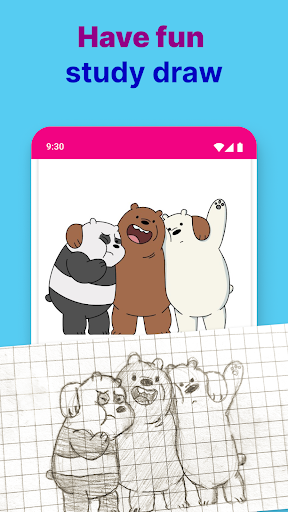
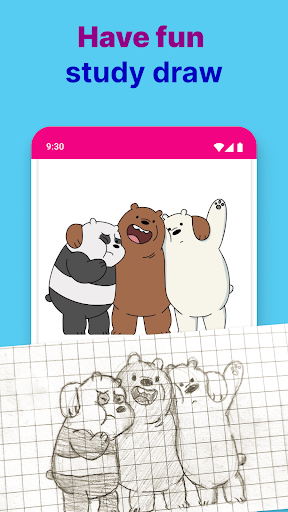
One of the greatest advantages of Learn To Draw Step By Step is its flexibility. Whether you prefer traditional paper or digital drawing, the app supports both. Grab a pencil and paper, or sketch directly on your device’s screen — perfect for practice on the go. Waiting in line, commuting, or relaxing at home becomes an opportunity to sharpen your skills and create art whenever inspiration strikes.
Perfect for All Ages and Skill Levels
This app’s versatile design makes it suitable for artists of all ages. Kids can learn basic shapes and characters, while adults or experienced hobbyists can tackle more advanced subjects. The structured lessons foster a sense of achievement and motivate continuous improvement, making art education accessible and enjoyable for everyone.
Start Your Artistic Adventure Today
Are you ready to turn your creative ideas into reality? Download Learn To Draw Step By Step now and embark on your artistic journey. Experience the satisfaction of bringing beauty to life with every stroke and join a community of passionate artists eager to learn and grow. With this app, your first masterpiece is just a few taps away — so why wait? Your artistic adventure begins here!
Pros
- Easy-to-follow drawing tutorials.
- Wide variety of drawing subjects.
- Suitable for all skill levels.
- Interactive user interface.
- Offline access available.
Cons
- Limited free content.
- Occasional app crashes.
- Advertisements in the free version.
- Lack of community features.
- Some tutorials are too basic for advanced users.