
Introducing the TV Cast for Chromecast - TVCST App
Experience the ultimate screen casting convenience with the TV Cast for Chromecast - TVCST app. Designed to simplify your media sharing, this powerful application allows you to easily cast videos, stream audio, display photos, and mirror your device screen wirelessly to your TV. Whether you're enjoying a movie night, sharing photos with friends, or playing audio for a party, this app makes screen sharing effortless and accessible for everyone. Say goodbye to bulky cables and complicated setups—just a few taps are all it takes to turn your phone into a remote control for your Chromecast device and start enjoying content on a larger screen.
Key Features of TV Cast for Chromecast - TVCST
Screen Mirroring and Casting
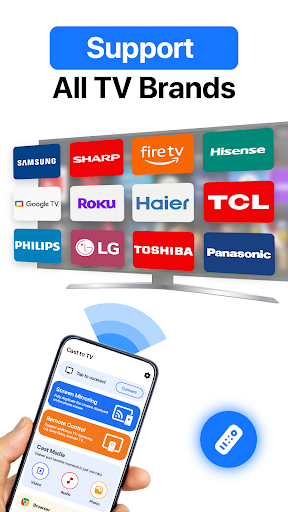
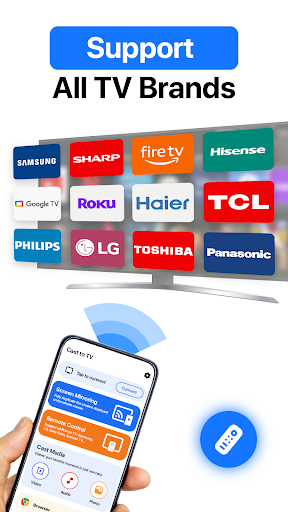
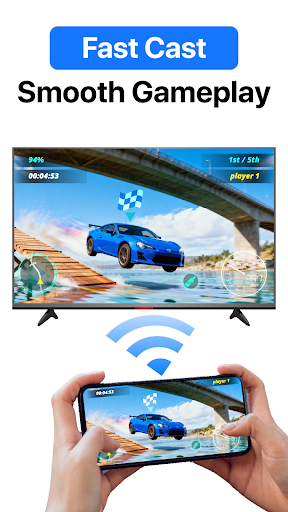
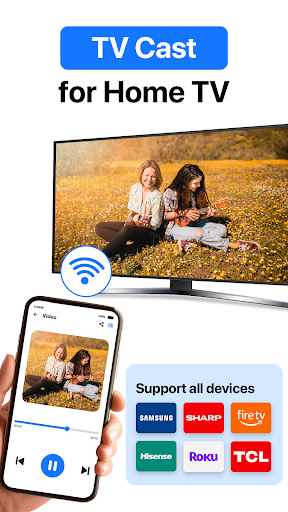
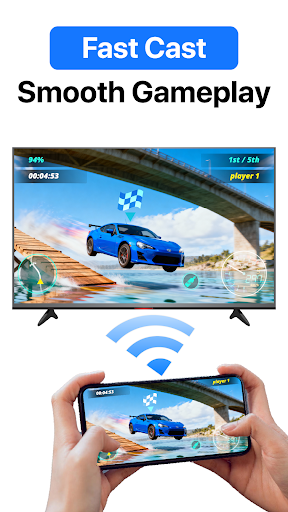
With screen mirroring, you can effortlessly share your device's display onto your TV. Enjoy a seamless, high-quality detailed screencast experience that supports HD video casting. Easily connect your device to Chromecast and see your entire device screen reflected live on the big screen. The setup process is quick and straightforward—just a few taps, and you're ready to go.
Media Playback Capabilities
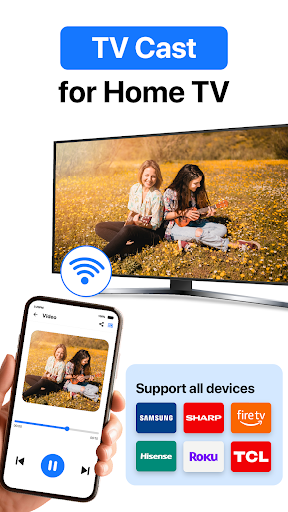
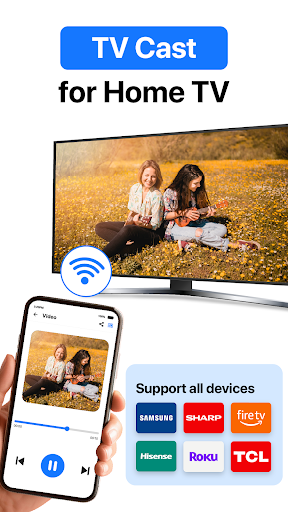
The app supports a wide range of media formats, making it easy to cast HD videos and audio files from your Android device to your TV. Stream your favorite movies, TV shows, or personal videos in impressive high quality. Managing playback is simple, with options to pause, rewind, and fast forward directly from your phone.
Photo and Slideshow Casting
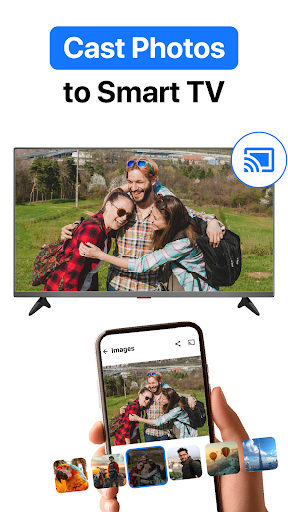
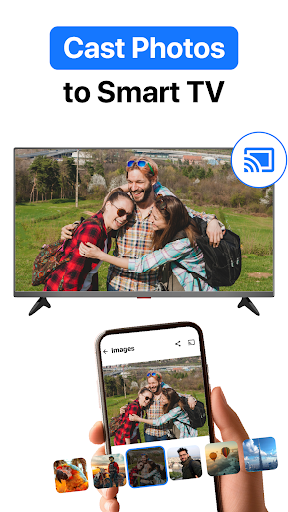
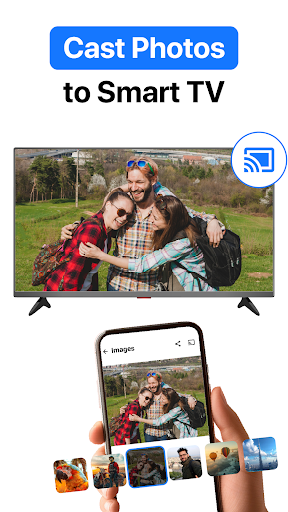
Share your cherished memories by casting photos onto your TV screen. Create beautiful slideshows with customizable transitions, select albums, and control the slideshow directly from your device. High-resolution image sharing makes it feel like viewing images on a digital photo frame on a much larger scale.
YouTube Video Casting
Enjoy your favorite YouTube channels, playlists, and live streams directly on your TV. From a single app interface, you can control playback, pause, rewind, or adjust volume, providing an effortless viewing experience with minimal buffering.
Remote Control Functionality
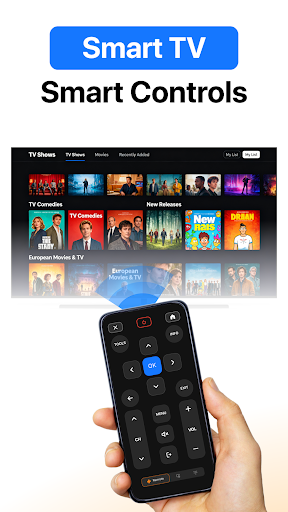
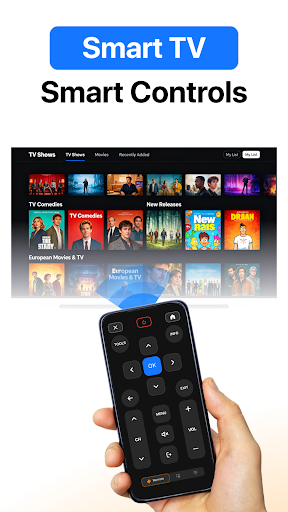
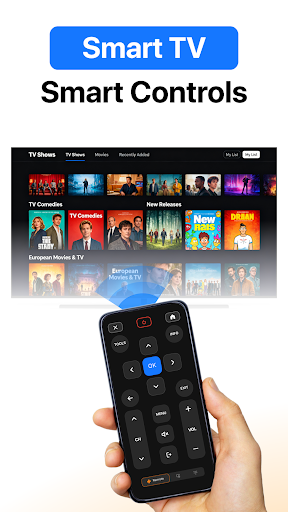
Transform your smartphone into a remote control with the in-app remote control feature. Easily manage media playback, adjust volume, skip scenes, and control your casting session with simple taps. Compatible with all Chromecast devices, this feature enhances your overall streaming control.
Why Choose TV Cast for Chromecast - TVCST?
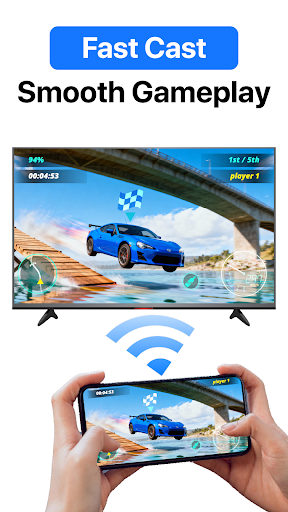
Designing for ease of use, the TV Cast app offers a user-friendly interface that simplifies the casting process for users of all experience levels. Enjoy smooth and clear casting even for large media files, thanks to optimized streaming technology. The app is continuously being improved, ensuring compatibility with the latest Chromecast devices and media formats. Whether you're streaming movies, music, or sharing photos, this app aims to elevate your media sharing experience.
How to Use the Screen Sharing App
- Ensure both your TV and device are connected to the same Wi-Fi network.
- Tap the connect button within the app.
- Find and select your Chromecast device from the list.
- Choose the feature you'd like to use—be it casting photos, videos, or screen mirroring.
- Select your desired content and start sharing on your TV for an immersive viewing experience.
Final Thoughts
The TV Cast for Chromecast - TVCST app offers a compelling solution for anyone looking to enhance their streaming and screen sharing capabilities. Its intuitive design, reliable performance, and extensive feature set make it a great tool whether you're a casual user or a media enthusiast. Experience the freedom to enjoy your favorite content on a big screen with minimal effort, high quality, and ultimate control—all from the comfort of your smartphone. If you're seeking a dependable, feature-rich Chromecast screencasting app, TV Cast for Chromecast is definitely worth a try to transform your entertainment experience.
Pros
- Easy setup and intuitive interface.
- Supports various video formats.
- Streams high-quality video smoothly without lag.
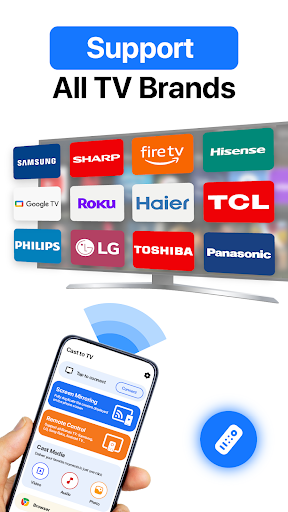
- Works with all Chromecast devices.
- Regular updates introducing new features.
Cons
- Dependence on a stable Wi-Fi connection.
- Annoying ads in the free version.
- Features are limited without purchasing premium.
- Sometimes experiences connection problems.
- Not all applications support casting.
You May Like

PLAYit-All in One Video Player
Video Players & Editors
4.3
VivaVideo - Video Cut & Editor
Video Players & Editors
4.3
Kwai - Cool Video & Social Fun
Video Players & Editors
4
KineMaster - Video Editor
Video Players & Editors
4.7
YTV Player Pro
Video Players & Editors
4.3
AI Video Editor - Vidma Cut AI
Video Players & Editors
0
Funimate Video Editor & Maker
Video Players & Editors
4.7
Edits: Video Editor
Video Players & Editors
4.6
Video Downloader - Story Saver
Video Players & Editors
3.9
Cast to TV, Chromecast & Roku
Video Players & Editors
4.5
BitTorrent®- Torrent Downloads
Video Players & Editors
4.5
Video Downloader, Download All
Video Players & Editors
4.6