
Vmake AI Captions
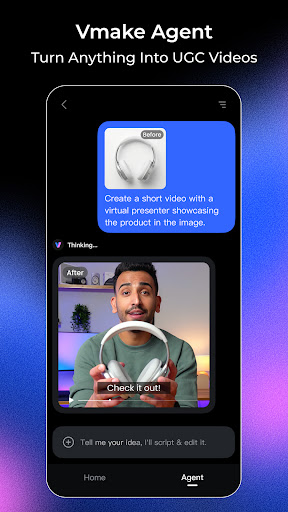
In today’s fast-paced digital world, creating engaging video content is essential for individuals and businesses alike. Vmake AI Captions is a cutting-edge app that leverages AI technology to revolutionize the way you add captions to your videos and produce professional-quality talking videos directly from your mobile device. Designed for creators in various fields—whether you're a fitness coach, beauty expert, real estate professional, or content creator—Vmake AI Captions simplifies the process of enhancing your videos and making them stand out.
Features of Vmake AI Captions
AI-Powered Captioning
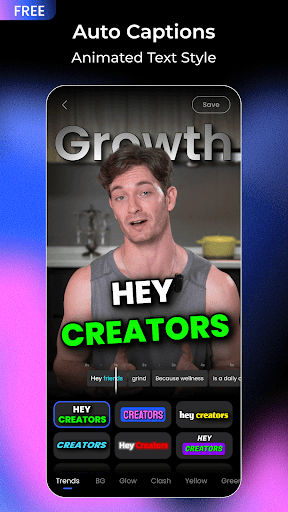
This innovative app automatically detects speech within your videos and generates synchronized captions. Its accuracy across multiple languages makes it a versatile tool for global content creators. The intuitive interface allows for effortless customization of fonts, colors, and styles, enabling you to craft captions that perfectly match your video’s aesthetic.
Advanced Video Editing Tools
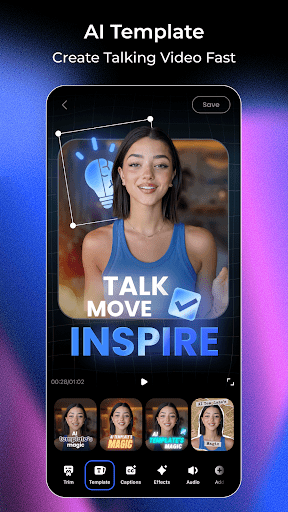
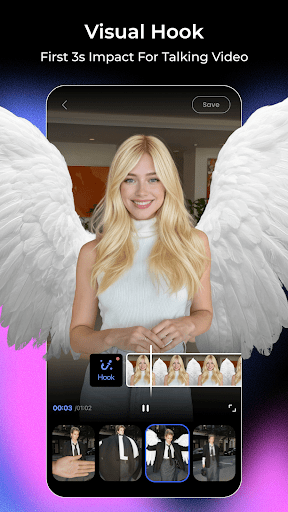
Vmake AI Captions offers a comprehensive suite of editing features, including subtitle editing, customizable templates, and dynamic intros to elevate your content's professionalism. The app supports the addition of high-quality captions that are seamlessly synchronized with your audio, adding a polished touch to your videos.
AI Enhancement and Removal Capabilities
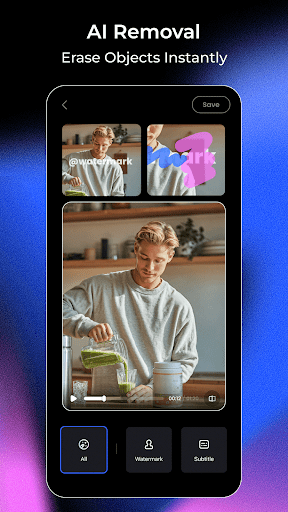
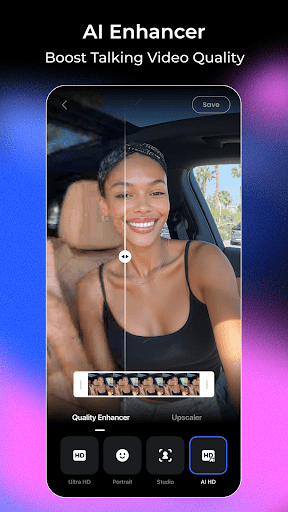
Utilize the AI Enhancer to improve video and image quality, even upscaling low-resolution footage for sharper results. The AI Removal feature helps you clean up your videos by removing unwanted objects, watermarks, or even distracting background elements through simple smudging tools.
Creative Thumbnail Generation
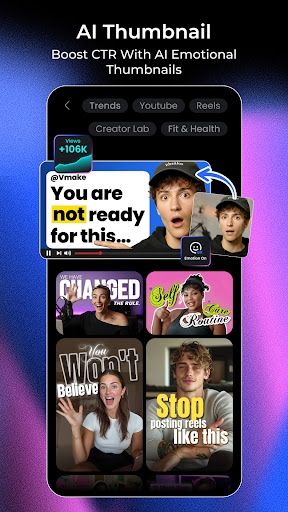
With the AI Thumbnail feature, you can instantly create eye-catching thumbnails that attract viewers. These AI-designed thumbnails are optimized to increase click-through rates and enhance your video's overall appeal.
Rich Video Shooting Experience
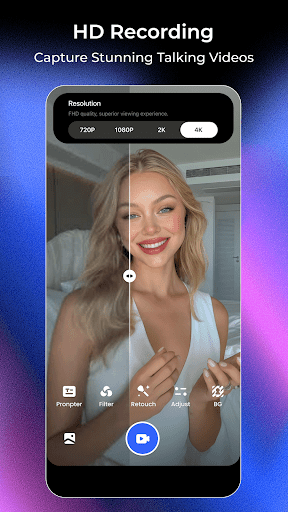
The app’s HD Camera supports beauty filters and advanced shooting features, allowing you to record high-quality videos with ease. Additionally, the Talking Photo feature lets you upload your photos or select AI models that animate your pictures, making your content more interactive.
Convenient Tools for Content Creation
The integrated Teleprompter keeps your lines in check with voice-linked scrolling, compatible with any camera app and floating above your screen. The Video to Text function simplifies repurposing content by extracting spoken words into editable text, supporting both uploaded videos and video links.
Why Choose Vmake AI Captions?
Vmake AI Captions stands out as an all-in-one video creation solution, enabling users to produce studio-quality talking videos directly from their smartphones with minimal effort. Its user-friendly design ensures even novices can navigate easily, while its powerful AI features deliver professional results. Whether you're creating content for social media, marketing, or personal projects, this app enhances every aspect of video production—from captioning to editing and shooting.
Moreover, its support for multiple languages and customizable options makes it a reliable tool for creators worldwide aiming to reach diverse audiences. The app’s smooth performance on both Android and iOS devices ensures you can create, edit, and publish content efficiently without frustrating glitches or delays.
Conclusion
If you're a content creator looking for an efficient way to add accurate, synchronized captions or produce engaging talking videos, Vmake AI Captions is a highly recommended tool. Its blend of AI-powered features, easy-to-use interface, and extensive customization options make it an ideal choice for elevating your video content. Whether for professional marketing or personal projects, Vmake AI Captions helps you produce visually appealing, impactful videos that resonate with your audience. Give it a try and take your video creation to the next level!
Pros
- User-friendly interface for quick captioning
- Supports multiple languages for global accessibility
- Provides various font styles and colors
- Delivers high-quality caption output
- Offers fast caption processing
Cons
- Limited features in the free version
- Requires internet connection to operate
- Reports of occasional app crashes
- Minimal customization options for animations
- Can significantly drain battery during use











