


Discover the Power of GPS Photo: With Location & Map
Welcome to the world of geotagging with GPS Photo: With Location & Map, an innovative app designed to add precise location details to your photos. Whether you're a travel enthusiast, adventure seeker, or someone who simply loves capturing moments with context, this app transforms ordinary pictures into memorable stories by embedding accurate geographic information. Exploring the features of this app reveals how it elevates your photography experience by integrating navigation, mapping, and organization tools seamlessly.
Main Features of GPS Photo: With Location & Map
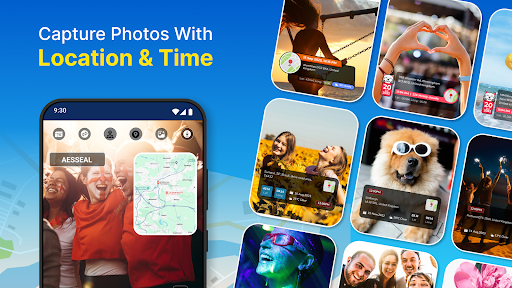
Advanced Geotagging and GPS Camera
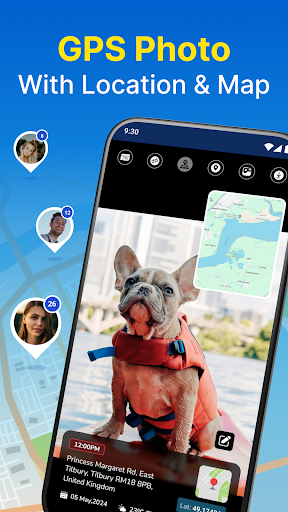
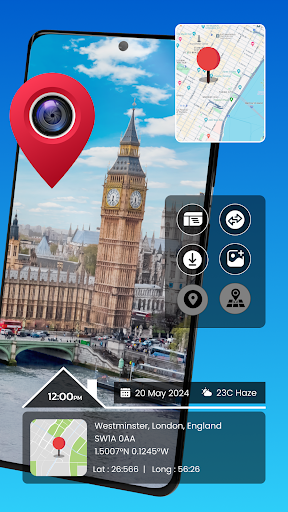
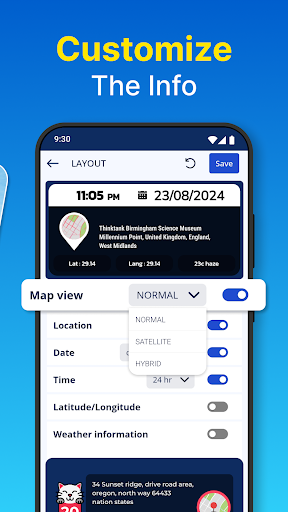
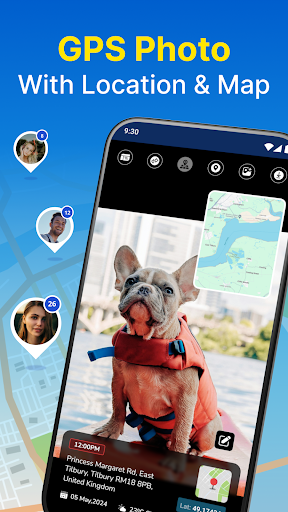
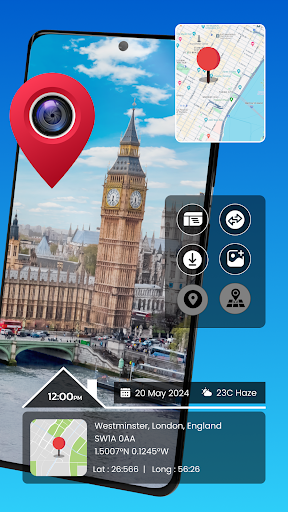
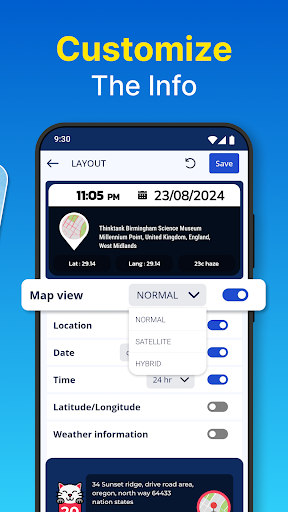
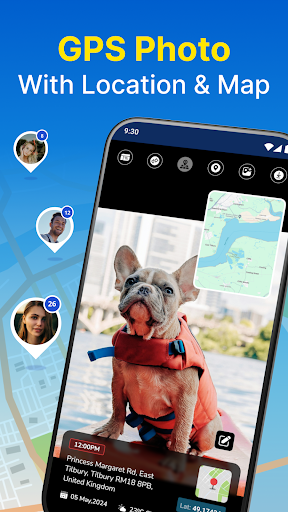
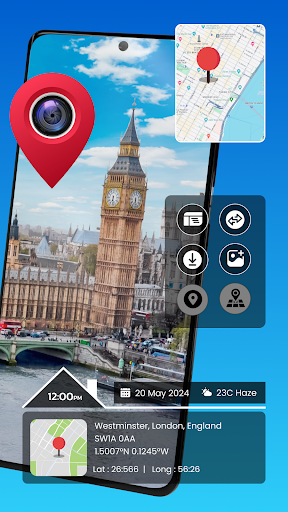
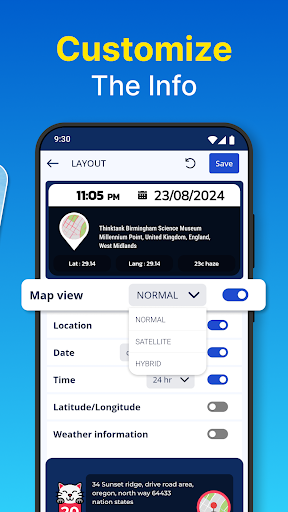
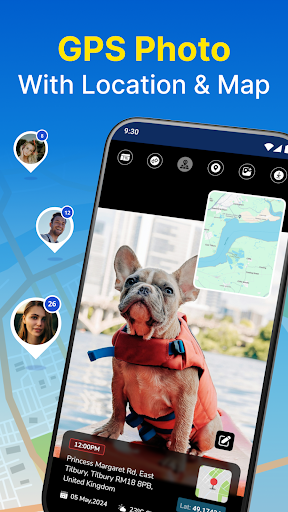
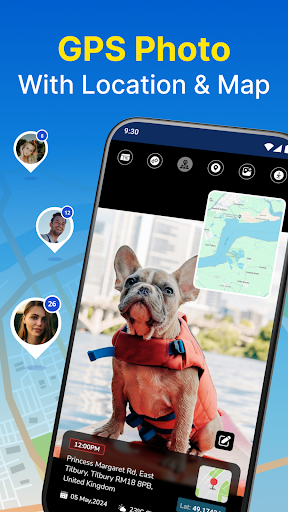
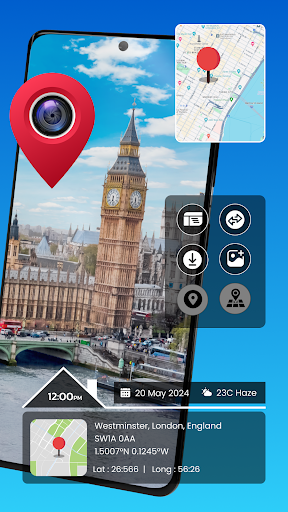
Capture your photos with embedded latitude, longitude, and even weather conditions, ensuring every image is a detailed record of its location. The app automatically adds these data points for you, making it easier to relive your adventures and share exact spots with friends or followers.
Interactive Map View
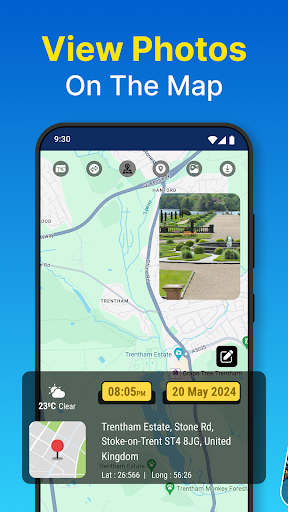
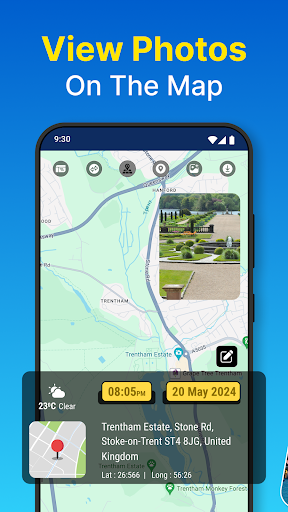
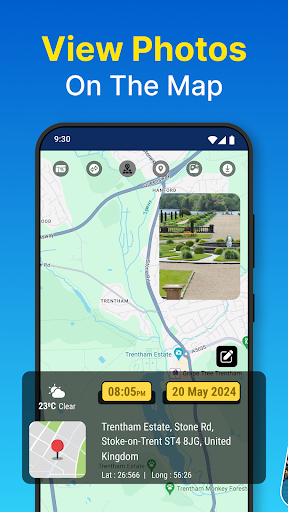
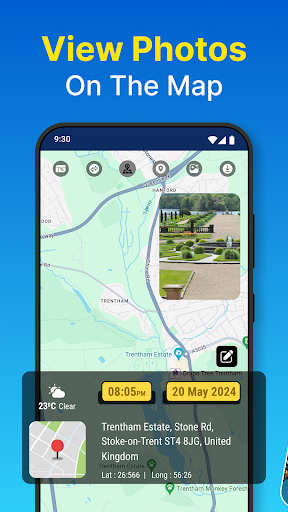
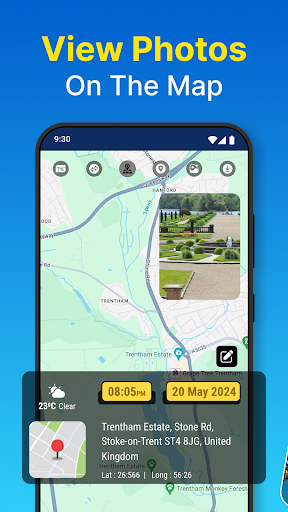
One of the standout features is the interactive map that visualizes all your geotagged photos. Browse your gallery geographically, explore routes you've traveled, and pinpoint memorable locations with ease. This map view turns your photo collection into a visual travel diary, allowing you to explore your memories spatially.
Real-Time Capture with Timestamps
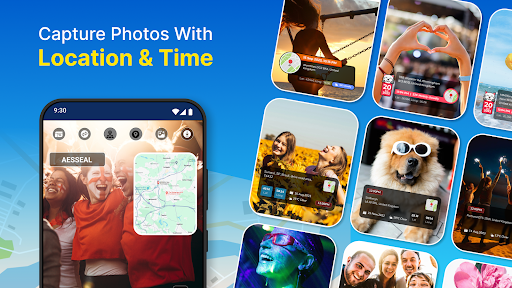
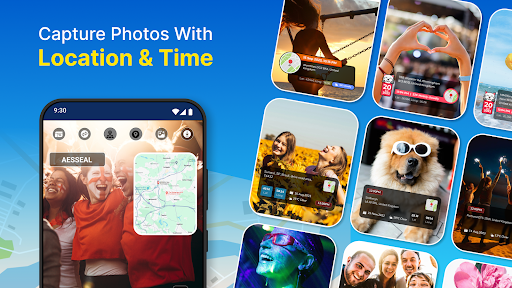
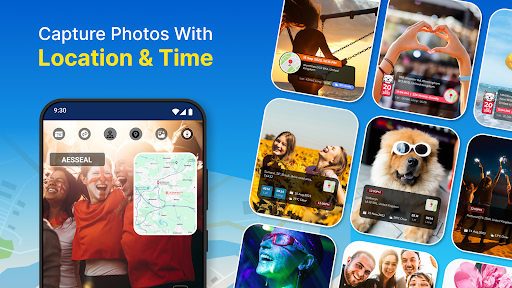
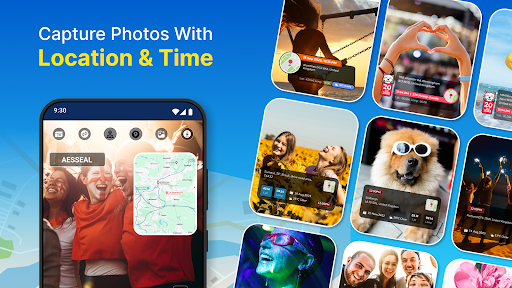
Capture images on the fly with real-time geotagging and timestamping. The app enhances your photos with live location and time data, ensuring you never forget the when and where of your snapshots.
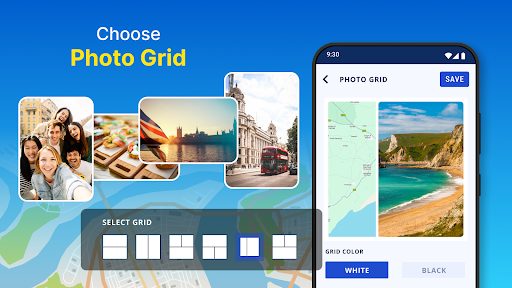
Organized Albums and Custom Layouts
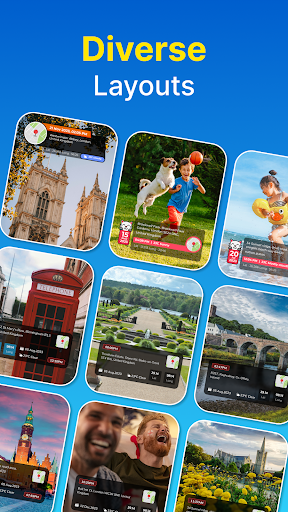
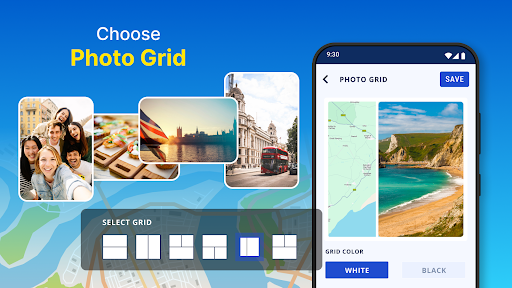
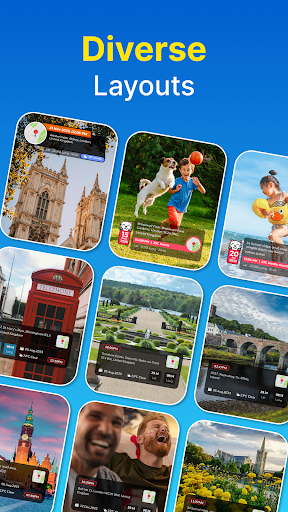
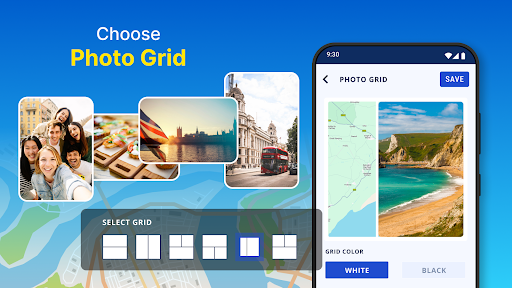
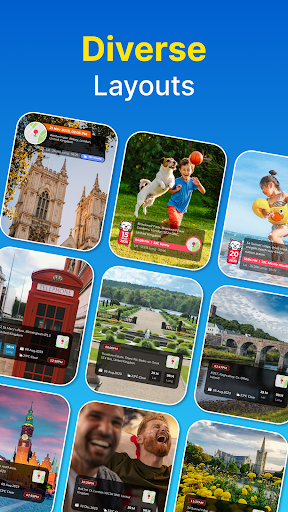
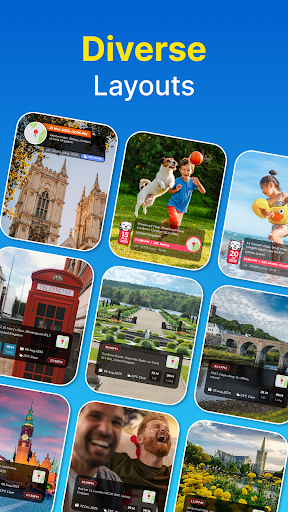
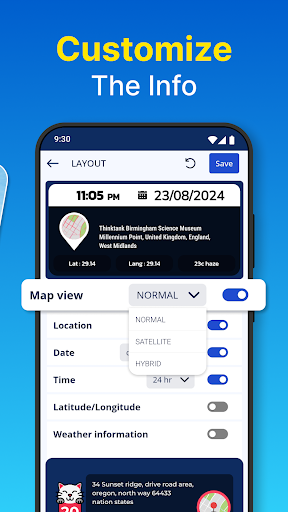
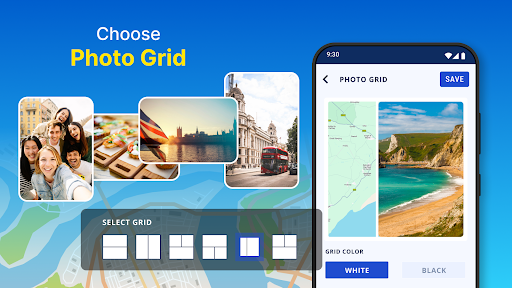
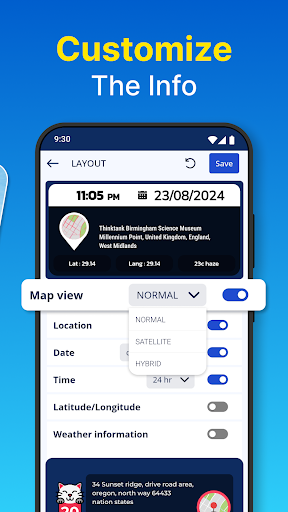
Sort your photos by date and place effortlessly. The app includes an album organizer to help you manage and find memories quickly. Additionally, you can personalize your photos with travel-themed layouts and icons, creating beautiful collages and visual stories.
Map Drawing and Route Marking
Add an extra layer of detail by drawing routes directly on the map, highlighting your travels. Incorporate travel icons and route lines to craft engaging photo collages that tell a complete story of your journey.
Gallery Integration & Manual Editing
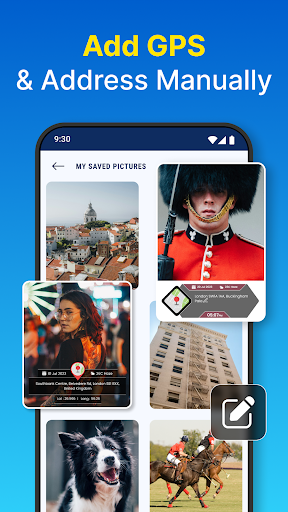
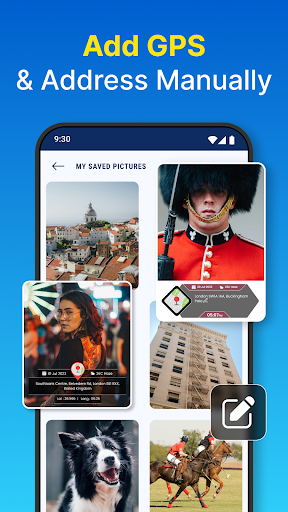
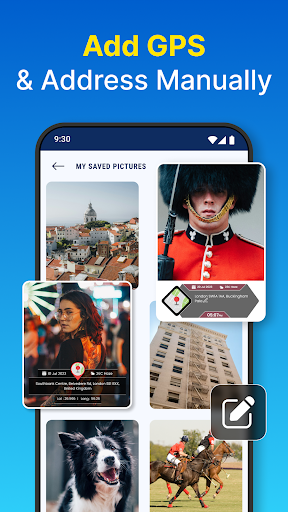
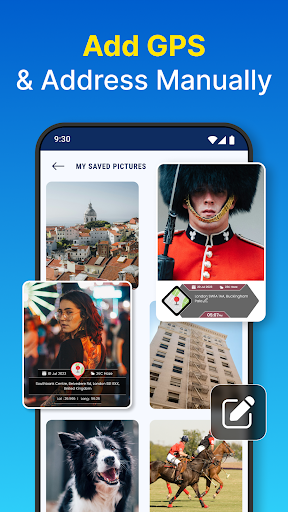
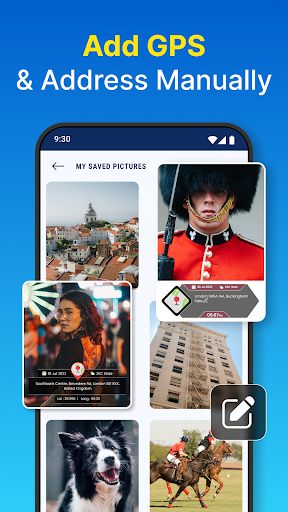
Import existing images from your device’s gallery. The app identifies photos with location data and allows manual editing or addition of geotags, ensuring every shot is accurately tagged and mapped.
Why Choose GPS Photo: With Location & Map
This app is perfect for anyone looking to organize their photo collection more meaningfully. Its user-friendly interface makes setup straightforward, prompting for necessary permissions such as camera access, storage, and location. Once configured, capturing geotagged photos becomes a seamless experience. Plus, sharing your location-specific images directly to social media platforms amplifies your storytelling.
Enhanced Photo Experiences with Geotagging
Beyond simply capturing images, GPS Photo: With Location & Map allows users to enhance their photographs with detailed geographic data and visual map overlays. This not only enriches your photos but also brings your memories to life by showing exactly where each moment took place. From scenic landscapes to urban explorations, geotagging adds authenticity and depth to your photography hobby.
Easy Navigation and Memory Recall
Thanks to its interactive map view, you can explore your photo library geographically. Searching for images by locations, viewing routes, and creating travel timelines becomes effortless, making this app ideal for travel diaries and event documentation.
Final Thoughts
In today’s digital age, combining photography with geolocation technology opens new horizons for capturing and sharing memories. GPS Photo: With Location & Map simplifies this process, offering powerful yet accessible tools for geotagging, mapping, and organizing photos. Whether you're documenting a weekend getaway or building a travel portfolio, this app ensures your images carry a story of place and time. Download now to start transforming your photos into a geographic adventure—your memories deserve to be mapped!
Pros
- Easy to tag photos with GPS coordinates.
- Seamlessly integrates with Google Maps.
- User-friendly interface for quick navigation.
- Supports high-resolution photo tagging.
- Allows offline access to tagged photos.
Cons
- Limited editing capabilities for photos.
- Consumes a considerable amount of battery power.
- GPS accuracy can sometimes be inconsistent.
- Advertisements may be intrusive in the free version.
- Needs precise GPS signal for accurate results.