
Overview of Dual App - Web Scanner App
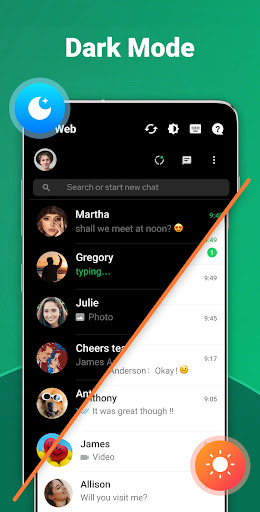
The Dual App - Web Scanner App is an innovative mobile application designed to enhance your multitasking capabilities by allowing you to clone apps and scan QR codes effortlessly. Whether you're managing multiple social media accounts, messaging platforms, or need a reliable QR code scanner, this app serves as your versatile digital Swiss Army knife. Its user-friendly interface, combined with powerful features, makes it a must-have tool for both casual users and professionals seeking to optimize their mobile experience.
Key Features of Dual App - Web Scanner App
Clone Applications for Seamless Multitasking
The standout feature of the Dual App - Web Scanner App is its ability to clone applications. This means you can create two separate instances of the same app, such as WhatsApp, on your device. Whether you want to run two accounts simultaneously or keep personal and work profiles distinct, cloning is straightforward. With just a few taps, the app duplicates your chosen app, allowing you to operate both without switching devices or logging in and out repeatedly.
Web Scanner for Quick QR Code and Barcode Scanning
Another major highlight is its web scanning capability. The app handles all types of QR codes and barcodes with speed and precision. Whether accessing URLs, scanning product information, or redeeming offers, the scanner provides instant results. This feature streamlines your interactions with physical and digital content, eliminating the need for multiple dedicated scanning apps.
Real-Time Message Synchronization and Management
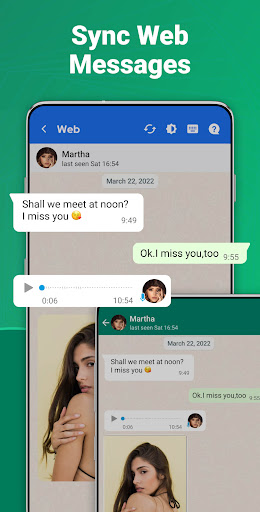
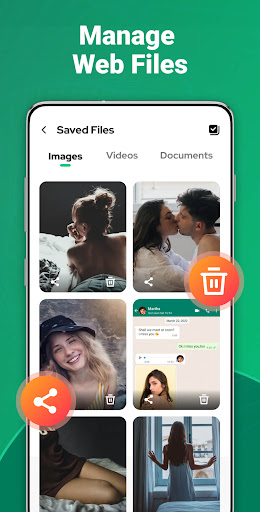
Automatically sync all messages from cloned WhatsApp (WA) accounts to your device. This means you can read, reply, and manage your messages seamlessly across multiple accounts in real time. All media files and documents downloaded from these accounts are organized efficiently within the app, making it easy to access and manage your data on the go.
Message Recovery and Status Saver
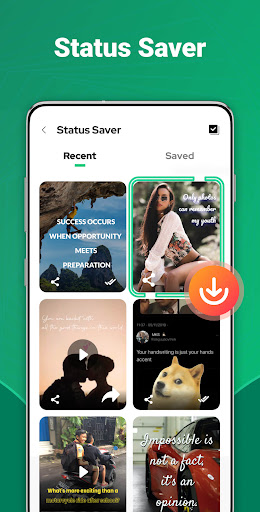
Did you delete an important message or want to save interesting statuses? The Dual App supports recovering deleted WA messages with just a click. Additionally, it functions as a Status Saver, helping you download images, videos, and GIFs from your contacts' statuses. You can then easily repost or share these statuses with friends, enhancing your social interactions.
Direct Messaging and Privacy Checks
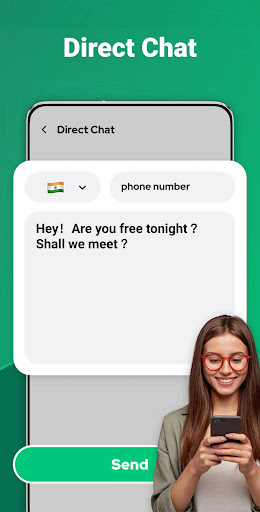
Want to message someone without adding them to contacts? The app includes a Direct Chat feature, allowing you to send messages directly on WhatsApp or WhatsApp Business without prior contact addition. Plus, with the “Am I Being Watched?” feature, you can verify if your account is being accessed by unauthorized users, providing peace of mind about your privacy and security.
User-Friendly Design and Easy Setup
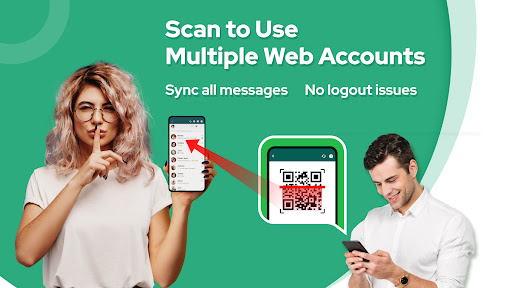
The app boasts an intuitive interface, making setup and navigation simple. To clone or log into a WhatsApp account, you just scan a QR code via the app. The process is fast, stable, and requires minimal technical knowledge, making it suitable even for beginners.
Why Choose Dual App - Web Scanner App?
This versatile Web Scanner App is specially designed to streamline your digital life. Its ability to clone multiple accounts, instantly sync messages, and scan QR codes makes it an invaluable tool for entrepreneurs, social media managers, or anyone who wants to maximize productivity. The app's lightweight nature ensures it doesn't burden your device's storage, and its stable operation means you can rely on it daily without frustration. Whether you need to manage dual WhatsApp accounts or quickly scan QR codes, Dual App - Web Scanner App delivers a comprehensive solution that enhances your mobile efficiency effortlessly.
How to Use Dual App - Web Scanner App
- Open the WhatsApp account you wish to clone or log into.
- Tap the menu (Three dots on Android/Windows or Settings on iOS), then select Linked Devices.
- Tap Link a Device and scan the QR code displayed in Dual App.
- Once scanned, you will instantly access all messages and media of the cloned account within the app.
Final Thoughts
If you're searching for a reliable Web Scanner App that combines app cloning and QR code scanning functionalities, Dual App - Web Scanner App is undoubtedly a top choice. Its ease of use, robust features, and stability make it ideal for managing multiple accounts efficiently, saving you time and space on your device. Experience seamless multitasking and smarter communication by trying this powerful app today!
Pros
- Enables logging into multiple accounts simultaneously.
- Facilitates quick switching between cloned applications.
- Compatible with various social media and gaming apps.
- Features an easy-to-use and intuitive interface.
- Provides secure data protection.
Cons
- Uses more battery power when running several apps at once.
- May reduce overall device performance.
- Occasional intrusive advertisements.
- Some apps may not clone correctly.
- Limited customer support options.
You May Like

Google Messages
Communication
4.6
Messenger
Communication
4.7
Carrier Services
Communication
4.2
Contacts
Communication
3.5
Opera Mini: Fast Web Browser
Communication
4.7
Discord - Talk, Play, Hang Out
Communication
4.7
Plus Messenger
Communication
3.9
Messenger Kids – The Messaging
Communication
4.3
Zangi Private Messenger
Communication
4
Messenger SMS - Text Messages
Communication
4.7
Whoscall: Safer Together
Communication
4.7
WAMR: Reveal deleted messages!
Communication
4.4