
Introducing Chrome Dev for Android
Welcome to Chrome Dev for Android! Live on the bleeding edge — experience the latest features before they are widely available. These features are often in the testing phase and might be rough around the edges, but they offer a glimpse into the future of browsing. This app is designed for tech enthusiasts and developers who want to explore upcoming updates firsthand. With Chrome Dev, users can participate actively by providing early feedback, helping to shape the future of Google’s browser for Android devices. You can install Chrome Dev alongside other channels of Chrome for Android, making it easy to test new features without disrupting your main browsing experience.
Why Choose Chrome Dev for Android?
If you're passionate about staying ahead of technology trends, Chrome Dev for Android is the perfect tool for you. It serves as a beta playground where you can get a sneak peek at upcoming features and improvements in the Chrome browser. Whether you’re a developer eager to test new web technologies or a curious user who loves early access, Chrome Dev offers a unique experience that keeps you at the forefront of web innovation.
Getting Started with Chrome Dev
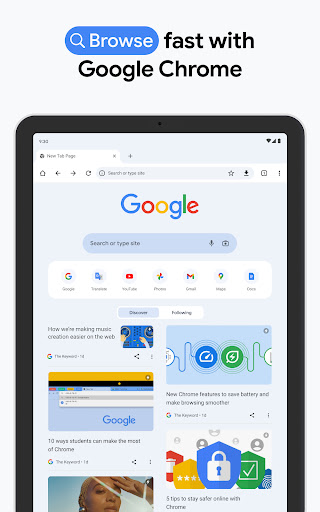
To begin your journey with Chrome Dev, simply download the app from the Play Store or App Store. Installation is quick and straightforward—just a few taps and you’re ready to go. The interface of Chrome Dev closely resembles the familiar Chrome browser, but with added experimental features embedded throughout. This design makes it easy for users to navigate and start exploring the new functionalities. Once installed, Chrome Dev provides a seamless experience that allows you to test cutting-edge updates without sacrificing the stability of your main browser.
Key Features of Chrome Dev
Constant Innovation and Updates
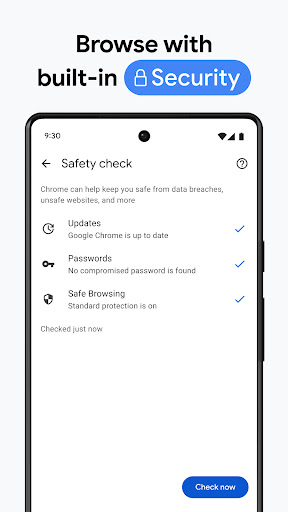
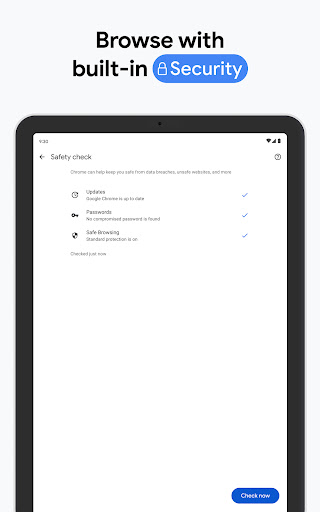
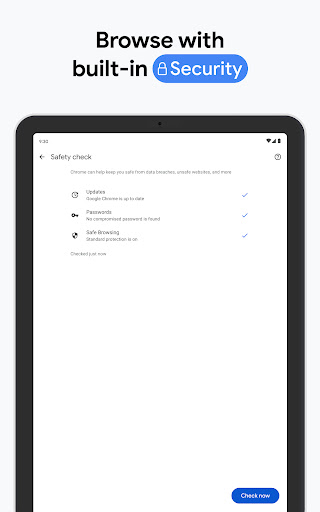
One of the main attractions of Chrome Dev is its frequent updates. Google continuously rolls out new features, whether it’s a refined user interface, enhanced security measures, or performance improvements. This ensures you’re always testing the latest in web browsing technology and contributing feedback to help refine these innovations.
Seamless Data Synchronization
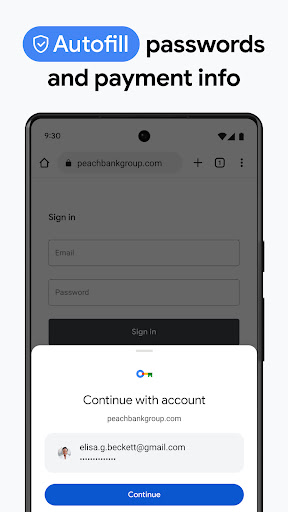
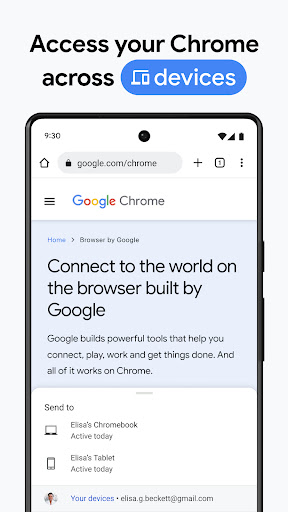
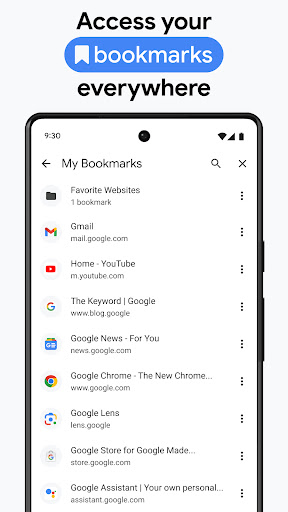
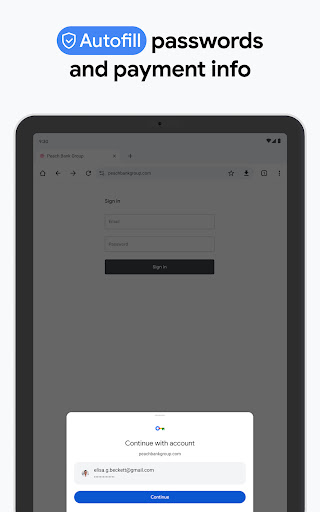
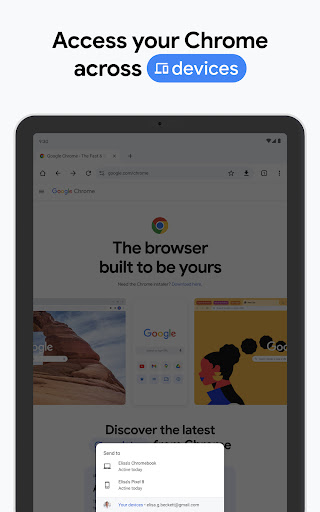
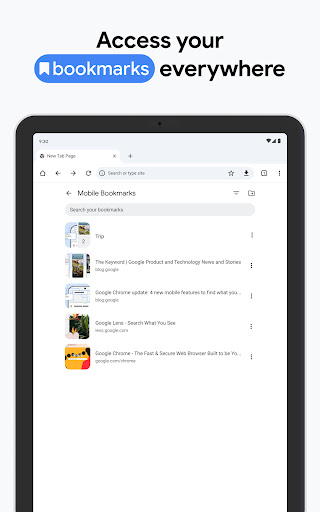
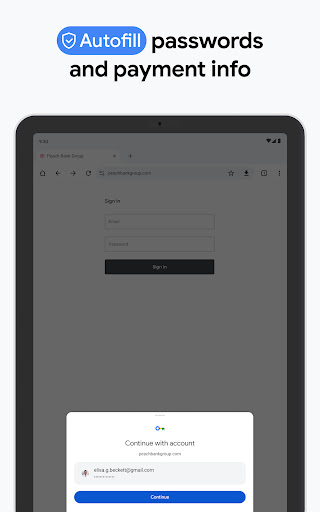
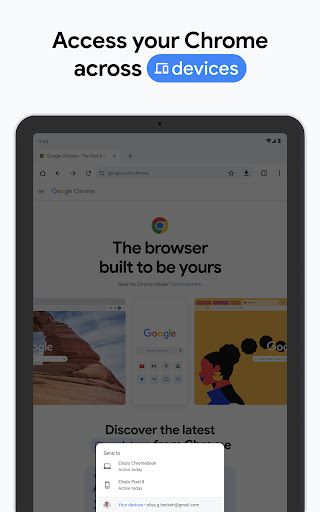
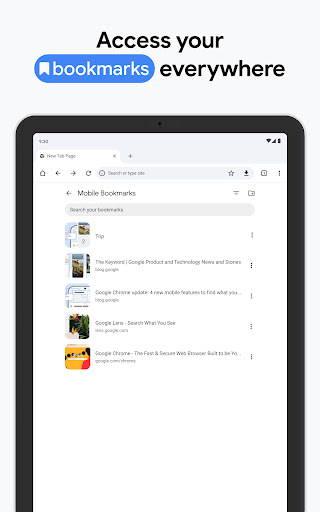
Sync your bookmarks, passwords, and settings effortlessly across multiple devices. Chrome Dev’s data sync capabilities make transitioning between different devices smooth and hassle-free, ensuring a consistent browsing experience no matter where you are.
Developer-Friendly Environment
For developers and tech-savvy users, Chrome Dev is a robust platform for experimenting with new web technologies. It’s an excellent testing ground where you can evaluate how emerging standards and features work on live browsers, giving you a head start in web development.
Performance and User Experience
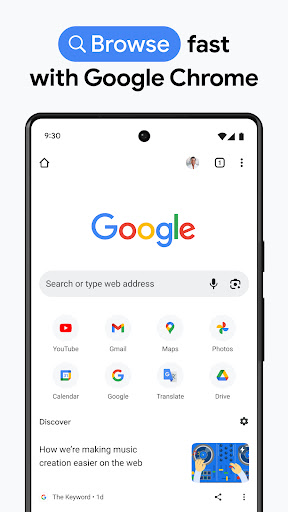
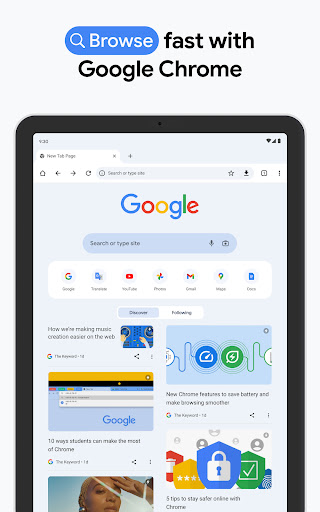
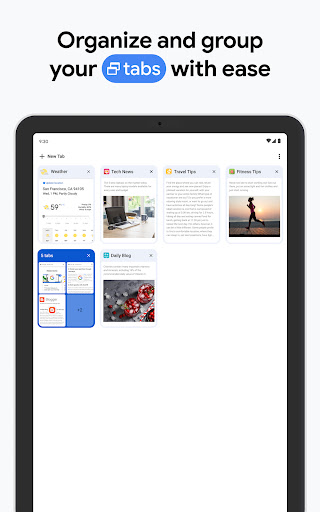
In terms of performance, Chrome Dev maintains a solid foundation, offering a fast and responsive browsing experience. As a beta browser, you might encounter occasional bugs or glitches, but that’s part of its experimental nature and the process of shaping the future of Chrome. The usability remains intuitive, maintaining the familiar simplicity that users expect, while also introducing innovative features for those who wish to explore further.
Final Thoughts
If you’re someone who enjoys exploring new technology and doesn’t mind a bit of trial and error, Chrome Dev for Android is highly recommended. It offers an exciting way to access upcoming browser features early, contribute feedback, and influence the direction of web browsing. Just remember to keep a stable version of Chrome installed as a backup for everyday browsing needs. Give Chrome Dev a try—discover innovative features before anyone else and become part of the future of mobile web technology.
Pros
- Fast and responsive browsing experience.
- Provides access to experimental features for testing.
- Includes developer tools for debugging websites.
- Syncs data across devices via Google account.
- Supports WebAssembly to enhance performance.
Cons
- Some features might be unstable.
- Consumes more battery compared to standard Chrome.
- Lacks certain extensions available in regular browsers.
- Not ideal for users without development experience.
- Frequent updates can be disruptive.











