


Discover the Ultimate PDF Editor: Edit PDF, Sign PDF
Looking for a comprehensive solution to manage your PDF documents effortlessly? The PDF Editor: Edit PDF, Sign PDF app is your all-in-one tool designed to streamline your workflow with powerful features for signing, scanning, filling forms, creating, viewing, converting, reading, and editing PDF files. Whether you're a professional, student, or casual user, this versatile app brings convenience and efficiency right to your fingertips.
Key Features of PDF Editor: Edit PDF, Sign PDF
This intuitive app offers a wide range of functionalities to meet all your PDF needs:
All-in-One PDF Management
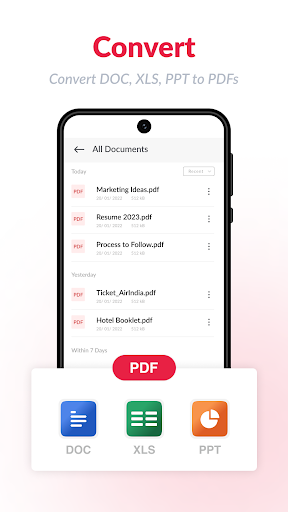
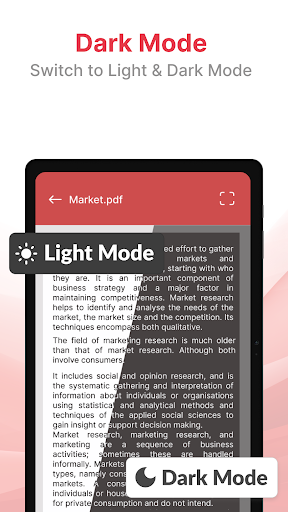
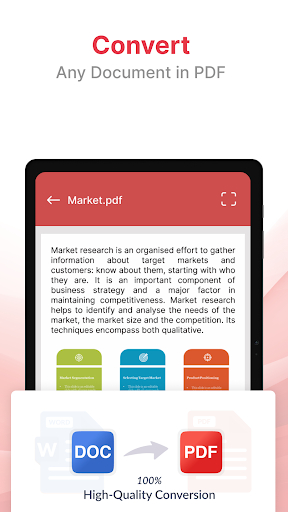
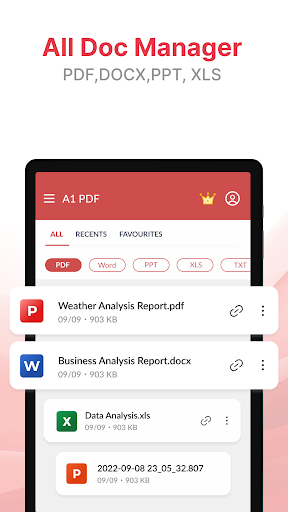
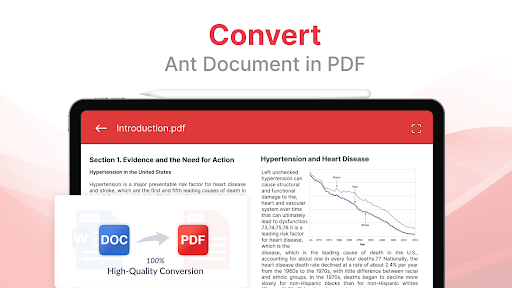
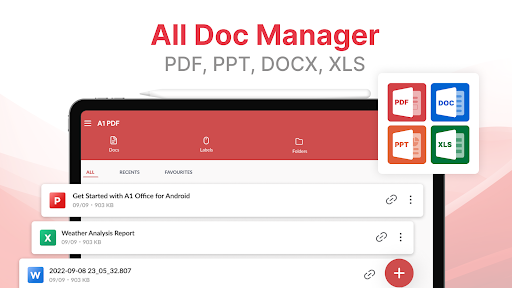
Easily sign PDFs, scan documents into PDFs, fill out forms, and even create new PDFs from images or scratch. The app supports converting PDFs to various formats like Word, Excel, PowerPoint, and vice versa, making document handling seamless. You can also view and read PDFs on your device with a user-friendly interface that supports both light and dark modes for comfortable reading.
Advanced PDF Editing
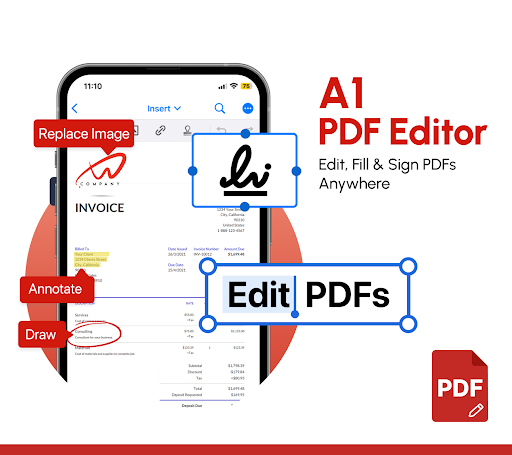
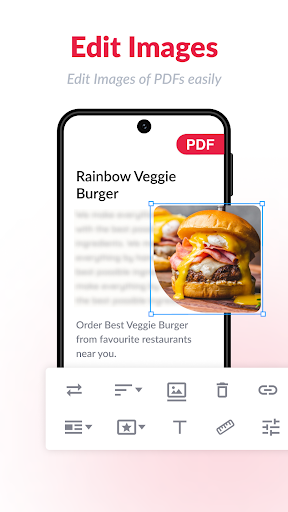
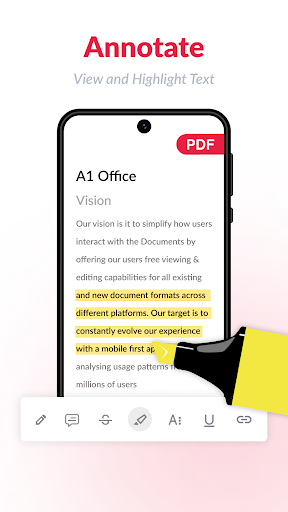
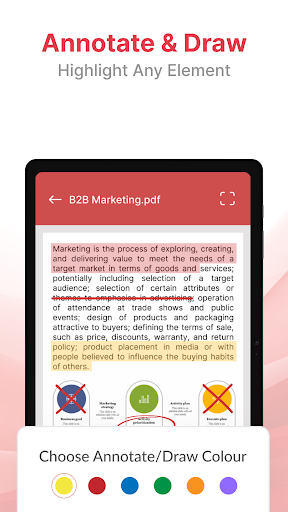
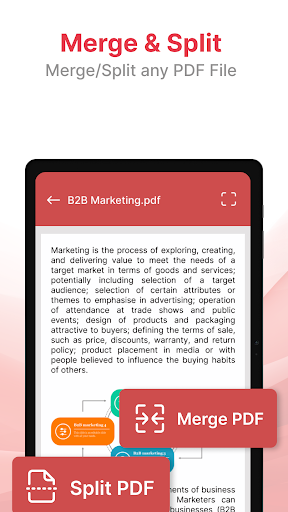
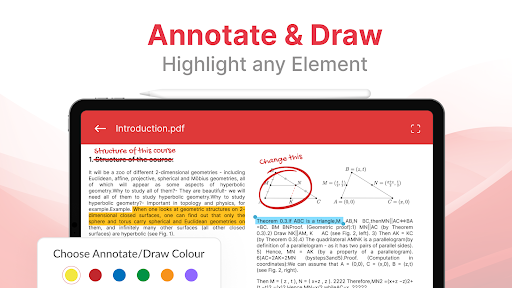
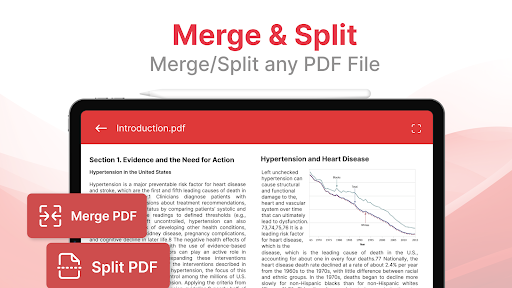
Edit existing text and images within PDFs effortlessly. Want to add annotations, highlight important sections, or draw on PDFs? This app makes annotating, commenting, and drawing on PDFs simple and accessible for users of all skill levels. Additionally, merging multiple PDFs into a single file or splitting large PDFs into smaller parts is straightforward—perfect for organizing your documents.
Secure and Private Document Handling
All scanned documents and PDFs are stored locally on your device, ensuring privacy and security. You can also create password-protected PDFs to keep sensitive information safe. Whether you're signing official contracts or personal documents, your data remains confidential.
Convenient Scanning & Signatures
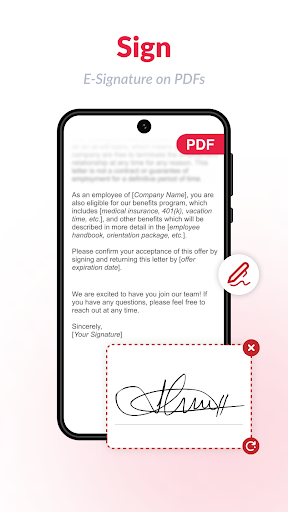
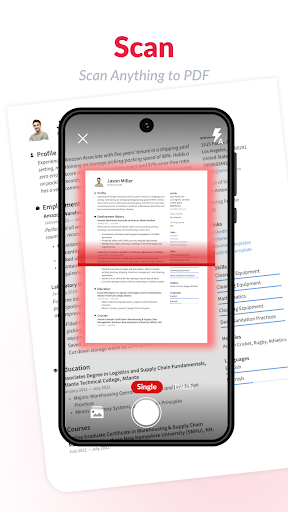
Use your device’s camera to scan physical documents, IDs such as driver’s licenses, passports, or Aadhaar cards, and convert them into high-quality PDFs. Create your electronic signatures using touch or stylus, and easily add them to forms or documents. This feature simplifies signing agreements or filling out online forms, making paperwork faster and more efficient.
Form Filling & Editing
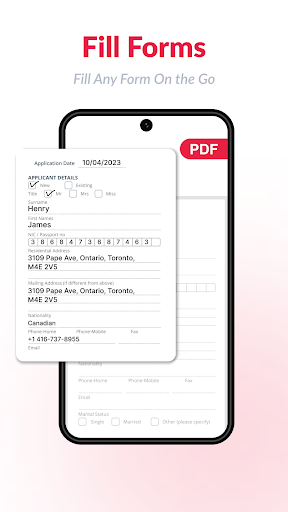
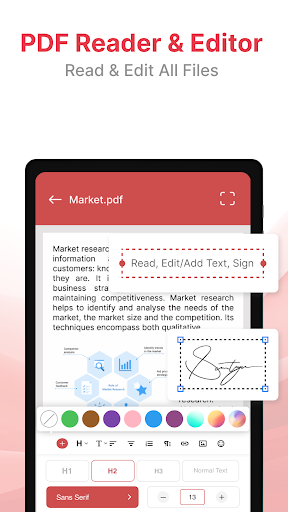
Fill out PDF forms with ease—tap to add text, signatures, or checkboxes. The app allows you to import scanned signatures, making it effortless to sign documents digitally without printing. Try the free trial to experience smooth form filling and signing without any hassle.
User Experience & Usability
The interface of PDF Editor: Edit PDF, Sign PDF is sleek, clean, and easy to navigate. Users can quickly access functions like editing, signing, creating, or sharing PDFs with just a few taps. The app also provides features like renaming, bookmarking, labeling, and sharing files via email, WhatsApp, or other platforms. You can even print PDFs directly from your device, enhancing your productivity on the go.
Edit & Customize PDFs
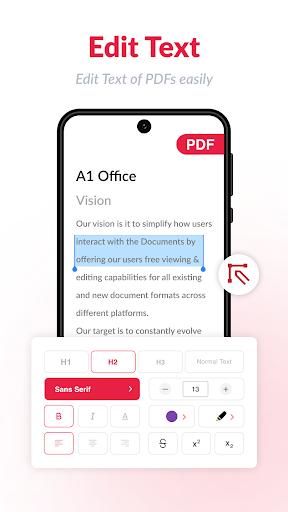
Need to modify text or images? Upload your PDF, select the content you want to change, and save the updated file in seconds. The app supports cropping images, filling forms, and even editing text on the fly—making revisions quick and straightforward. It’s essentially a mini studio for all your PDF editing needs.
Additional Features for Power Users
Beyond basic functions, the app includes features such as merging PDFs, splitting them, removing duplicates, and converting between formats—all offline. This makes it a robust solution for managing numerous documents efficiently.
Why Choose PDF Editor: Edit PDF, Sign PDF?
If you're tired of struggling with clunky and complicated PDF software, this app is the perfect choice. It combines powerful tools with ease of use, serving both casual users and professionals alike. Whether you need to sign important contracts, organize documents, or create new PDFs, this app offers reliable features that cater to your needs. Plus, it’s free to try with optional premium upgrades for advanced functionalities.
Conclusion
In summary, PDF Editor: Edit PDF, Sign PDF is an essential app for anyone who frequently works with PDF documents. Its combination of editing, signing, creating, and sharing features helps streamline your tasks, save time, and maintain security. Download this all-in-one PDF solution today and experience the convenience of managing your documents directly from your mobile device.
Pros
- Intuitive interface facilitating smooth navigation
- Supports various file formats effortlessly
- Enables digital signing of documents
- Includes annotation tools for editing PDFs
- Provides secure options for file sharing
Cons
- Restricts features in the free version
- May experience occasional lag on older devices
- Requires internet connectivity for certain functionalities
- Frequent advertisements can interrupt the user experience
- Limited integration with cloud storage services











