

Touch Lock Screen Touch Photo - Your Ultimate Mobile Security Companion
Are you concerned about maintaining the security of your mobile device while adding a personalized touch? Look no further than Touch Lock Screen Touch Photo. This innovative app combines robust security features with customizable options, making it a must-have tool for safeguarding your privacy. Whether you're looking to prevent accidental touches, secure sensitive information, or personalize your lock screen with your favorite photos, this app delivers it all in a user-friendly package.
Key Features of Touch Lock Screen
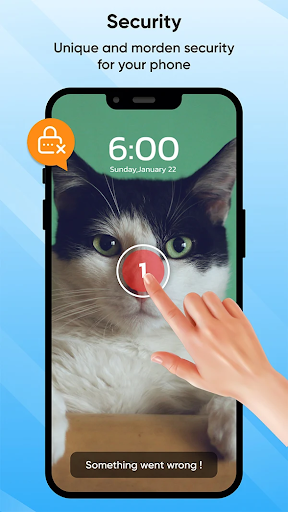
- Touch Lock Screen Protection: Protect your device from accidental taps and unwanted access with an advanced touch lock system.
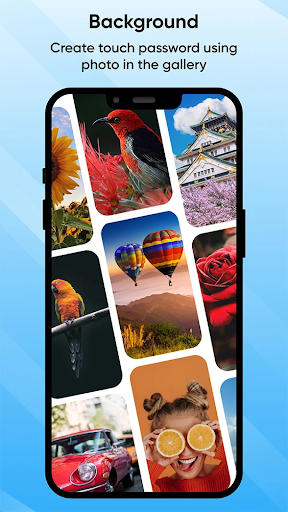
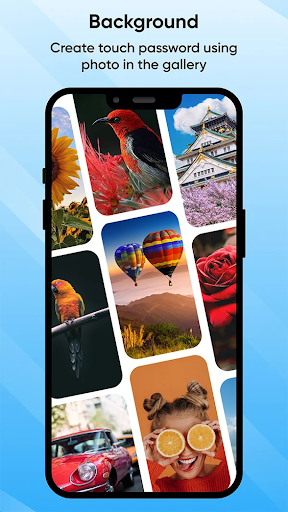
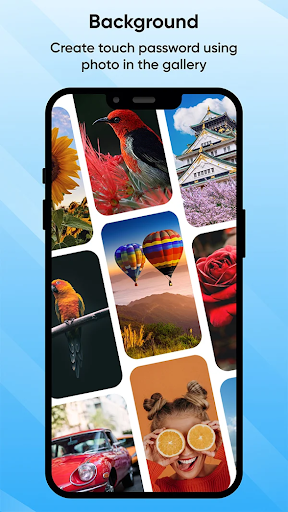
- Select Images from Gallery or Camera: Personalize your lock screen using your favorite photos—capture new images or pick existing ones.
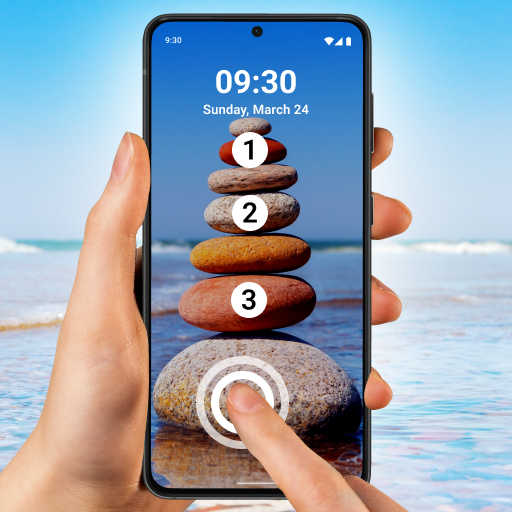
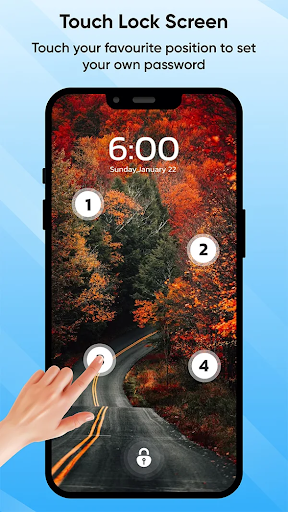
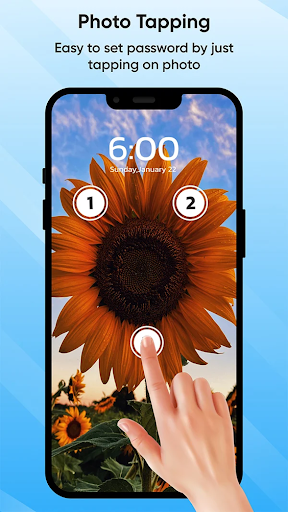
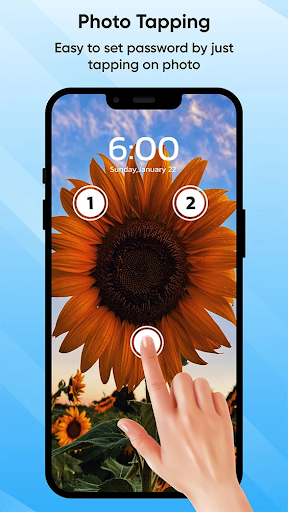
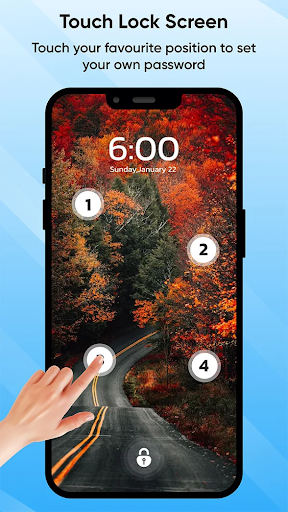
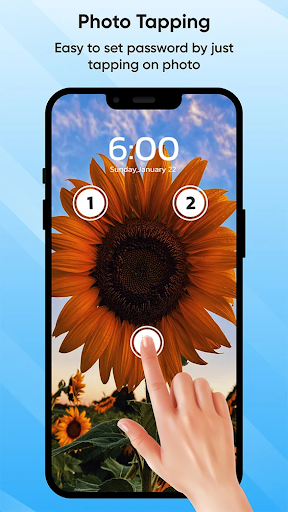
- Set Touch Lock Password in Two or Four Positions: Enhanced security with customizable touch password patterns for added safety.
- Recovery Password (PIN Password) Option: Easily regain access if you forget your lock pattern with a fallback PIN code.
- Enable/Disable Sound and Vibration: Tailor your security experience with options for silent or audible feedback.
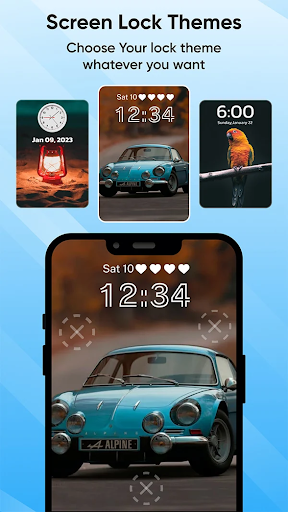
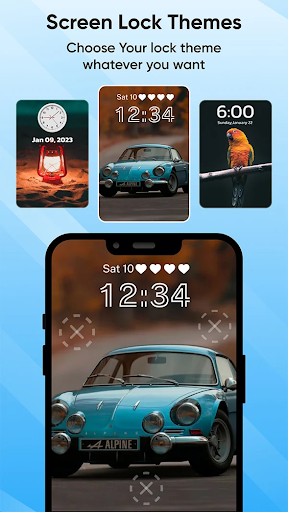
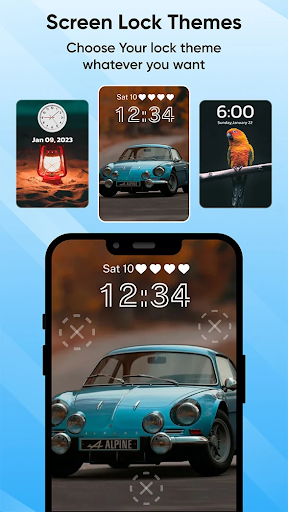
- Wide Range of Themes Available: Customize the appearance of your lock screen to match your style.
Advanced Touch Screen Lock Features
Touch Lock Screen Protection
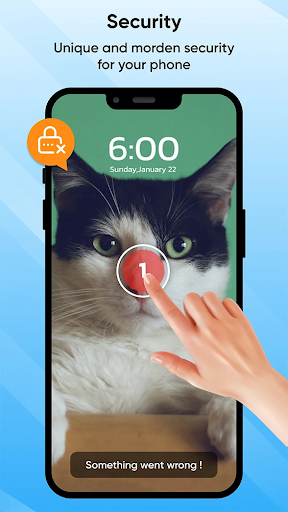
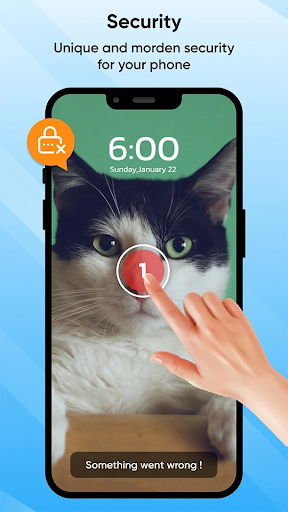
Say goodbye to traditional passcodes and embrace a futuristic approach to mobile security. Touch Lock Screen Photo allows you to set a unique touch password based on your fingerprint pattern or custom touch gestures. This method not only enhances security but also offers a seamless unlocking experience. You can select images from your gallery or camera to create an engaging and personalized lock screen that reflects your personality or preferences.
Fingerprint Lock Screen: Personalization and Security
Express yourself by choosing your favorite pictures as lock patterns. The app supports setting a fingerprint or touch-based password in two or four positions, making unauthorized access extremely difficult. Plus, with options to enable sounds and vibrations, you can create a security confirmation experience that suits your style—silent, discreet, or audible.
Recovery PIN for Peace of Mind
Worried about forgetting your lock pattern? The Recovery Password feature provides a backup PIN, ensuring you can always access your device without complications. This safeguard makes Touch Lock Screen Touch Photo a reliable security partner for daily use.
Why Choose Touch Lock Screen Touch Photo?
Have you ever accidentally dialed a number or opened an app just because your phone screen was touched inadvertently? This common issue is precisely what Touch Lock Screen Touch Photo aims to resolve. By integrating personal photographs into the locking mechanism, it transforms a conventional security feature into a fun and customizable experience.
Easy Setup and User Experience
Installing and configuring Touch Lock Screen Touch Photo is straightforward. After downloading from your app store, you can immediately start personalizing your lock screen. The intuitive interface provides step-by-step guidance, suitable even for users who are not tech-savvy. You can select images from your gallery or capture new ones, then design a unique touch pattern—like a puzzle—that only you know how to unlock.
Unique Features That Enhance Security and Personalization
- Multiple Photos and Custom Patterns: Use different images for various lock patterns, perfect for distinguishing between work and personal profiles.
- No Password Needed: Secure your device without relying solely on passcodes, ideal for users who prefer quick access.
- Performance and Battery Efficiency: The app runs smoothly without slowing down your device or draining your battery, maintaining optimal responsiveness.
Final Thoughts
In today's digital age, ensuring the security of your smartphone is paramount. Touch Lock Screen Touch Photo offers a perfect blend of security, customization, and user convenience. Its ability to prevent accidental touches, combined with photo-based lock patterns, makes it a unique tool in personalizing your device while maintaining privacy. If you seek a reliable, stylish, and intuitive lock screen app that enhances your mobile security and adds a personal flair, then this app is definitely worth trying. Get creative, set your favorite photos as your unlocking pattern, and enjoy peace of mind every time you use your phone.
Pros
- User-friendly interface
- Customizable themes
- High security features
- Quick access settings
- Offline functionality
Cons
- Limited free features
- Occasional ads
- May drain battery quickly
- Requires frequent updates
- Not compatible with all devices











