

Introducing the Lark Video Player: HD Video — The Ultimate Offline Media Companion
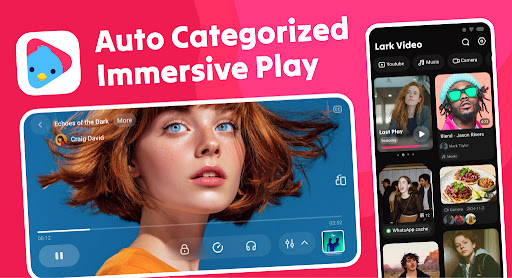
Are you tired of sluggish, unreliable video players that drain your device’s resources? Meet Lark Video Player: HD Video, a lightweight yet powerful offline video player designed to deliver seamless high-definition video playback on Android devices. Whether you’re binge-watching your favorite shows, listening to music, or managing your media files, this app is your all-in-one solution for an immersive media experience. Its impressive support for full HD videos, major formats, and user-friendly features make it a standout choice for media enthusiasts seeking quality and convenience.
Unmatched Video Playback Performance
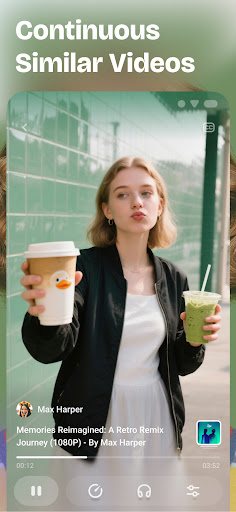
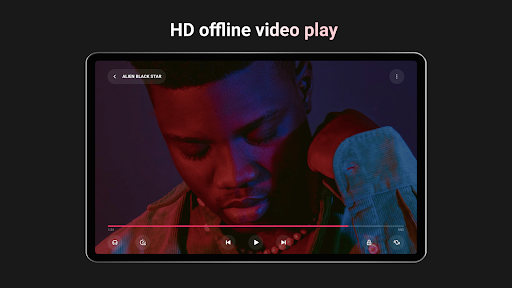
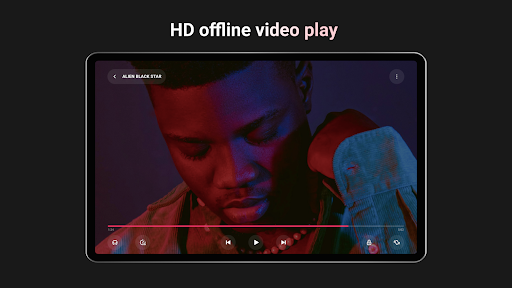
At the heart of Lark Video Player is its ability to provide smooth, high-quality video playback that caters to every viewer’s needs. The app supports HD, ultra HD, full HD, and ultra HD videos, ensuring crisp and clear visuals even for the most demanding content. No more buffering or lag—just pure, uninterrupted entertainment. Whether you're watching a locally stored movie or a home-video clip, the player handles all with ease.
Wide Format Compatibility for Universal Viewing
One of the apps’ most notable features is its comprehensive support for major video formats. From popular formats like MP4, MKV, MOV, AVI, WebM, 3GP, MPG, TS, to less common ones, Lark Video Player can play virtually any media file without the hassle of conversions. This flexibility makes it an essential tool for media collectors and casual viewers alike, offering convenience and reliability in one compact package.
Enhanced Viewing Experience with Video Popup
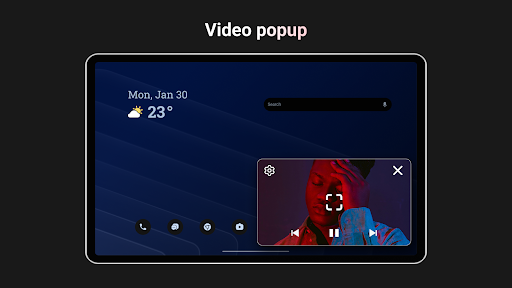
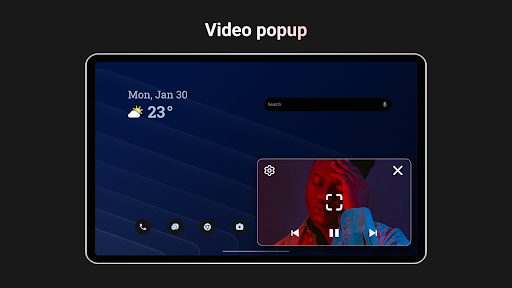
Multitasking on your device becomes effortless thanks to the video popup feature. You can enjoy stable, floating video playback while using other apps, browsing the web, or responding to messages. This floating window mode enhances productivity and entertainment simultaneously, perfect for those who like to keep an eye on multiple activities at once.
Privacy and Personalization Features
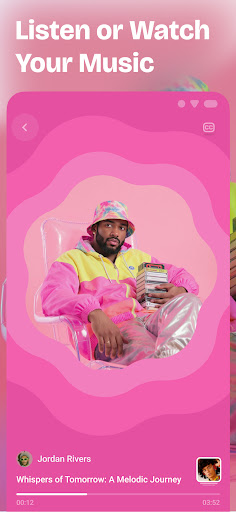
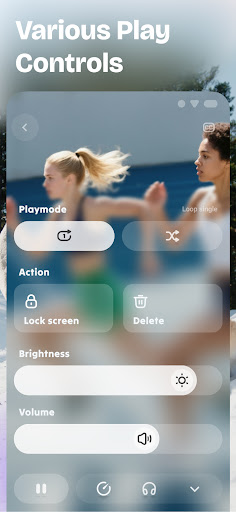
Your media privacy is a priority. Lark Video Player allows you to hide videos in a private folder and even set passwords to keep sensitive content secure. Additionally, you can customize your viewing experience by adjusting brightness, volume, playback speed, and auto-rotate settings through simple gestures or a single tap. Want to listen to videos as music? You can easily play offline videos as MP3 in the background, making it a versatile tool for both video and music lovers.
Powerful Media Management and Subtitle Support
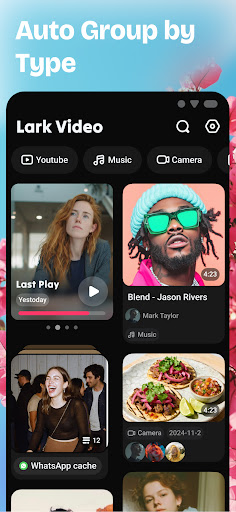
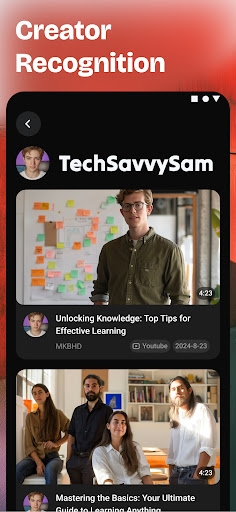
Organizing your media library is straightforward with the app’s built-in management features. Search, sort, and categorize videos effortlessly—auto-sorting by folders or categories simplifies what used to be a tedious task. Plus, the app supports importing and syncing subtitles, enhancing your viewing experience for foreign films or content with multiple languages. No need to search for external subtitle files; everything is integrated smoothly within the app.
Gesture Controls and Light Design for Ease of Use
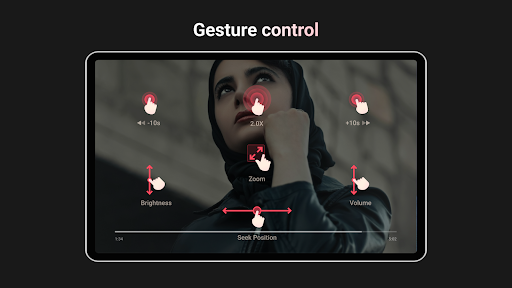
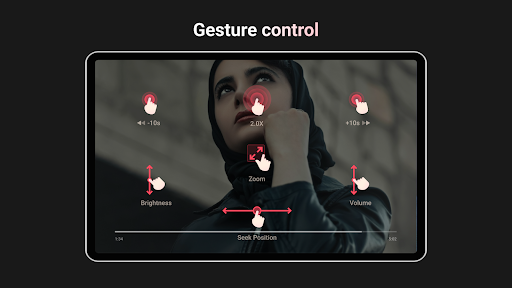
Navigation is intuitive thanks to gesture controls. Adjust progress, brightness, volume, and playback speed with simple swipes and taps. The app’s light and stylish design make it a joy to use, taking up minimal space and optimizing performance. Whether you’re in a dark environment or on the move, the sleek interface adapts seamlessly, providing a hassle-free viewing experience.
Additional Features for a Complete Media Experience
Beyond video playback, Lark Video Player also supports offline music management. Listen to your favorite MP3s with cool sound effects, all without an internet connection. It’s a true all-in-one media player that combines video and audio functionalities, making it perfect for on-the-go entertainment.
Why Choose Lark Video Player?
If you're in search of a reliable, feature-rich offline video player with support for multiple formats and high-definition playback, Lark Video Player is the perfect choice. Its combination of performance, privacy features, customization options, and ease of use makes it stand out from other media players. Whether you're watching locally stored videos, managing your media library, or enjoying music playback, this app offers an all-encompassing media solution in a compact, stylish package.
Conclusion: A Mini Home Theater in Your Pocket
Experience the difference with Lark Video Player: HD Video. Its smooth playback, broad format support, privacy features, and intuitive controls provide everything you need for a premium offline media experience. Download now and transform the way you enjoy videos and music on your Android device—your personal mini home theater awaits!
Pros
- Pros
- Array
Cons
- Cons
- Array











