


Remote for Apple TV
If you’re an Apple TV enthusiast or simply someone who loves streaming your favorite shows effortlessly, the Remote for Apple TV app is a must-have tool to enhance your entertainment experience. Designed specifically for Apple TV users, this innovative remote control app transforms your smartphone into a powerful, versatile remote — making managing your Apple TV easier and more intuitive than ever before. Whether you’re navigating menus, typing text, or adjusting volume, this app provides seamless control right at your fingertips.
Key Features of the Remote for Apple TV
Smart Remote Functionality
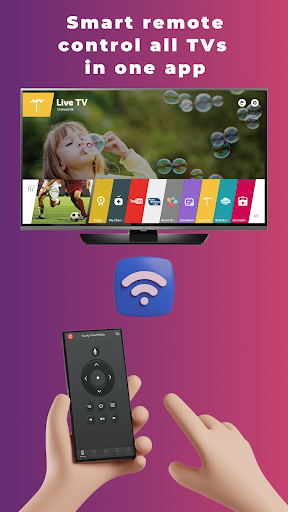
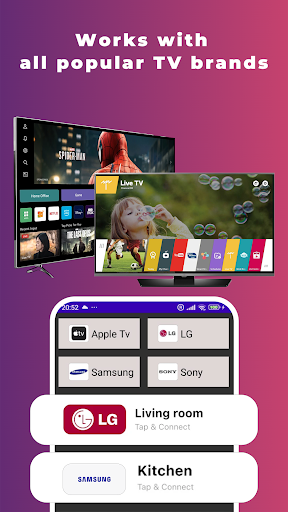
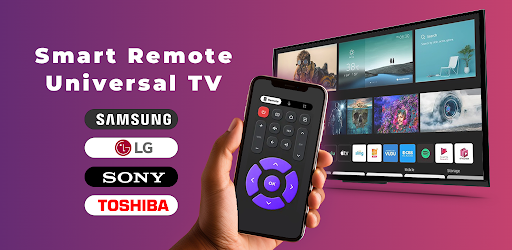
The Remote for Apple TV app offers a comprehensive remote control solution that replaces your physical remote. Its compatibility extends across various generations of Apple TV, ensuring you can enjoy its features regardless of your device’s age. The app also supports other smart TV brands like LG with webOS and Samsung with Wi-Fi connectivity, making it versatile across your home entertainment setup.
Easy Setup & Compatibility
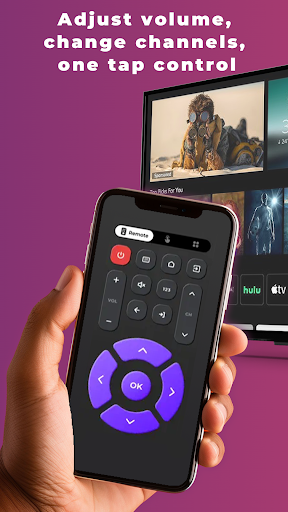
Getting started is straightforward: connect your iPhone and Apple TV (or compatible smart TV) to the same Wi-Fi network. The app automatically detects your device, allowing for a quick and simple connection—no complex configurations needed. Once connected, you gain immediate access to functional remote controls like navigating menus, adjusting volume, changing channels, controlling media playback, and launching your favorite streaming apps—all from your phone.
Enhanced Casting & Text Input
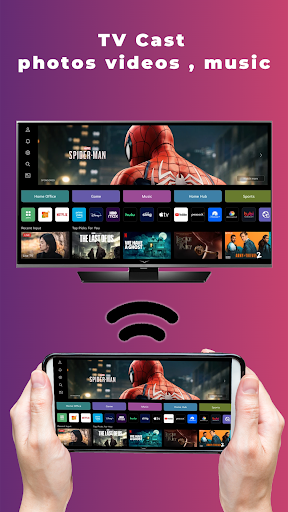
The app supports casting media directly from your phone to your TV, making it easier to enjoy photos, videos, and music. Additionally, the built-in keyboard feature enables effortless text input, eliminating the frustration of typing with traditional remote controls. Voice control capabilities, utilizing your phone’s microphone, further simplify search functions and commands, bringing convenience and modern connectivity into one app.
Optimized Experience for Popular Brands
Special enhancements are tailored for Apple TV, LG, and Samsung smart TVs, ensuring a smooth, responsive, and intuitive control experience. This optimization guarantees that users can enjoy fast navigation and reliable performance tailored to their specific devices.
How to Connect and Use
Connecting your device is effortless: ensure both your smartphone and TV are on the same Wi-Fi network. Open the Remote for Apple TV app, select your device from the list of available options, and enjoy full control capabilities immediately. The app’s user-friendly interface makes navigation simple, even for those who aren’t tech-savvy.
Why Choose the Remote for Apple TV?
If you’re tired of constantly searching for your physical remote or juggling multiple remote controls, this app offers a streamlined solution. It consolidates all your remote control needs into a single, easy-to-use app on your phone. The ability to control volume, input text, cast media, and navigate menus efficiently enhances your overall streaming experience. Plus, its compatibility with multiple Apple TV generations and popular smart TVs makes it a versatile choice for a wide range of users.
Overall, the Remote for Apple TV app is a smart, practical addition to your home entertainment setup. With its seamless setup, robust features, and easy-to-use interface, it transforms your smartphone into a powerful remote control device that simplifies and elevates your TV watching experience. Whether you’re binge-watching your favorite series or enjoying family movie night, this app helps you stay connected and in control with minimal hassle.
Pros
- User-friendly interface
- Easy setup process
- Smooth device connectivity
- Customizable control layout
- Compatible with multiple Apple devices
Cons
- Requires a stable Wi-Fi connection
- Limited to the Apple ecosystem
- Occasional connection interruptions
- No voice control features
- Advertisements in the free version











