
SkyHalo Weather for Wear OS
Imagine having all the latest weather updates right on your wrist, accessible instantly without unlocking your phone. The SkyHalo Weather for Wear OS app makes this possible, offering a comprehensive and visually appealing weather experience tailored for modern smartwatches. Whether you're an outdoor enthusiast, a commuter, or simply someone who likes to stay informed, SkyHalo delivers detailed forecasts, real-time alerts, and customizable features to keep you ahead of the weather curve.
Overview of Features
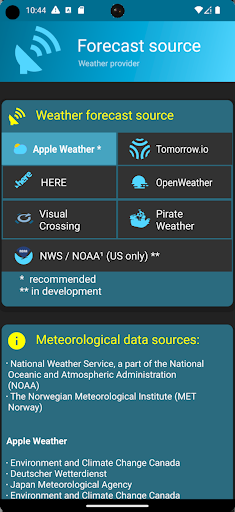
Designed specifically for Wear OS devices like Pixel, Galaxy, and OnePlus watches, SkyHalo Weather stands out with its extensive feature set. It supports • multiple forecast sources, including options like • Apple Weather, • OpenWeather, and others, ensuring you always have access to reliable data. The app provides • continuous forecasts up to 48 hours, along with • daily and hourly forecasts spanning up to five days. It also incorporates • weather alerts from the NWS (National Weather Service), giving you timely notifications about severe weather conditions.
Additional features include • rain and snow forecasts, • barometer and wind displays, and celestial data like • sun and moon rise/set times, • moon phases, and its position. With support for • up to three complications, SkyHalo enables seamless integration with your watch face, showing vital weather info at a glance.
How Does SkyHalo Work?
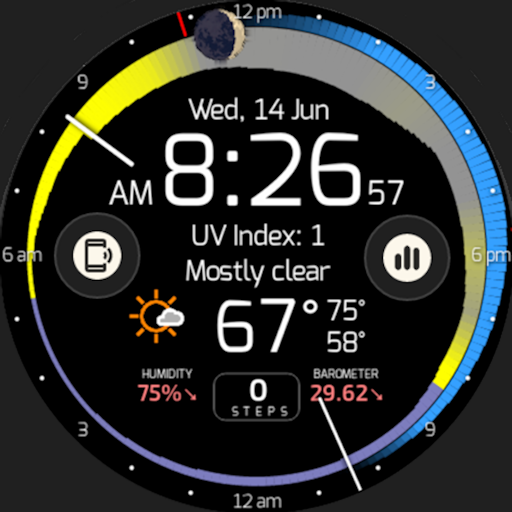
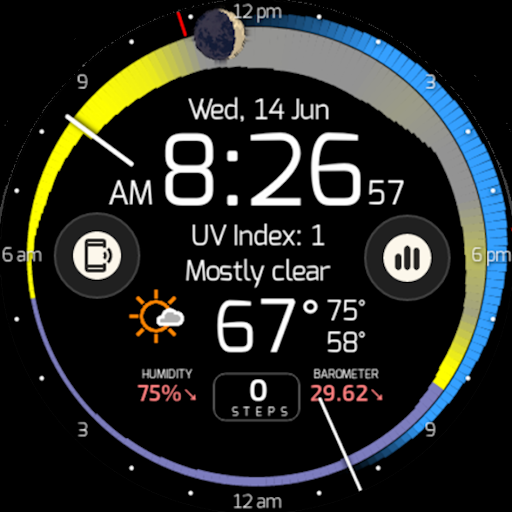
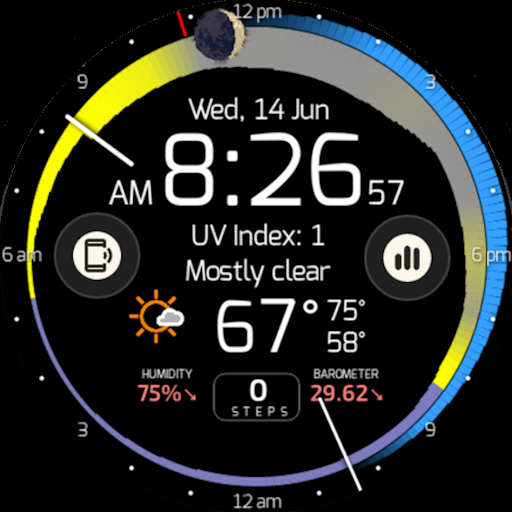
The app visualizes weather data using intuitive halo rings, which are read clockwise from the current hour. Each ring graphically represents different weather parameters:
- Temperature: The width of the ring indicates temperature, with thicker sections representing warmer forecasts.
- Cloudiness: The color of the ring varies from yellow (sunny) to gray (cloudy), with shades in between signifying partial clouds. Sunset and sunrise are marked with a violet tint.
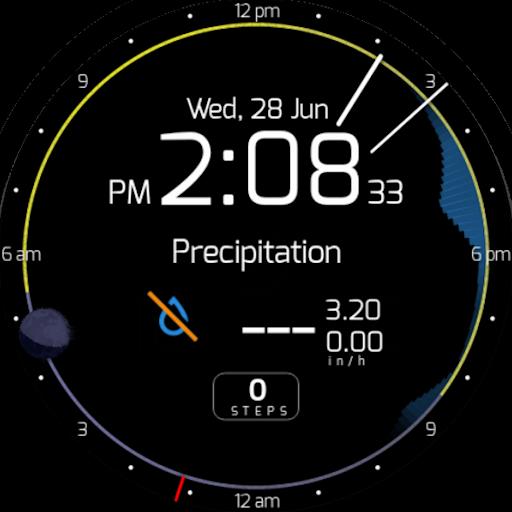
- Precipitation: An outer halo appears if rain (• blue) or snow (• white) is forecasted, with the thickness indicating precipitation intensity.
This visual approach allows you to see at a glance whether you’ll experience rain, snow, or sunshine and how temperatures are expected to evolve throughout the day.
Additional Visual Elements
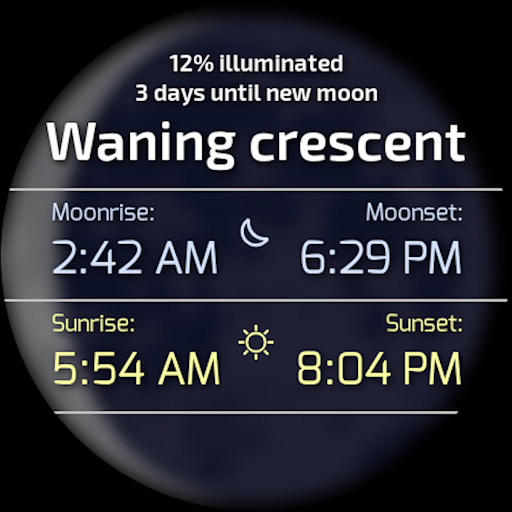
The moon feature displays the current moon phase and position, with the upper half of the watch face indicating the moon's location (east on the left, west on the right). Tapping on the moon icon reveals precise • sun and moon rise/set times.
Conditions such as • humidity and • barometric pressure are shown in the lower part of the watch face. By tapping this area, users can cycle through detailed information like:
- Current, high, and low • temperature
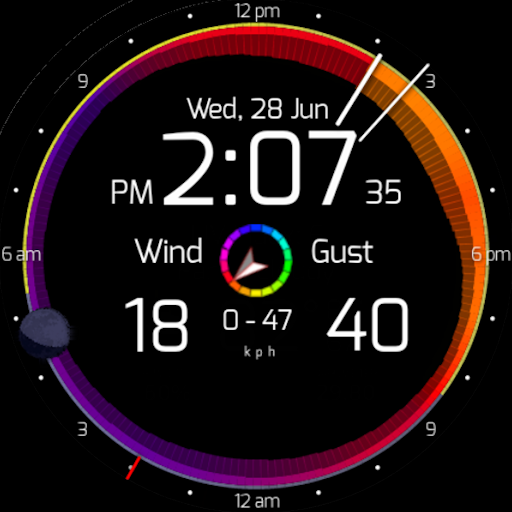
- Wind speed (current, high, low) with • wind direction indicated by ring color and outer gust rings
- Precipitation details
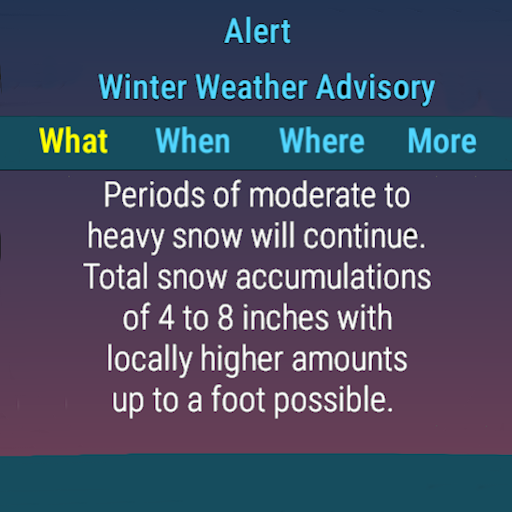
If severe weather alerts are issued, a color-coded icon appears to notify users immediately, with tapping providing detailed alerts including severity, timing, and location.
Forecasting and Customization
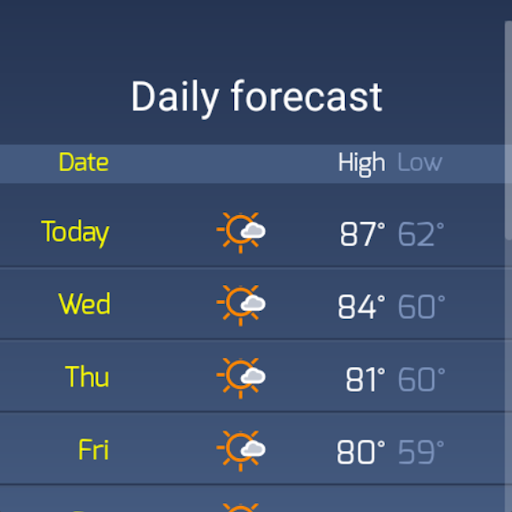
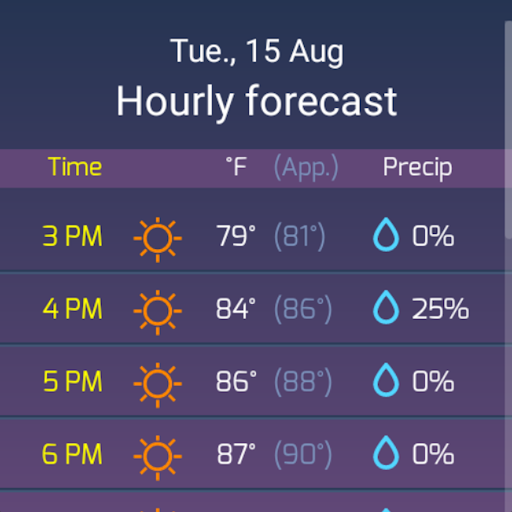
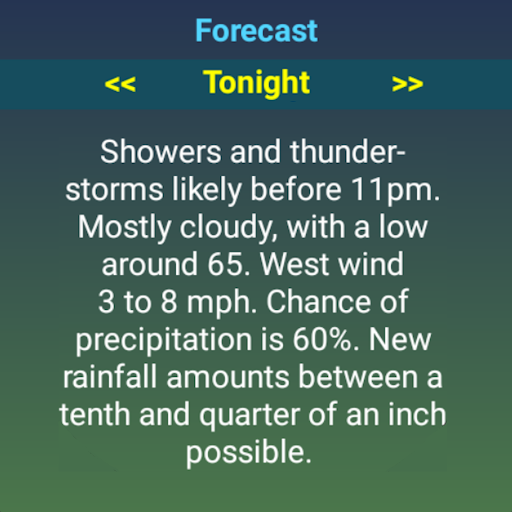
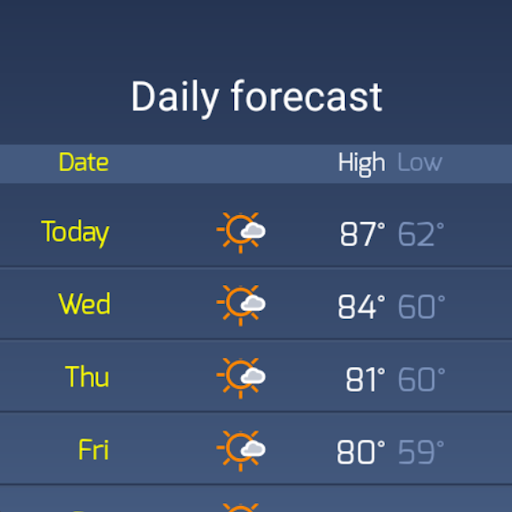
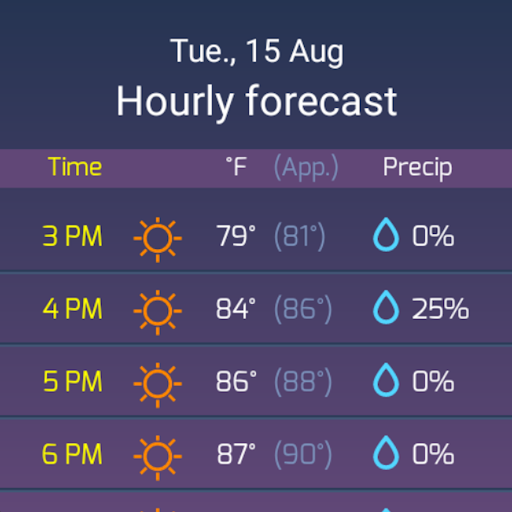
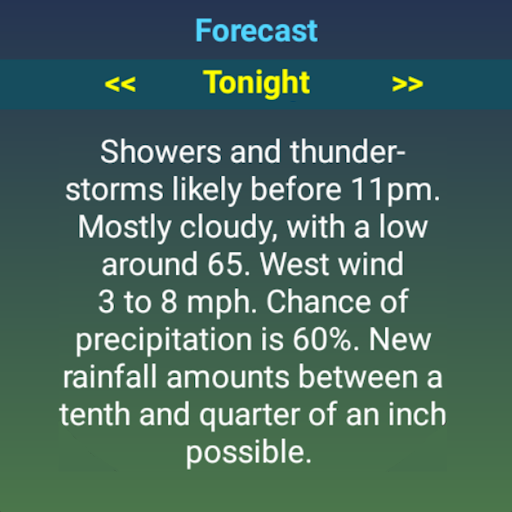
For future planning, simply tap to the right of the current weather conditions to cycle through forecast data for the next twelve, twenty-four, and thirty-six hours. Tapping specific points brings up detailed • daily/hourly tables and • three-day weather summaries based on • NWS or AI data.
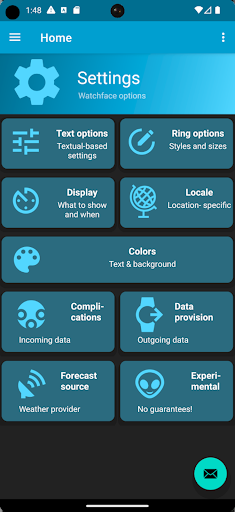
The app is highly configurable with options to select your preferred • weather source, toggle between • real and apparent temperatures, choose • 12-hour or 24-hour formats, and switch between • imperial and metric units. You can also customize the watch face appearance, including • background colors or images and • three complications like step count from Fitbit or Google Fit.
User Experience and Performance
SkyHalo Weather is praised for its clean, user-friendly interface that makes setting up and navigation effortless. Its quick update speed and low battery consumption mean you stay informed without draining your smartwatch’s power. Whether you’re a tech-savvy user or new to smart gadgets, you'll appreciate how intuitive and seamless the app feels during daily use.
Why Choose SkyHalo Weather?
In a marketplace crowded with weather apps, SkyHalo Weather for Wear OS stands out for its comprehensive data presentation and visual elegance. It offers unparalleled access to detailed local and forecast information directly on your wrist, making it ideal for those who want an all-in-one weather companion. The ability to receive severe weather alerts and view dynamic weather rings enables smarter planning in everyday activities.
Overall, SkyHalo Weather combines reliable data, aesthetic design, and customizable options that elevate your wearable weather experience. If you're looking for a smartwatch app that keeps you updated with the most complete weather information, SkyHalo is certainly worth trying. It transforms your watch into a miniature meteorological hub, ensuring you're always prepared for whatever the weather brings.
Pros
- Accurate weather forecasts
- Optimized interface for Wear OS
- Customizable watch faces
- Real-time weather alerts
- Low battery consumption
Cons
- Limited free features
- Occasional synchronization issues
- Advertisements in the free version
- Requires Wear OS 2.0 or higher
- No offline mode











