


Rhinoplasty App: Nose Editor – Virtual Nose Job & Face Editing
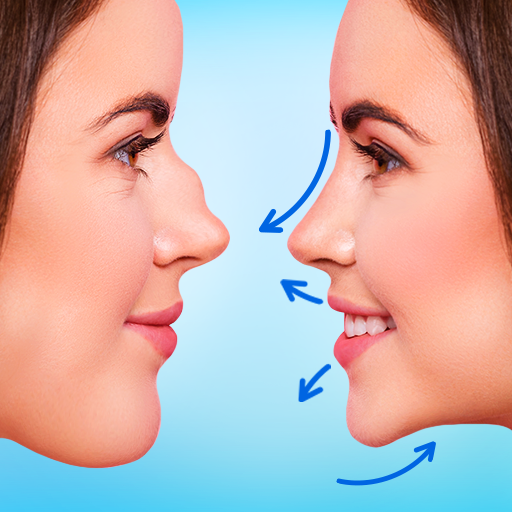
Are you curious about how different nose shapes could enhance your facial features? The Rhinoplasty App: Nose Editor is a innovative face editing tool designed to help you experiment with virtual plastic surgery in a fun and risk-free way. Whether you want subtle tweaks or dramatic changes, this app allows you to reshape your nose with just a few taps, empowering you to explore your personal style and self-expression effortlessly.
Transform Your Look with Easy-to-Use Editing Features
Realistic Nose Shape Modification
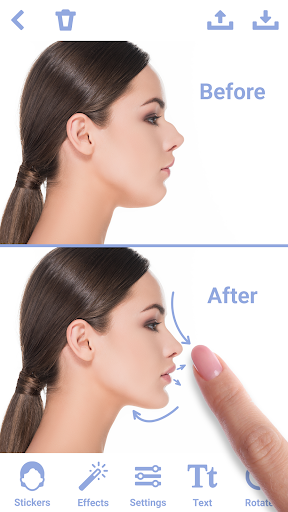
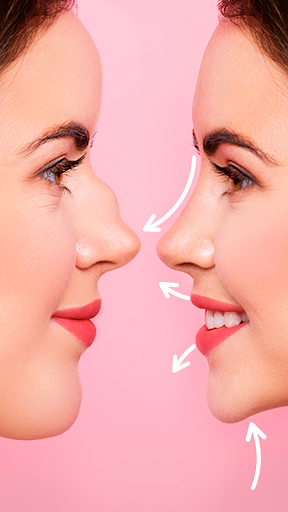
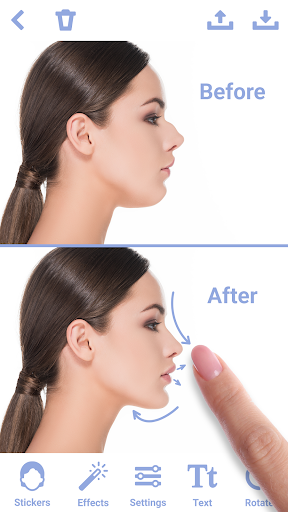
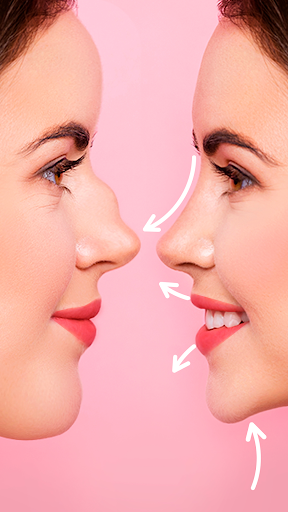
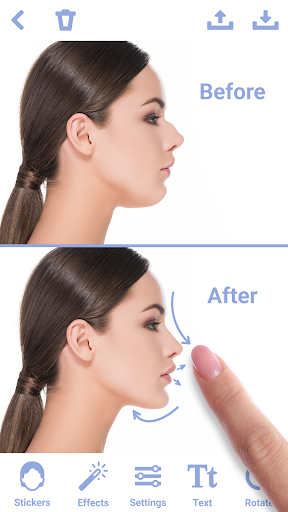
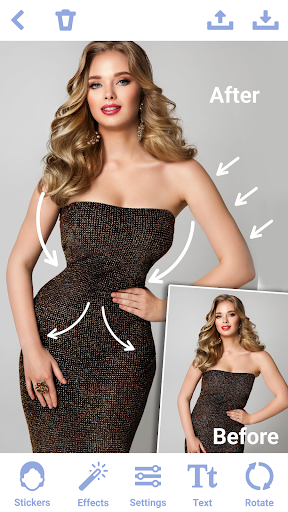
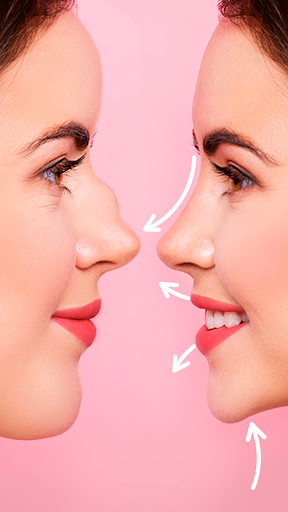
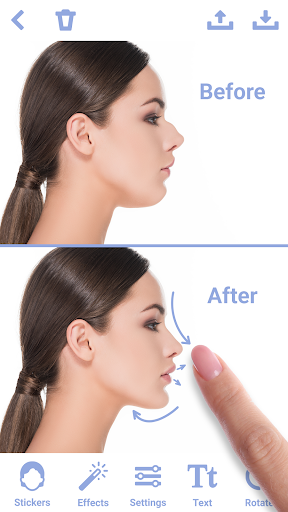
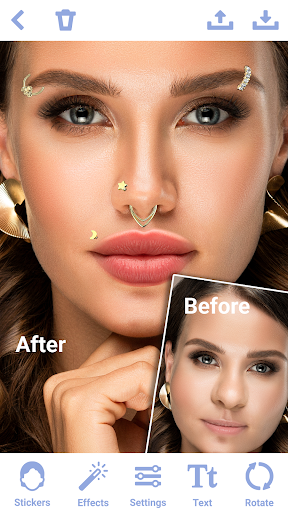
The app offers precision tools that let you adjust the size, shape, and contour of your nose seamlessly. Using a variety of stickers and face filters, you can ensure that your virtual nose job looks natural and harmonious with your overall facial features. Additionally, the symmetry adjustment feature helps correct asymmetrical elements for a balanced appearance, making this face editor perfect for nose reshaping simulations.
Intuitive Interface for Everyone
The interface is designed with simplicity in mind, allowing users of all experience levels to navigate effortlessly. Whether you're a beginner or a seasoned photo editor, you'll find the controls straightforward and easy to master, enabling quick modifications to your photos for flawless virtual rhinoplasty.
Advanced Editing and Customization
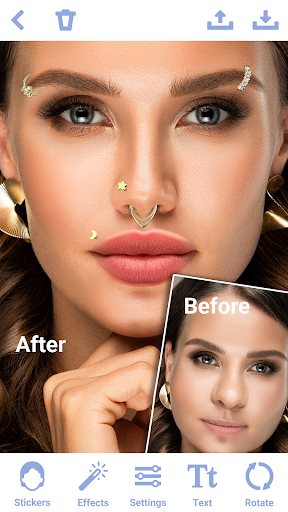
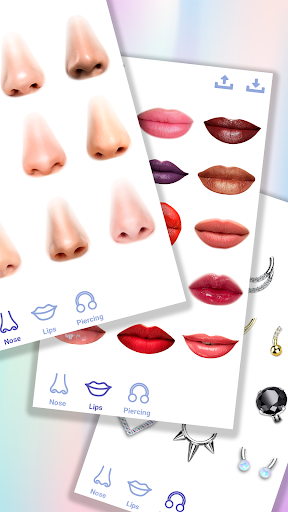
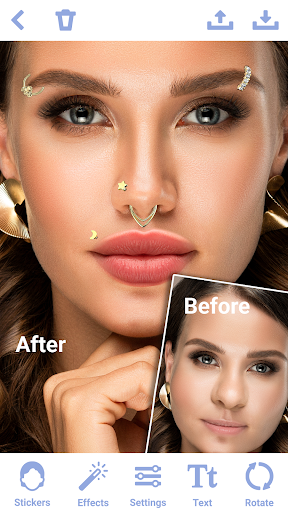
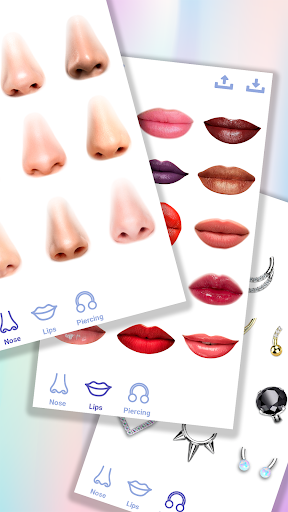
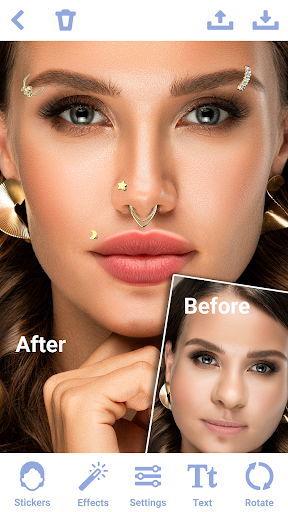
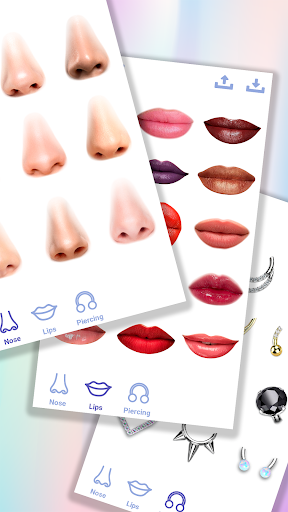
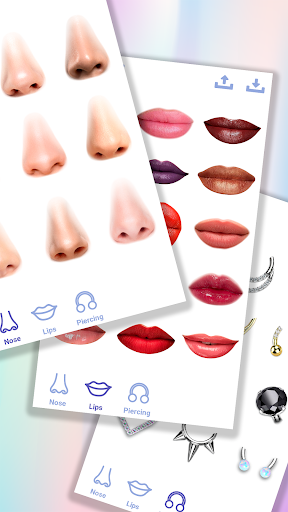
The app provides numerous preset nose shape templates, so you can explore different looks without starting from scratch. With a vast variety of face stickers, you can add unique touches to enhance your virtual nose job. Features like zoom and pan allow you to focus on specific areas, ensuring detailed and precise editing, similar to a professional plastic surgery consultation.
High-Quality Sharing and Output Options
When your editing session is complete, you can export your photos in high resolution without watermarks—ready to share with friends or on social media platforms. The app makes it easy to save your altered images and share your virtual rhinoplasty results seamlessly, giving you a realistic preview of your potential new look before any real-life procedure.
Tips for Achieving the Best Results
- Use high-quality photos: Starting with clear, well-lit images helps produce the most realistic results.
- Natural lighting: Well-lit photos make virtual modifications appear more authentic.
- Take your time: Explore all options, stickers, and filters carefully to find the perfect nose shape.
- Experiment with features: Don’t hesitate to try different tools this face editor offers for optimal customization.
- Add fun stickers: Enhance your photos with decorative elements that make your virtual nose job more playful and personalized.
Why Choose the Nose Photo Editor?
The Rhinoplasty: Nose Editor stands out as an engaging app designed for playful virtual plastic surgery simulation. It combines user-friendly interface, a variety of face filters and stickers, and professional-quality editing tools, making it an ideal choice for experimenting with your appearance. Whether you're considering a real nose job or just curious about how different shapes might look, this face editing app offers a safe and entertaining way to explore those possibilities.
With the ability to create natural-looking photos, the app empowers users to boost confidence and explore self-expression. Its versatility makes it suitable for social media sharing, fun personal projects, or even professional visualizations for virtual rhinoplasty.
Discover Your New Look Today
Transform your selfies and portraits effortlessly with the photo editor “Rhinoplasty: Nose Editor”. Experience the convenience of customizing your nose shape virtually, share your results instantly, and get inspired to make positive changes—whether real or just for fun. Download now and see the difference face filters and innovative editing tools can make in redefining your look!
Pros
- User-friendly interface for straightforward navigation.
- Authentic editing effects improve photo quality.
- Quick processing with minimal delays.
- Provides a wide range of editing tools.
- No disruptive advertisements during use.
Cons
- Limited free features available.
- Requires a premium subscription for full access.
- Can crash occasionally on older devices.
- In-app purchases can be expensive.
- Does not offer advanced editing features for professionals.
- Privacy issues related to photo access.











