


Introduction to Pose Tool 3D
Are you an artist seeking a revolutionary figure posing tool to elevate your creative projects? Look no further! Pose Tool 3D has been recognized as one of the Top 10 must-have apps by ImagineFX magazine. This innovative application provides artists with a versatile digital reference model that you can access anytime, anywhere. Whether you're into drawing, manga, illustration, character design, animation, storyboarding, or comic book creation, Pose Tool 3D is engineered to meet your needs.
Key Features of Pose Tool 3D
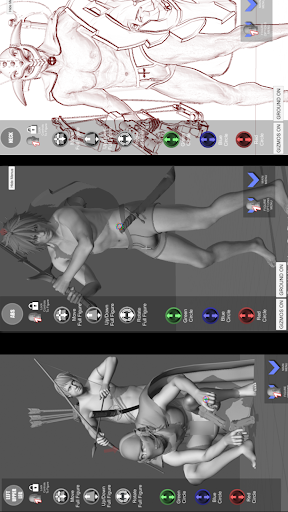
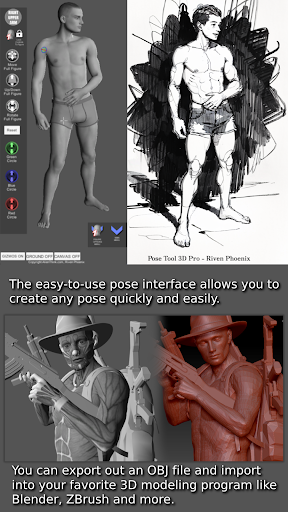
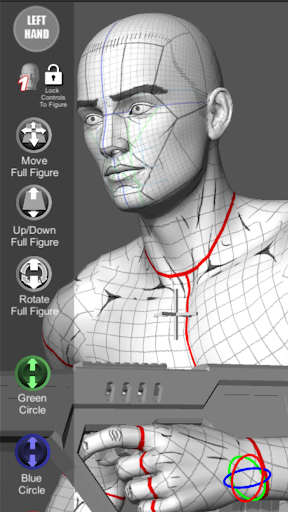
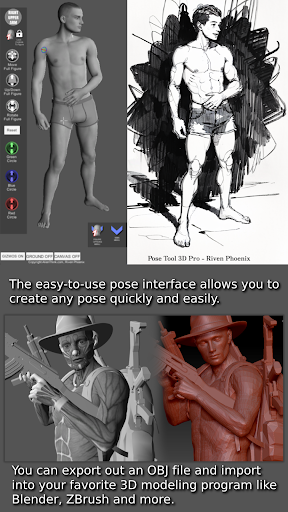
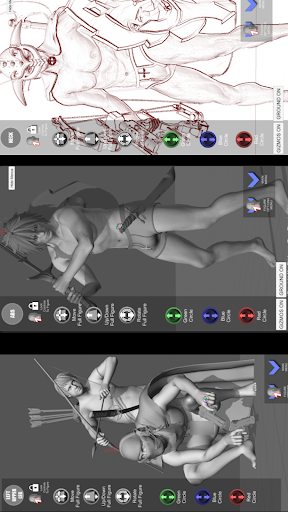
The user-friendly interface allows for quick creation of poses, making it easy for both beginners and seasoned professionals to generate complex and realistic figures without hassle. The app supports both male and female figures, and its incredible flexibility means there are no constraints—allowing geometry intersections and extreme poses that push artistic boundaries. Artists can develop dynamic compositions, whether working on single characters or dense group scenes, with tools that bring their concepts to life effectively.
Advanced Posing Capabilities
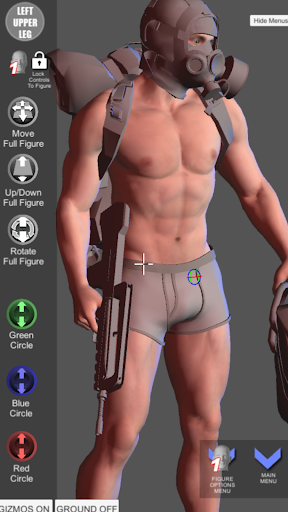
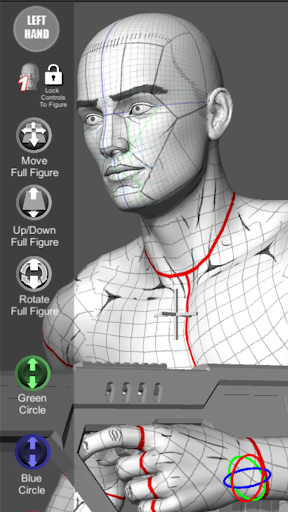
Pose Tool 3D offers powerful posing features including one-finger orbit controls for viewing figures from different angles, and multi-touch gestures like two-finger pinch for zooming and panning. This functionality makes setting up dramatic or precise shots swift and intuitive. The app also allows you to pose hips for complex angles, with a straightforward reset option to revert to default positioning easily. These controls improve workflow efficiency and enable artists to craft compelling visual narratives effortlessly.
Rich Asset Library and Tools
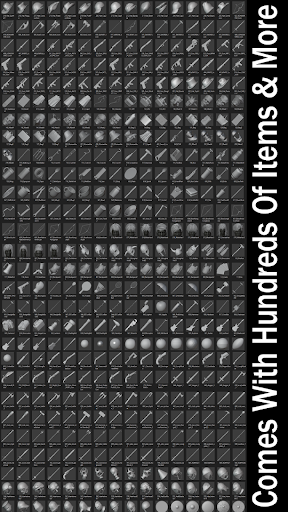
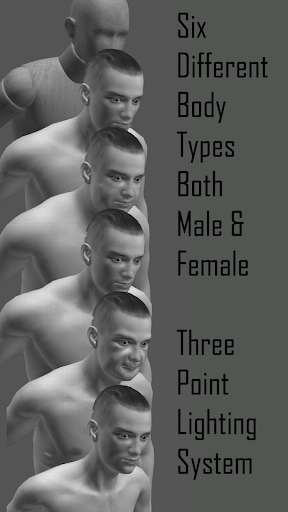
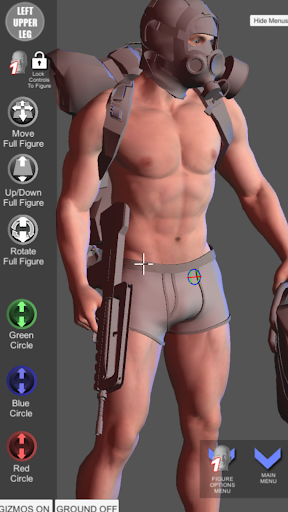
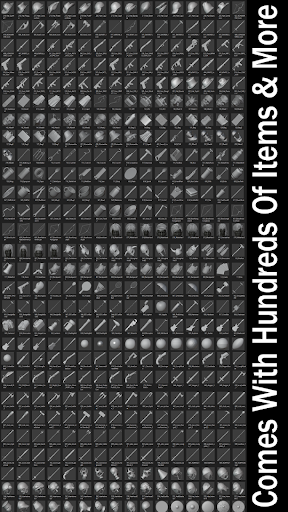
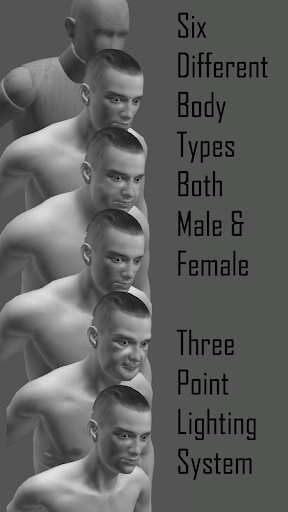
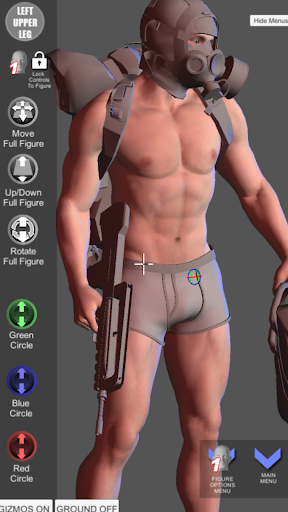
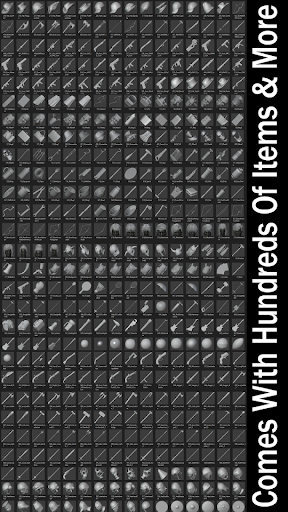
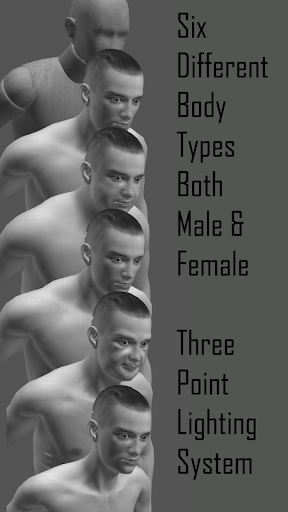
The app includes an inventory system filled with hundreds of props, objects, and weapons, which can be attached to any part of the figure. This feature adds depth and realism to your scenes, whether you're creating simple portraits, intricate battle scenes, or storytelling images. Additional features like perspective grids, camera FOV adjustments, and multiple lighting modes (including 3-point lighting) give you tools to refine your compositions with professional-level precision.
Customizable Figures and Modes
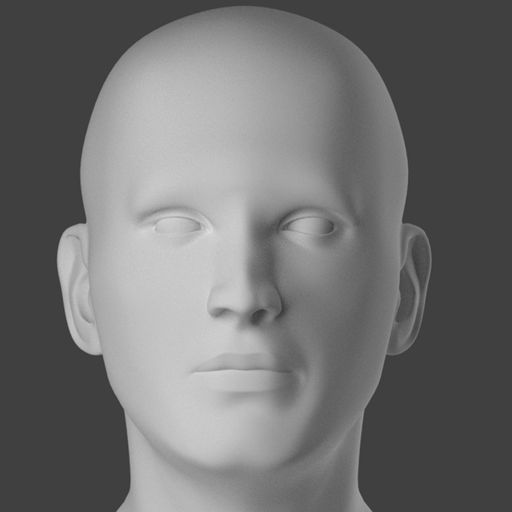
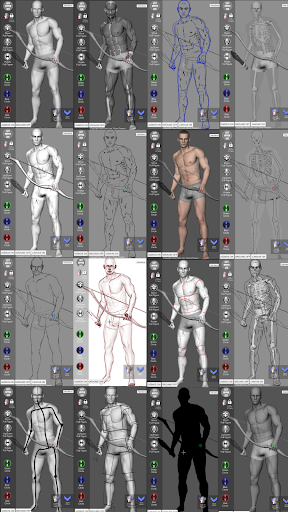
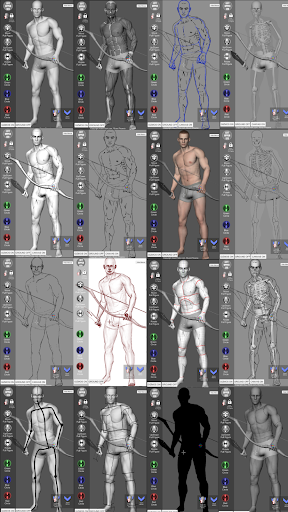
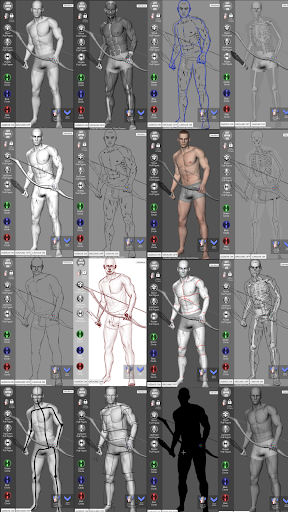
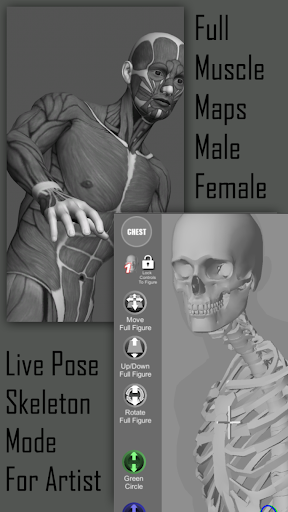
Pose Tool 3D provides six male and six female figures, along with a variety of body types such as old, muscular, heavy, and skinny. You can also reset figures to a T-Pose at any time. The app includes multiple drawing modes, such as muscle maps, mannequin mode, sketch modes, and life drawing modes, to suit different artistic workflows and skill levels.
Organic and Movable Body Parts
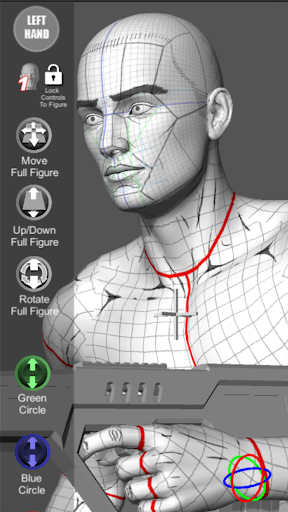
A standout feature is the ability to independently manipulate head, neck, shoulders, arms, hands, legs, and other joints. This level of detail allows for highly realistic and expressive posing, essential for practicing anatomy or creating dynamic characters.
Why Artists Love Pose Tool 3D
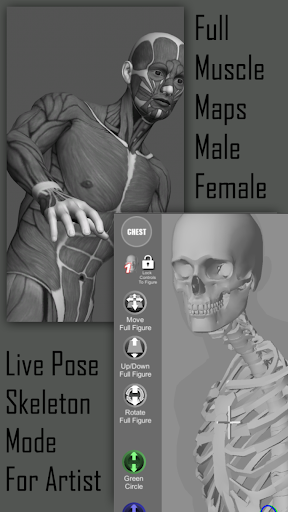
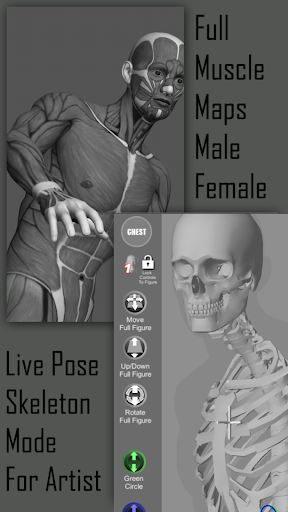
This app has become a favorite among illustrators, comic artists, and concept designers because of its versatility and intuitive controls. It aids in visualizing anatomy through embedded muscle maps, helping artists understand how muscles flex and move under various poses. Whether you're a beginner learning anatomy or a professional refining complex scenes, Pose Tool 3D offers resources to level up your art. The inclusion of animal models broadens creative possibilities, perfect for wildlife scenes or fantasy creatures.
Enhancing Artistic Workflow
With features like save/load pose, random pose maker, and quick access to frequently used assets, the app streamlines the creative process. Touch controls such as orbit, select, zoom, and pan facilitate swift setup of dramatic shots and perspectives, critical for storytelling and visual impact. Various modes, including sketch, skeleton, gesture, and cube modes, allow artists to switch between detailed anatomy studies and stylized renderings seamlessly.
Conclusion
Pose Tool 3D stands out as a comprehensive digital platform that empowers artists to experiment with poses, explore anatomy, and craft compelling art pieces across multiple genres—be it illustrations, manga, comics, or digital paintings. Its rich feature set, user-friendly interface, and extensive pose library make it a must-have tool in the modern digital artist’s toolkit. Whether working on character design, storytelling, or fine art practice, this app transforms how artists visualize and create human figures. Download Pose Tool 3D today and elevate your artwork to new heights—embracing the future of digital art and character modeling.
Pros
- Realistic 3D models for accurate posing.
- Wide range of customizable poses.
- User-friendly interface for easy navigation.
- Supports multiple characters in a scene.
- Detailed anatomy for precise adjustments.
Cons
- Limited free features without subscription.
- Occasional app crashes reported by users.
- High storage usage due to 3D models.
- Some tools require a steep learning curve.
- In-app purchases can be costly.











