

Introducing Coda: The All-in-One Collaborative Workspace
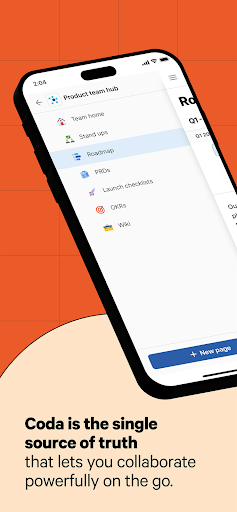
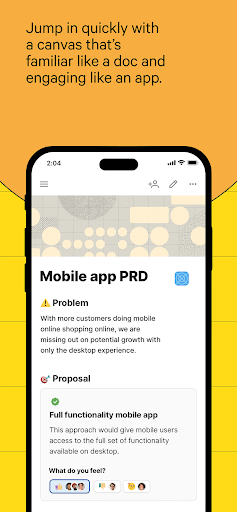
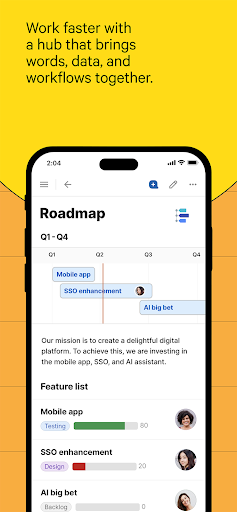
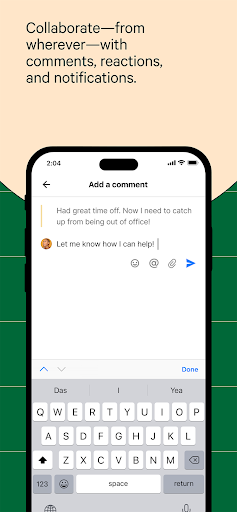
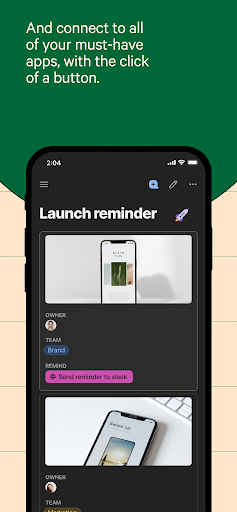
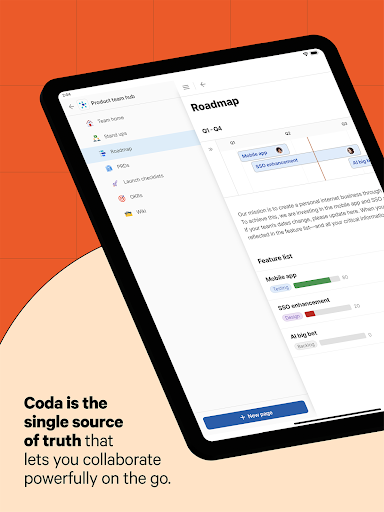
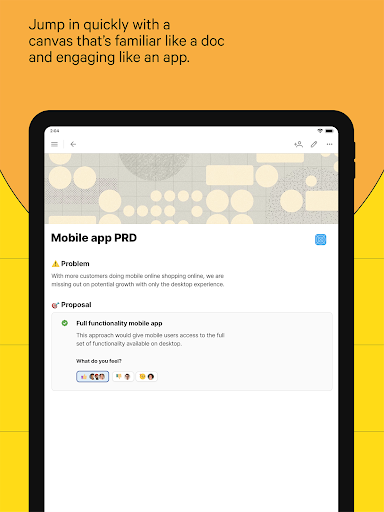
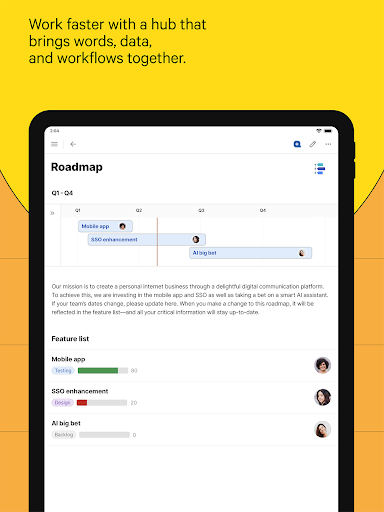
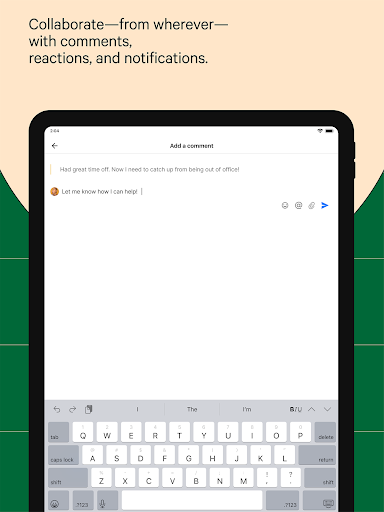
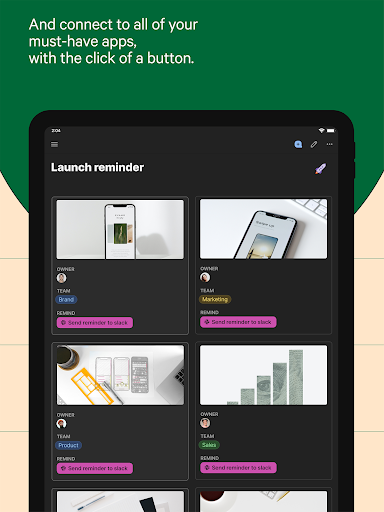
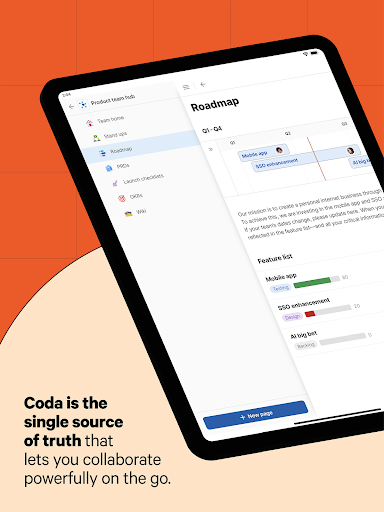
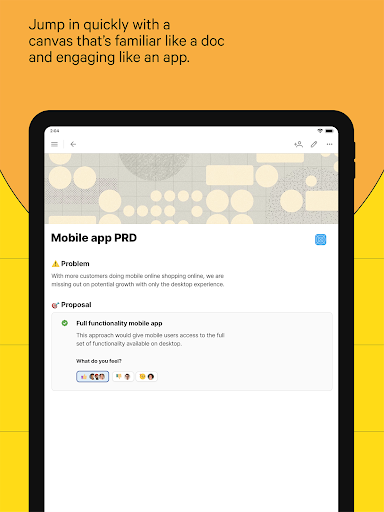
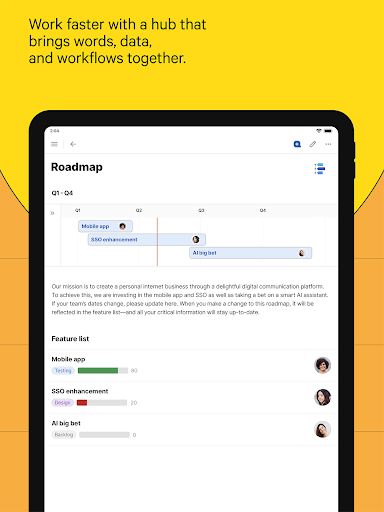
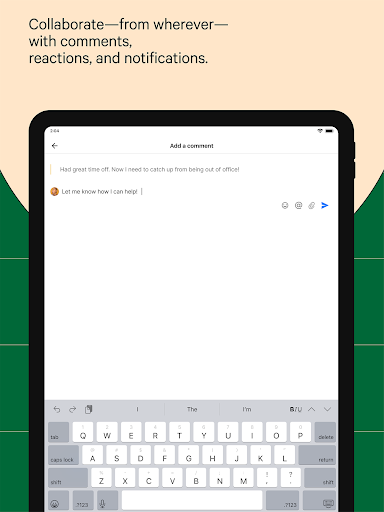
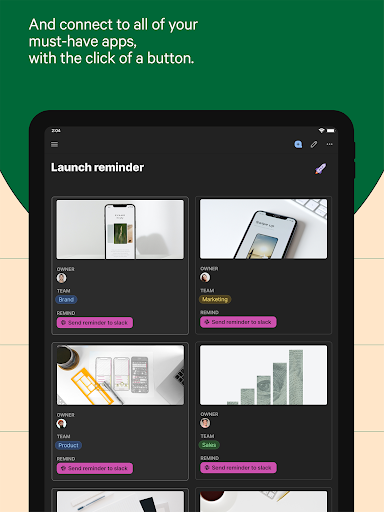
Meet Coda, the all-in-one and collaborative workspace designed to streamline your team's productivity. Whether you're managing projects, organizing content, or designing workflows, Coda brings your team and tools together within a flexible platform that adapts to your needs. Its main goal is to help you craft a more organized workday by combining the functionalities of documents, spreadsheets, databases, and automation in one seamless environment.One of the standout aspects of Coda is its robust set of building blocks. These include pages that allow for infinite depth, tables capable of talking to each other, and buttons that can trigger actions inside or outside your document. This setup enables you to custom-build solutions tailored precisely to your team’s workflows. Whether you're creating project trackers, content writeups, or operational dashboards, Coda makes it easy to design structures that work the way your team does.### Collaborative and Engaging ContentWriteups in Coda are as familiar as a traditional document but as engaging as a dedicated app, allowing your team to jump in quickly, collaborate effectively, and make decisions that truly stick. You can centralize everything—from strategic plans to daily schedules—within a single hub, providing a coherent single source of truth that streamlines communication and coordinates efforts effortlessly.The platform also excels in creating dynamic trackers. These interactive tables synchronize updates across various views, allowing edits to reflect in real-time everywhere. You can personalize views to suit individual preferences, and replace clunky spreadsheets with more professional and integrated solutions. This feature encourages teams to ditch ineffective hacks and adopt a more reliable, connected data environment.### Building Applications and AutomationA remarkable feature of Coda is its ability to let anyone design applications using simple formulas, buttons, or automations. This means you can develop customized solutions that automate routine tasks, saving you time and reducing errors. From creating custom workflows to replacing specialized niche apps, Coda helps centralize your tool stack and boost overall productivity.The recent updates to Coda’s mobile interface further enhance collaboration by allowing users to create, edit, and share documents with just a few taps. You can add pages as your ideas or workflows expand, promote discussion through comment threads, and share reactions — all within the context of the document. With powerful search capabilities, finding keywords or browsing your collaborative docs becomes effortless, ensuring seamless access to your vital information.### Blending Flexibility, Structure, and IntelligenceWhat truly sets Coda apart is its integration of flexibility with the structure of spreadsheets, the power of applications, and the intelligence of AI. This combination allows users to build sophisticated, customized tools without extensive coding expertise. Whether you’re managing a team project, tracking progress, or creating a content calendar, Coda’s adaptable platform simplifies complex workflows into manageable, interactive components.### Why Choose Coda?If you’re seeking to enhance your productivity with a cohesive and organized solution, Coda presents a compelling choice. Its intuitive interface and customizable environment appeal to both tech-savvy users and beginners alike. You can plan projects, manage collaborations, and automate routine tasks—all within one platform.In today’s fast-paced work environment, having a tool like Coda can be transformative. It helps you work smarter, not harder, by consolidating your various tools into a unified workspace. Whether for team collaboration, content management, or workflow automation, Coda empowers you to craft a tailored productivity solution that adapts to your evolving needs.**Keywords: productivity platform, collaborative workspace, team management, and workflow automation** are naturally integrated throughout this overview to boost SEO and ensure you find the information you need about Coda’s extensive capabilities.
Pros
- Intuitive interface for easy navigation.
- Powerful integration with other apps.
- Supports real-time collaboration.
- Customizable templates for various needs.
- Available across multiple platforms.
Cons
- Limited offline functionality.
- Steep learning curve for beginners.
- Occasional synchronization issues.
- Some advanced features require payment.
- Limited functionalities in mobile app.











