

Overview of My Budget Book
My Budget Book is a comprehensive personal finance management application designed to help users take control of their money effortlessly. Whether you're looking to track your income and expenses, set financial goals, or visualize your spending patterns, this app offers a wide array of features to simplify your financial journey.
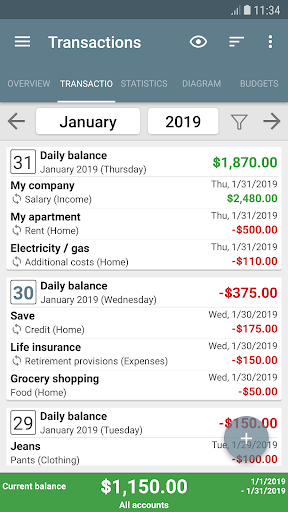
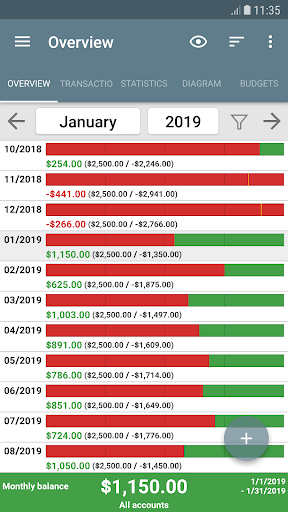
One of the standout qualities of My Budget Book is its intuitive interface, making it accessible even for those who aren’t finance experts. The app enables you to record income and expenses easily through individual or recurring transactions, providing a clear picture of your financial health at any given time.
Core Features
Expense Tracking & Visualization
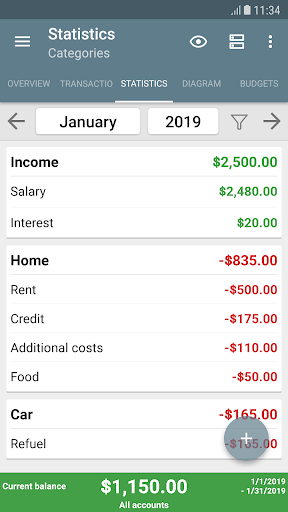
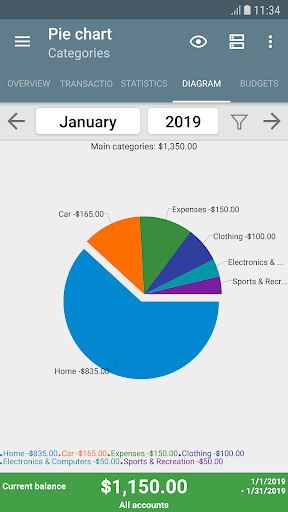
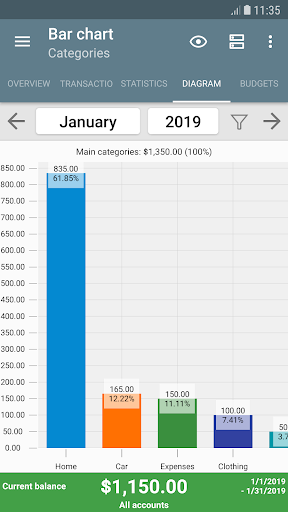
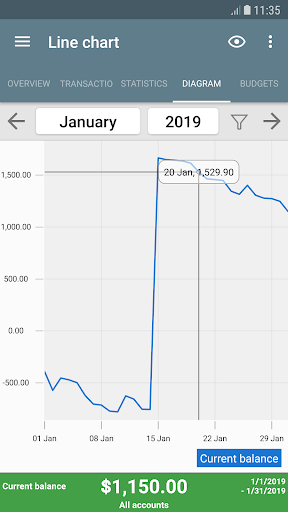
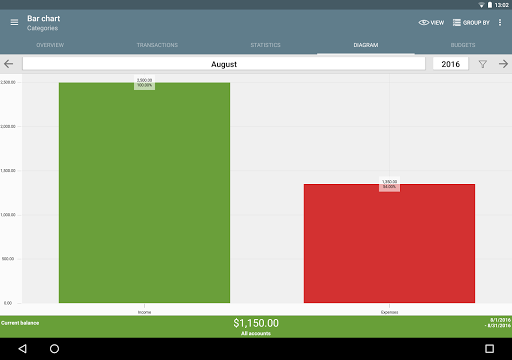
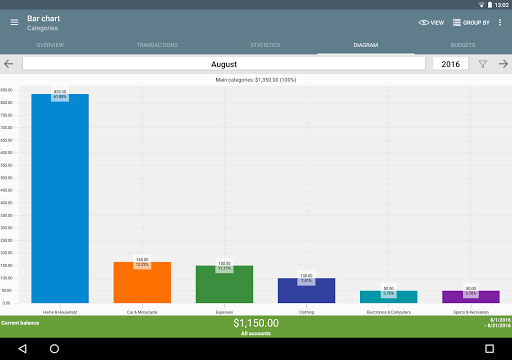
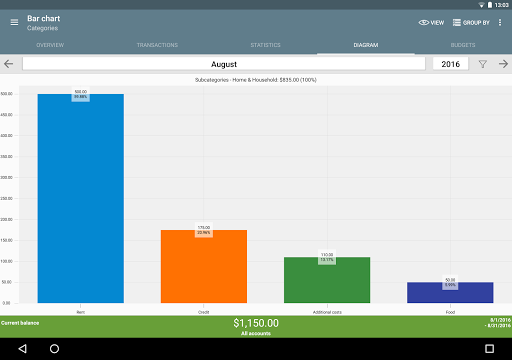
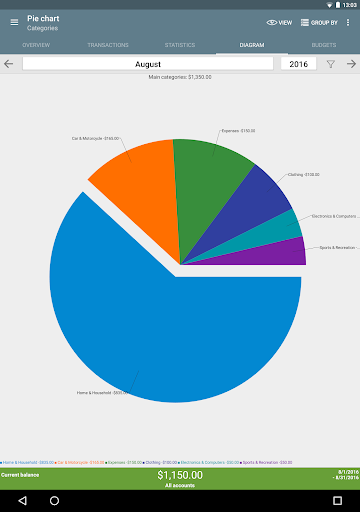
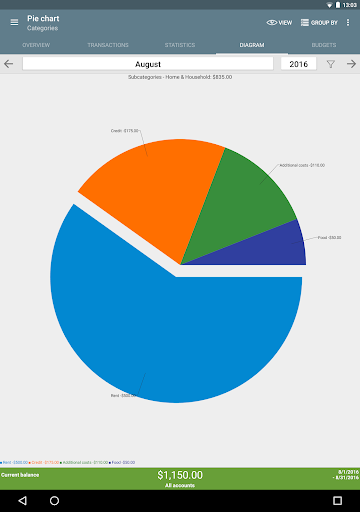
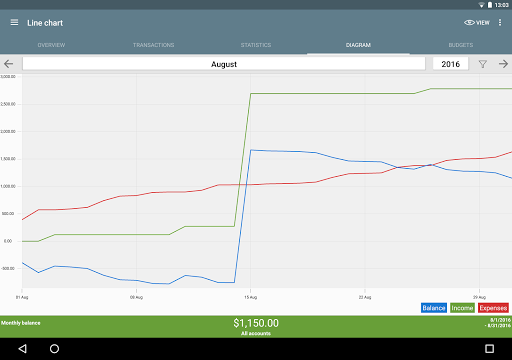
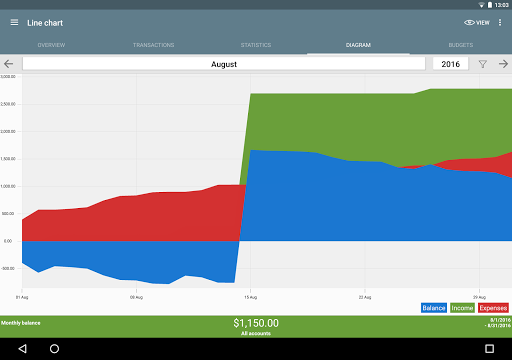
With My Budget Book, you can categorize every expense, allowing for detailed tracking of where your money goes each month. Support for multiple currencies makes it suitable for international users or globetrotters. The app also transforms your financial data into dynamic charts and graphs, facilitating an intuitive understanding of your spending habits over time.
Budget Setting & Limits
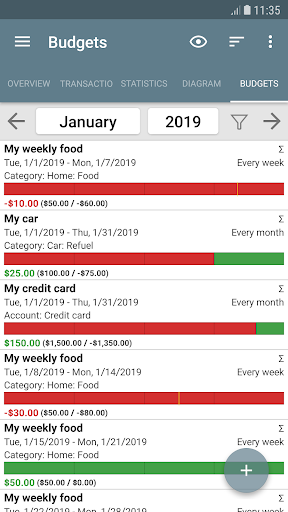
The budget mode feature lets you set limits or goals over custom periods—weekly, bi-weekly, or monthly. For example, if you tend to overspend on clothing, you can set a monthly cap. If you love coffee-to-go, a weekly limit might help curb excessive spending. Saving for a dream vacation? Easily establish a savings target every two weeks. Additionally, you can define limits for credit card accounts or other payment types and toggle the “rollover” option to account for what is owed or saved, making budget management precise and tailored to your needs.
Privacy & Data Management
My Budget Book respects your privacy by requiring no Internet permission, ensuring your data remains local on your device. The app supports automatic local backups and allows users to import and export data via CSV, HTML, or Excel files. This flexibility helps keep your financial information secure and accessible, and you can create backups at any time, providing peace of mind.
Additional Features & Personalization
Customizable Layout & Themes
The app offers a customizable Material Design layout with options like dark mode, enhancing user comfort during prolonged use. Users can personalize categories and subcategories, add photos or receipts to transactions, and use templates for faster data entry.
Reminders & Alerts
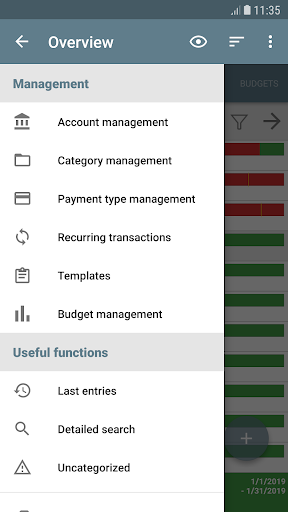
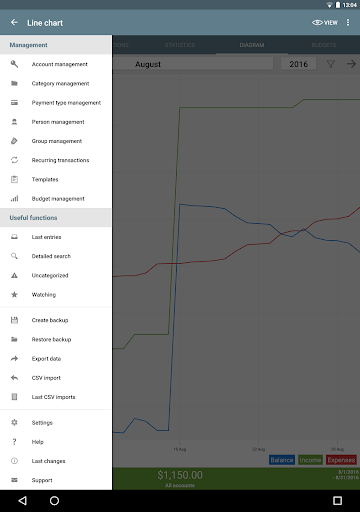
Never miss a payment with reminders, which help you stay on top of pending transactions. The app’s features include manage multiple accounts and make transfers between them, providing a comprehensive financial overview. For added security, you can protect sensitive data with a password or fingerprint.
Widgets & Manual Support
Four home screen widgets offer quick access to your financial data. An integrated manual guides you through all features, and support is available via email for ongoing assistance. For those interested in synchronizing data across devices or adding automatic cloud backups, the manual provides detailed instructions under the Synchronization chapter.
Why Choose My Budget Book?
If you're seeking a personal finance app that balances features with simplicity, My Budget Book is an excellent choice. Its focus on privacy, customization, and visual data representation make budgeting less of a chore and more of an engaging challenge.
Whether you're a budgeting novice or a seasoned saver, this app adapts to your financial style, allowing you to set limits, track your progress, and even plan for future expenses. Its focus on local data handling and user privacy ensures your personal information remains secure, making it a trustworthy companion for managing your money.
Additionally, the app is actively developed, with ongoing improvements based on user feedback. You can try it risk-free for a month, and if it doesn’t meet your expectations, simply request a refund. For anyone interested in smarter personal finance management, My Budget Book offers a robust, customizable, and privacy-conscious solution to help you stay on top of your finances every day.
Pros
- User-friendly interface improves user experience.
- Includes comprehensive budgeting features.
- Allows management of multiple accounts.
- Offers customizable categories and labels.
- Backed by a strong community for support.
Cons
- Setup process can be lengthy initially.
- Limited features in the free version.
- Navigation may be confusing for some users.
- Occasional bugs can occur in the app.
- Does not integrate with certain banks.











