

Overview of the PrinterShare Premium Key App
The PrinterShare Premium Key is an essential tool for users who want to unlock the full potential of the PrinterShare Mobile Print application. Once installed, this Premium Key grants access to a range of exclusive features that elevate your printing experience. However, it's important to note that the Premium Key cannot operate independently; it must be used in conjunction with the free PrinterShare Mobile Print app, which is available for download separately. The main app supports an extensive array of printers from major brands like HP, Epson, Canon, Brother, Kodak, Samsung, Dell, Ricoh, Lexmark, Kyocera, and Oki, including legacy networked models.
Supported Printers and Compatibility
The app supports a wide variety of printer models such as HP Officejet, LaserJet, Photosmart, Deskjet, and the HP Officejet 100/150/200/250 Mobile series. It also includes models from other top brands like Epson’s Artisan, WorkForce, and Stylus series, Canon’s PIXMA MP/MX/MG series, among others. To verify whether your printer is supported, you can consult the full list at PrinterShare Supported Printers. For unsupported or legacy printers, PrinterShare offers free software for Mac and Windows, providing flexibility across different devices and setups. Before purchasing the Premium Key, users are advised to print a test page to ensure compatibility.
Core Features of the PrinterShare Premium Key
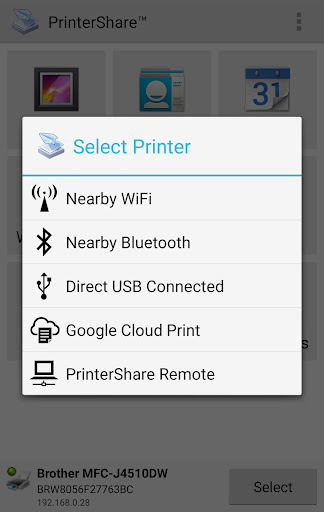
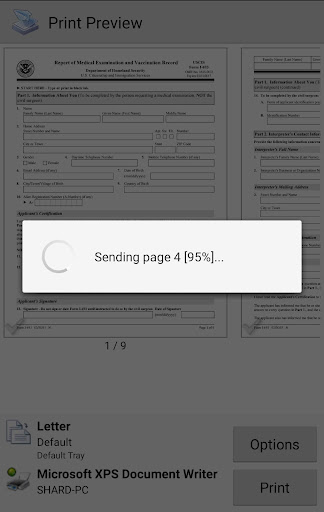
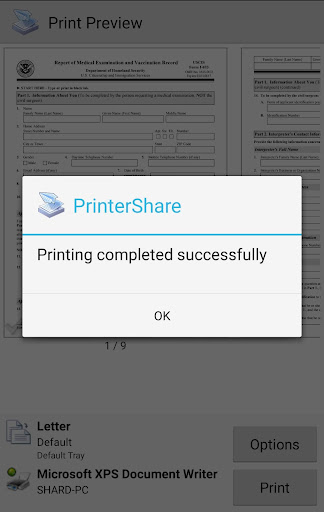
The Premium Key unlocks a suite of powerful features designed to make printing straightforward and versatile. One standout feature is the ability for unlimited nearby direct printing via Wi-Fi, Bluetooth, and USB—without the need for a PC. Imagine printing your documents instantly from your device to a nearby printer, regardless of its location in your home or office. This eliminates many traditional obstacles associated with wireless printing, making it incredibly convenient for on-the-fly tasks.
Why Choose PrinterShare Premium Key?
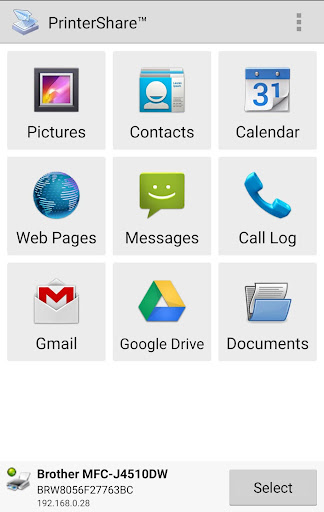
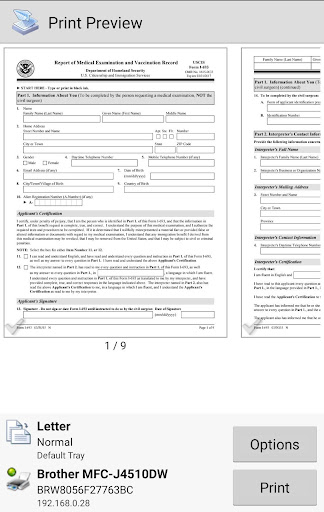
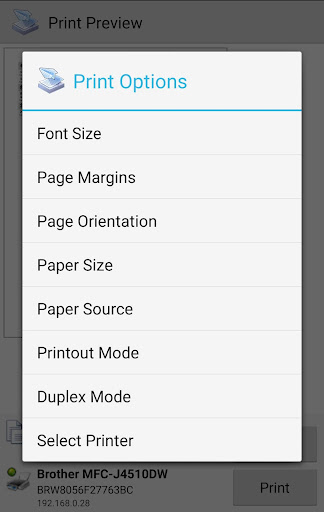
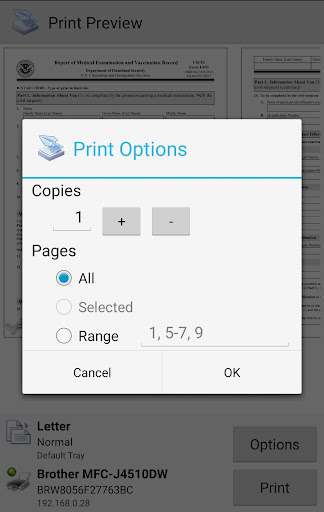
This application is especially beneficial for those who are constantly on the move and need dependable, quick access to printing services. Whether you’re handling office documents like Word files, Excel sheets, PDFs, or photos, the app supports multiple formats and provides extensive customization options. Users can select color or black-and-white printing and adjust paper sizes to suit their needs. Moreover, integration with cloud services such as Google Drive and Dropbox allows for printing directly from the cloud, streamlining workflow and enhancing productivity—whether you’re working remotely or in the office.
Seamless Connectivity and Security
A key advantage of the PrinterShare Premium Key is its ability to facilitate both local and remote printing. This flexibility ensures that printers located nearby or at distant locations can be accessed effortlessly. Additionally, the app prioritizes security, encrypting document transfers to protect sensitive information during the printing process. This makes it suitable not only for personal use but also for professional environments where data confidentiality is paramount.
Final Thoughts
If you frequently find yourself needing to print documents, photos, or web pages while on the go, the PrinterShare Premium Key offers a comprehensive solution. Its ease of setup, intuitive interface, broad printer support, and feature-rich offerings—like cloud printing, remote access, and customizable print options—make it a top choice for mobile printing. Once you experience the convenience of instant, reliable printing from your device, you'll wonder how you ever managed without it. Incorporate the Premium Key into your mobile workflow and enjoy seamless printing wherever you are—your documents and creative projects will thank you!
Pros
- Enables wireless printing from your phone.
- Supports a wide range of printer models.
- Provides cloud printing services.
- User-friendly interface and straightforward setup.
- No advertisements in the premium version.
Cons
- Requires an additional app for full functionality.
- Limited features without a premium key.
- May experience occasional connectivity problems.
- Certain printers need manual configuration.
- Not all printer models are supported.











