
Overview of Sketch Pro: Draw & Create Art
Discover Sketch Pro: Draw & Create Art, a professional-grade drawing, design, illustration, and digital art application available for tablets and phones. Crafted with passion by the Drawing Desk Team, this versatile app is perfect for digital artists seeking powerful tools combined with user-friendly features. The latest update introduces advanced AI tools that elevate the creative workflow, making it an essential companion for passionate professionals and beginners alike.
Key Features of Sketch Pro
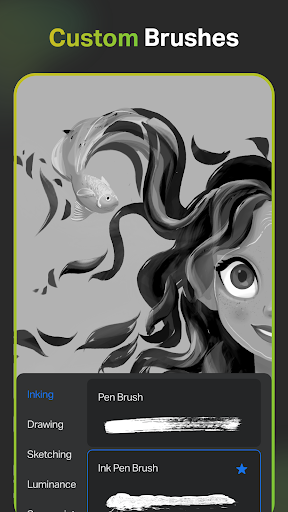
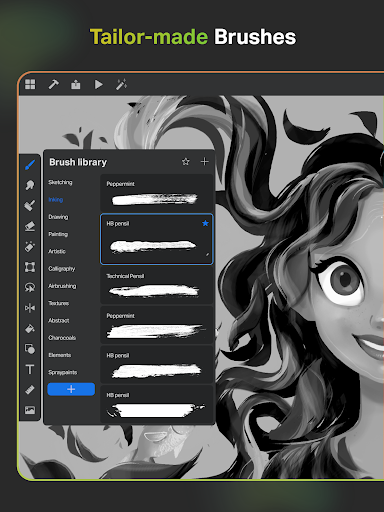
Professional Customisable Brushes
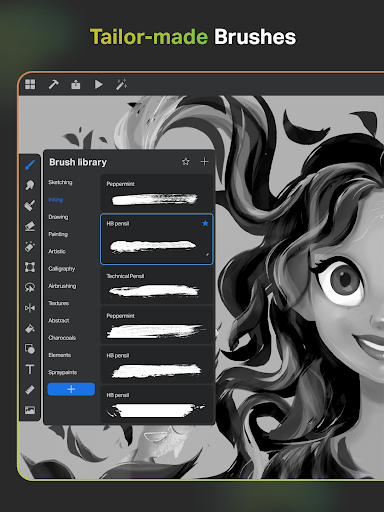
Sketch Pro offers a diverse selection of professional brushes suitable for all digital arts. Whether sketching, painting, doodling, or illustrating, users can choose from a wide array of brushes and customize them to suit their style. The app also includes a list of favorite brushes for quick access, enhancing efficiency during creative sessions.
Creative AI Drawing Tools
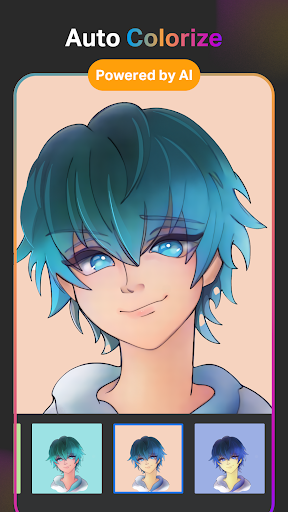
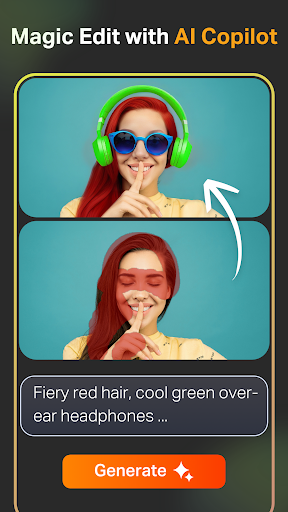
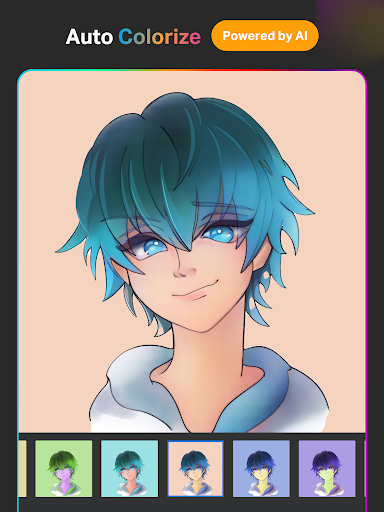
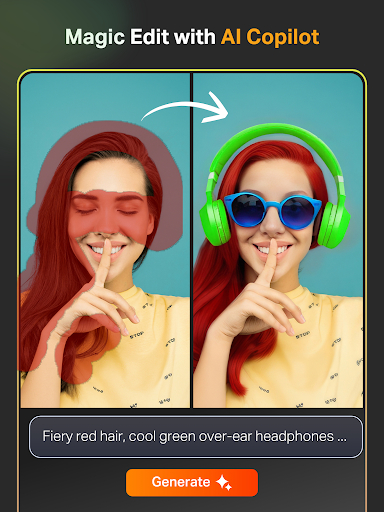
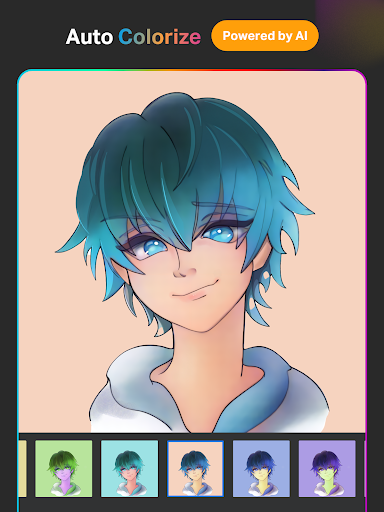
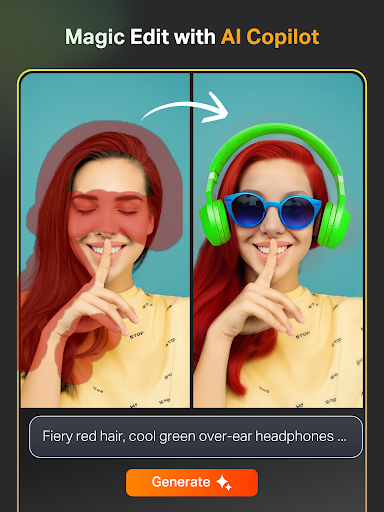
The AI-powered tools are designed to accelerate and enhance your artistic process. You can effortlessly create artwork by inputting simple prompts into the Text to Image AI feature or transform hand-drawn sketches into refined images with the Sketch to Image AI. The Magic Edit AI allows you to revamp colors, add or replace objects, and modify textures in your images using straightforward prompts. Expand your digital canvas seamlessly with the Expand Artwork AI, ensuring your artwork maintains quality at any size. Additionally, tools like Auto-Coloring AI and Auto-Colorization AI enable fast coloring and shading of sketches and drawings.
Advanced Drawing and Design Tools
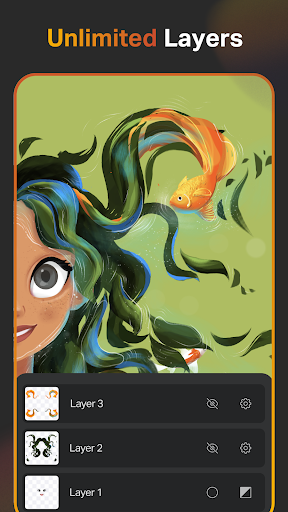
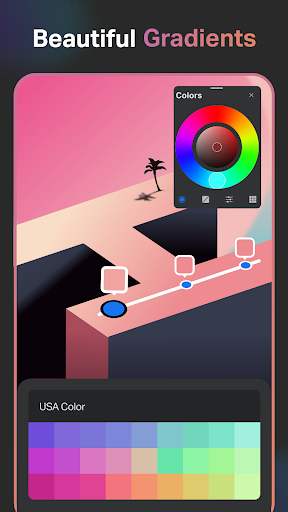
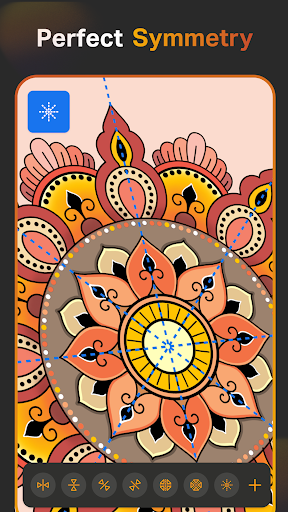
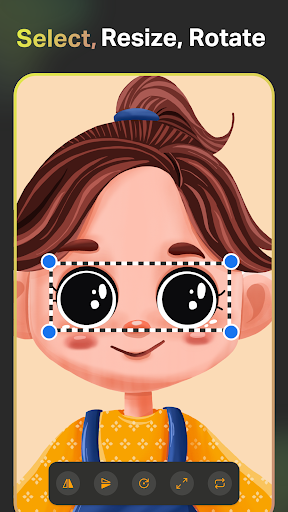
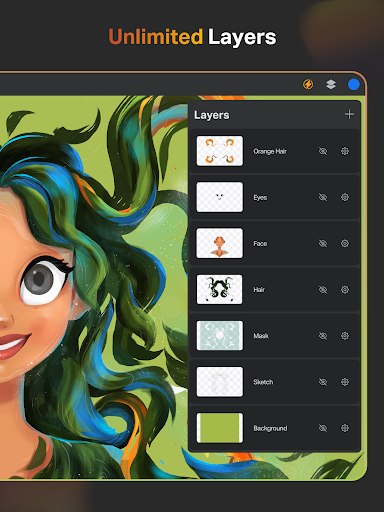
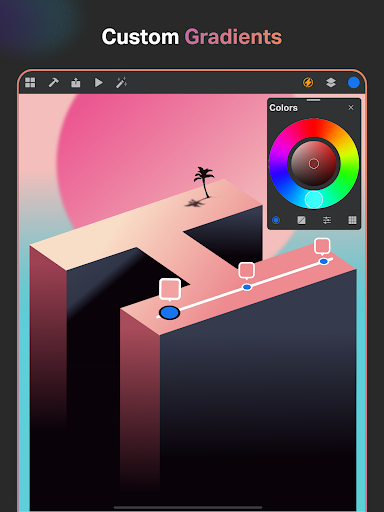
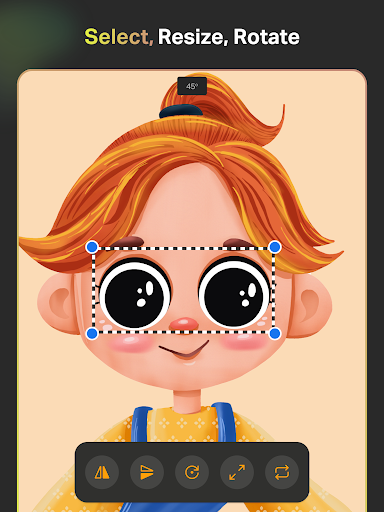
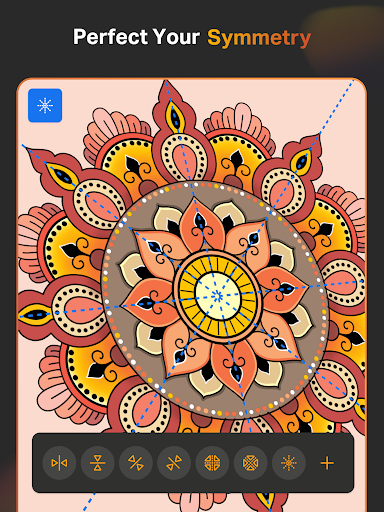
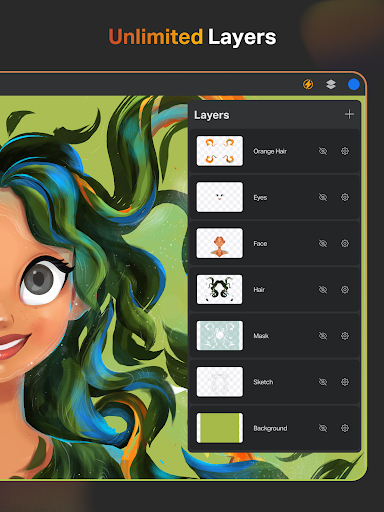
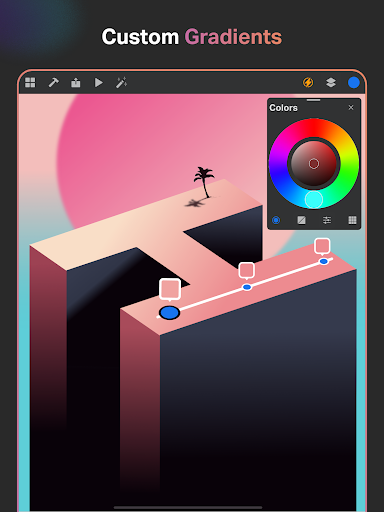
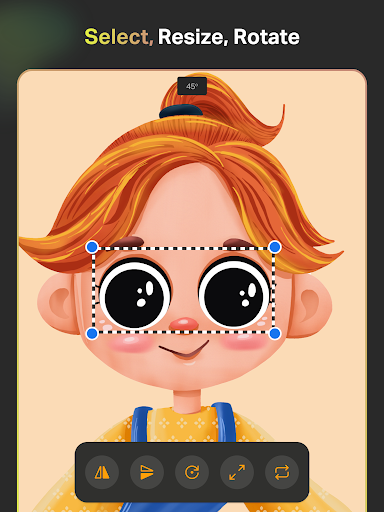
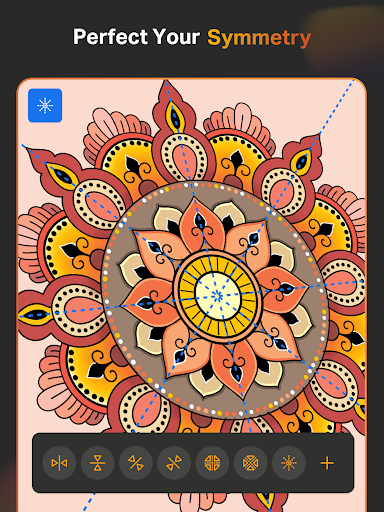
Sketch Pro is equipped with professional tools such as Smart Shapes for instant shape creation, a Free Symmetry Tool for perfectly mirrored drawings, and a Gradient Tool with linear and radial options. The Layer Transform Tool and an Assisted Drawing Layer System support complex compositions with unlimited layers, allowing for detailed and layered illustrations. You can rasterize, duplicate, merge, and manage layers with precision, making professional-grade editing straightforward.
Text and Color Tools
Enhance your designs with a variety of customizable font styles and a comprehensive Color Palette. The app provides an Full Color Wheel with adjustable shades, along with options to import colors from photos, enabling cohesive and vibrant artworks.
Extensive Shapes Library & Essential Tools
Access over 15 categories of free shapes, signs, and symbols to enrich your artwork. The library helps generate professional-looking designs efficiently. Essential tools such as the Smudge Tool, Fill Bucket, Cutter Tool, and Reference Tool make digital drawing a seamless experience.
Organizing and Exporting Artworks
Newton images save automatically, with options to organize projects systematically. Cloud syncing ensures your work is accessible anywhere. You can delete projects at will and view your creative process through Time Lapse Playback. Dark Mode is also available for comfortable working in low-light conditions.
User Experience and Community
Whether you're an experienced graphic designer, illustrator, or a hobbyist, Sketch Pro boasts an intuitive, clutter-free interface designed to foster creativity. The app’s feature set encourages detailed artwork through precise zooming and layering, all while maintaining simplicity for users at any skill level.
Moreover, Sketch Pro thrives on community engagement. Artists can share tips, tutorials, and作品, creating a vibrant ecosystem. Regular updates introduce new features based on user feedback, ensuring the app evolves with its community. Whether for learning, inspiration, or collaboration, Sketch Pro supports your artistic journey every step of the way.
Why Choose Sketch Pro?
In essence, Sketch Pro: Draw & Create Art bridges the gap between professional powerhouse tools and approachable design. Its robust set of features includes customizable brushes, AI-driven editing tools, and advanced layer management, enabling artists to produce stunning works with ease. The app’s versatility makes it suitable for creating detailed illustrations, comics, anime, manga, graphic designs, or just having fun doodling.
So, whether you're aiming to craft complex digital art or simply explore your creativity, Sketch Pro offers the perfect platform. Its balance of professional features and user-centric design makes it an essential tool for digital artists looking to push their limits. Download Sketch Pro now and unleash your artistic potential!
Pros
- User-friendly interface
- Extensive selection of brushes
- Supports layers for complex designs
- Multiple export format options
- Works with stylus devices
Cons
- Limited features in the free version
- Can lag sometimes with large files
- Requires significant storage space
- No offline tutorials available
- Full access requires a subscription











