



InnoCaption Live Call Captions
Make Every Call Clear and Accessible with InnoCaption!
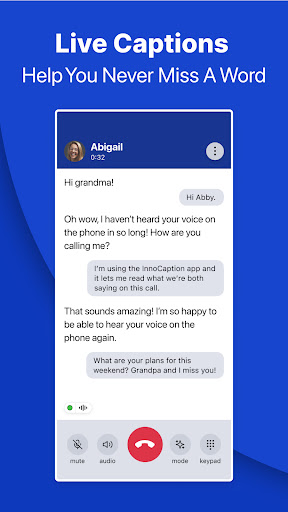
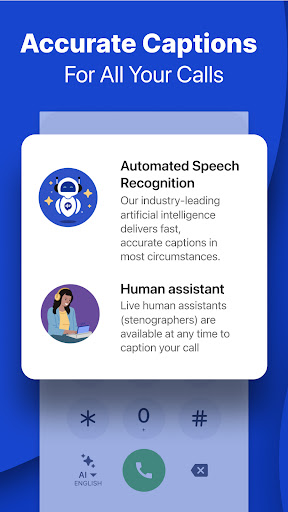
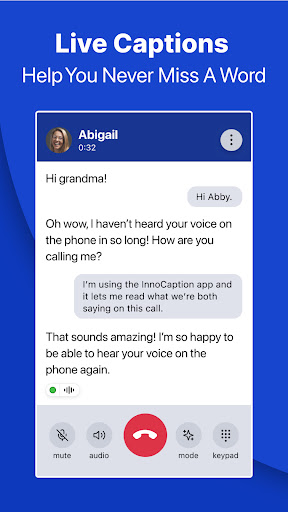
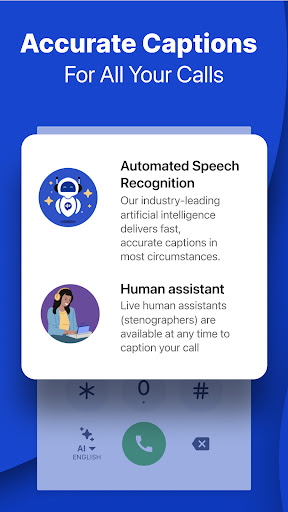
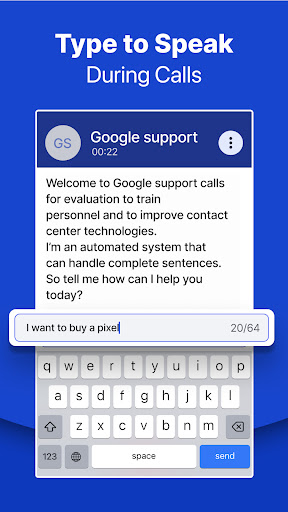
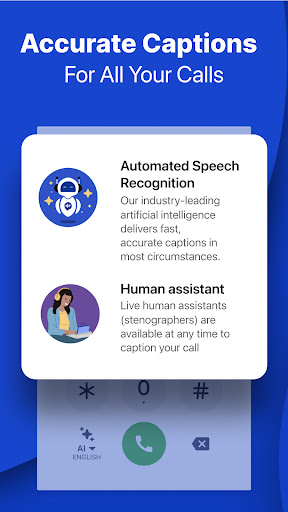
Are you struggling to hear phone calls due to hearing loss? Never miss a word with InnoCaption’s call captioning service that provides live transcription of your calls. Whether you prefer AI-generated captions or captions from live stenographers (CART), InnoCaption ensures fast, accurate, and reliable captions for all your phone conversations.
As a free and federally funded service, InnoCaption is designed specifically for individuals who are deaf, hard of hearing, or have difficulty hearing on the phone. It seamlessly streams phone calls directly to your Bluetooth-compatible hearing aids or cochlear implants, providing real-time, live transcriptions.
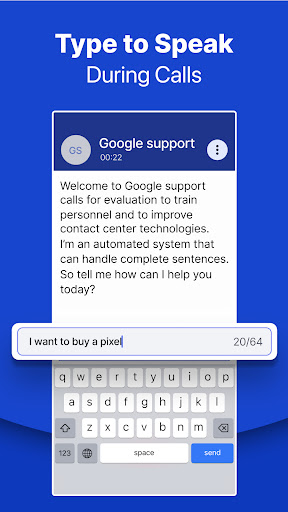
The app works effortlessly with a variety of devices like Signia, Phonak, Beltone, ReSound, MED-EL, Oticon, and more*. It also offers features like voicemail transcripts for missed calls, making it easier to stay connected and informed. InnoCaption’s innovative captioning and text-to-speech technology makes phone conversations accessible without needing sign language (ASL), providing an excellent alternative to Video Relay Services (VRS).
This caption call app is ideal for seniors, veterans, hearing aid or cochlear implant users, and anyone experiencing hearing difficulties. You can make and receive calls with clear captions using IP relay and teletype (TTY) technology across your phone, tablet, and computer.
Download InnoCaption today — the leading solution for captioned calls, ensuring you stay connected without worry.
InnoCaption Features
Live Transcribe Phone Calls for Individuals With Hearing Loss
- Get clear captions and live transcriptions of your conversations
- Choose between live stenographer or AI auto captions with teletype (TTY) technology
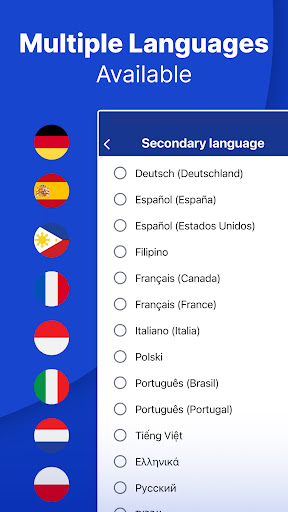
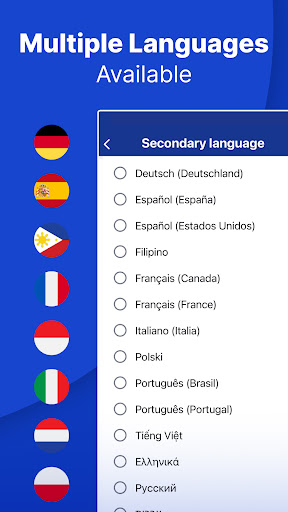
- Caption call service available in multiple languages including Spanish, French, Chinese, Vietnamese, and more
- Make & receive calls on a computer with InnoCaption Web
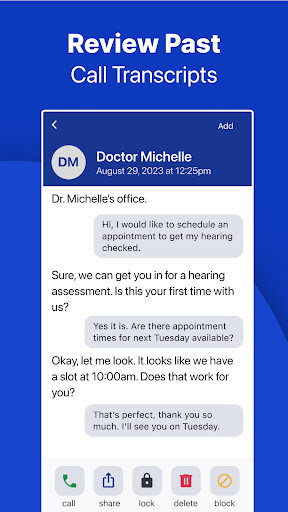
Visual Voicemail and Auto Captions enhance accessibility by converting voicemails into text for easier review and reference. The app is FCC certified and funded, providing an accessible and free captioning service for those with hearing impairments.
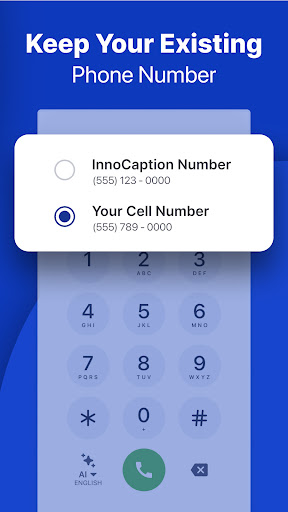
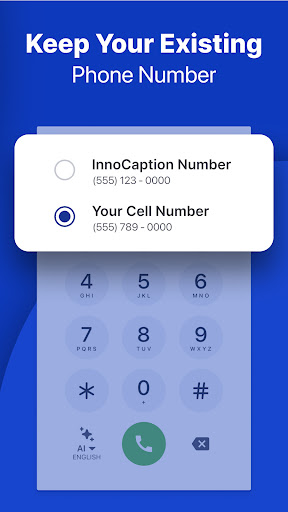
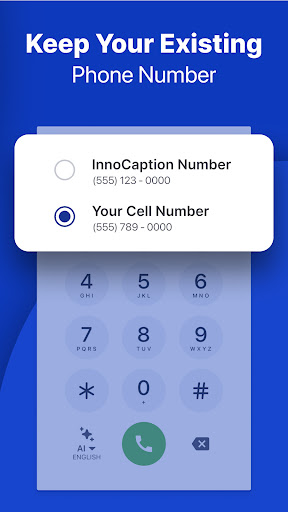
Features include setting up call forwarding to your personal number, streaming calls to your Bluetooth hearing aids or cochlear implants, and syncing contacts for quick dialing.
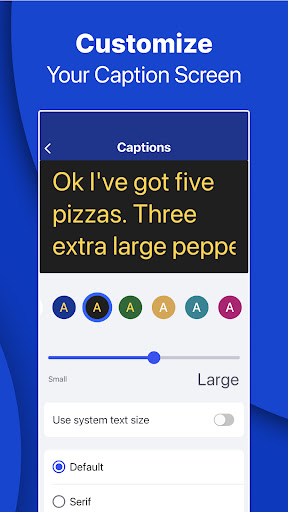
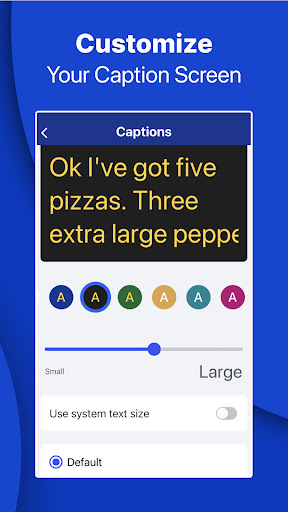
The app offers personalization options such as caption alerts that notify you when calls resume during long holds, and customizing settings to suit your accessibility needs.
It also boasts broad compatibility with hearing aid and cochlear implant manufacturers like Oticon, Phonak, Starkey, MED-EL, Advanced Bionics, Cochlear, Resound, Unitron, Signia, Widex, Rexton, and more*.
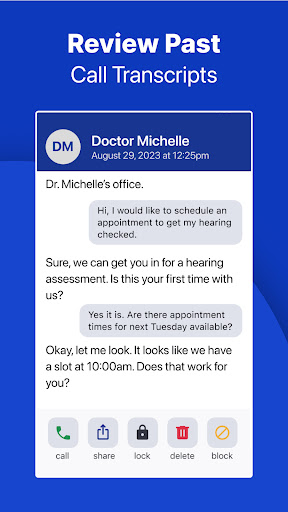
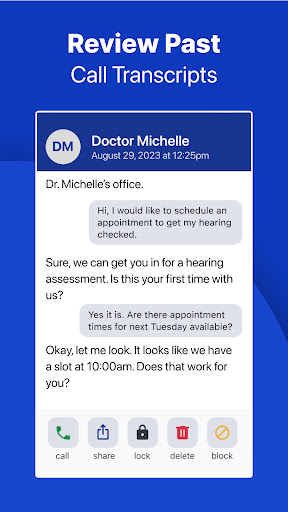
Advanced features include voicemail transcripts for later review, the option to block high-risk or spam calls, and the ability to caption emergency calls by dialing 911. Note that 911 functionalities may be limited during network disruptions or internet failures.
How InnoCaption Works and Its Accessibility Benefits
Ever been on a call and just can’t catch what’s being said? Or in a noisy environment, where deciphering words feels like solving a puzzle? InnoCaption is your perfect solution — it’s like having subtitles for your phone calls, transforming your calling experience into a more inclusive and confident one.
Setting up InnoCaption is simple. You download the app from your app store, complete a quick registration, and access is immediately available. Its clean, intuitive interface ensures that you spend less time figuring out how it works and more time enjoying your conversations.
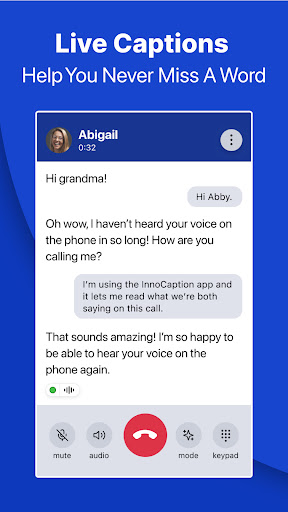
The core of InnoCaption is its real-time captioning feature. As the other person speaks, the app instantly transcribes their words and displays them on your screen. The accuracy is high and latency is minimal, making it perfect for both casual chats and critical business calls. You can choose between live stenographers or automated speech recognition, tailoring your experience to your needs.
Designed specifically with accessibility in mind, InnoCaption bridges communication gaps for people with hearing impairments, but it’s also helpful for non-native speakers and those who prefer reading along. Thanks to FCC funding, the app is free for eligible users in the US, making it broadly accessible to those who need it most.
In summary, InnoCaption is a game-changing app that transforms the way individuals with hearing loss communicate. Reliable, user-friendly, and highly functional, it empowers users to stay engaged in their personal and professional conversations with confidence. Whether catching up with family or conducting important calls, this app ensures you’re always in the loop.
Pros
- Accurate real-time captions
- User-friendly interface
- Supports multiple languages
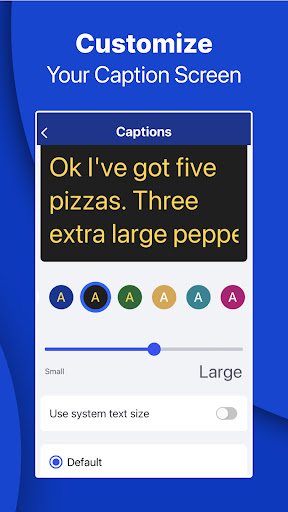
- Customizable caption appearance
- Free for eligible users
Cons
- Requires stable internet
- Limited to specific devices
- Occasional lag in captions
- No offline mode
- Ads in the free version











