




Overview of QR Code Reader: QR Code Maker
The QR Code Reader: QR Code Maker app is a versatile and powerful tool designed to enhance your digital experience by offering seamless QR code scanning and creation capabilities. Whether you're a busy professional, social media enthusiast, or someone who frequently encounters QR codes in daily life, this app is tailored to meet all your needs efficiently.
With its intuitive interface and a wide array of features, the app stands out as an essential utility for quick and reliable data exchange. From scanning QR codes on product packages to generating personalized QR codes for sharing contact information or links, this application simplifies everything with just a few taps. Its ability to support multiple formats like •QR code and •barcode ensures that all types of codes can be managed effortlessly, making it an all-in-one QR solution.
Key Features of the QR Code Reader: QR Code Maker App
Fast and Accurate QR Code & Barcode Scanning
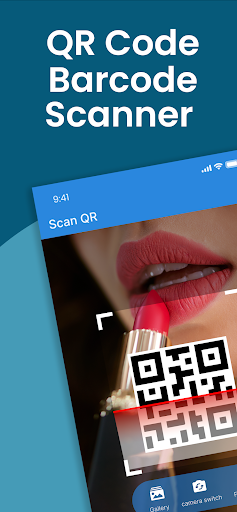
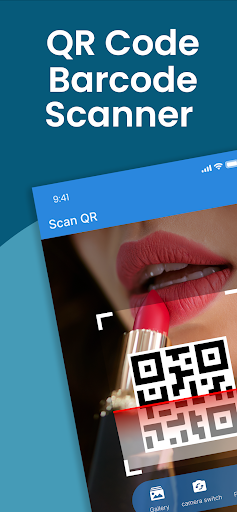
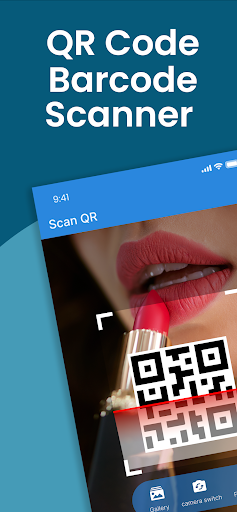
The app's lightning-fast scanning technology allows you to instantly decode QR codes and barcodes. Whether you're checking product prices, accessing websites, or verifying details on product packaging, your scans are quick and accurate. The app supports •barcode and •QR code formats, covering a wide range of scanning needs for personal use or professional tasks.
Creative QR Code Generation
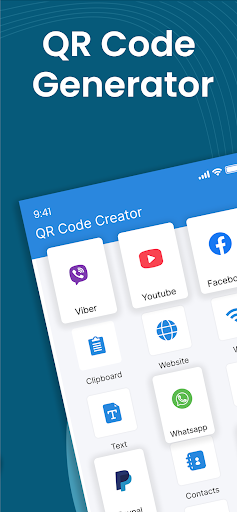
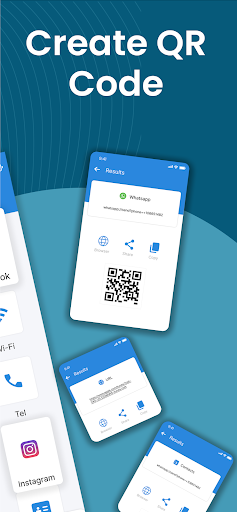
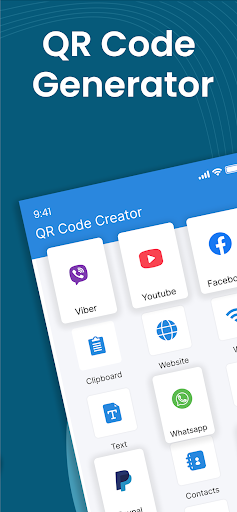
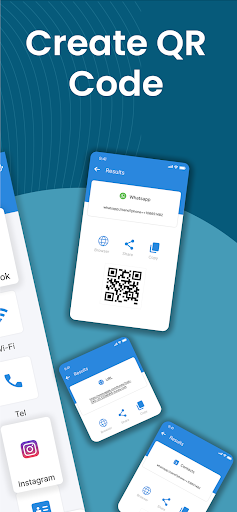
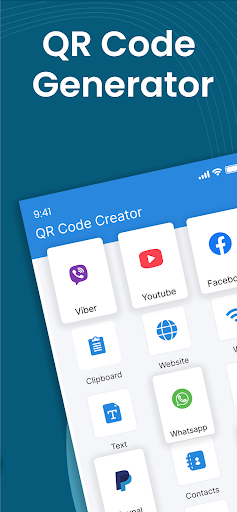
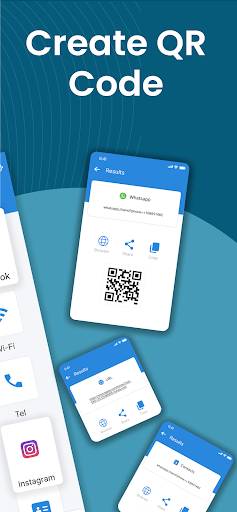
One of the standout features is the ability to generate customized •QR codes. You can easily create QR codes for Wi-Fi passwords, website links, social media profile sharing, or contact details. The app allows you to personalize your QR codes by adjusting colors and designs, making them aesthetically appealing and tailored to your branding or personal style.
Code Management and Sharing
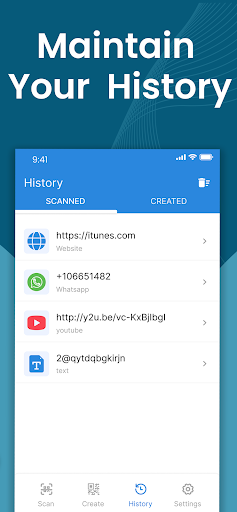
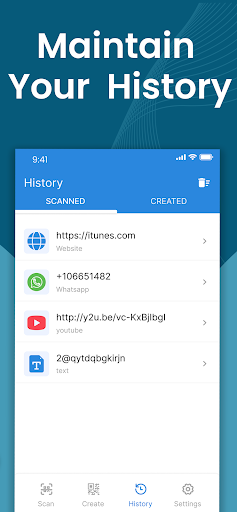
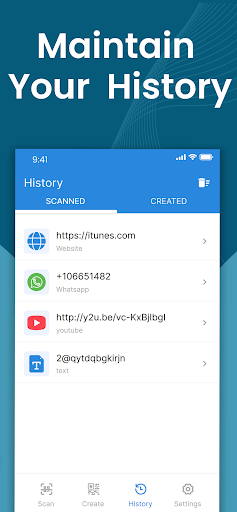
The app keeps a secure •history of all your scanned QR codes, allowing you to revisit previous scans without rescan. Plus, the sharing options make it easy to distribute your QR codes instantly via messaging or social media. This feature is particularly useful for event organizers, marketers, or anyone looking to share information quickly and efficiently.
Additional Capabilities
Beyond scanning and creating QR codes, the app offers features like converting images to text, making data extraction straightforward. The •free tools ensure that users can access high-value functionalities without any cost, making it a practical choice for everyday users and professionals alike.
How to Use the QR Code Reader: QR Code Maker App
- Open the app and point your device’s camera at any QR code or barcode.
- Scan the code, which is detected and decoded automatically, displaying the information instantly.
- Create your own QR codes by entering data and customizing the design to suit your needs.
Why Choose This QR Code App?
This application is not just a standard scanner; it combines multiple functionalities into a single, easy-to-use app. Its support for all major code formats, including •QR code and •barcode, makes it a comprehensive tool for various scanning situations. Whether you need a •price scanner to compare product prices or generate a •QR code for a business card, this app has you covered.
Designed with simplicity and user privacy in mind, the app does not require an internet connection for scanning, ensuring your data remains secure. Its fast operation and customizable features make it suitable for users of all levels, from beginners to tech-savvy professionals.
The app is ideal for those who:
- Randomly scan •QR codes and •barcodes
- Generate and personalize their own •QR codes
- Use the •barcode scanner for price checks and product info
- Convert images to editable text with ease
- Seek a reliable, free •QR scanner for daily use
Download the QR Code Reader today and experience the convenience of instant scans and code creation, all in one powerful app. With features like free barcode scanner, •QR reader free, and QR code generator, this is truly the only QR tool you'll need.
Pros
- Fast QR code scanning and generation
- User-friendly interface
- Supports multiple QR code formats
- Offline functionality available
- Customizable QR code designs
Cons
- Contains ads in the free version
- Limited features without premium upgrade
- Occasional scanning errors
- Requires camera permission
- No batch scanning feature











