

Introducing Google NotebookLM: The Modern Note-Taking Revolution
Turn complex information into clear insights with NotebookLM, your brain’s new best friend. Designed to help students, creators, researchers, and professionals alike, this innovative note-taking app is transforming how we learn, organize, and access information. With the power of artificial intelligence, Google NotebookLM makes information management smarter, faster, and more intuitive. Whether you're processing lengthy PDFs, websites, YouTube videos, or text snippets, this app seamlessly converts your sources into valuable knowledge.
Powerful Features of NotebookLM
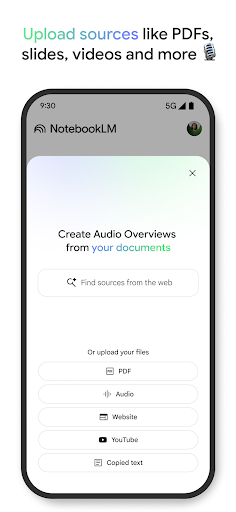
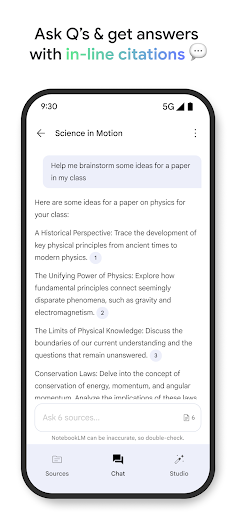
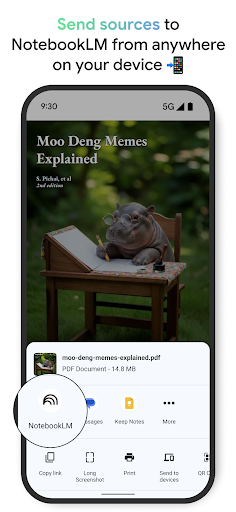
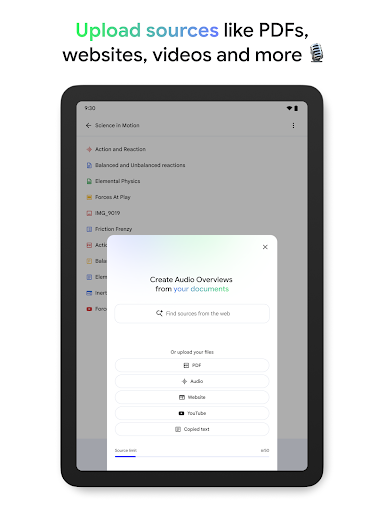
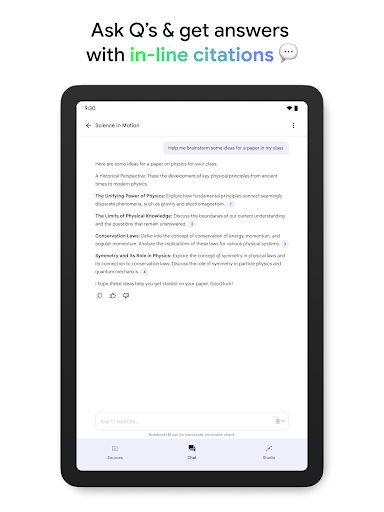
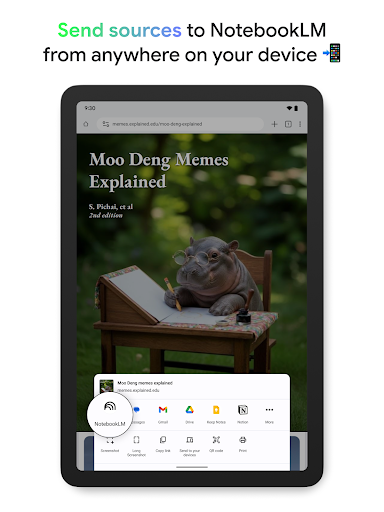
One of the standout features of NotebookLM is its ability to upload sources including large PDFs, web pages, videos, and text documents. Once uploaded, the AI acts as an expert on your sources, summarizing key points and establishing meaningful connections. This ensures you get trusted insights supported by inline citations, making your research and note-taking more reliable than ever. The app allows you to ask questions about your sources, getting immediate answers that help you understand complex topics effortlessly.
Learn on Your Own Terms
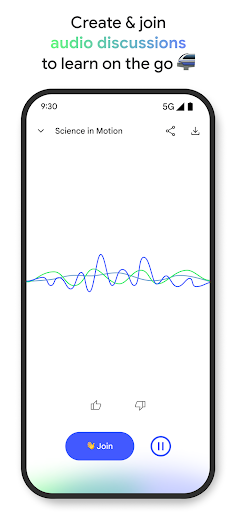
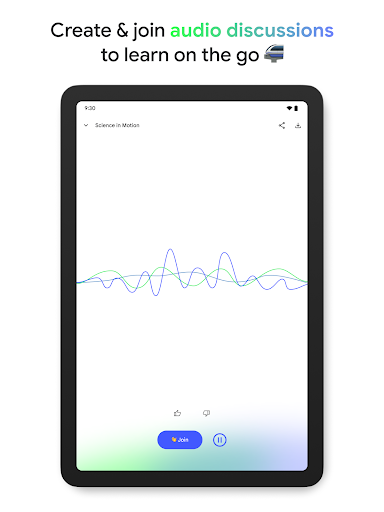
If traditional long blocks of text aren’t your preferred way to learn, NotebookLM offers a podcast-style audio overview feature. The content can be transformed into engaging audio discussions with two AI hosts, giving you flexible learning options. Plus, you can join ongoing conversations by asking questions or steering the dialogue, making your learning experience interactive and personalized. Background playback and offline support ensure you can learn anytime, anywhere, without connectivity constraints.
User Experience and Seamless Integration
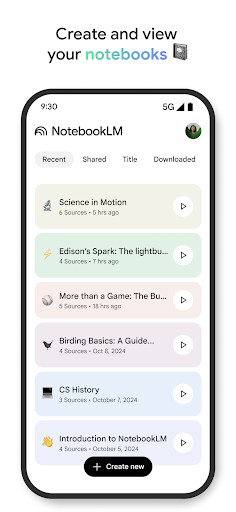
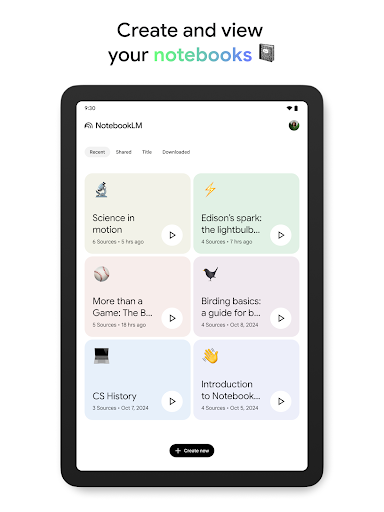
Getting started with Google NotebookLM is a breeze—simply download it from the Play Store or App Store. Its sleek, intuitive interface makes navigation straightforward, even for new users. The app’s standout ability to sync across devices means you can begin a note on your phone and continue on your tablet without missing a beat. This cross-platform functionality ensures your workflow remains uninterrupted, whether you're in the office or on the go. Combining Google’s ecosystem, it effortlessly pulls data from Gmail, Google Calendar, and other Google services, enhancing your productivity.
Versatile Note-Taking Made Easy
Adding images, links, and voice notes is simple, turning Google NotebookLM into a true Swiss Army knife for notes. Its robust search feature—like a mini Google search embedded within your notes—allows you to find specific information quickly by typing keywords. While the app performs remarkably well, some limitations exist, such as restricted customization options and occasional lag when handling large notes. Offline functionality is currently limited, but updates are expected to improve this aspect.
Why Choose Google NotebookLM?
Overall, Google NotebookLM is a transformative tool that enhances productivity and learning. With its ability to streamline complex information, provide reliable insights, and support multiple media formats, it’s ideal for students, professionals, researchers, and anyone eager to organize their thoughts efficiently. The integration with Google’s powerful tools means your data remains connected and accessible, making note-taking more integrated than ever.
Final Thoughts
In a world where efficient information management is essential, Google NotebookLM offers a contemporary approach to organizing and accessing knowledge. Its AI-driven features save time, clarify complex topics, and foster a more interactive learning environment. As the app continues to evolve, it promises even more personalized and seamless note-taking experiences. Whether you aim to optimize study routines, streamline research, or boost daily productivity, NotebookLM could very well become your indispensable digital companion. Embrace the future of note-taking with this innovative app and see how it transforms your workflow for the better.
Pros
- Seamless integration with Google Workspace.
- User-friendly interface enhances productivity.
- Offers real-time collaboration features.
- Supports multimedia content integration.
- Provides advanced search and organizational tools.
Cons
- Limited offline functionality.
- Requires a Google account to use.
- May present a learning curve for new users.
- Raises data privacy concerns with cloud storage.
- Occasional synchronization issues reported.











