

Introduction to the LogMeIn Rescue Customer App
The LogMeIn Rescue Customer application is a powerful tool designed to facilitate remote technical support for Android device users. Ideal for individuals who find themselves facing persistent software issues or configuration problems, this app acts as a bridge between you and professional support technicians. By enabling a secure remote connection, the app allows technicians to troubleshoot problems directly on your device, making the process quick, efficient, and hassle-free.
Key Features of LogMeIn Rescue Customer
This app offers a comprehensive suite of features that ensure seamless support and troubleshooting experiences. Some of the notable capabilities include:
- Remote Control: Access and control your Android device remotely, especially on the latest models from Samsung, HTC, Motorola, Huawei, Sony, Vertu, and Kazam.
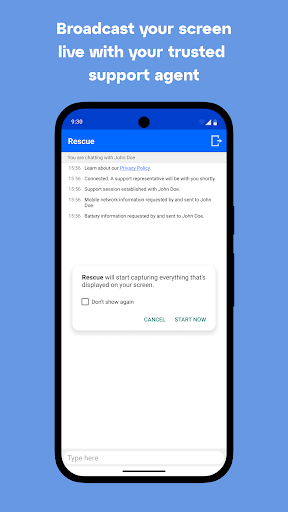
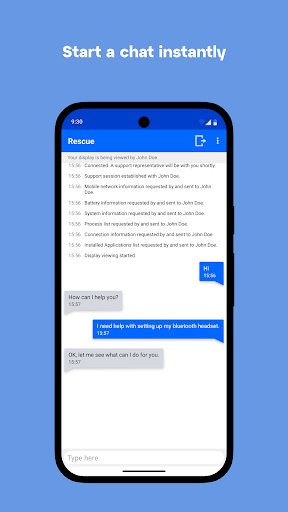
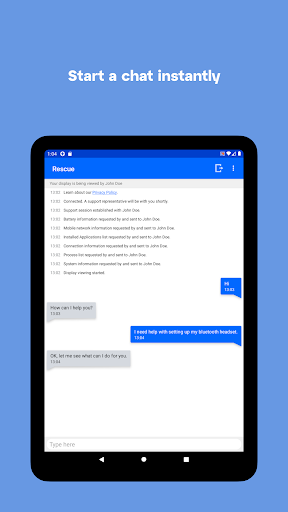
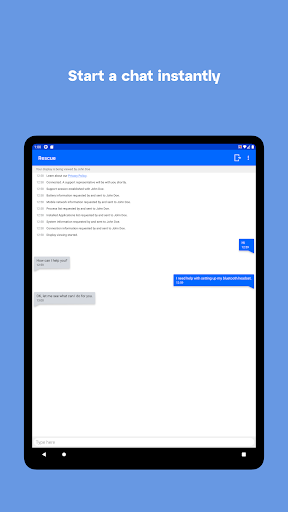
- Chat Support: Communicate in real-time with support agents during a session, facilitating smooth troubleshooting.
- File Transfer: Share files such as logs, screenshots, or configuration documents between your device and support technicians during the session.
- System Diagnostics: Support techs can view device diagnostic information to identify issues quickly.
- APN and WiFi Configuration: They can pull and push network settings (Android 2.3 and above) to resolve connectivity issues effectively.
Using LogMeIn Rescue Customer
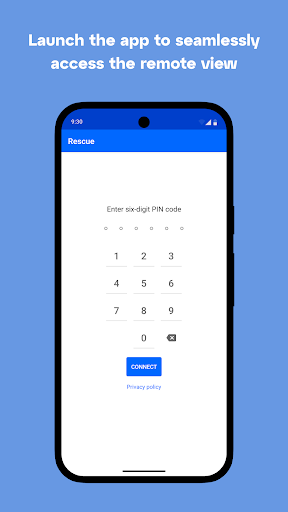
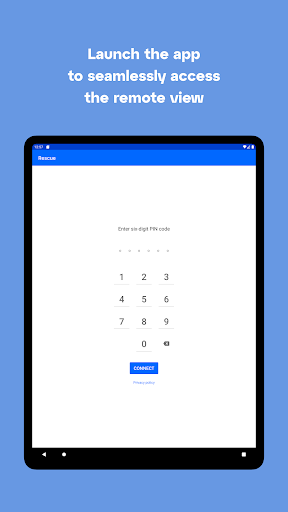
Getting started is straightforward. Once a support technician provides you with a six-digit PIN code, follow these simple steps:
- Download the app from the Google Play Store.
- Launch the application from your device's applications folder.
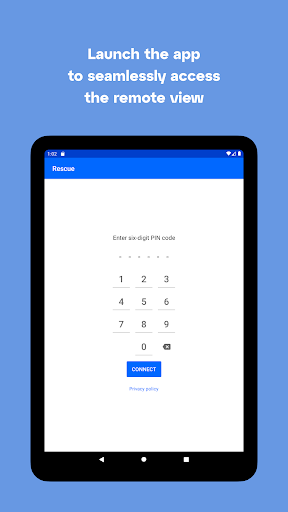
- Enter the pin code provided to you by your support technician.
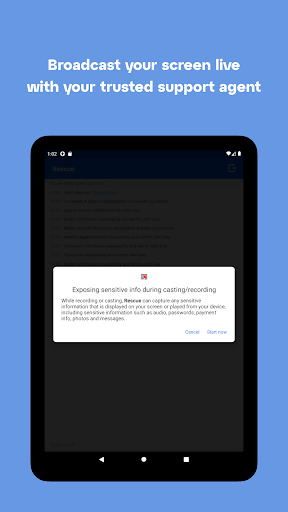
- Allow the technician to connect by granting the necessary permissions.
Important Security and Privacy Considerations
The LogMeIn Rescue Customer app prioritizes user security and privacy. It uses the Device Administrator permission and accessibility services solely during active Rescue sessions to enable full remote control of your device. Importantly, the app does not track or control any actions outside of these sessions, ensuring your privacy is respected at all times.
The Benefits of Using LogMeIn Rescue Customer
For Android users, this app serves as a digital lifeline when troubleshooting device issues. Whether you're experiencing app crashes, performance lag, or connectivity problems, Rescue + Mobile provides quick access to professional help without the need to visit a service center. Its real-time chat feature ensures you're always informed about the support process, while secure file transfer capabilities streamline troubleshooting workflows.
Why Choose LogMeIn Rescue Customer?
Designed with user convenience in mind, this app offers a user-friendly interface combined with robust support features. Compatibility with a broad range of Android devices ensures that most users can benefit from remote support, and the encrypted sessions guarantee data protection. Whether you're a tech novice or someone who prefers quick, reliable troubleshooting tools, LogMeIn Rescue Customer is an excellent addition to your mobile support toolkit.
Conclusion
In summary, the LogMeIn Rescue Customer app is a trusted solution for remote Android device support. It empowers users to connect with support technicians easily, troubleshoot complex issues efficiently, and maintain their device performance with minimal hassle. If you often seek professional assistance for your mobile device, this app could be the essential partner you need to keep your Android device running smoothly and securely.
Pros
- User-friendly interface for straightforward navigation.
- Real-time emergency alerts.
- Complete management of emergency contacts.
- Easy access to emergency service contact numbers.
- Supports offline use when connectivity is limited.
Cons
- Limited functionalities in the free version.
- Requires continuous GPS use for precise tracking.
- Can deplete battery quickly during prolonged use.
- Requires a subscription for access to premium features.
- Not compatible with older Android operating systems.











