






Introduction to the FAX App: Send Faxes from Phone
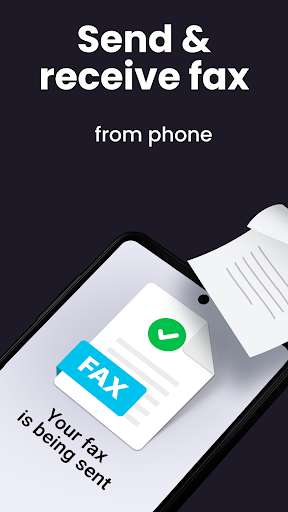
If you've ever found yourself in a situation where you need to send a *fax*, but only have your smartphone at hand, the FAX App: Send Faxes from Phone is a game-changer. This innovative mobile application transforms your device into a portable *fax* machine, making traditional faxing as easy and straightforward as sending an email. Whether you're on the go or working remotely, this app provides a seamless way to send and receive *faxes* without the need for bulky hardware or trips to a physical *fax* center.
Main Features of the FAX App: Send Faxes from Phone
Easy and Fast Setup
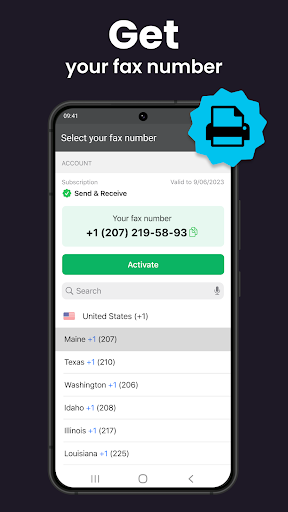
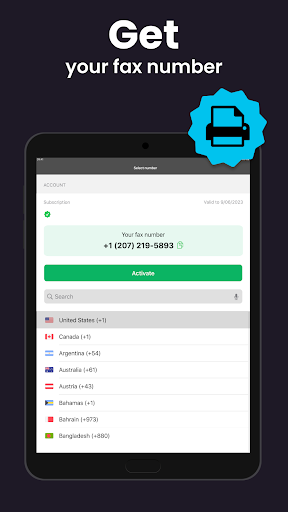
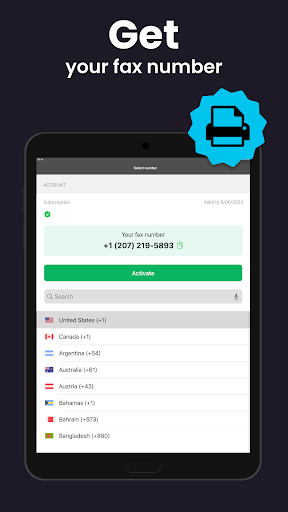
Getting started with the FAX App is a hassle-free process. Downloading and installing the app is quick and straightforward. Once installed, users are greeted with a clean and intuitive interface designed with simplicity in mind. You can be up and running within minutes—no complicated configurations or technical know-how required. This user-friendly design ensures that even beginners can quickly send their first *fax* with confidence.
Supports Multiple Document Formats
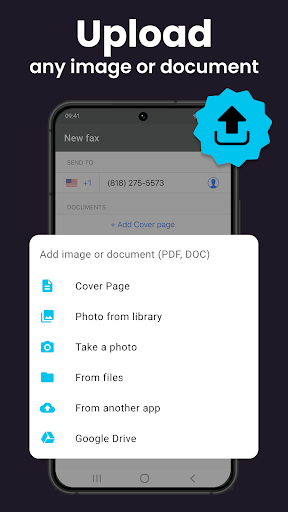
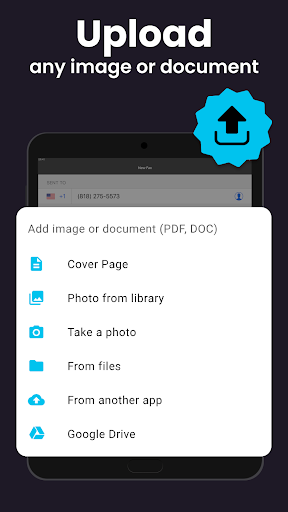
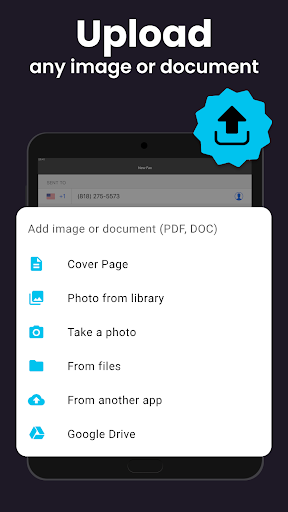
One of the standout features of this app is its ability to handle numerous file formats, saving users valuable time. Whether you need to fax PDF documents, Word files (.DOC), images like JPG or PNG, TIFF, or even HTML files, the FAX App accommodates all of them effortlessly. There's no need to convert or resize your files before sending, making the process smooth and efficient.
Integration with Cloud Storage
Another notable advantage is the app's integration with popular cloud storage services such as Google Drive, Dropbox, and iCloud. This allows you to access your documents directly from your cloud accounts, streamlining your workflow. No matter where your files are stored, you can easily pull them into the FAX App and send them instantly, making it an excellent tool for busy professionals and remote workers.
Preview and Customization Options
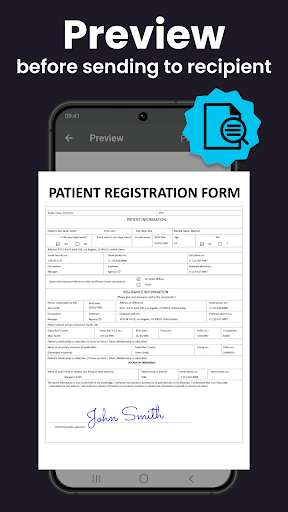
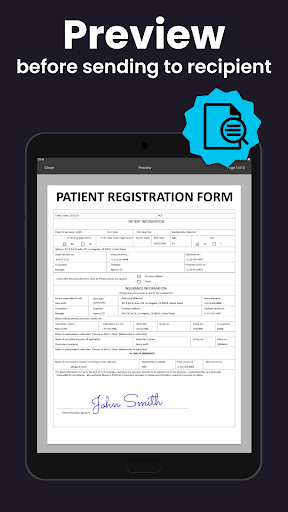
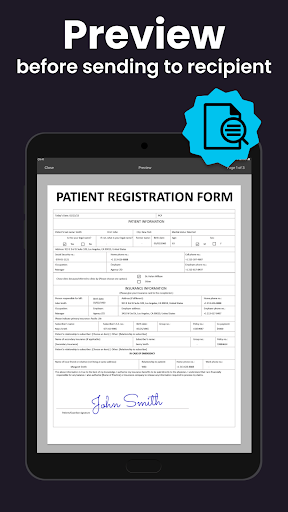
Before sending your *fax*, you can preview the document to verify its content. Additionally, the app offers the option to add a custom cover page, adding a professional touch to your communications. These features ensure that you send exactly what you intend and maintain a polished appearance in your business or personal *faxing*.
Tracking and Confirmation
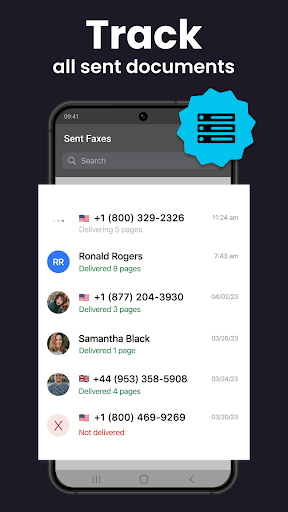
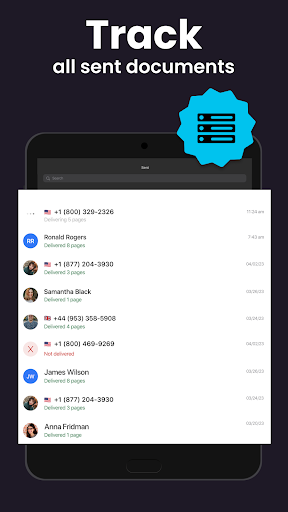
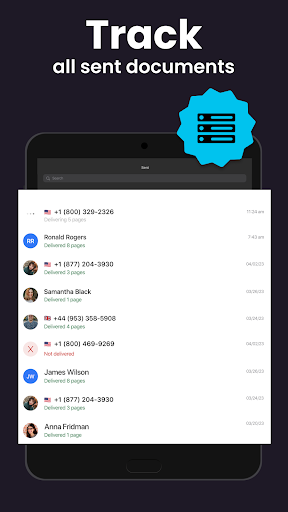
Trust and reliability are crucial in document transmission. The FAX App provides real-time tracking and confirms once your *fax* has been successfully sent. This feature offers peace of mind, knowing that your important documents have reached their destination without issues.
Benefits of Using the FAX App: Send Faxes from Phone
Portable and Convenient
With the FAX App, you eliminate the need for dedicated *fax* hardware. Your smartphone becomes a miniature *fax* machine, allowing you to send and receive *faxes* anytime and anywhere—be it from your office, home, or while traveling. This flexibility can be a significant advantage for business professionals and entrepreneurs on the move.
Cost-Effective Solution
Forget about costly trips to *fax* centers or maintaining traditional *fax* machines. The app provides a free or affordable alternative for sending *faxes*, reducing expenses and saving time. You only need your mobile device and an internet connection to get started.
Supports Multiple Document Types
Whether you need to send legal contracts, reports, images, or web pages, the FAX App handles all common formats effortlessly, making it a versatile tool for various document types.
User-Friendly Interface and Reliable Performance
Designed with user experience at the forefront, the app is intuitive and straightforward. In practical testing, it proved to be reliable and quick, with no crashes or delays. Sending a *fax* is as simple as selecting a file, entering a recipient’s number, and pressing send, which makes it highly suitable for urgent document delivery.
Final Thoughts
In summary, the FAX App: Send Faxes from Phone offers a powerful, portable, and easy-to-use solution for modern *faxing*. Its support for multiple formats, cloud integration, and straightforward interface make it an essential tool for anyone who needs to send *faxes* on the go—be it for business, legal, or personal use. Embrace the convenience of digital *faxing* and simplify your workflow with this innovative mobile application.
Pros
- Easy to operate
- User-friendly interface
- Supports various file formats
- Fast fax transmission
- Secured with encryption
- Works seamlessly with cloud storage
Cons
- Full features require a paid subscription
- App crashes happen occasionally
- Limited document editing options
- No customer support during weekends
- Advertisements appear in the free version











