



Introduction to the Amazon A to Z App
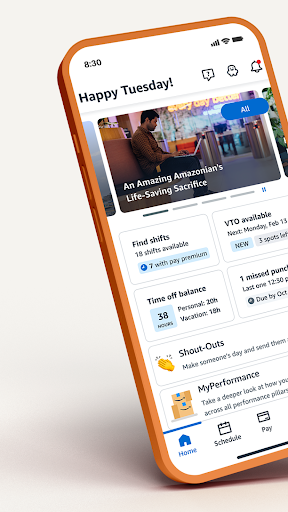
The Amazon A to Z app is an essential tool designed specifically for Amazon employees, offering seamless management of work-related activities. Whether you are looking to view your schedule, submit time off requests, check payslips, or stay updated with company news, this app consolidates all those functionalities into a user-friendly platform. By leveraging the Amazon A to Z app, employees can improve their work-life balance and stay connected with Amazon's internal resources, making daily operations more efficient and stress-free.
Getting Started with Amazon A to Z
Starting with Amazon A to Z is straightforward. Available on both Android and iOS devices, the app can be easily downloaded from your preferred app store. Once installed, simply log in using your Amazon login credentials; remember, this is not your personal Amazon account login, but your employee credentials. Afterwards, updating your profile is quick—add your phone number and emergency contact details if necessary. Verifying your direct deposit information ensures your paychecks are processed smoothly, while configuring notification preferences keeps you informed about important updates and alerts. This setup process guarantees that you are ready to maximize the app's features from the get-go.
Key Features of Amazon A to Z
The Amazon A to Z app offers a variety of features aimed at streamlining your employee experience:
Time Management
Easily submit time off requests, view your accrued leave balances, and claim voluntary extra shifts or time off. This makes managing your schedule flexible and transparent.
Schedule Overview
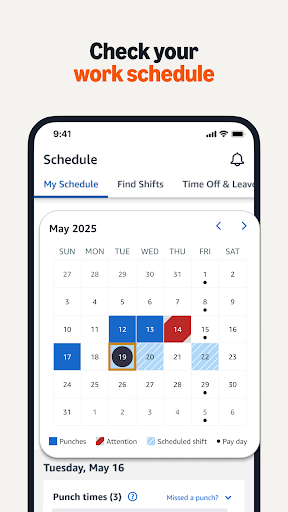
Check your in/out times, upcoming shifts, and access a calendar view for better planning. Having your schedule at your fingertips reduces confusion and last-minute surprises.
Payroll Access
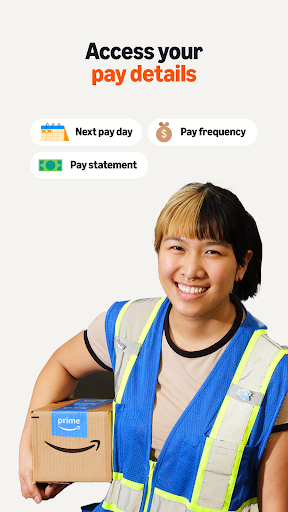
View your pay details, tax information, and direct deposit status. Downloading your payslips whenever needed provides convenience and financial clarity.
Company News
Stay up-to-date with the latest news and announcements published directly by Amazon, ensuring you're always aware of important company updates.
Personal Profile & Benefits
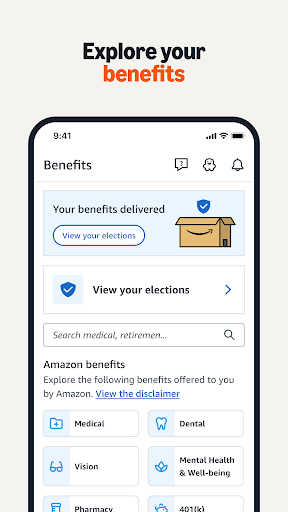
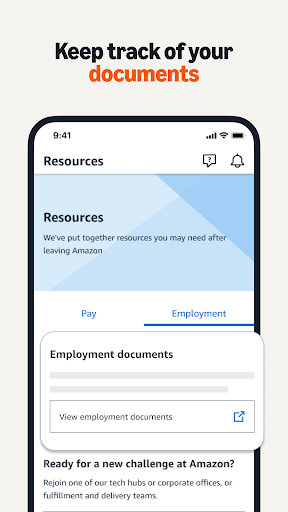
Update and manage your personal information, emergency contacts, and view your Amazon.com discount code. Additionally, access various employee resources related to career growth, retirement planning, and learning management.
Resources and Support
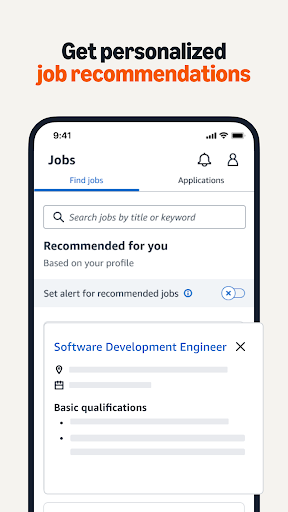
Navigate to various internal resources that support your career development, provide information about new roles, and assist with long-term planning.
Additional Insights into the Amazon A to Z Experience
The Amazon A to Z app is more than just a scheduling tool; it's a comprehensive platform that encapsulates the entire employee experience at Amazon. Upon installation, the intuitive interface ensures users can navigate effortlessly, whether they are checking their schedule, requesting time off, or viewing payroll information. One of the app's standout qualities is its commitment to keeping users informed through real-time alerts about policy changes, team updates, or upcoming meetings—this helps employees stay engaged and informed without feeling overwhelmed by notifications.
Most Amazon employees find the Amazon A to Z app indispensable, as it conveniently consolidates numerous functionalities into one accessible platform. Its regular updates improve performance and introduce new features, demonstrating Amazon’s commitment to enhancing employee experience through technology. Ultimately, this app simplifies daily work routines, promotes transparency, and keeps you connected to Amazon’s internal ecosystem, making it a must-have tool for anyone part of the Amazon workforce.
Pros
- User-friendly navigation
- Comprehensive employee resources
- Efficient shift scheduling
- Easy access to pay stubs
- Real-time notifications
Cons
- Limited offline functionality
- Occasional app crashes
- Slow customer support
- Privacy concerns
- Complex initial setup











