


RingCentral: AI-Powered Business Communications Solution
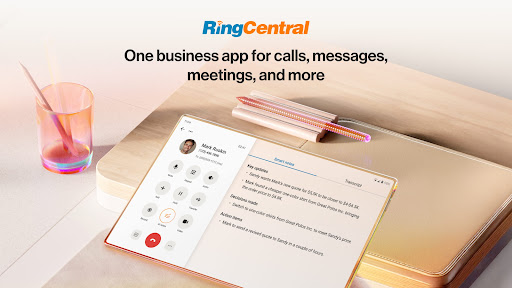
Looking to enhance your business efficiency and personal productivity? RingCentral offers an AI-powered cloud communications platform designed to simplify your connectivity, whether you're in the office or on the go. As the world’s #1 business phone system, RingCentral combines powerful features such as unlimited calling in the US and Canada, advanced call management, and seamless integrations to help teams stay connected and productive.
Core Features of RingCentral
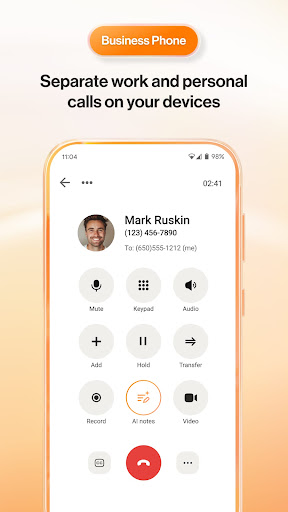
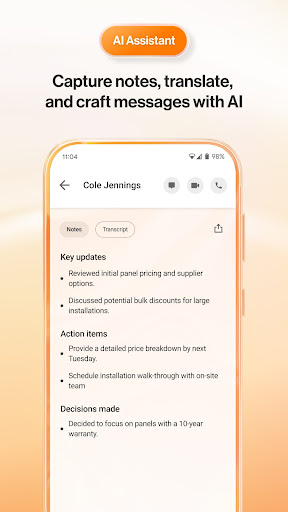
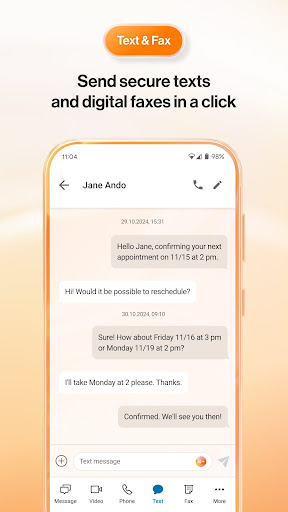
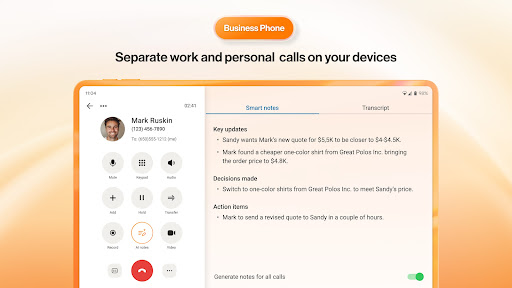
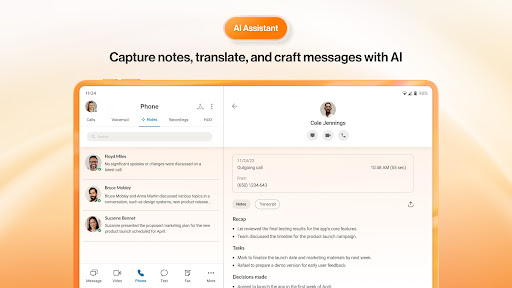
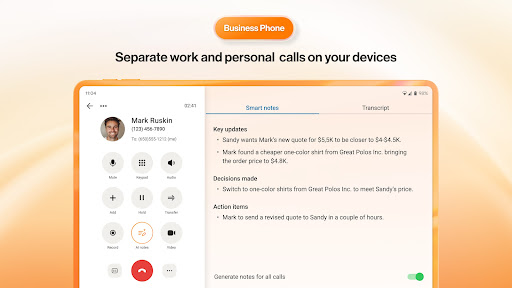
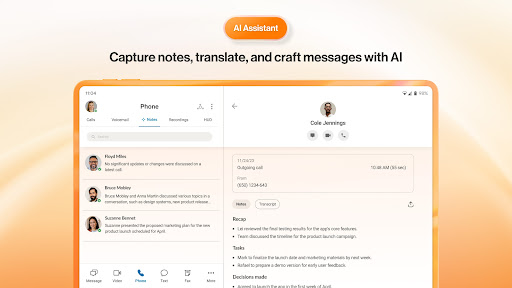
The platform provides unlimited US and Canada calling along with SMS and MMS functionalities from your business number. Enhanced call management features include call forwarding, auto-attendant, screening, and music on hold. AI-driven tools like live transcription and closed captioning make communication clearer and more accessible. Additionally, RingSense AI offers real-time note-taking and personal conversation intelligence—both in early access preview—empowering users to capture insights effortlessly.
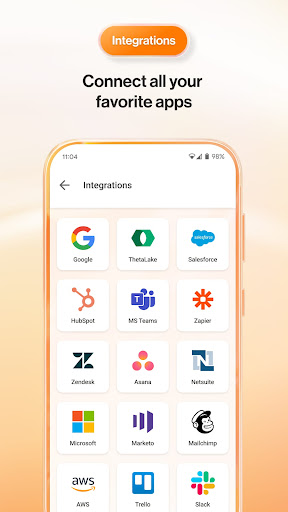
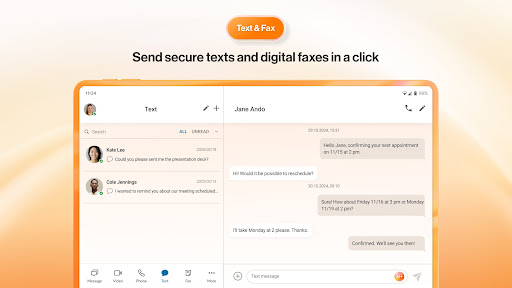
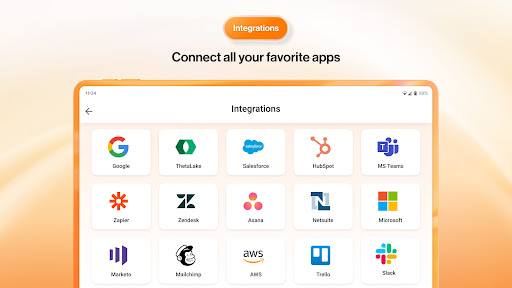
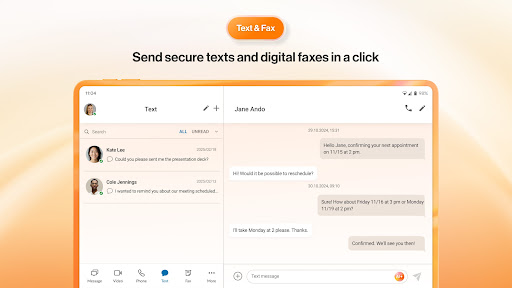
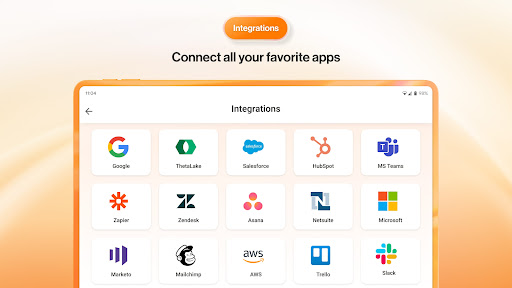
Mobile faxing allows sending and receiving faxes directly from your device, adding another layer of convenience. The platform’s extensive integrations with tools such as HubSpot, Zapier, Salesforce, Slack, and Google Contacts ensure your workflow remains uninterrupted. Call recording can be automated or done on demand, and voicemails can be converted into text, enabling quicker responses. Setup options like business hours and phone menus give your business a professional appearance.
Supercharging Collaboration with AI
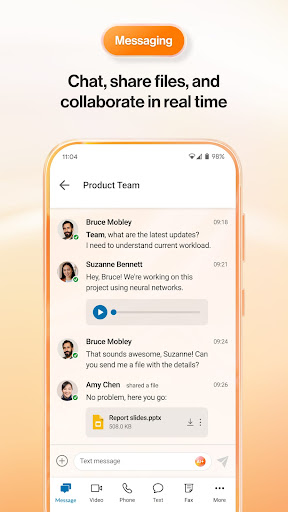
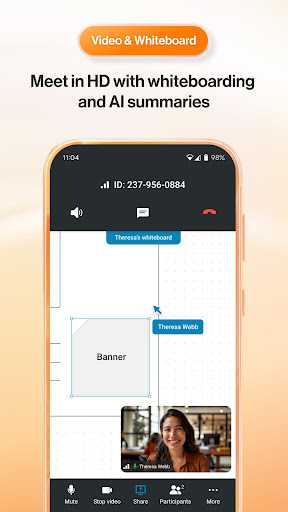
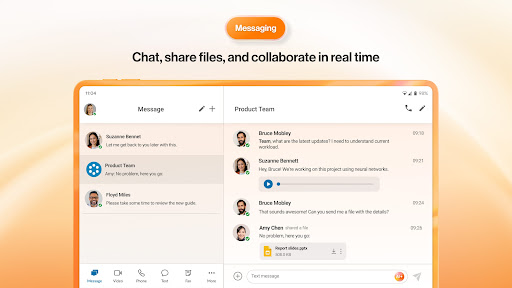
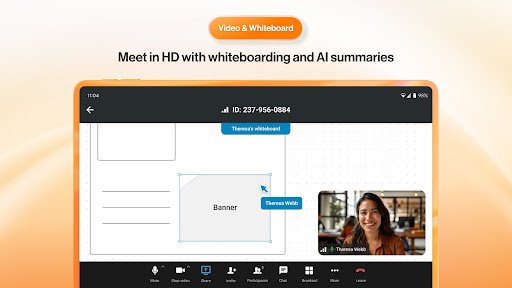
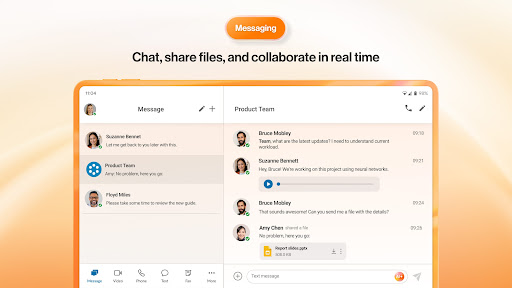
RingCentral elevates team collaboration through AI-powered video, whiteboards, and messaging. It offers 1:1 and group team messaging with file sharing capabilities, making remote teamwork seamless. Calls can be effortlessly switched to video meetings, enhancing dynamic communication.
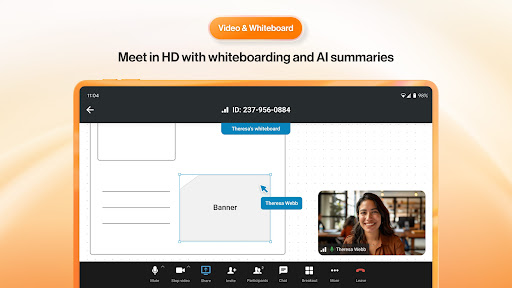
Message enhancements include an AI writer and translator (in early access preview), ensuring your messages are clear and multilingual communication is simplified. During meetings, users benefit from content sharing, live annotations, and virtual backgrounds. The platform also features interactive whiteboards to facilitate effective brainstorming sessions.
To capture key points and action items, RingCentral can generate AI-enhnaced meeting summaries, saving time and keeping everyone aligned.
Boosting Mobile Productivity
RingCentral ensures your workflow remains uninterrupted with features designed for mobile productivity. The seamless device switching feature allows calls and meetings to transfer smoothly between devices. The Safe Driving Mode mutes your microphone automatically to prevent background noise during on-the-road calls, with easy unmute options available.
Furthermore, AI-powered background noise reduction filters out unwanted sounds such as traffic or lawnmowers, enabling professional conversations even in noisy environments.
Getting Started with RingCentral
New users can download the RingCentral Video Pro mobile app for free, create an account, and upgrade as needed to plans like RingCentral Video Pro+ or RingEX. Certain features require a paid subscription, such as RingEX or RingCentral Video Pro+ tiers, but a free version with limited capabilities is also available.
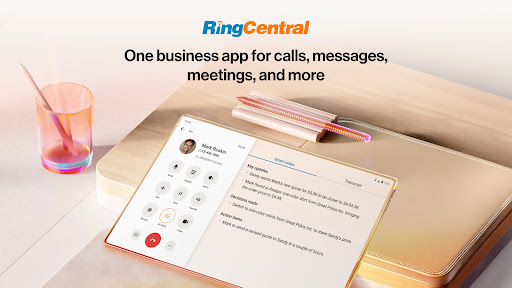
Transform your team’s communication and boost productivity regardless of your location. RingCentral provides an all-in-one platform that combines messaging, video conferencing, and calling—making it an indispensable tool for modern businesses seeking reliable, feature-rich communication solutions.
Pros
- User-friendly interface for easy navigation.
- High-quality video and audio calls.
- Seamless integration with other tools.
- Reliable customer support available 24/7.
- Offers a comprehensive free trial.
Cons
- Occasional connection issues reported.
- Limited features on mobile version.
- Can be expensive for small businesses.
- Setup process can be complex.
- Requires strong internet connection.











