


Overview of When I Work Team Scheduling
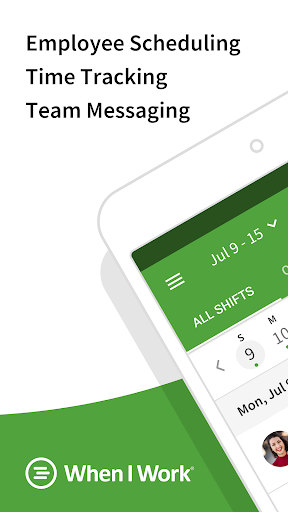
Join over 200,000 workplaces utilizing When I Work to streamline employee scheduling, reduce chaos, cut costs, and enhance staff retention. This innovative employee scheduling app offers more than just schedule management; it’s designed to improve communication, boost accountability, track time and attendance, and support business growth in the modern workforce. Recognized with accolades such as the "2021 Shortlist" by Capterra, "2021 Category Leader" by Getapp, and the "Fastest Implementation" award from G2 Crowd, When I Work has proven its reliability and user satisfaction.
Features for Managers
Managers appreciate the app’s user-friendly tools designed for efficient team oversight:
Time Clock & Shift Management
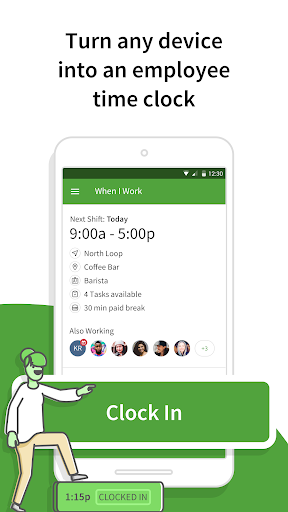
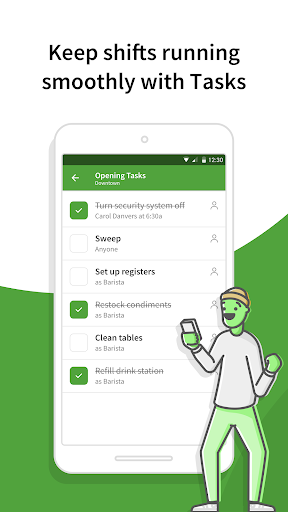
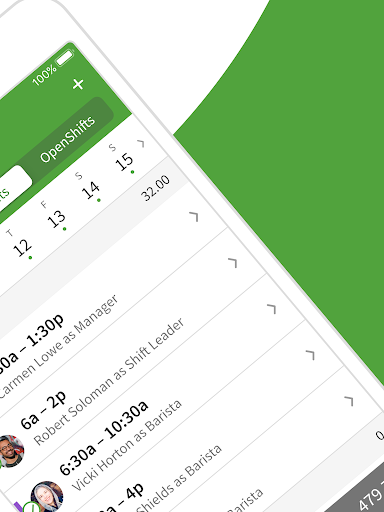
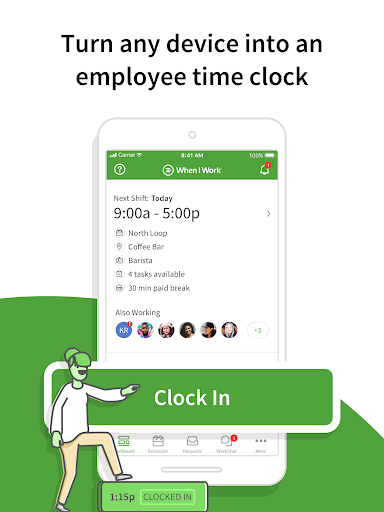
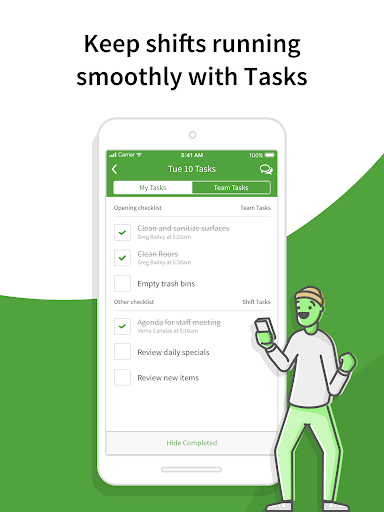
An easy-to-use digital time clock allows staff to clock in and out seamlessly. Managers can monitor shift trades, approve time off requests, and view the full staff schedule anytime and anywhere. Creating work calendars and sending instant alerts about schedule changes are simplified, ensuring everyone stays informed. The system also offers messaging and scheduling permissions and features like geofencing to prevent buddy punching, bolstering workforce security and accountability.
Communication & Collaboration
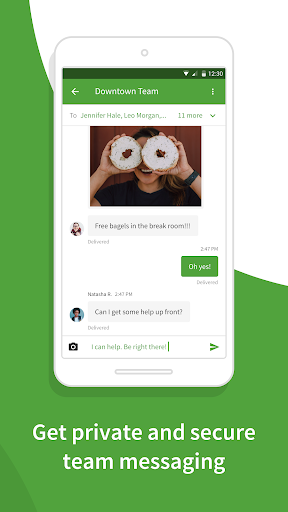
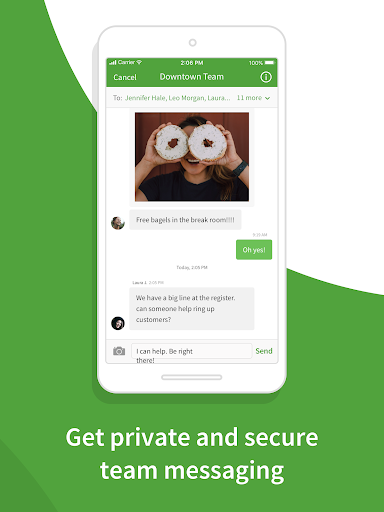
With built-in messaging, managers can communicate directly with staff 1:1 or in groups—chat about shift updates, schedule adjustments, or other team needs efficiently. These features foster transparent communication and help eliminate excuses or misunderstandings around staffing.
Scheduling & Forecasting
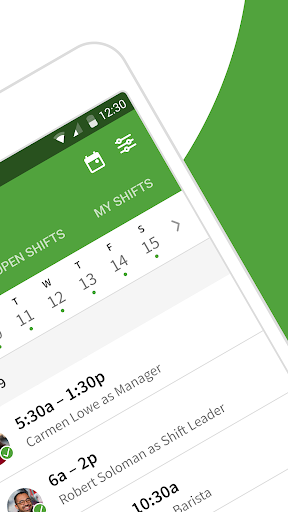
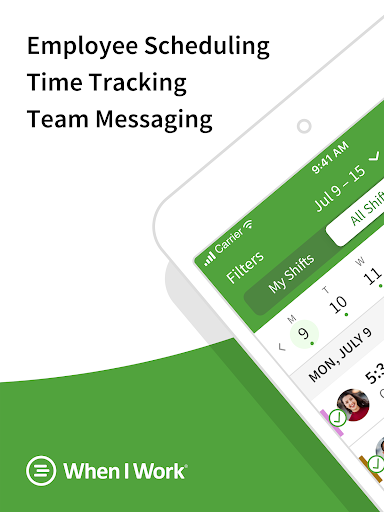
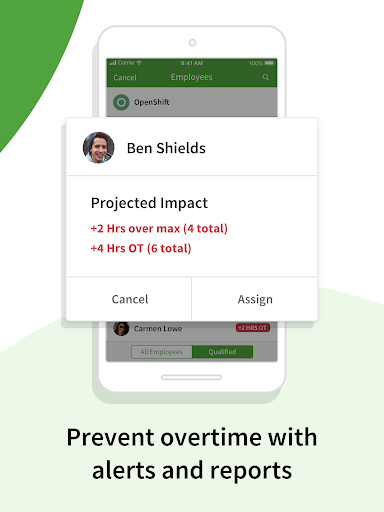
Build schedules quickly using Auto Scheduling with one click. The app provides insights into shift confirmations, immediate notifications of swaps, and schedule sharing, so all team members are instantly aware of their shifts. Labor forecasting tools assist in managing your labor budget effectively, while overtime alerts and labor reports help control costs.
Security & Payroll
Your data is protected with continuous system monitoring. Integration with payroll systems allows for quick, accurate timesheet import, making payroll processing more efficient.
Features for Employees
Employees enjoy a range of convenient features designed to streamline their work life:
Time & Shift Management
Employees can clock in and out from the mobile app, view their schedules from anywhere, and pick up open shifts to increase earning opportunities. They can easily request time off via the work calendar and privately message coworkers within the app, ensuring clear communication.
Shift Trading & Availability
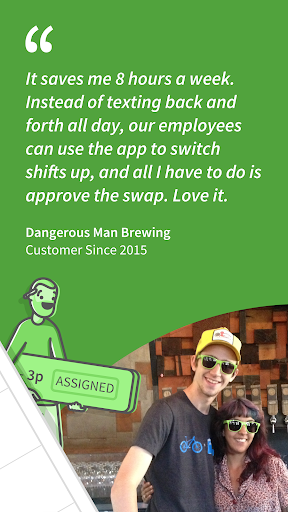
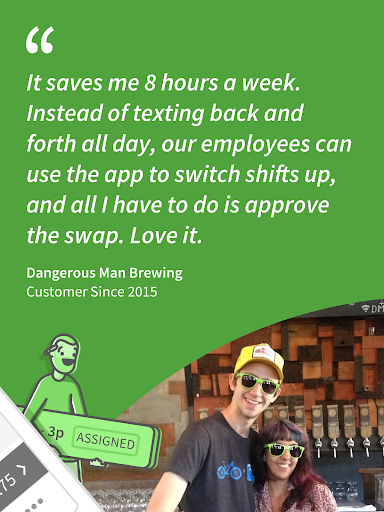
The app allows employees to instantly trade shifts with coworkers, manage their availability, and stay informed about their upcoming shifts—all contributing to a flexible, employee-focused work environment.
Team Connectivity
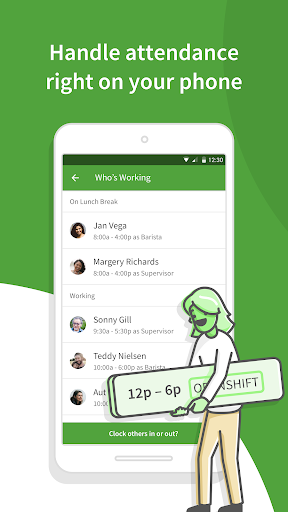
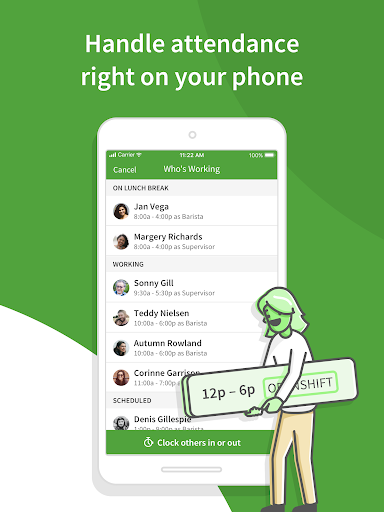
Within the app, team members can check who is working each shift, communicate privately, and collaborate effortlessly—helping foster a connected and engaged team.
Why Choose When I Work Team Scheduling
This management software is tailored specifically for shift-based workplaces, offering a comprehensive suite of tools to enhance team coordination, accountability, and productivity. Its confident shift coverage features ensure you always have the right staffing levels, while labor management tools aid in controlling overtime and forecasting labor costs. Integration with payroll and labor reports simplifies administrative tasks, saving valuable time and resources. Plus, the system operates 24/7/365 to keep your data secure and available whenever you need it.
Getting Started
Installing When I Work is straightforward and compatible with both Android and iOS devices. Its intuitive interface minimizes the learning curve, making team and schedule management accessible even for non-technical users. Whether you’re managing a small team or a large workforce, this app helps you stay organized, communicate effectively, and optimize your labor management—all from the convenience of your mobile device.
Conclusion
If you’re tired of juggling spreadsheets, endless emails, and last-minute scheduling crises, When I Work Team Scheduling might be the solution you’ve been searching for. It combines powerful features with ease of use, ensuring your team operates smoothly while you maintain full control. With its robust scheduling, communication, and time tracking capabilities, this app is truly a game-changer for any business that relies on shift work. Embrace this modern workforce management tool and watch your team become more efficient, accountable, and satisfied—making your operational chaos a thing of the past.
Pros
- User-friendly interface for straightforward scheduling.
- Integrates smoothly with payroll systems.
- Accessible via mobile devices for management on the go.
- Provides real-time updates and notifications.
- Offers customizable reports and analytics.
Cons
- Limited offline capabilities.
- Occasional synchronization issues with calendars.
- Certain features require a paid upgrade.
- Initial setup process can be lengthy.
- Limited support for international languages.











