




OfficeSuite Pro + PDF: The Ultimate Mobile Office Solution
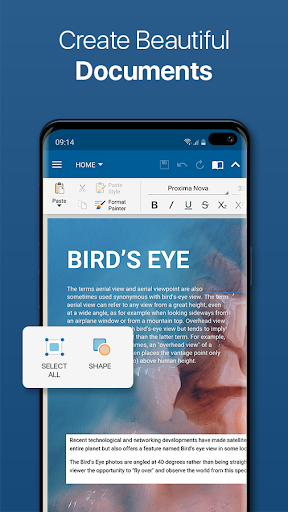
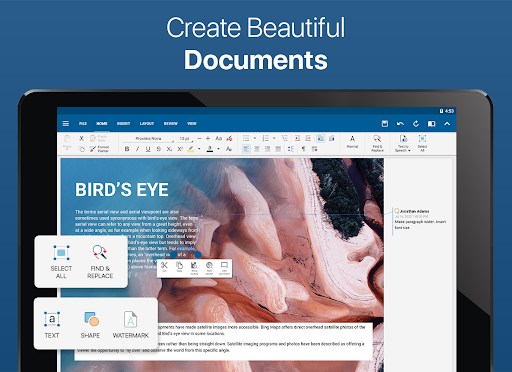
OfficeSuite Pro + PDF is the full-featured PRO version of the award-winning OfficeSuite application, designed to bring a comprehensive office experience directly to your mobile device. As the most downloaded office app on Google Play, it has become a go-to tool for professionals, students, and casual users alike. With a user-friendly interface that mimics desktop applications, OfficeSuite Pro + PDF enables users to easily view, edit, and create documents, spreadsheets, and presentations, all while seamlessly managing your files and converting documents into PDF format.
This app has been installed on over 200 million devices across 195 countries and is preloaded on devices from leading manufacturers like Sony, Amazon, Acer, and Sharp, highlighting its widespread trust and reliability. Recognized by various accolades such as Google Play Editors’ Choice, InfoWorld's Top Mobile Office, LifeHacker’s Best Android Office App, and earning the PCMag Editors’ Choice Award, OfficeSuite Pro + PDF sets itself apart with exclusive features not found elsewhere.
Key Features of OfficeSuite Pro + PDF
Comprehensive Document Handling
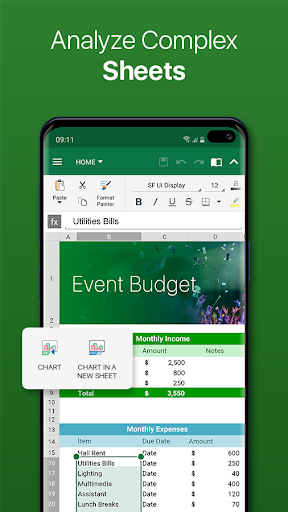
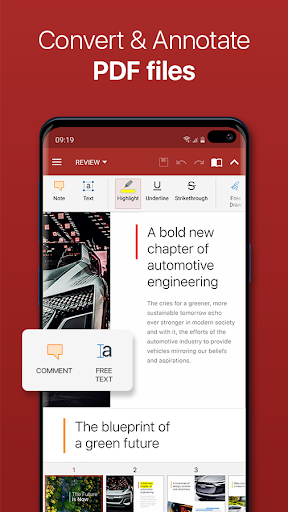
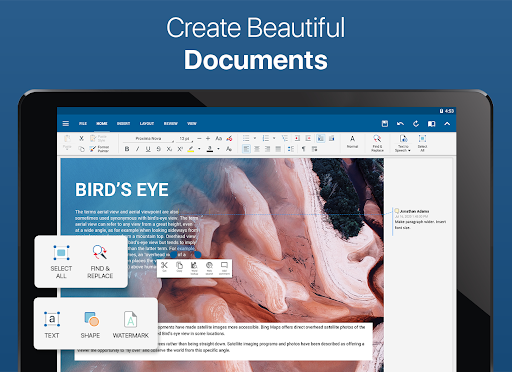
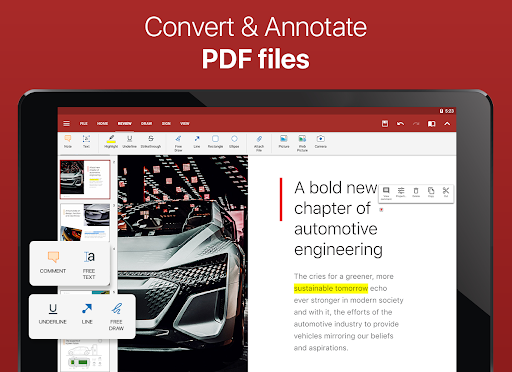
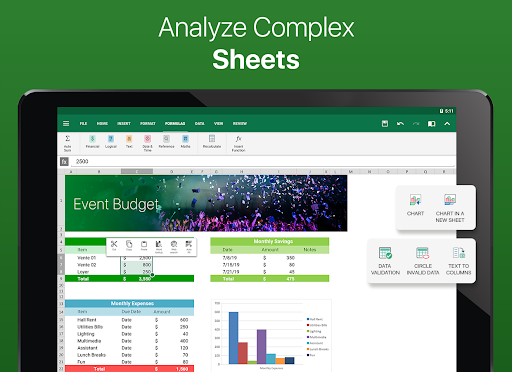
OfficeSuite offers a familiar desktop-style interface that allows you to view, create, and edit complex office documents. It provides full compatibility with Microsoft formats including DOC, DOCX, DOCM, XLS, XLSX, XLSM, PPT, PPTX, PPS, PPSX, PPTM, PPSM. Additionally, support for PDF files is integrated, enabling features such as camera scanning, export to PDF, and fillable forms. The app also supports other formats like RTF, TXT, LOG, CSV, EML, and ZIP, with optional in-app purchase support for Open Office formats (.ODT, ODS, and ODP).
File Management & Cloud Integration
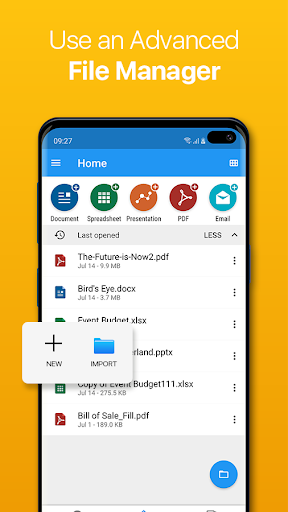
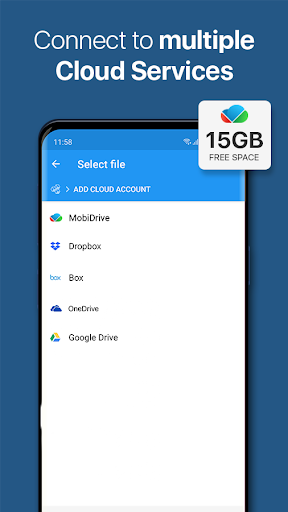
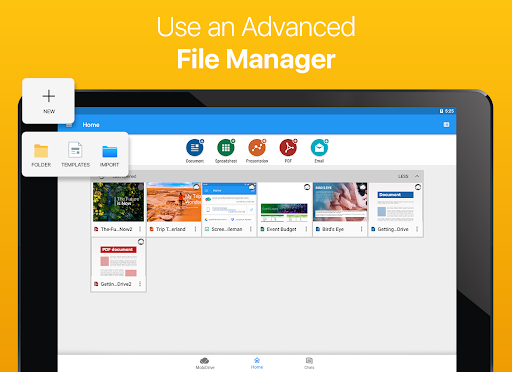
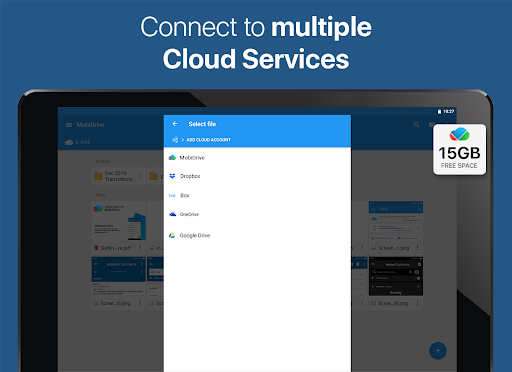
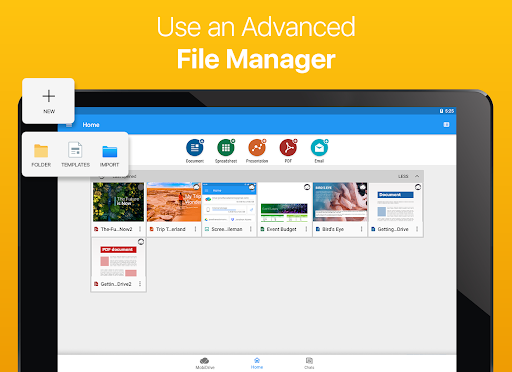
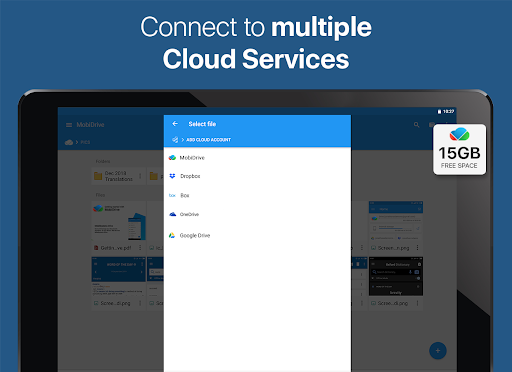
Designed for seamless file management, OfficeSuite Pro + PDF integrates with File Commander for advanced synchronization and quick access to both local and remote files. It includes MobiSystems Drive, allowing you to store up to 15 GB of documents in the cloud. The app supports sharing files via popular cloud services such as Google Drive, Dropbox, OneDrive, Box, as well as through email and Bluetooth, ensuring your workflows stay uninterrupted.
Enhanced Collaboration & Communication
New features like OfficeSuite Chats allow you to chat and exchange documents conveniently with colleagues and friends. You can also sign in using your phone number, making access easier than ever. The app supports collaboration features such as split-screen mode on Android 7+ for multitasking, and Share Cast to project presentations across multiple devices over a network.
Advanced PDF & Security Capabilities
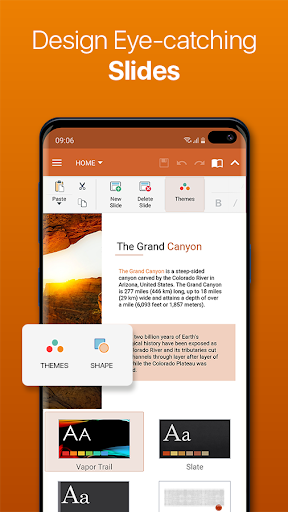
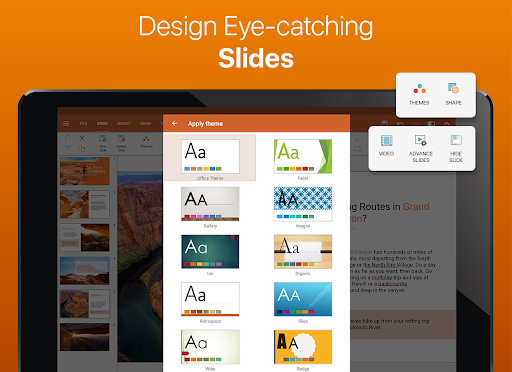
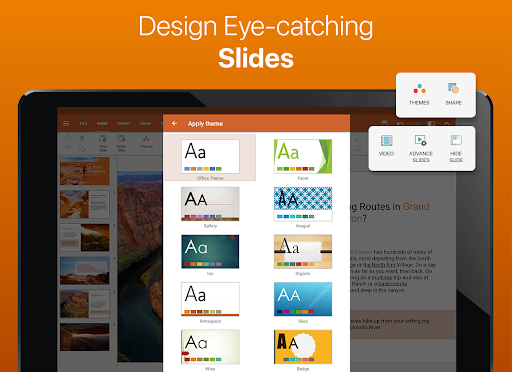
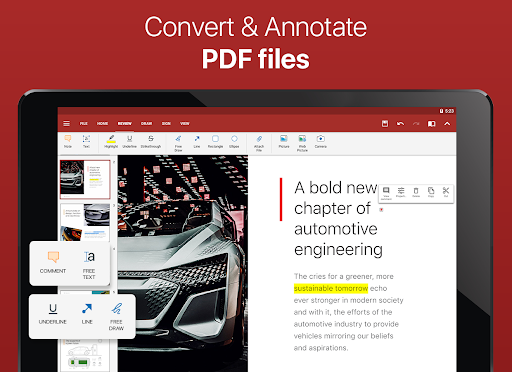
OfficeSuite Pro + PDF provides strong security features like digital signatures and permissions management for PDF files. Users can annotate, convert, and even apply password protection to sensitive documents. The app supports text-to-speech for both documents and PDFs, helping users consume content efficiently. For presentations, various themes are available for creating visually appealing slides, and individual sheets or cells in spreadsheets can be protected for security.
Why Choose OfficeSuite Pro + PDF Over the Free Version?
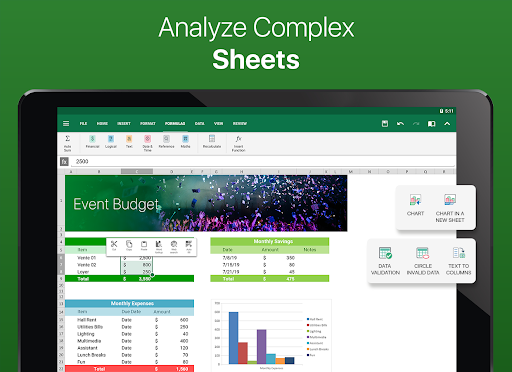
The PRO version of OfficeSuite offers additional functionalities crucial for professional use, including security features such as password protected files, and productivity tools like Format Painter, track changes with multi-author support, and more complex Excel options like Conditional Formatting, Insert Filter, and chart editing. It also supports interactive PDF forms with checkboxes, radio buttons, and text fields, making it suitable for business applications that require form filling and signing. Moreover, legacy Microsoft formats are fully supported, ensuring compatibility with older files (.DOC, .XLS, .PPT).
Enhanced Utility for Modern Users
With OfficeSuite Pro + PDF, managing your documents on Android, iOS, and Windows devices becomes easier and more efficient. Highlighted features include Quick access notifications for faster document opening, improved mouse support for Chromebooks, and customizable themes to tailor your presentation style. You can also create and sign PDFs effortlessly with Quick Sign, making document signing a breeze during meetings or on the go.
Conclusion
For anyone seeking a comprehensive, reliable, and feature-rich office suite on their mobile device, OfficeSuite Pro + PDF stands out as a top choice. It combines powerful document editing, file management, and PDF capabilities with user-friendly features and robust security. Whether you're working remotely, managing business documents, or just need a versatile office app, OfficeSuite Pro + PDF offers an all-in-one solution that fits seamlessly into your busy lifestyle. Its ability to support multiple formats, collaboration tools, and cloud integration makes it a must-have app for modern mobile productivity.
Pros
- Offers comprehensive tools for document editing.
- Integrates smoothly with cloud storage services.
- Features an intuitive and user-friendly interface.
- Supports a variety of file formats.
- Provides editing capabilities for PDFs.
Cons
- Full functionality requires a paid subscription.
- App size is large, impacting device storage.
- Sometimes experiences delays when loading documents.
- Free version has limited features.
- Interface can appear cluttered to some users.











