



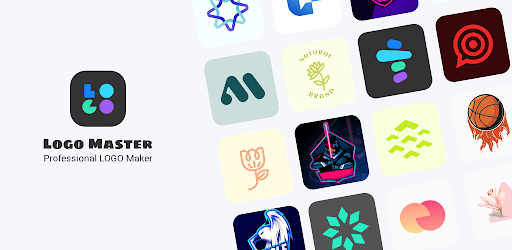
Introduction to Logo Master - Design & Maker
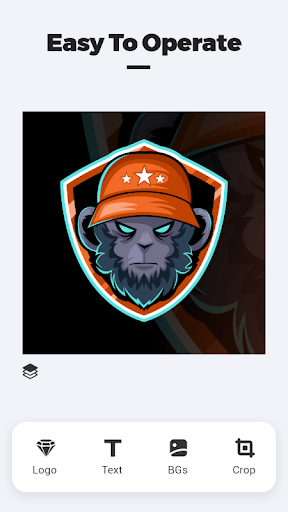
Are you looking to design and create a unique logo on your own without the need for professional graphic design skills? Logo Master - Design & Maker is an excellent app that empowers users to craft stunning logos easily and efficiently. Whether you're a small business owner, a creative enthusiast, or someone eager to explore logo design, this versatile tool offers a comprehensive set of features to bring your ideas to life.
Key Features and Materials
Logo Master provides an extensive library of free resources that make designing logos more accessible and fun. These include:
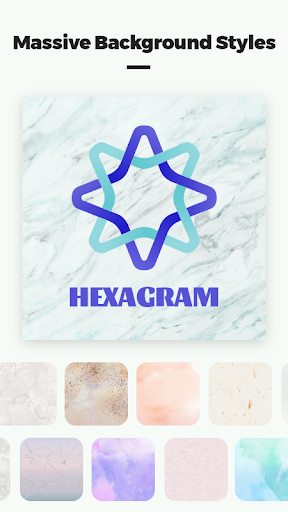
- Background image resources: A variety of high-quality images to set the perfect backdrop for your logo.
- Graphic logo resources: Ready-to-use graphics to enhance your design.
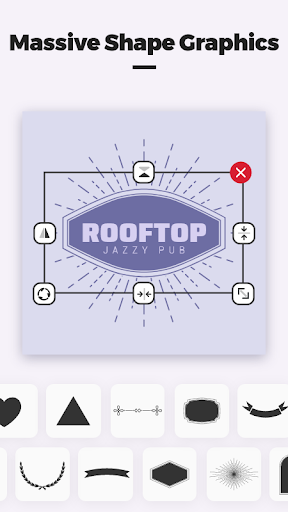
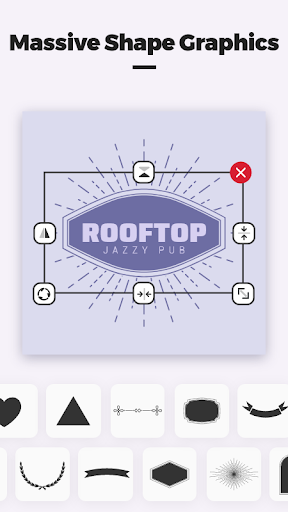
- Shape resources: Multiple shapes to customize your logo’s structure and appeal.
Core Functionalities of Logo Master
The app boasts a wide array of tools designed to simplify the logo creation process:
Customization and Scaling
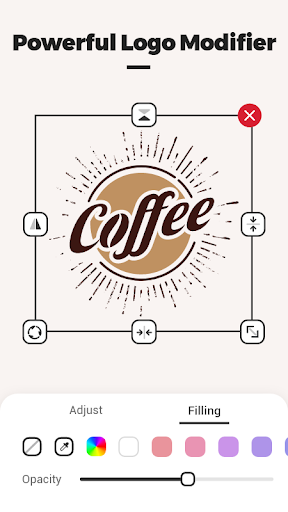
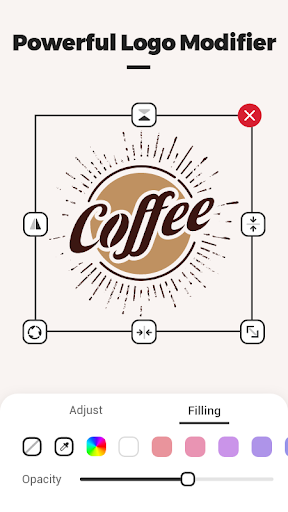
You can easily change the color of the logo and freely scale the size to suit different branding needs.
Layer Management
Add multiple logos and set levels for overlapping elements, giving you control over your design hierarchy.
Background Flexibility
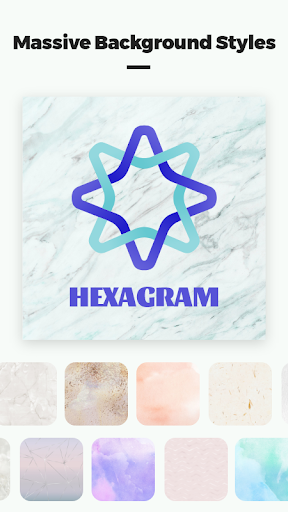
Switch the background to a solid color or a picture, customizing the visual context of your logo.
Shape and Text Editing
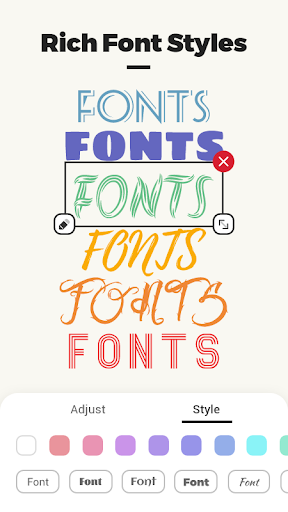
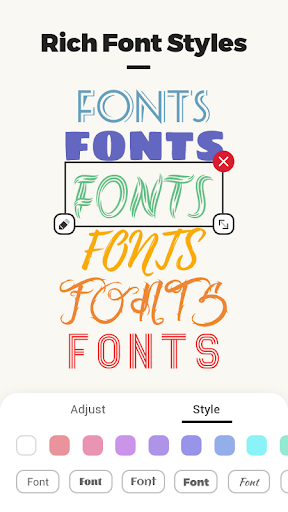
Modify the shape of your logo as well as adding text with adjustable size, helping you create a personalized and professional logo.
Why Choose Logo Master?
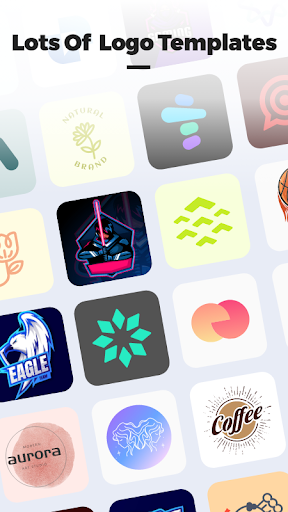
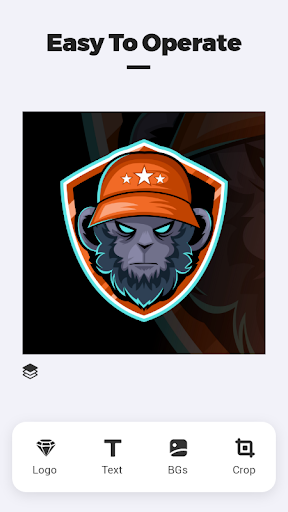
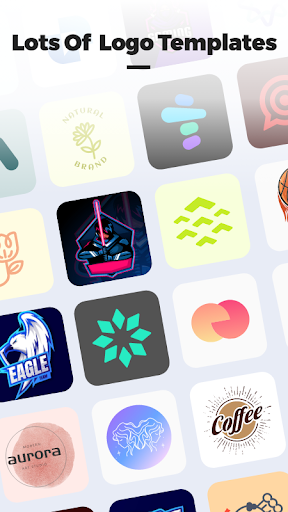
For anyone contemplating creating their own logo, Logo Master - Design & Maker is a game-changing application. Its user-friendly interface makes the design process intuitive, even for those with no prior experience. The platform offers a range of ready-made templates catering to various industries—from tech startups to fashion boutiques—making it easy to jump-start your project. Alternatively, you can opt for a completely blank canvas to unleash your full creativity.
Enhanced Creativity and Flexibility
One of the app's standout qualities is its flexibility. You are free to customize templates extensively or create your masterpiece from scratch. The mock-up feature allows you to visualize how your logo will appear on business cards, T-shirts, or other merchandise, providing a realistic preview to ensure your design meets your expectations. The vector graphics ensure your logo remains sharp and professional regardless of size, essential for both digital and print uses.
Unlimited Design Possibilities
With Logo Master - Design & Maker, there’s virtually no limit to how many logos you can create. This limitless potential encourages experimentation and iteration, perfect for entrepreneurs or designers working on multiple projects. Plus, the clean, ad-free environment allows you to focus entirely on your creative process without interruptions, making it easier than ever to develop innovative branding solutions.
Conclusion
In summary, Logo Master - Design & Maker is a powerful, easy-to-use tool suitable for beginners and experienced designers alike. Its comprehensive library of resources, customizable features, and user-friendly interface make it an ideal choice for creating distinctive logos that make a lasting impression. Whether you're branding a new venture, redesigning your existing logo, or simply experimenting with design ideas, this app provides all the tools you need to succeed. Dive in and discover the endless possibilities of logo creation today!
Pros
- Intuitive interface for straightforward design creation
- Extensive selection of templates available
- Cost-effective premium features
- Cloud storage for saving designs
- Accessible across multiple platforms
Cons
- Limited features in the free version
- Presence of occasional ads within the app
- Requires internet connection to access cloud features
- No offline mode available
- Some advanced tools can be complex to use











