
Overview of Arvin® - AI Logo Maker
Are you ready to create a professional logo for your brand? Meet Arvin, your AI-powered logo maker that simplifies the design process. Imagine sitting at your desk, struggling to come up with a unique logo idea that truly captures your brand's identity—that's a thing of the past. With Arvin, your dedicated logo and icon maker companion, you can generate high-quality logos quickly and effortlessly, even without any prior design experience.
Why is Arvin an efficient logo maker? It offers a variety of features designed to make logo creation accessible and flexible for everyone. Whether you're an entrepreneur, a content creator, or a hobbyist, this AI-driven tool enables you to craft stunning logos for any purpose—be it personal branding, business, or social media.
Key Features of Arvin® - AI Logo Maker
Super Easy to Use
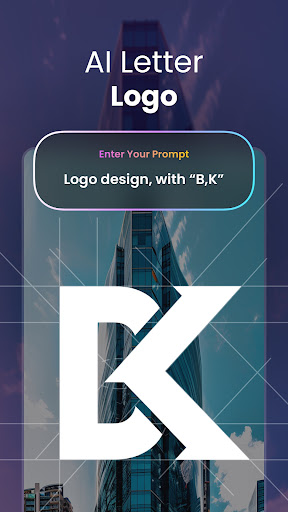
Whether you're a begginner or an experienced designer, Arvin is built with user-friendliness in mind. Simply describe your logo design needs, and the AI will turn your ideas into a quality logo. Need a personal avatar, product icon, or brand emblem? Arvin handles it all efficiently, making logo creation a hassle-free experience.
Full Creative Control
Want a minimalist logo, a detailed icon, or something more complex? Arvin puts you in the driver's seat. You can customize every aspect—colors, fonts, layouts, sizes, and more—giving you complete creative control. This flexibility ensures your logo truly reflects your brand's personality.
Logos for Every Need
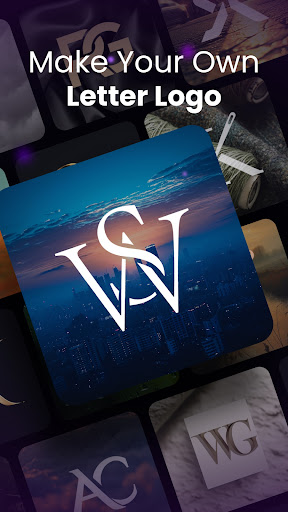
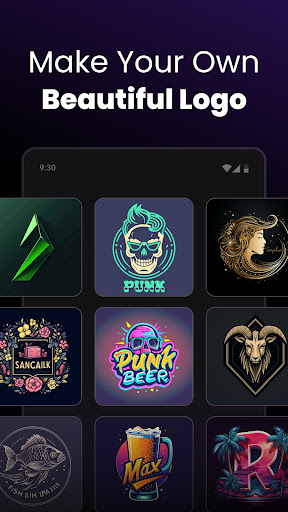
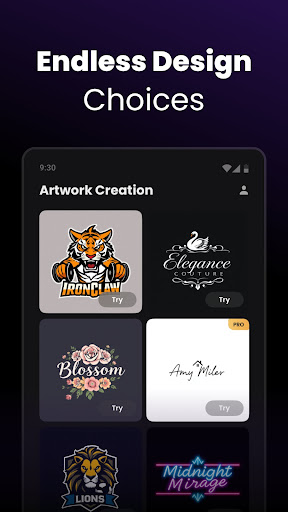
Arvin isn't limited to just business logos. Whether you're looking for social media avatars, gaming logos, or personal icons, this versatile tool has got you covered. No matter what type of logo you require, Arvin adapts seamlessly to your needs.
Share & Use Anywhere
Once your logo is complete, sharing it across various platforms is straightforward. Download high-resolution files in multiple formats to ensure your logo looks sharp on your website, business cards, merchandise, and social media profiles.
Unleash Your Creativity
Beyond simple logo creation, Arvin offers diverse icon maker styles and creative options, allowing your imagination to run wild. Explore different styles, experiment with unique design elements, and produce something truly memorable.
How Does Arvin® - AI Logo Maker Work?
Provide Your Vision
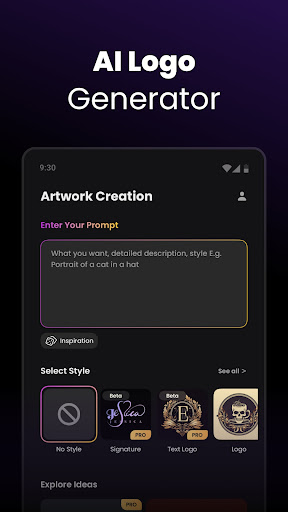
Start by sharing a brief description of your brand or the logo concept you envision. The AI will interpret your input to generate suitable design options, saving you time and effort.
Instant Logo Generation
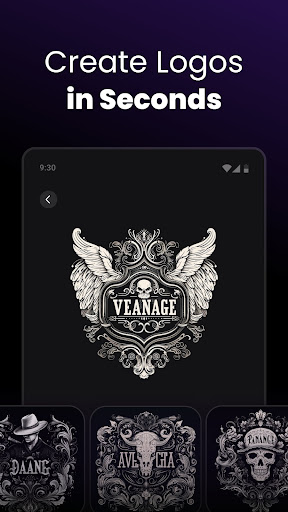
Within seconds, Arvin produces multiple logo designs for you to review. This rapid generation process enables you to see various options and choose the one that best fits your brand identity.
Customize to Perfection
Like a particular design? Personalize it further by selecting your preferred colors, fonts, and layouts. This ensures the final logo aligns perfectly with your branding strategy.
Download & Use Immediately
Once satisfied, simply download your finished logo in your desired format and start using it right away. Whether for a website, merchandise, or social media, your logo will make a strong impression.
Why Choose Arvin® - AI Logo Maker?
In today's competitive landscape, a distinctive logo is essential for effective branding. Arvin offers a cost-effective, efficient, and fun way to craft memorable logos without the need for professional graphic design skills. Its AI-driven suggestions keep your creative options open, helping you discover new design possibilities you might not have considered.
Whether you're launching a startup, rebranding an existing business, or personalizing your online presence, Arvin provides the tools to produce polished, impactful logos effortlessly. Save time, reduce costs, and elevate your branding with this innovative logo maker app.
Ready to give your brand the logo it deserves? With Arvin, creating a professional and memorable logo is just a few clicks away. Let’s craft something extraordinary together!
Pros
- Intuitive user interface
- Wide variety of templates
- AI-driven design suggestions
- High-quality logo export
- Quick and easy to use
Cons
- Limited free features
- Requires internet connection
- Occasional app crashes
- Some design elements are premium
- No offline mode











