


Overview of Animation Creator: Flipbook 2D
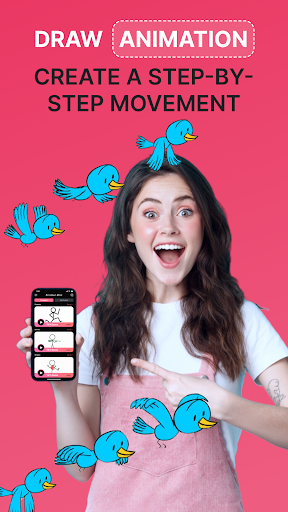
Animation Creator: Flipbook 2D is a versatile mobile application designed for animators and artists of all experience levels. Whether you are a beginner exploring your artistic talents or a professional seeking a convenient way to craft animations on the move, this app offers a comprehensive suite of tools to bring your ideas to life effortlessly. Its user-friendly interface combined with powerful features makes it an ideal choice for creating frame-by-frame animations and sharing your creations seamlessly.
Key Features of Animation Creator: Flipbook 2D
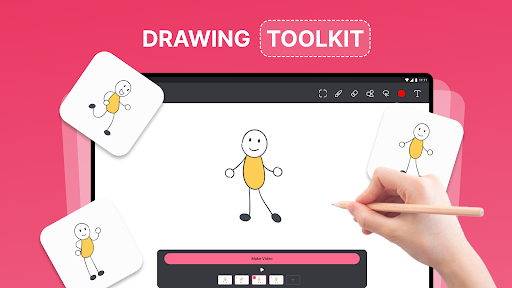
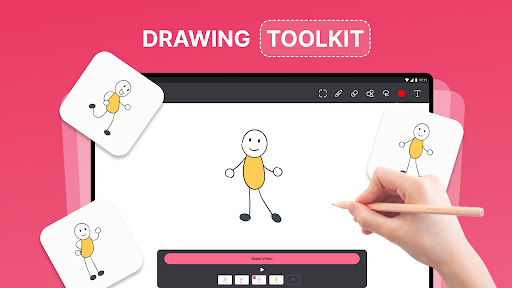
Intuitive Drawing Interface
The app provides a simple and easy-to-use drawing interface tailored for artists. Both beginners and experienced users can sketch their ideas effortlessly, making animation creation accessible to everyone.
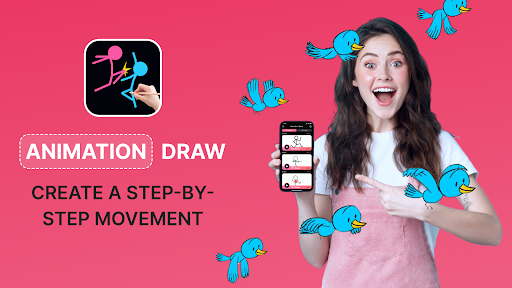
Frame-by-Frame Animation
Create detailed and smooth animations by drawing individual frames, similar to traditional flipbooks. This feature allows for meticulous control over each movement and transition, resulting in high-quality animations.
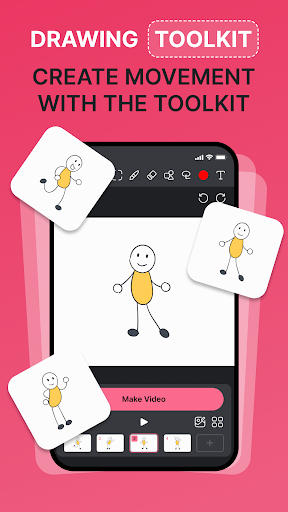
Customizable Brushes and Tools
Access a wide variety of brushes, colors, and tools to enhance your drawings. Customize your tools to match your artistic style and achieve the desired effect.
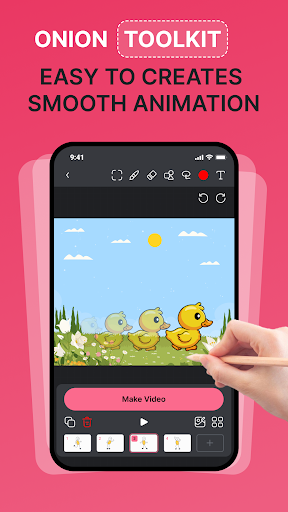
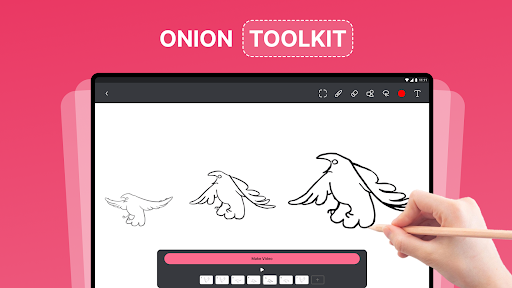
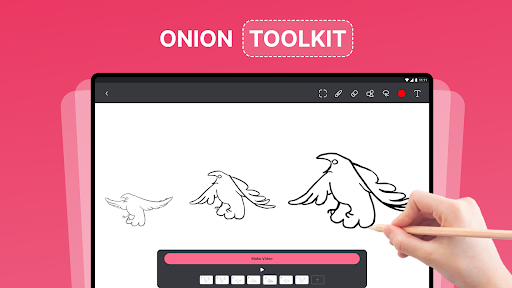
Onion Skinning
The onion skinning feature enables you to see the previous and next frames while drawing. This helps maintain consistent motion and fluidity throughout your animation projects.
Export and Sharing Capabilities
Once your animation is complete, easily export it as a GIF or video file. Share your creative work directly to social media, with friends, or family to showcase your talents.
Undo and Redo Functions
Easily correct mistakes or tweak your animation with simple undo and redo options, ensuring a smooth workflow.
Built-in Tutorials
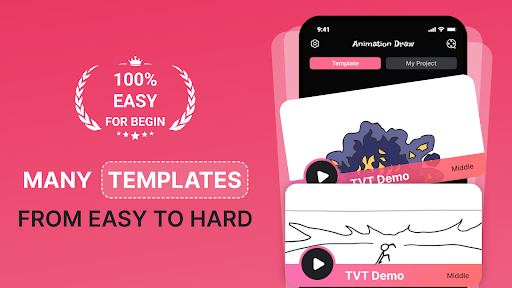
Beginner-friendly tutorials are included to guide newcomers through the basics of animation, helping you learn the ropes step-by-step.
Ease of Use and User Experience
Quick Start
You can jump straight into animating without a steep learning curve. The app's straightforward design allows users to start creating in just a few taps.
Simple Controls
With intuitive controls, anyone can start designing animated clips quickly. The interface is crafted to be accessible, even for those new to animation software.
Guided Learning
The built-in tutorials provide a guided experience, making it easy to learn basic techniques and master advanced features at your own pace.
Who Can Benefit from Animation Creator: Flipbook 2D?
- Aspiring Animators: Learn the fundamentals and develop your animation skills.
- Professional Animators: Create and refine animations conveniently while on the go.
- Artists and Illustrators: Add motion to your artwork and broaden your creative toolkit.
- Educators and Students: Use the app for engaging lessons in animation techniques.
- Social Media Influencers and Content Creators: Produce captivating animated content to grow your audience.
- Game Designers: Craft animated sequences and storyboards for gaming projects.
- Marketing Professionals: Design animated advertisements and promotional videos effortlessly.
Why Choose Our Flipbook Animation App?
- Ease of Use: Designed for quick learning and minimal effort to start creating animations.
- portability: Create animations anytime and anywhere directly from your mobile device.
- Versatile Export Options: Share your work in multiple formats like GIF and MP4, making it perfect for social media sharing and professional presentations.
Join countless users who have discovered how Animation Creator: Flipbook 2D unlocks their creative potential. Download now and start bringing your ideas to life with ease and fun!
Additional Highlights
Have you ever wished to turn your doodles into lively animations? This app brings that dream to reality by enabling frame-by-frame animation creation reminiscent of classic flipbooks. Its user-centric design ensures a seamless experience, whether you're importing images, managing frames, or exporting finished projects. The performance remains robust across devices, providing a smooth workflow without lag or crashes. Whether you're a student learning animation techniques, a professional artist refining your portfolio, or a content creator looking to produce engaging videos, Animation Creator: Flipbook 2D offers the perfect platform to experiment, learn, and grow your creative skills.
Pros
- User-friendly interface suitable for beginners.
- Extensive selection of drawing tools.
- Supports editing across multiple layers.
- Provides smooth animation playback.
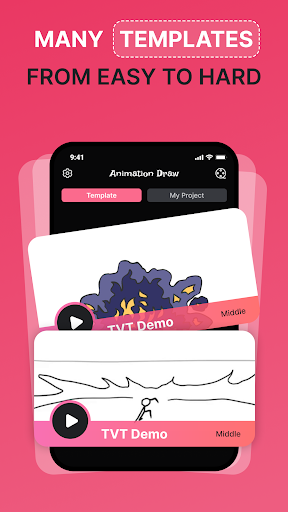
- Offers tutorials to assist new users.
Cons
- Limited options for exporting files.
- Lacks cloud storage-saving feature.
- Contains advertisements in the free version.
- Requires an internet connection to access full features.
- Occasional app crashes.











