


Pic Collage Maker Photo Editor: Your All-in-One Photo Fun from Making Collages to Editing Photos
Are you searching for an easy-to-use and powerful photo editing app that allows you to craft stunning photo collages and enhance your images effortlessly? Look no further than Pic Collage Maker Photo Editor. This versatile, free application offers a comprehensive suite of tools suitable for both casual users and seasoned photographers looking to add a creative touch to their photos. With just a few taps, you can combine multiple images, customize layouts, apply filters, add stickers or text, and share your masterpieces instantly on social media platforms like Instagram, Facebook, and WhatsApp.
Key Features of Pic Collage Maker Photo Editor
Creative Collage Layouts and Templates
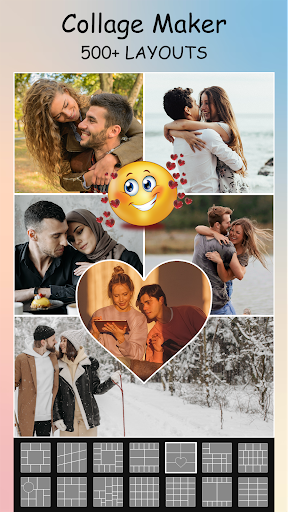
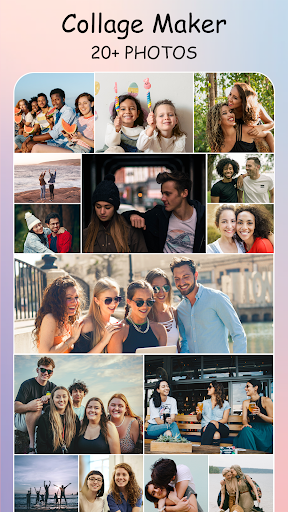
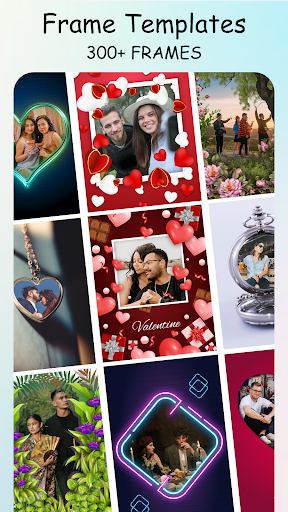
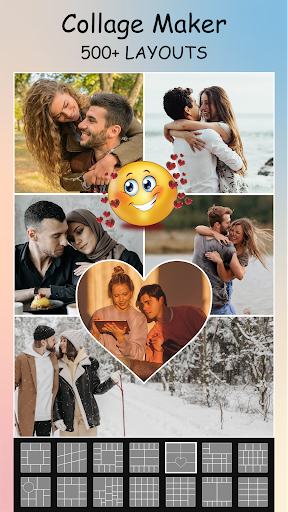
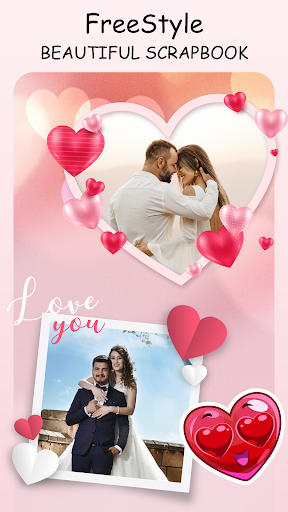
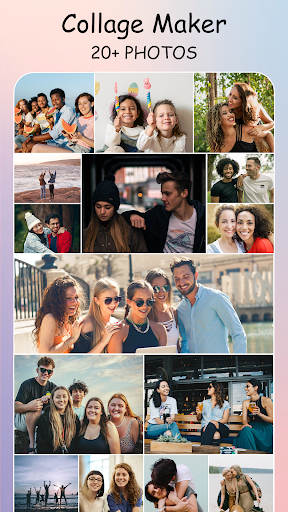
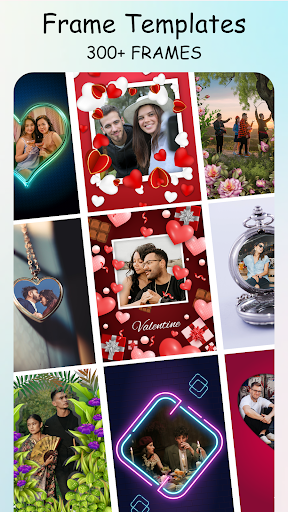
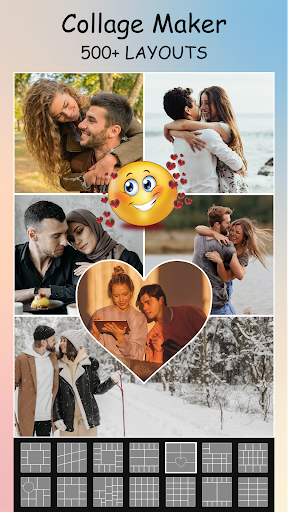
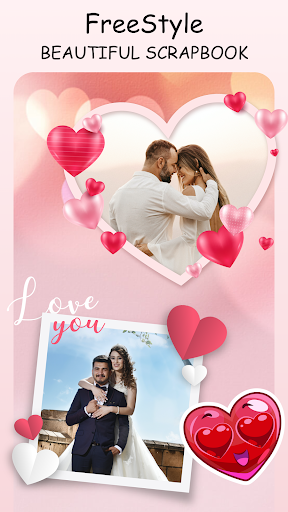
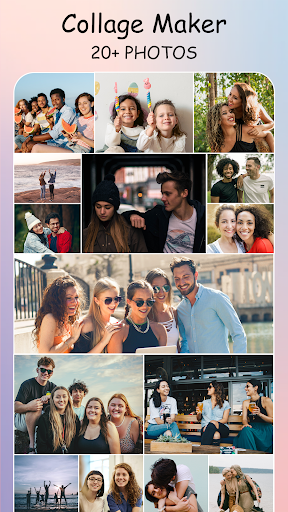
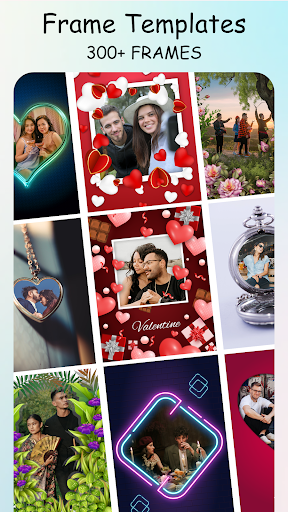
Choose from over 100+ collage layouts and frames to assemble your photos in captivating ways. Whether you prefer a classic grid, a freestyle collage, or picture-in-picture (PIP) templates, this app has options for every style. You can combine up to 12 photos in one collage, giving you the flexibility to craft diverse visual stories.
Customization and Personalization
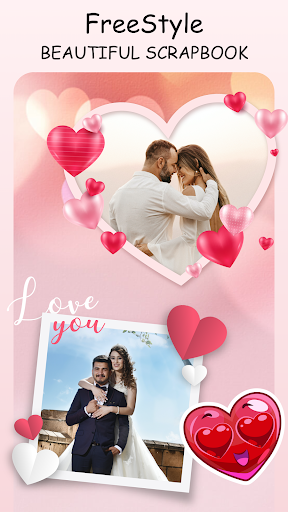
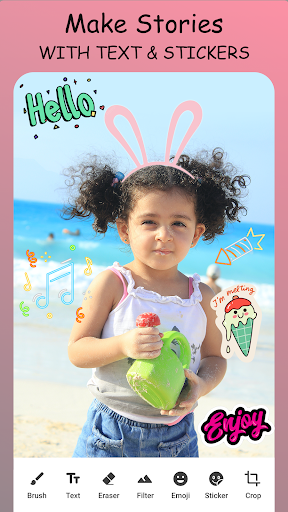
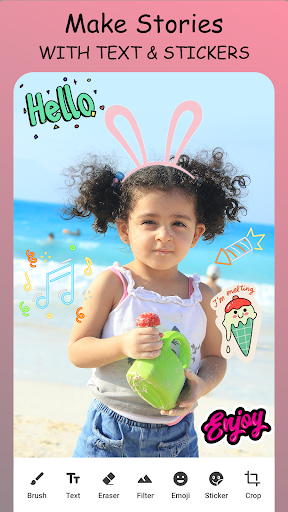
Express your creativity by adding stylish backgrounds, stickers, frames, and doodles. Adjust the collage ratio and borders to achieve a personalized look. The app also supports designing freestyle collages where you can freely manipulate photos on a blank canvas, making your projects truly unique.
Advanced Photo Editing Tools
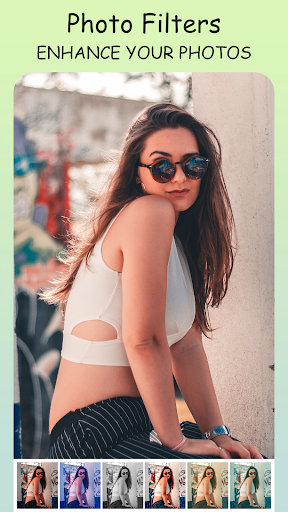
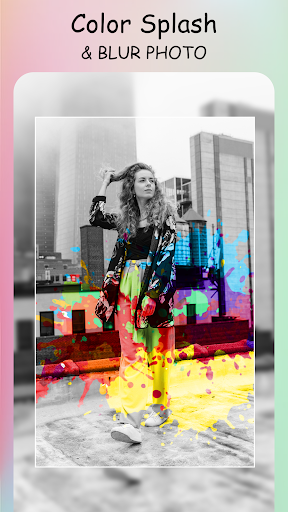
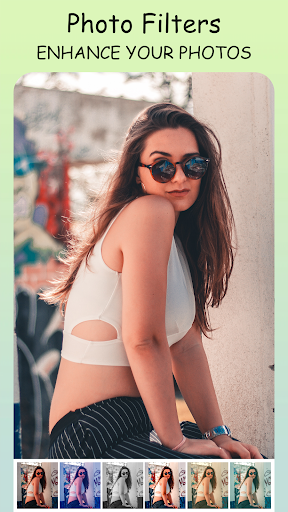
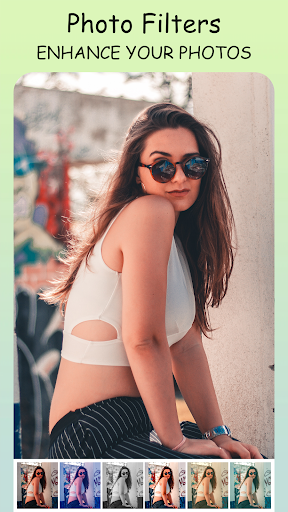
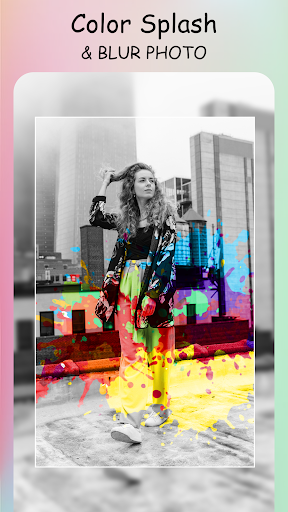
Enhance your images with a rich set of editing features: crop, rotate, flip, and adjust brightness or contrast. The integrated photo editor allows you to add text with a variety of fonts, doodle, and even apply professional-looking filters. For quality improvements, the Pic Enhancer tool helps to improve image clarity and resolution, ensuring your photos look their best before sharing.
PIP Templates and Overlays
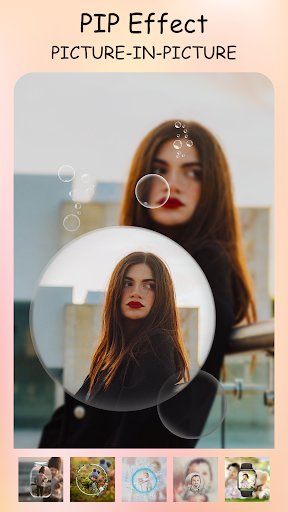
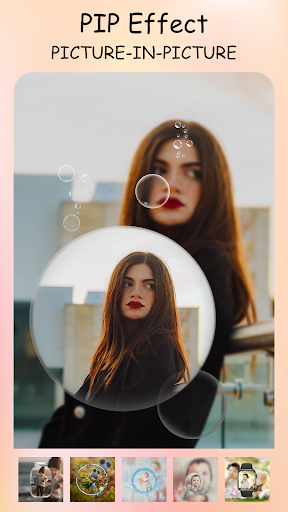
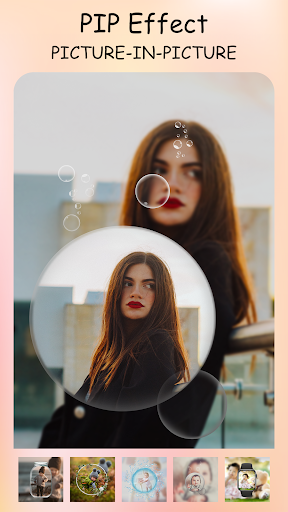
With the PIP features, overlay images creatively within various arrangement templates, adding depth and visual interest to your compositions. This capability is perfect for making eye-catching social media posts or personalized photo cards.
Multi-fit for Instagram and Social Sharing
Design perfect square or rectangular photos optimized for Instagram's 1:1 or 4:5 aspect ratios. The app allows you to create full-sized posts with blurred or white backgrounds, eliminating the need for cropping—ideal for maintaining your original photo composition when sharing online.
An Intuitive and User-Friendly Experience
Upon launching Pic Collage Maker Photo Editor, users are greeted with a clean, intuitive interface that makes navigation a breeze. Whether you're a beginner or experienced user, you’ll appreciate the effortless workflow. The home screen provides quick access to start a new collage, edit a photo, or browse模板 that fit any occasion, from birthdays and holidays to casual outings. The app runs smoothly, ensuring a seamless creative process without lag or crashes.
This ease of use encourages experimentation—try out different layouts, add playful stickers, or customize fonts to reflect your unique style. The broad range of tools ensures you can achieve professional-looking results without complex software or technical skills.
Why Choose Pic Collage Maker Photo Editor?
For those passionate about visual storytelling and social media content creation, this app is an essential tool. Whether you're looking to create adorable photo frames for special occasions or craft eye-catching collages for your feed, it provides all the features you need in one user-friendly package. The ability to instantly share your creations with friends and followers makes it a perfect companion for digital sharing and creative expression.
Download Pic Collage Maker Photo Editor today and elevate your photo editing and collage-making experience. Discover endless possibilities to showcase your memories with style, flair, and personalized creativity—making every photo memorable and share-worthy.
Pros
- User-friendly interface enabling quick editing.
- A diverse selection of collage templates.
- A large collection of stickers and fonts.
- Easy sharing options for social media platforms.
- Supports exporting photos in high resolution.
Cons
- Contains in-app purchases and advertisements.
- Limited features available in the free version.
- Report of occasional crashes.
- May experience lag on older devices.
- Watermark appears on free version exports.











