



Introduction to Gamu: Emulator Console Game
If you're a fan of classic video games and want to relive your childhood memories, Gamu is the perfect solution for enjoying those timeless titles on your computer or mobile device. Gamu brings together support for a wide range of retro game formats in one unified platform. Whether you're using a PC, Mac, Linux, or mobile devices like Android and iOS, Gamu ensures seamless compatibility. This innovative emulator app supports external game controllers, organizes your built-in game library, and receives regular updates to enhance performance and features. Built on the robust Libretro framework, Gamu leverages cross-platform capabilities such as OpenGL rendering and camera integration—delivering a smooth experience across devices ranging from phones to smart TVs. Best of all, Gamu is completely free and ad-free. It includes built-in modules to create a comprehensive entertainment hub for all your retro gaming needs.
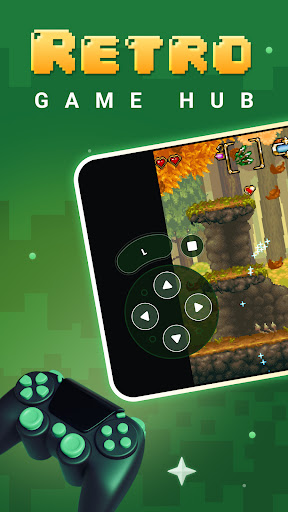
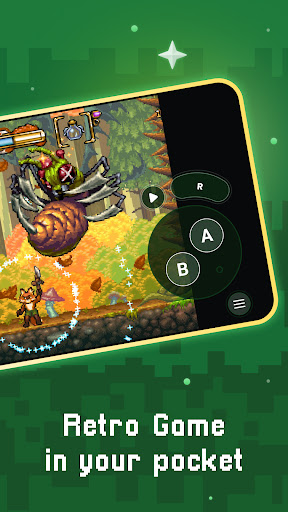
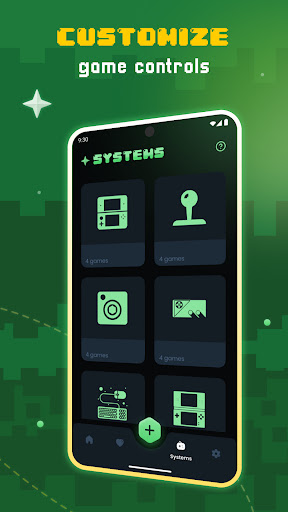
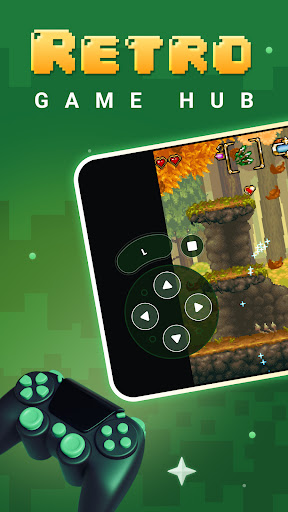
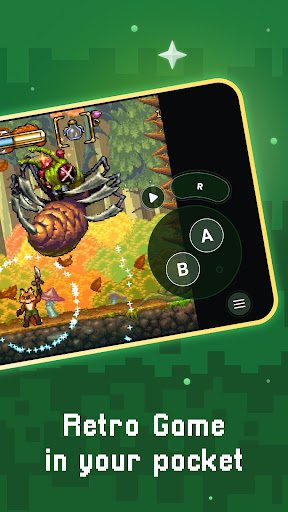
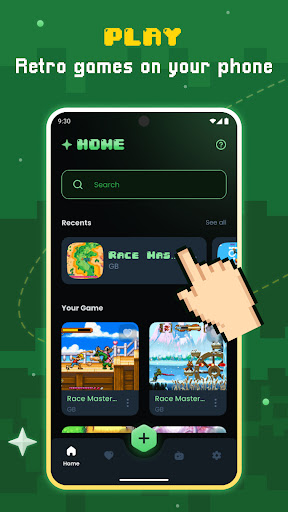
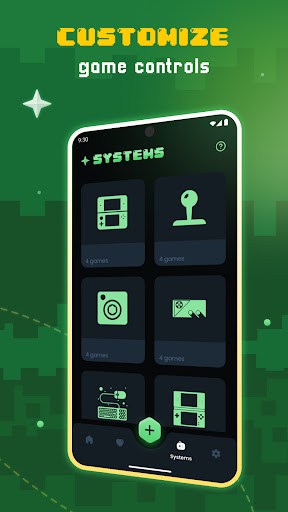
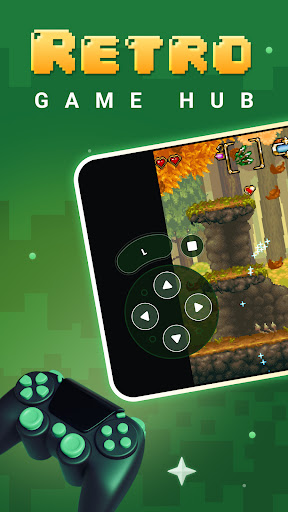
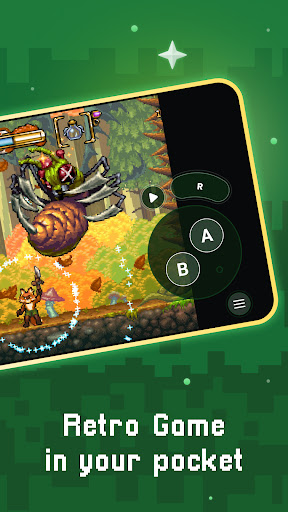
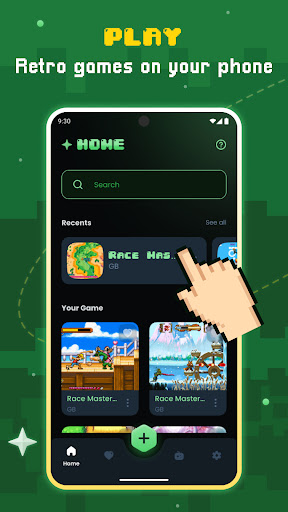
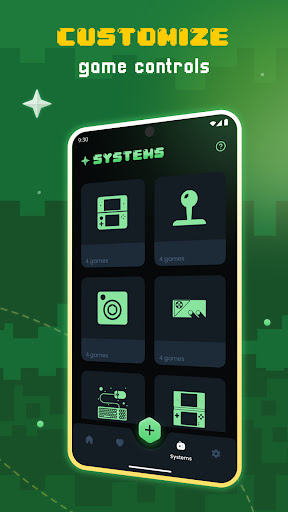
Gamu's key features include auto-save and resume game progress, game file scanning and cataloging, optimized virtual controls, and quick save/load slots. It supports compressed game files (.zip), offers a variety of visual filters and display styles (such as LCD and CRT effects), and includes a fast-forward mode for quick gameplay. Users can enjoy controller and gamepad compatibility, motion controls like tilt-to-stick, and customizable on-screen buttons. Cloud save synchronization and local multiplayer with multiple controllers further enhance the gaming experience. Keep in mind that actual performance may vary depending on your device's capabilities, and newer systems might require more powerful hardware. Remember, Gamu does not include any built-in games—users must supply their own legally acquired game files.
Why Choose Gamu: Emulator Console Game for Your Retro Gaming Needs
Have you ever experienced that nostalgic craving to jump back into the classic games of old? Gamu: Emulator Console Game is your ideal companion for reliving those cherished childhood memories. This versatile app serves as a gateway to seamlessly revisit your favorite retro games and enjoy an authentic gaming experience right on your modern device.
Getting Started with Gamu
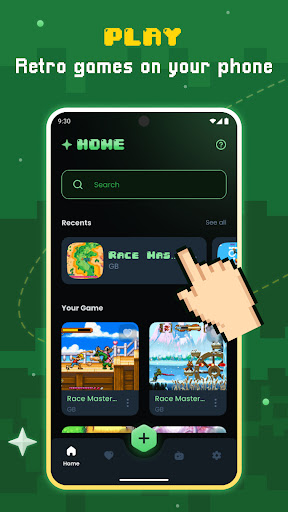
One of the first things you'll notice about Gamu is how user-friendly it is. Even if you aren't particularly tech-savvy, navigating the app is straightforward. Simply download Gamu, and you'll have immediate access to a vast library of classic console games. Setting up your game files is hassle-free, making Gamu accessible for gamers of all ages and experience levels.
Standout Features of Gamu
One of the biggest advantages of using Gamu is its extensive compatibility. Whether you're nostalgic for NES, SNES, or PlayStation classics, Gamu supports a multitude of game formats and systems. The ability to load ROMs and ISO files effortlessly means you can craft your personalized gaming collection without fuss. Additionally, the graphics options allow you to customize the visual display—whether keeping the authentic retro aesthetics or smoothing out visuals to your preference. The app's performance is impressive, with games running smoothly and minimal lag, which is essential for an enjoyable gaming experience.
External controller support adds an extra layer of authenticity, perfect for players who prefer using gamepads. The save state feature enables players to pause and resume their games at any point, eliminating frustration from unexpected interruptions. This convenient feature, alongside quick save/load slots, ensures you can pick up right where you left off with ease. Gamu is thus an excellent choice for both casual gamers and die-hard retro enthusiasts seeking a reliable, feature-rich emulator.
Final Thoughts
If you’re passionate about classic gaming or want to introduce the younger generation to the games that shaped the gaming industry, Gamu offers a comprehensive and easy-to-use platform. It bridges the gap between retro aesthetics and modern convenience, making it a must-try for gaming enthusiasts. Whether you're playing on mobile or desktop, Gamu brings your favorite old-school titles back to life with stunning performance and versatile features. Give Gamu a shot, relive your gaming glory days, and enjoy the nostalgia-filled journey today!
Pros
- Supports various console types effectively.
- Frequent updates improve game compatibility.
- Intuitive interface facilitates easy navigation.
- High-quality graphics enhance gaming experience.
- Customizable controls allow personalized gameplay.
Cons
- Some games may experience occasional lag.
- Requires substantial storage space for ROMs.
- Customer support availability is limited.
- In-app purchases are available for premium features.
- Advertisements may be disruptive.











