




Challenger Comics Viewer: The Ultimate App for Comic and Manga Enthusiasts
Are you looking for a powerful and user-friendly comic reader that offers seamless navigation and an immersive viewing experience? Look no further than Challenger Comics Viewer. This free and ad-free application is designed specifically to cater to both casual readers and dedicated comic lovers, supporting a wide array of formats and providing features that make comic reading enjoyable on any device.
Main Features of Challenger Comics Viewer
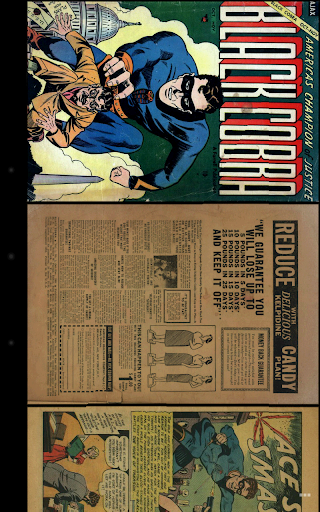
At its core, Challenger Comics Viewer is an advanced comics, manga, and PDF viewer that emphasizes simplicity and efficiency. The app supports multiple image formats such as JPG, PNG, GIF, WebP(Android 4.0+), and BMP. For book files, it handles PDF, CBZ/ZIP, CBR/RAR, CBT/TAR, CB7/7Z, DjVu, and ePUB files effortlessly.
Ideally suited for various device types, it works flawlessly on both phones and tablets. Its core features include:
- Automatic page loading for a smooth reading flow
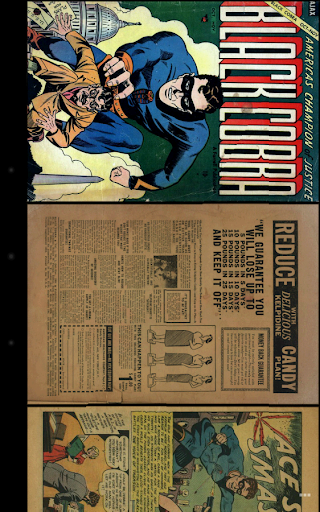
- Zoom capabilities utilizing multi-touch
- Vertical and Horizontal scrolling
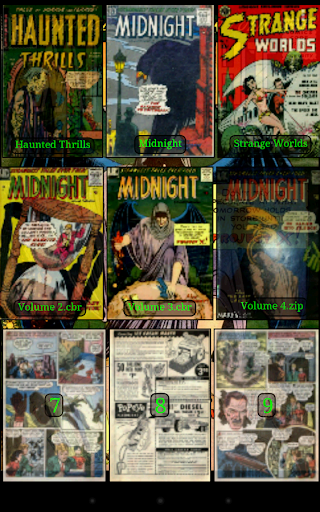
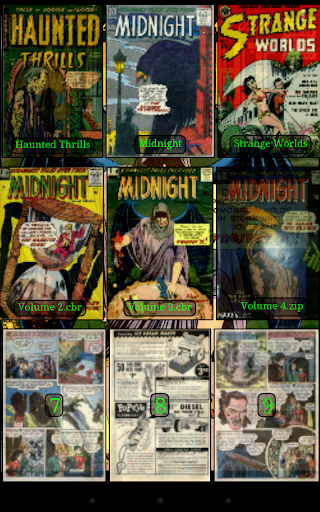
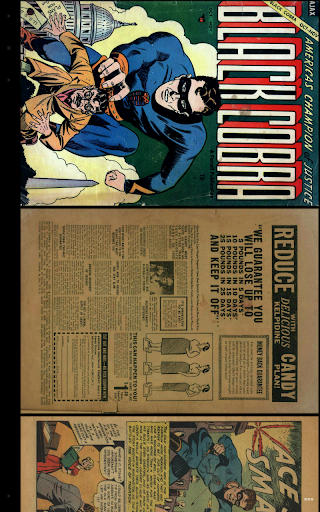
- Two display modes: Simple View for pages one by one, and Multiple Image View for all pages sequentially
- Scale filters such as Bilinear, Bicubic, Lanczos4 for enhancing image quality
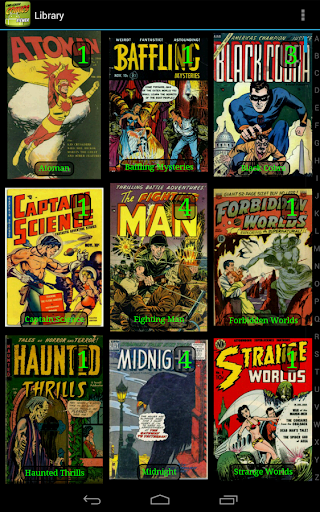
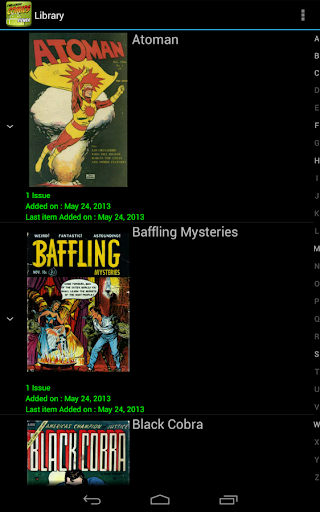
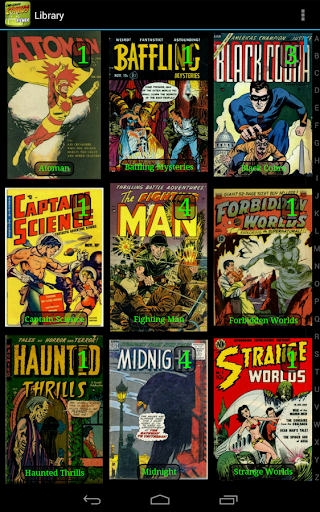
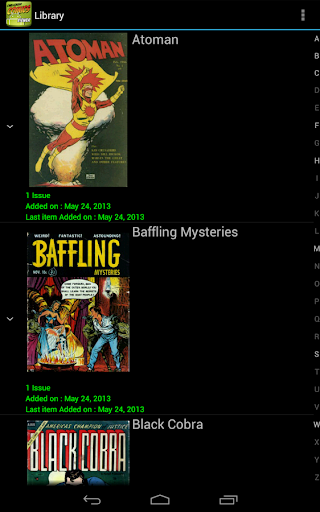
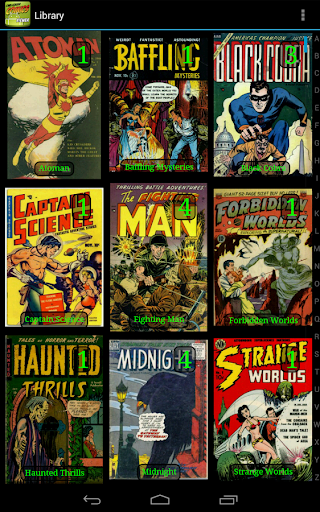
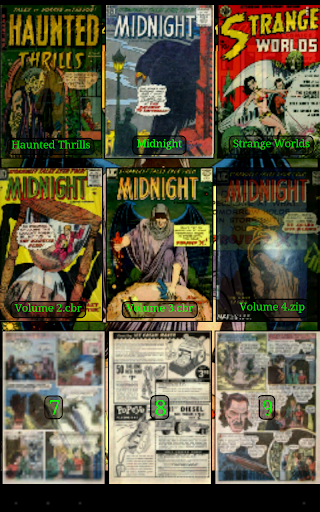
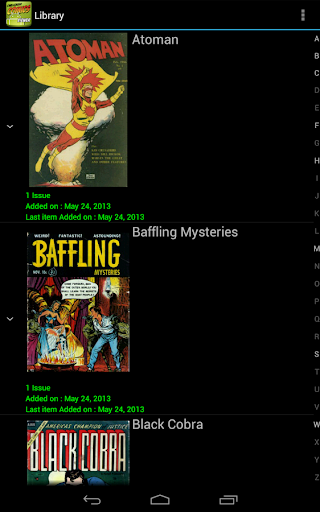
- A comprehensive library with cover images for quick navigation and multiple view options
- Automatic switching to next issue when reaching the end of a comic
- Border cropping and contrast/brightness/saturation management
- Support for reading directions: left-to-right or right-to-left
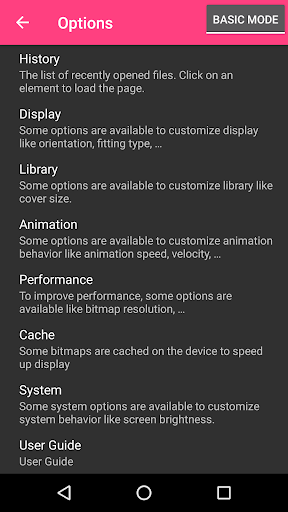
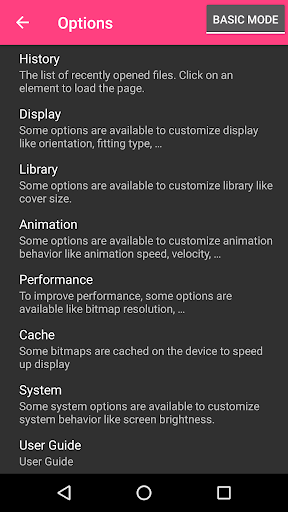
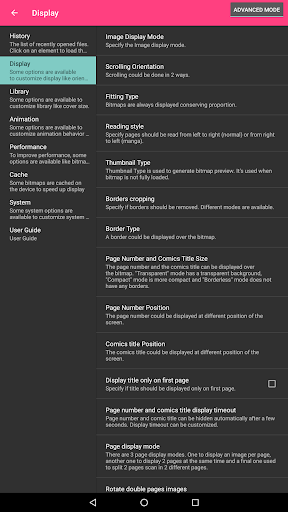
- Full customization of actions and display settings
- Single page and two-page display modes
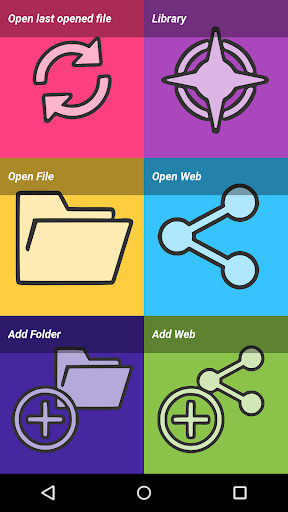
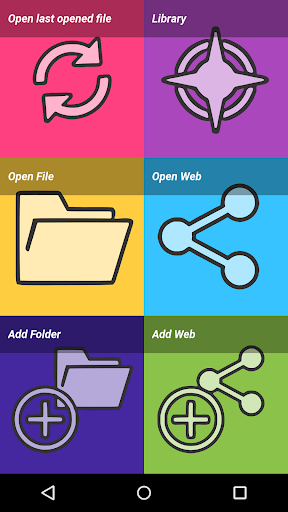
- Options for direct page access and history management
- Support for multi-language: including English, French, Russian, and Italian
- Screen brightness control and custom themes for comfortable viewing
Connectivity and Cloud Support
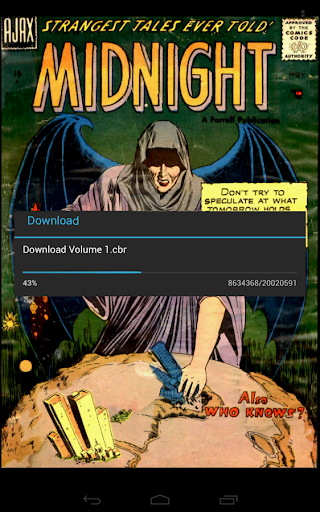
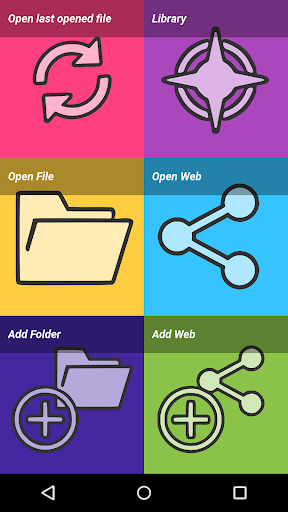
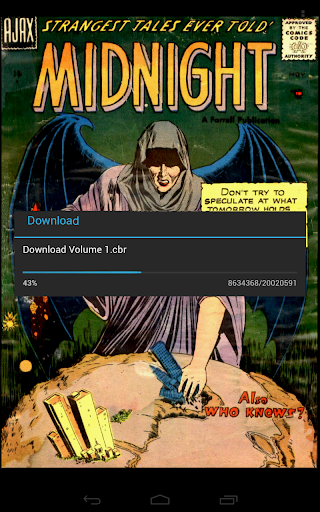
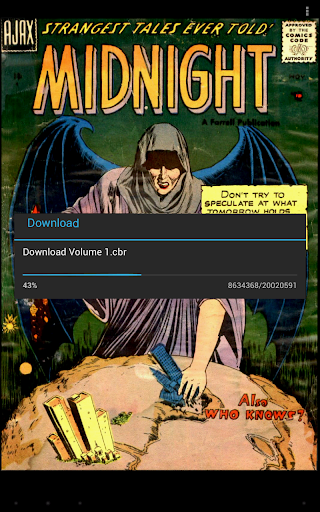
One of the standout features of Challenger Comics Viewer is its remarkable support for accessing and managing files from various network resources and cloud services. Whether your comics reside on a local network or cloud platforms, the app has got you covered. Supported network protocols and services include:
- Google Drive
- OneDrive / SkyDrive
- Mega
- Ubooquity (http://vaemendis.net/ubooquity)
- DLNA / UPnP (requires Android >= 4.0.3)
- OPDS (beta)
- Windows / SAMBA / CIFS
- DropBox
- WebDAV / Cloud services (such as box.com, 4shared.com, alwaysdata.com)
- FTP / SFTP
This connectivity allows you to seamlessly browse and load your comics from different sources without hassle, making your reading experience more flexible and integrated.
Performance and Compatibility
Since Challenger Comics Viewer is a resource-intensive app designed to handle large files and extensive libraries, it's recommended to use a device with ample memory and a powerful processor. For instance, it performs perfectly on devices like Nexus 4, Nexus 7, Nexus 10, and various Galaxy series tablets and phones. To maximize performance, ensure your device meets the recommended specifications.
Documentation and Community Support
Comprehensive support is available through the official documentation and an active user forum. Users are encouraged to share feedback, suggest new features, and report bugs to help improve the app continually.
Conclusion
Challenger Comics Viewer is ideal for anyone serious about their digital comics collection. It combines a wide range of supported formats, customizable reading features, cloud integration, and a clean interface, making it one of the best options on the market. Whether you want to enjoy manga, Western comics, or PDFs, this app makes comic reading an enjoyable, immersive experience. If you're passionate about comics and want a reliable and feature-rich viewer, try Challenger Comics Viewer today—you won't be disappointed!
Pros
- Supports multiple comic formats.
- Smooth zoom and pan features.
- Customizable reading settings.
- Offline reading available.
- User-friendly interface.
Cons
- No cloud sync feature.
- Occasional crashes reported.
- Limited library management.
- Ads in free version.
- No in-app purchases.











