
TiviMate IPTV Player Overview
The TiviMate IPTV Player is a modern and powerful application designed specifically for streaming live TV content on Android TV devices. Whether you're a sports enthusiast, news devotee, or someone who loves binge-watching your favorite series, this app offers a seamless viewing experience. It's important to note that TiviMate functions purely as a media player; it does not provide any TV channel sources. To enjoy live channels, users must add playlists from their • IPTV providers. This setup empowers viewers to customize their channels and enjoy a personalized television experience on their big screens.
Main Features of TiviMate IPTV Player
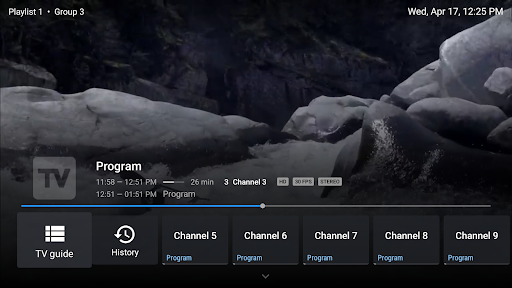
Modern User Interface
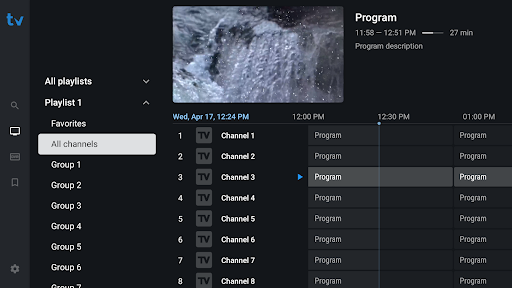
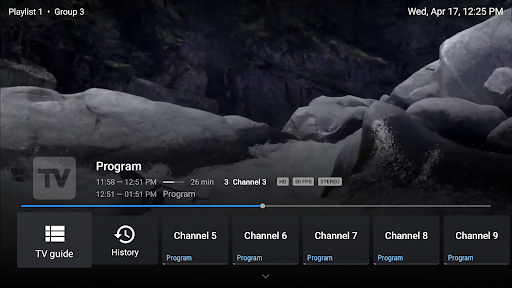
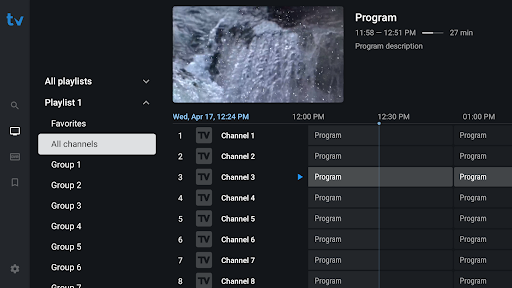
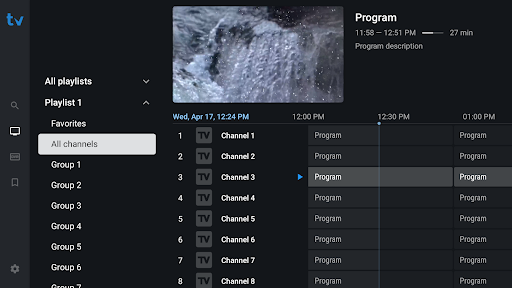
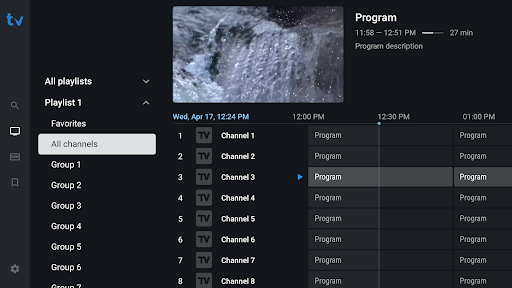
The app boasts a sleek and intuitive user interface, crafted to optimize navigation on large screens. Its design ensures a smooth and responsive experience, making it effortless to browse through channels, guides, and playlists.
Support for Multiple Playlists
With TiviMate, users can add and manage • multiple playlists, allowing for extensive channel collections sourced from various IPTV providers. Switching between channels and playlists is straightforward and efficient.
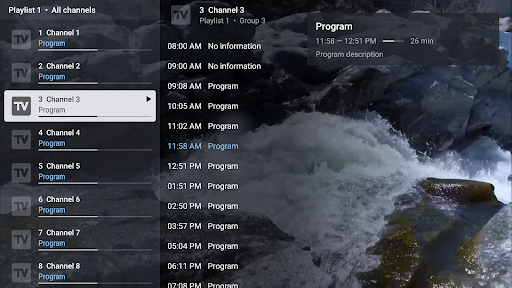
Scheduled TV Guide Update
The app provides an option to schedule and automatically update your Electronic Program Guide (EPG), ensuring that you always have the latest schedule information at your fingertips.
Favorite Channels & Catch-up
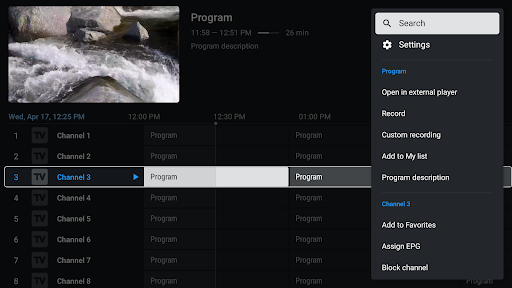
Organize your preferred channels into favorites for quick access. Additionally, the catch-up feature enables you to rewind and view previously aired content—perfect for when you miss a live broadcast or want to rewatch a show.
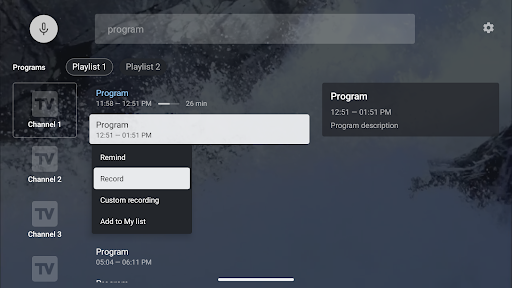
Search Functionality
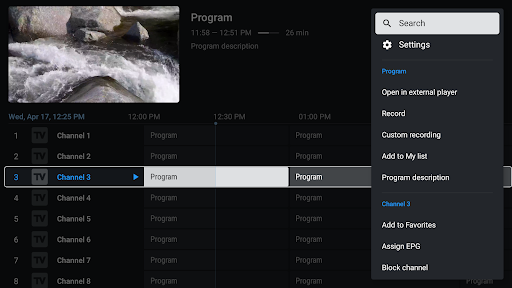
Finding specific channels, shows, or programs is effortless with the integrated search feature, enhancing user convenience and accessibility.
Enhanced Experience on Different Devices
Although TiviMate is primarily optimized for Android TV, it also offers support for other platforms, making it versatile for users on both Android and iOS devices. The app's performance remains robust across devices, delivering high-quality streaming with minimal buffering—provided you have a decent internet connection.
Personalization and Usability
Custom Themes and Multi-View
One of the standout features of TiviMate is the extensive personalization options. Users can customize the visual appearance with different themes, creating an immersive viewing environment. The multi-view feature allows watching multiple channels simultaneously—imagine catching a news segment while viewing a cooking show on the same screen. This enhances multitasking and turns your device into a mini command center.
Easy Setup and Smooth Performance
Setting up the app is quick and hassle-free. With just a few taps, you can connect your IPTV providers and start streaming. The app also supports a detailed EPG, which makes navigating scheduled programming straightforward—akin to a traditional TV guide but in digital form. The streaming quality is top-notch, with minimal buffering, making for an enjoyable viewing experience.
Final Thoughts
If you're searching for a reliable and feature-rich IPTV player, TiviMate IPTV Player deserves a top spot in your app collection. Its user-friendly interface, extensive customization options, and solid performance make it ideal for streaming aficionados of all kinds. From sports fanatics to binge-watchers, the app caters to a wide audience. Remember, to access live TV channels, you need to add playlists from your • IPTV provider, as TiviMate does not provide content sources itself.
Elevate your television experience by trying out TiviMate. Its rich feature set and intuitive design ensure hours of entertainment, all on your preferred device. Embrace the future of IPTV streaming with this versatile and efficient player.
Pros
- User-friendly interface
- Supports multiple playlists
- Catch-up TV feature
- Customizable appearance
- Reliable performance
Cons
- Limited Electronic Program Guide (EPG) support
- No integrated channels
- Full features available only with a premium subscription
- Lacks native Chromecast support
- Initial setup process is complex











