

Discover the Amazing Features of AR Drawing: Paint & Sketch App
Are you passionate about drawing, doodling, or exploring new ways to express your creativity? AR Drawing: Paint & Sketch App is a revolutionary application that combines the art of sketching with the power of augmented reality (AR). Designed for artists of all skill levels, this innovative app transforms your environment into a dynamic canvas, allowing you to create, visualize, and share your artwork in ways never before possible.
Transform Your Art with Augmented Reality Technology
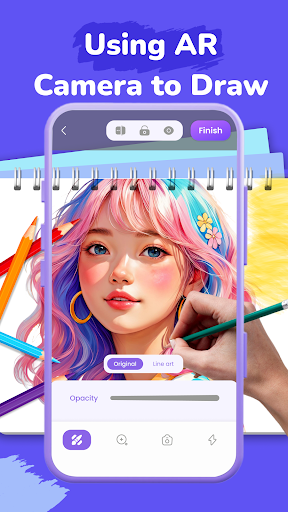
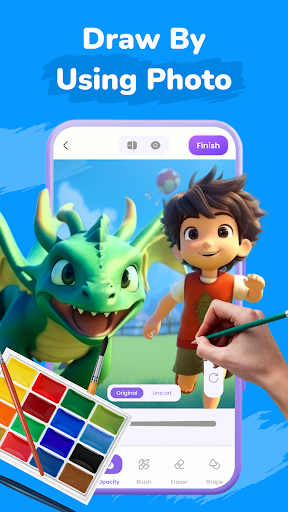
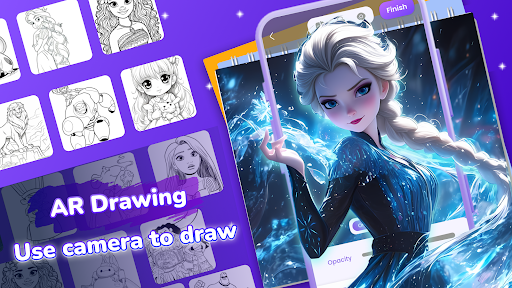
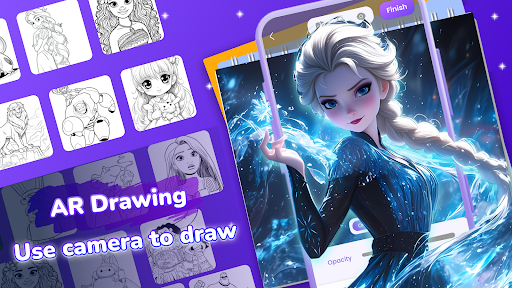
This app leverages augmented reality (AR) technology to overlay your drawings onto real-world surfaces. Simply point your phone at a wall, desk, or even everyday objects like a coffee cup, and watch as your sketches come to life right there in your environment. Whether you're a professional artist or a casual doodler, the ability to visualize your art in the real world adds a new dimension to your creative process. Experimenting with different surfaces around your home becomes an immersive experience that fosters innovation and fun.
User-Friendly Interface for All Skill Levels
Giving priority to ease of use, the AR Drawing: Paint & Sketch App features a clean and intuitive interface. From the moment you launch the app, you'll find a variety of brushes, colors, and tools ready for your creative exploration. Switching between tools like pens, paintbrushes, and erasers is straightforward, making it perfect for beginners as well as experienced artists. The built-in drawing guide assists with complex shapes, helping you improve your skills step by step. The app supports both portrait and landscape modes, giving you flexible options to create art in any orientation.
Features That Inspire Creativity and Sharing
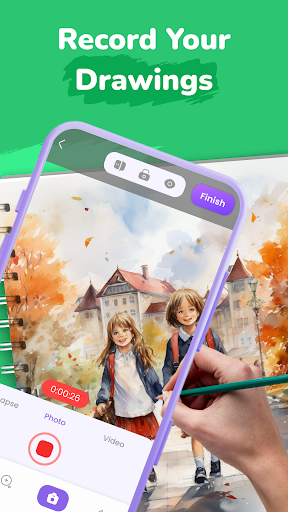
What sets AR Drawing: Paint & Sketch App apart are its powerful features that encourage sharing and continuous creativity. You can save your drawings and easily share them with friends or social media platforms, showcasing your artistic talents to the world. The app also includes a dot to dot feature, connecting dots to reveal hidden shapes and designs—perfect for kids and beginners to learn basic drawing skills. Additionally, you can record your entire creative process in time-lapse videos, capturing your progress and sharing your artistic journey with an audience.
Enhance Your Art with Advanced Editing Tools
Beyond AR visualization, the app offers advanced editing features such as photo adjustments, opacity controls, and a toggleable flashlight to optimize your drawing experience. These tools enable you to refine your artwork, experiment with effects, and achieve the perfect look before sharing. Whether you're refining a sketch or adding color to a masterpiece, these functionalities make your creative process seamless and enjoyable.
Getting Started: How to Use AR Drawing: Paint & Sketch App
Using the app is simple and straightforward:
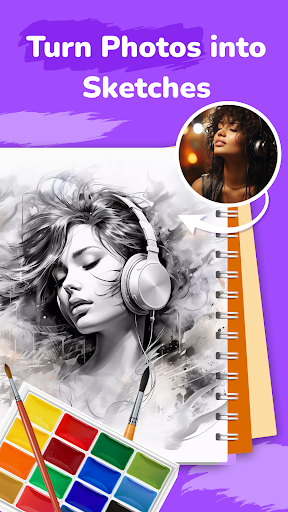
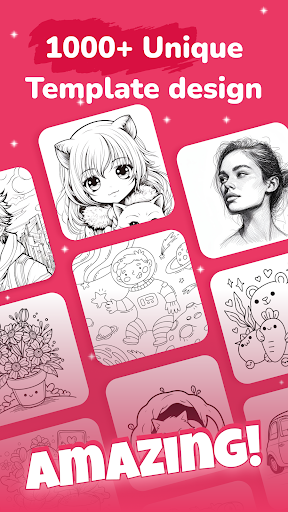
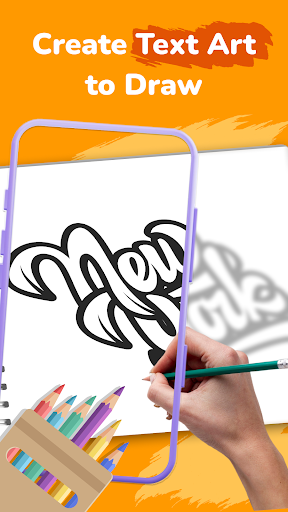
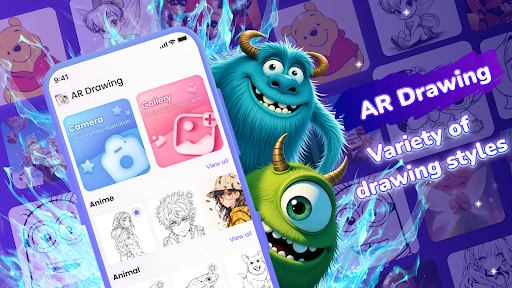
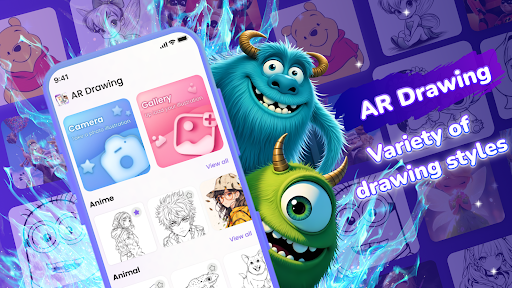
- Step 1: Select a template from the extensive library, which includes genres such as Anime, Tattoos, Cars, and other unique designs. Alternatively, upload your own artwork to turn it into an AR tracing template.
- Step 2: Place your phone on a stable surface or use a stand to keep it steady.
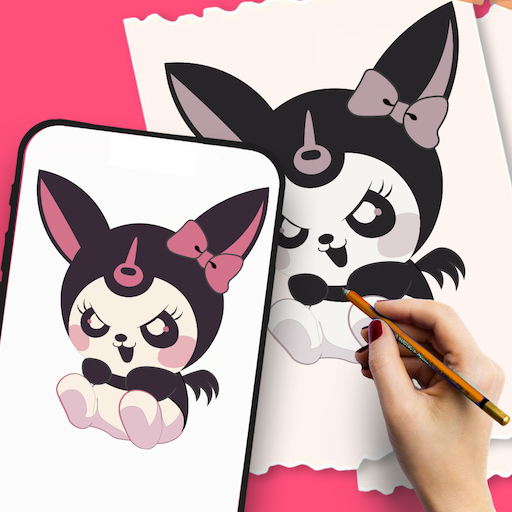
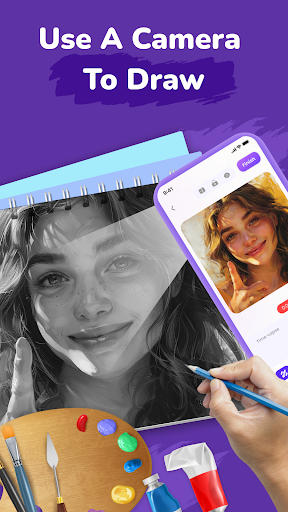
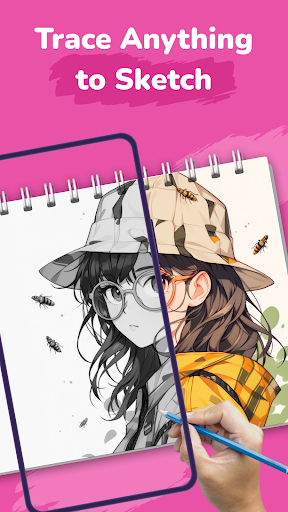
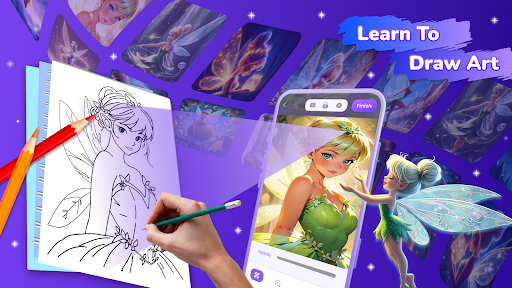
- Step 3: Start tracing the projected lines onto your paper using AR technology. Watch your sketches come alive directly in your environment as you draw along.
This simple process makes it accessible for artists and beginners alike to begin creating instantly and bring their artistic visions to life with minimal effort.
Why Choose AR Drawing: Paint & Sketch App?
Whether you're looking to enhance your drawing skills, surprise your kids with interactive art activities, or simply explore the boundaries of creativity, this app is an ideal choice. The seamless integration of AR technology, user-friendly interface, and versatile features makes it suitable for professional artists, kids, and parents wanting a fun and educational creative tool. With endless possibilities, AR Drawing: Paint & Sketch App invites you to unlock your full artistic potential and experience a new world where your sketches instantly transform into immersive artworks.
Pros
- Intuitive interface suitable for beginners.
- Wide range of drawing tools provided.
- Supports multiple layers for detailed artwork.
- Offline mode available for continuous drawing.
- Frequently updated with new features.
Cons
- Limited functionality in the free version.
- May experience lag on older devices.
- Lacks collaboration features for group projects.
- Free version includes potentially disruptive ads.
- Premium tools require additional in-app purchases.











