

Introduction to Video to MP3 Convert
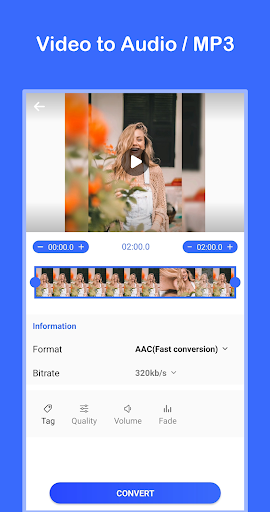
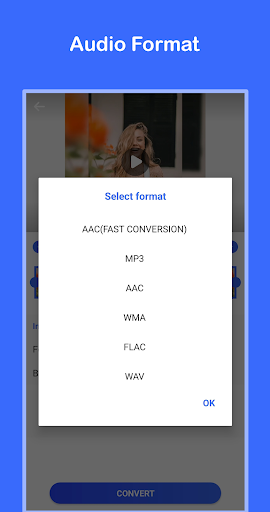
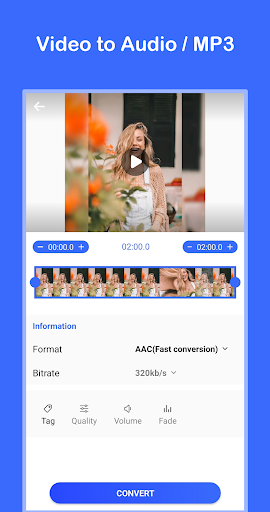
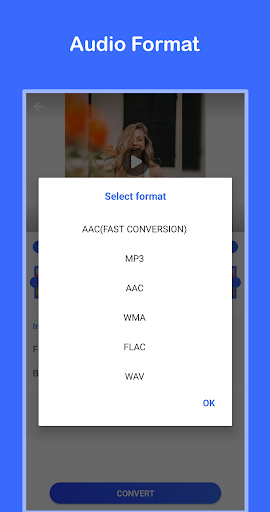
If you're looking for an efficient way to extract high-quality audio from your videos, Video to MP3 Convert is your ideal solution. This versatile app allows users to effortlessly convert various video formats into audio files such as MP3, AAC, WMA, FLAC, and WAV. Whether you want to save a favorite song from a YouTube clip, extract a soundtrack from a movie, or create personalized ringtones, this app makes it quick and easy.
Key Features of Video to MP3 Convert
High-Quality Video to Audio Conversion
The app supports converting videos into audio formats with support for bitrates like 320kb/s, 256kb/s, 192kb/s, and 128kb/s, ensuring you can choose the quality that matches your needs. It can process video to mp3 and other formats instantly, providing a one-second conversion speed, so you can get your audio ready in no time.
Audio Editing and Customization
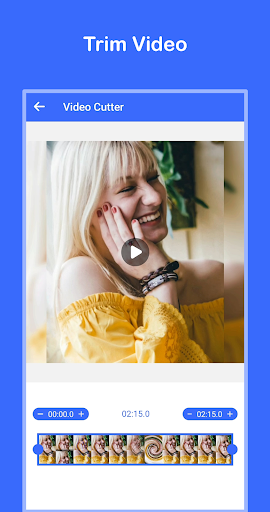
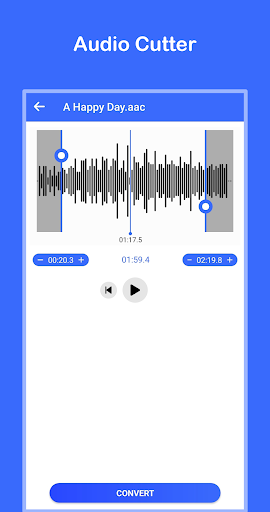
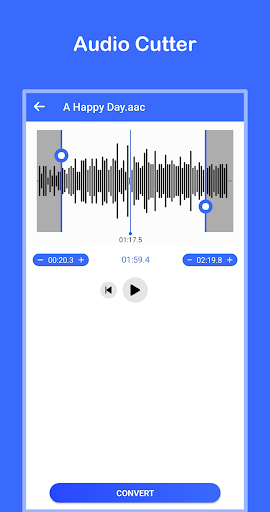
Beyond simple conversion, users can adjust audio settings such as volume and quality. The app also supports fade in and fade out effects, adding a layer of customization to your audio files. Want to cut a specific part from a video or audio? The video cutter and audio cutter features allow you to trim and extract only the parts you love.
Additional Handy Tools
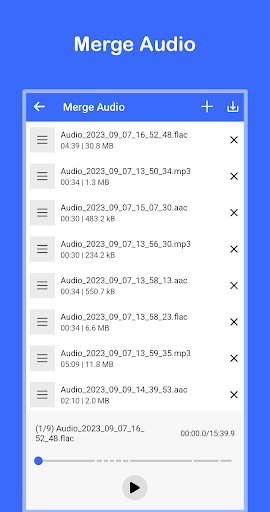
The app isn’t limited to just conversion. You can merge audio files into a single track, making playlist creation more streamlined. Moreover, turning your favorite audio into a ringtone is straightforward, giving your device a personalized touch.
User-Friendly Interface & Free Usage
Designed with ease of use in mind, Video to MP3 Convert offers a simple interface suitable for all users, whether you're a beginner or a pro. Best of all, it’s completely free to download and use, making high-quality audio extraction accessible to everyone.
Why Choose Video to MP3 Convert?
If you're someone who loves creating playlists, capturing audio snippets from videos, or just enjoys quick and reliable media conversion, this app is a must-have. Its support for multiple formats, rich customization options, and fast processing speed make it stand out among other audio converters. Whether you need to make a ringtone, extract motivational speeches, or compile audio tracks from several videos, this tool has you covered.
Not only does it provide powerful features, but its intuitive design ensures that you'll be up and running in minutes. Plus, the ability to batch convert multiple files saves you time and effort, especially if you're managing large media libraries.
Conclusion
In summary, Video to MP3 Convert is an excellent app for anyone seeking a quick, easy, and dependable way to convert videos into high-quality audio files. Its extensive feature set—including format support, editing tools, and customization options—combined with its user-friendly interface, makes it a top choice for casual users and audio enthusiasts alike. Transform your video collection into an audio powerhouse today and enjoy your favorite tunes, snippets, and sounds anytime, anywhere.
Pros
- Fast conversion speed.
- High-quality audio output.
- Supports various video formats.
- User-friendly interface.
- Batch processing available.
Cons
- Ads in the free version.
- Limited features without premium.
- Occasional crashes reported.
- No cloud saving option.
- Requires internet connection for some features.
You May Like

Kwai - Cool Video & Social Fun
Video Players & Editors
4
PLAYit-All in One Video Player
Video Players & Editors
4.3
VivaVideo - Video Cut & Editor
Video Players & Editors
4.3
KineMaster - Video Editor
Video Players & Editors
4.7
Web Video Cast | Browser to TV
Video Players & Editors
4.8
Video to MP3 - Video to Audio
Video Players & Editors
4.8
GIPHY: GIFs, Stickers & Clips
Video Players & Editors
3.8
Video Downloader - Story Saver
Video Players & Editors
3.9
Video Player All Format HD
Video Players & Editors
4.5
Video Downloader, Download All
Video Players & Editors
4.6
GIF Keyboard by Tenor
Video Players & Editors
3.7
Kodi
Video Players & Editors
4.3