

Discover the Power of the Insta360 App
The Insta360 app is a revolutionary tool designed for creators, athletes, and adventurers who want to elevate their content creation. Seamlessly working with Insta360 cameras and handheld gimbals, this mobile application functions as your creative sidekick, offering a suite of innovative features to transform your footage into cinematic masterpieces. Whether you're capturing immersive 360-degree videos or editing on the go, the Insta360 app makes professional-quality editing accessible and straightforward.
Intuitive Interface and User-Friendly Design
The app boasts an intuitive interface that caters to users of all skill levels. From beginners to seasoned videographers, everyone can dive right into their editing projects without a steep learning curve. The app provides guided workflows and easy-to-navigate controls, ensuring that creating stunning videos is just a few taps away. Compatible across Android and iOS devices, Insta360 guarantees smooth performance regardless of the platform.
Advanced Editing Features to Boost Creativity
Auto Editing with AI
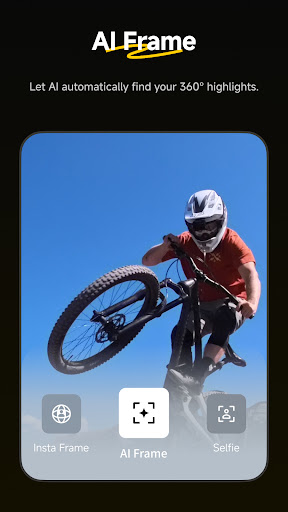
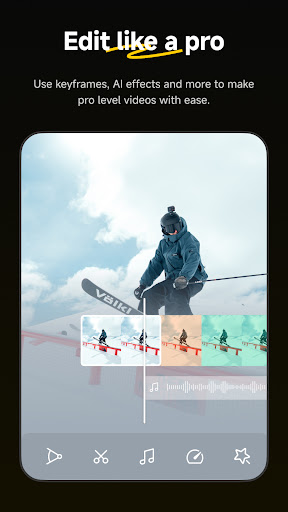
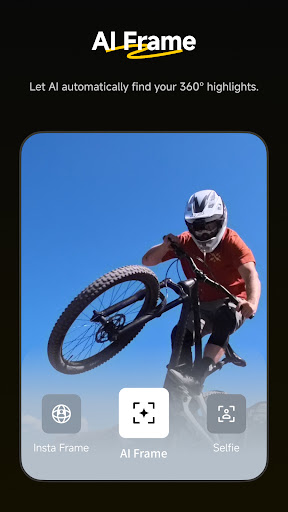
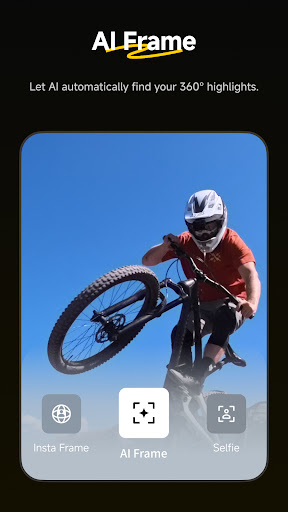
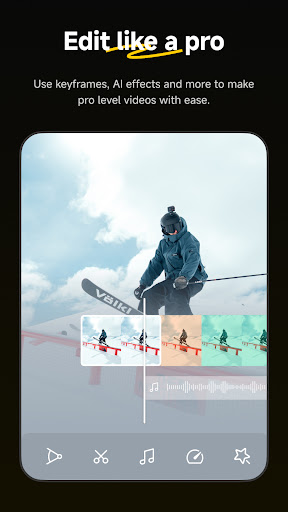
Let AI-powered tools handle the editing process. The AI can auto-reframe your footage, identify key subjects, and generate compelling highlights—all while you sit back and watch your highlight reels take shape effortlessly. The AI Edit feature streamlines your workflow, enabling faster creation of engaging content for social media.
Shot Lab
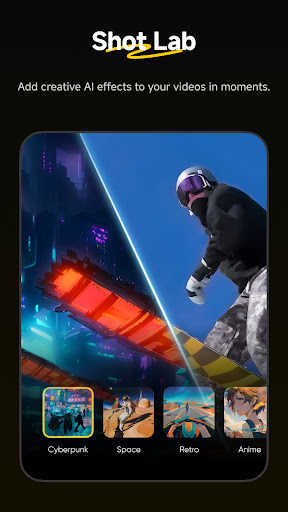
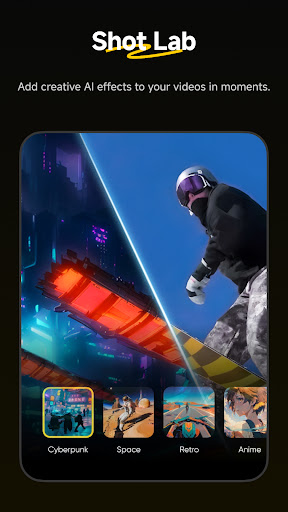
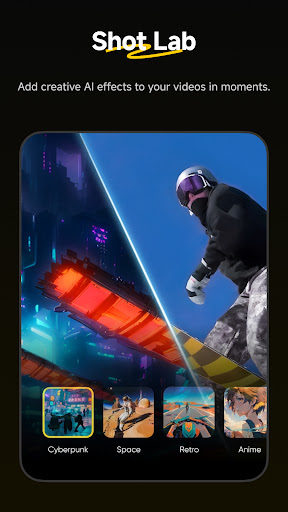
Shot Lab serves as your creative playground, offering over 25 AI-enhanced templates like Nose Mode, Sky Swap, AI Warp, and Clone Trail. These templates allow you to produce viral-quality clips with just a tap, transforming ordinary moments into extraordinary visual stories.
Reframing and Perspective Control
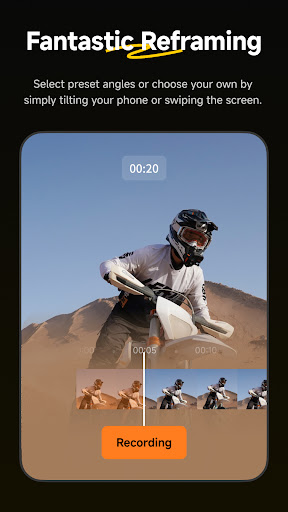
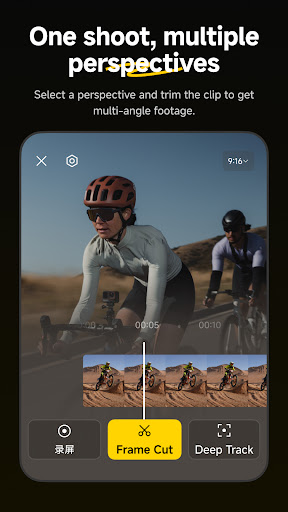
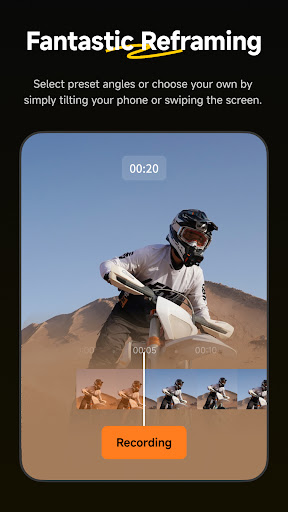
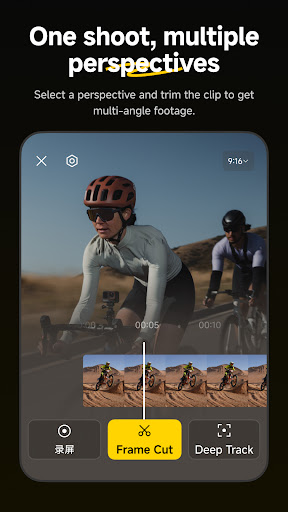
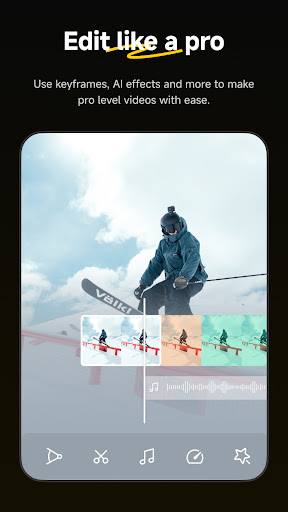
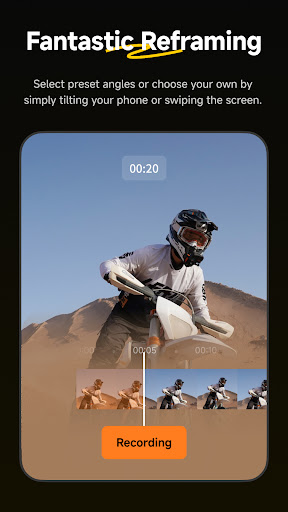
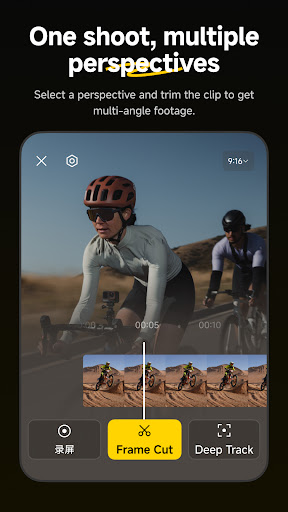
The app’s easy 360 reframing tools expand your creative horizons. By tap-to-add keyframes, you can dynamically change perspectives and craft engaging videos. With Deep Track, the app actively locks onto your selected subject—be it a person, animal, or moving object—keeping it centered and perfectly framed throughout your shot.
Time Manipulation
Speed up your footage with Hyperlapses—creating smooth, stabilized time-lapse videos in just a few taps. You have complete control over clip speed and perspective, enabling you to craft compelling storytelling elements by adjusting the pace and viewpoint effortlessly.
Convenient Features for On-the-Go Editing
The download-free editing feature allows you to edit and share your videos directly to social media platforms without consuming storage space on your device. This means you can capture, refine, and post stunning content anytime, anywhere, without the need for prior downloads or transfers. The app ensures that your workflow remains smooth and efficient, especially during busy days or outdoor adventures.
Enhanced Video Stabilization and Real-Time Performance
Thanks to technologies like FlowState Stabilization, your footage remains buttery smooth regardless of shaky hands or challenging environments. The app’s robust performance ensures no lag or crashes, making it reliable for capturing spontaneous moments or editing on the fly.
Community, Tutorials, and Content Sharing
Beyond editing, the Insta360 app connects you to a vibrant community of creators worldwide. Explore new content ideas, learn from detailed tutorials, and interact with your favorite creators. This social aspect fosters inspiration and continuous growth in your content creation journey.
Privacy Policies and Support
For user privacy and support information, you can review the Insta360+ Privacy Policy and User Service Agreement to understand data handling practices. If you need assistance, the app provides avenues to contact customer support easily.
Conclusion
If you are serious about enhancing your video content, the Insta360 app is an indispensable tool. Packed with features like AI editing, hyperlapses, reframing, and Shot Lab, it caters to both novices and professional creators. From capturing family vacations to producing viral clips, this app guarantees your content will stand out. Download the Insta360 app today and unlock a new world of creative possibilities. Once you start exploring, you'll wonder how you ever managed without it!
Pros
- High-quality 360-degree video recording.
- Intuitive interface makes editing straightforward.
- Enables live streaming directly through the app.
- Offers a variety of creative effects and filters.
- Receives regular updates with new features.
Cons
- Requires a compatible Insta360 camera device.
- Large video files take up significant storage space.
- Drain battery quickly during extended use.
- App may occasionally crash during intensive tasks.
- Customer support response can be slow.











