

Overview of Resume Builder - CV Engineer
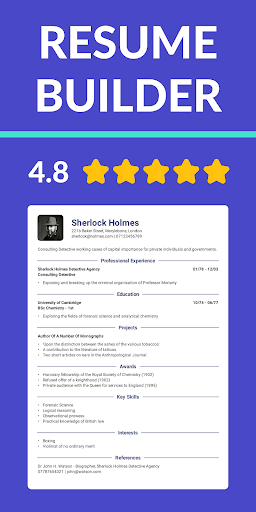
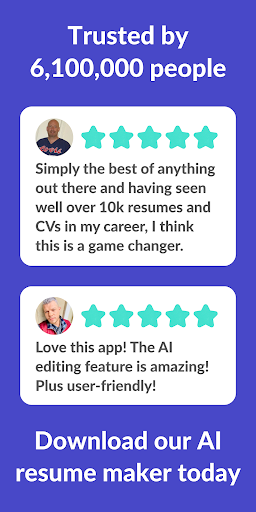
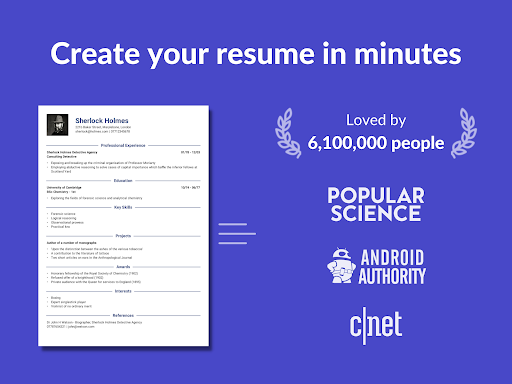
Looking for a free resume builder app? CV Engineer offers a simple and effective way to create professional PDF resumes for your job applications. Designed with user convenience in mind, this tool provides a wide array of helpful features such as examples, advice, and resume templates, all crafted by expert recruiters. The app ensures that users have the ideal CV to impress potential employers and increase their chances of landing their dream jobs. Featured on the Play Store in 21 countries, CV Engineer has helped over 3,600,000 people worldwide to craft resumes that stand out. Whether you’re a fresh graduate or a seasoned professional, this resume builder is tailored to meet your needs and help you get noticed in a competitive job market.
How Does It Work?
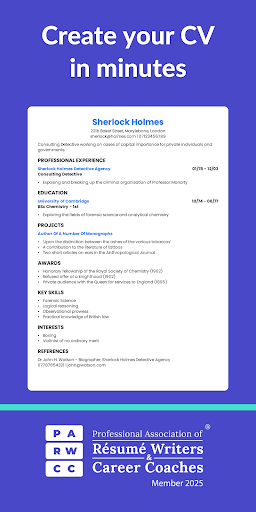
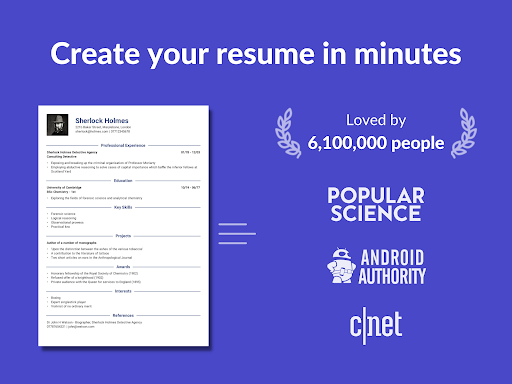
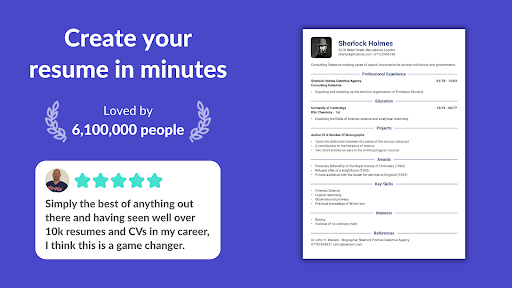
Getting started with CV Engineer is quick and straightforward. First, select a professional CV template from the collection provided. Then, simply fill in your personal details and work experience. The app offers helpful examples along the way, making the process seamless even for those new to CV writing. Once you’ve entered your information, the app handles the formatting automatically, generating a polished, ready-to-download PDF resume. It’s that easy—no complicated steps or technical skills required.
Key Features of CV Engineer
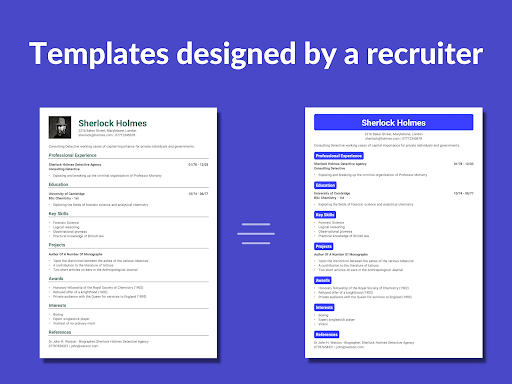
Professional CV Templates
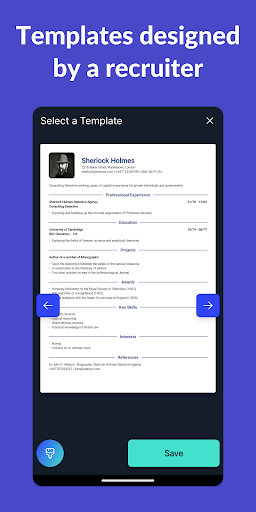
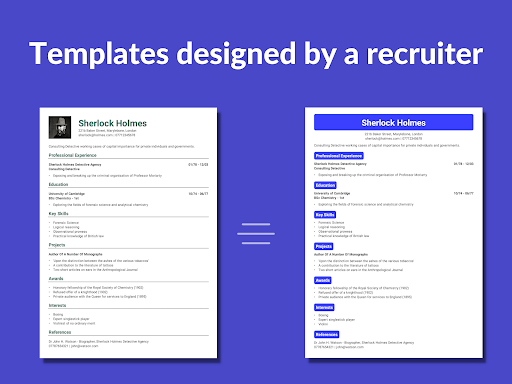
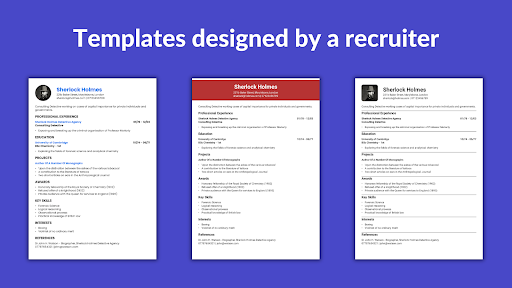
Choose from a curated selection of resume templates, all designed by recruiters to enhance readability and visual appeal. These templates are optimized to make your CV easy for hiring managers to scan quickly, increasing your chances of making a positive impression.
AI Assistant
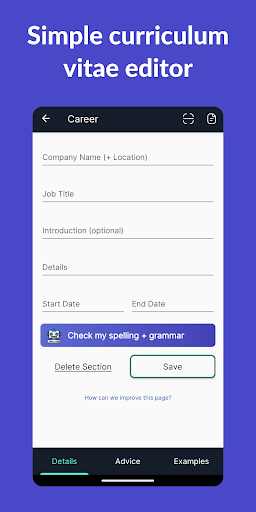
Utilize the AI Assistant to help rewrite sections of your CV according to best practices. It also includes spelling and grammar correction features, ensuring your resume is error-free and professional.
Easy Resume Editing & Writing Tools
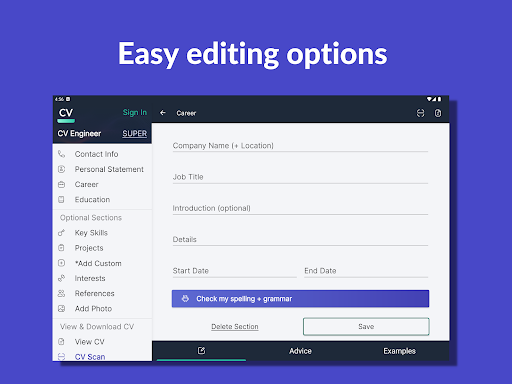
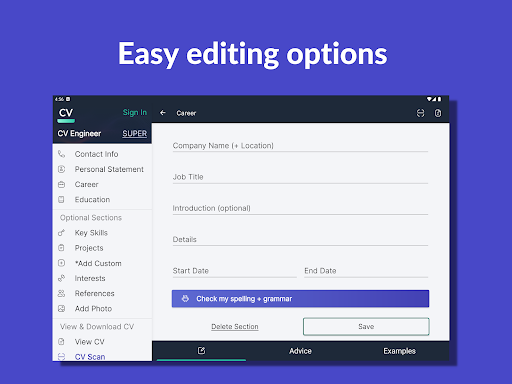
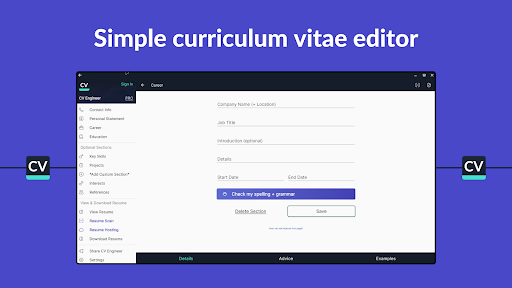
Create or update your CV effortlessly with built-in editing options. The app’s intuitive interface takes care of the formatting, so you can focus on crafting compelling content. Use bullet points to clearly present your achievements and responsibilities.
Custom Sections
Quickly add new sections with personalized titles to showcase unique experiences that don’t fit into traditional categories, making your CV truly tailored to your career story.
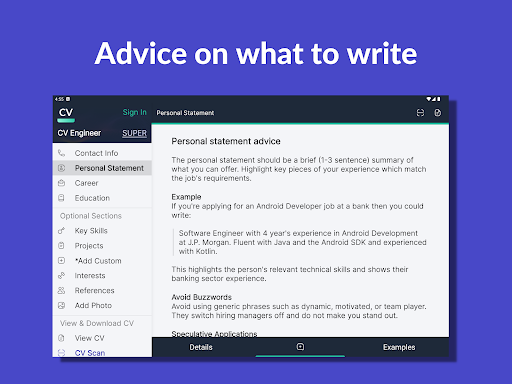
Step-by-step Guidance
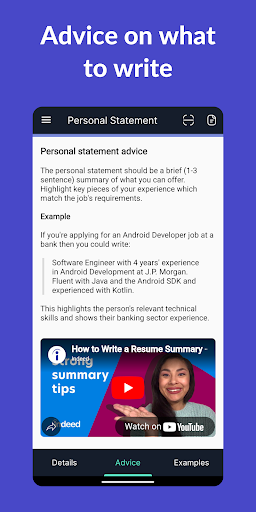
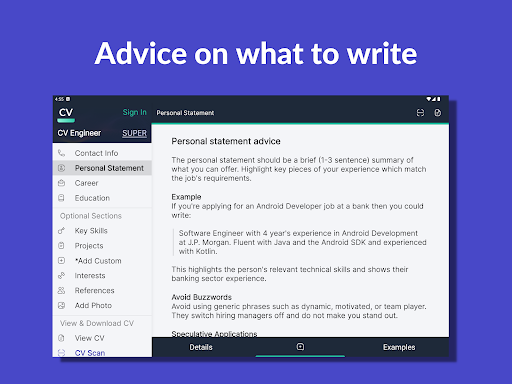
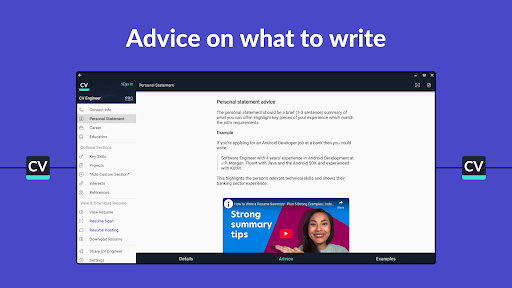
Receive advice from professional recruiters on how to write each section of your resume. This guidance helps you avoid common mistakes and highlights what recruiters look for in a standout CV.
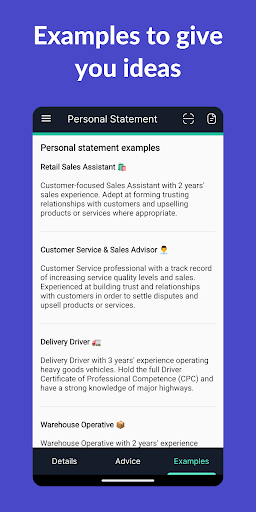
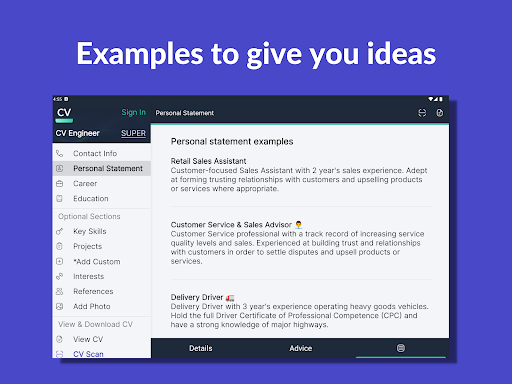
Example Sections & Inspiration
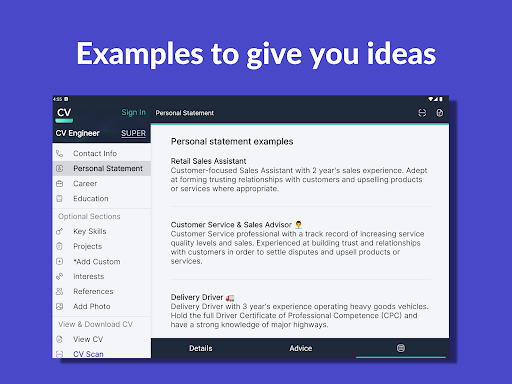
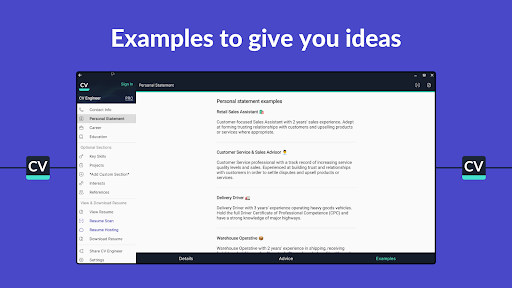
Explore example CV sections for various professions such as healthcare, nursing, construction, data science, programming, students, graduates, executives, and sales managers. The app’s intelligent resume creator offers tailored suggestions to suit your industry and career level.
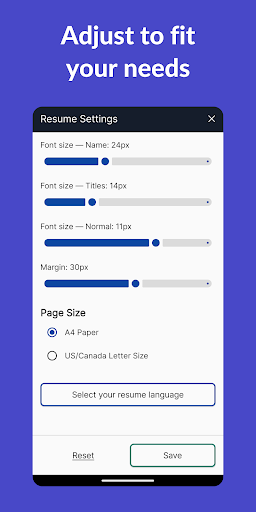
Formatting & Customization
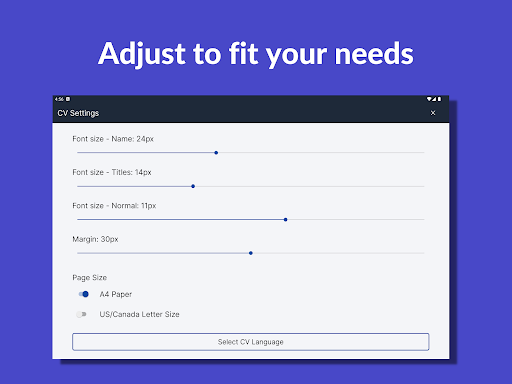
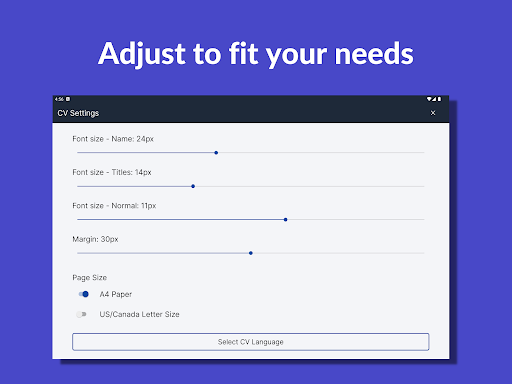
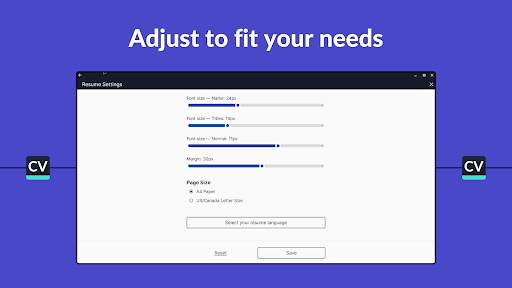
Personalize your resume’s appearance by adjusting font sizes and margins. This feature helps you fit your experience neatly onto 1 or 2 pages, which is the recommended length for CVs.
Download & Share
Once completed, easily download your resume in PDF format and share it via Google Drive, email, or other platforms. You can also add a professional photo to your CV to enhance its visual appeal.
Multilingual Support
Need your resume in another language? The app supports English, Spanish, German, French, Italian, Polish, Portuguese, and Turkish, making it accessible for global users.
Interview Preparation
After creating your resume, prepare for interviews with access to common interview questions and example answers to boost your confidence and readiness.
Dark Mode & User Comfort
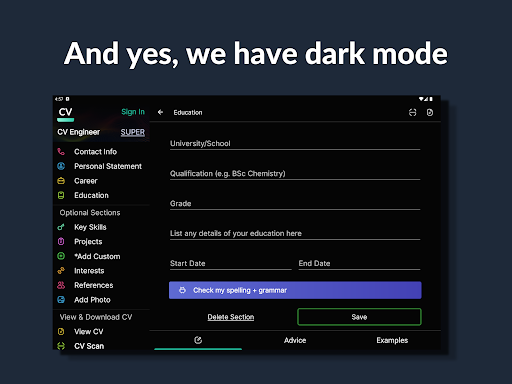
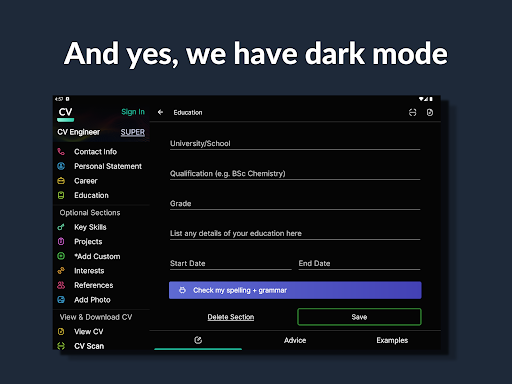
Use dark mode to create resumes comfortably without straining your eyes, especially during long editing sessions.
Why Was CV Engineer Developed?
Designed by a London-based professional recruiter, CV Engineer was created to share expert curriculum vitae knowledge and streamline the resume creation process. The app’s features reflect the insights of hiring specialists, ensuring your CV is crafted to catch the eye of recruiters and hiring managers alike. Additionally, the app now includes interview questions and answers to assist users throughout the entire job search journey.
Media Recognition
Many reputable tech and science news sites, including Wired, CNET, Popular Science, and Android Authority, have featured CV Engineer as a leading free CV generator. This recognition underscores its effectiveness and popularity among job seekers around the world.
Social Media & Customer Support
Stay connected for more resume advice and career guidance by following Twitter - @cv_engineer_hq and LinkedIn - CV Engineer. For feedback or support, you can contact us via email at [email protected].
Conclusion
If you’re serious about improving your job prospects, CV Engineer provides a completely free, user-friendly, and feature-rich resume builder that helps you craft a professional curriculum vitae with ease. With its wide range of templates, expert advice, and convenience features, this app can be your key tool in landing your next opportunity. Give it a try today and take the first step toward your career goals!
Pros
- User-friendly interface for quick CV creation.
- A wide selection of customizable templates.
- Guidance and tips provided for each CV section.
- No account required to access the app.
- Free to download with optional premium features.
Cons
- Limited export options in the free version.
- Advertisements can be disruptive during use.
- Certain templates require a premium subscription.
- Lacks direct integration with LinkedIn.
- Limited options for customer support.











