

Introducing the Video Player - Media Player App
Are you tired of facing compatibility issues with your media files or frustrated with default video players that lack essential features? The Video Player - Media Player app is here to transform your media viewing experience on Android devices. Designed with versatility and performance in mind, this app supports a wide range of formats, ensuring seamless playback of your videos regardless of their type or resolution.
From high-quality ultra HD videos to standard formats, the Media Player offers crisp visuals paired with an intuitive user interface. Whether you're watching your favorite movies, playing music videos, or building an organized video library, this app provides the tools you need for effortless media management and playback.
Extensive Format Support and Smooth Playback
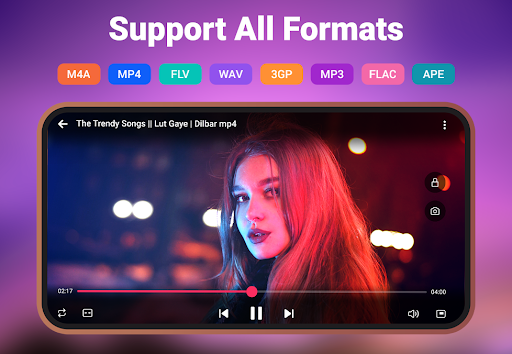
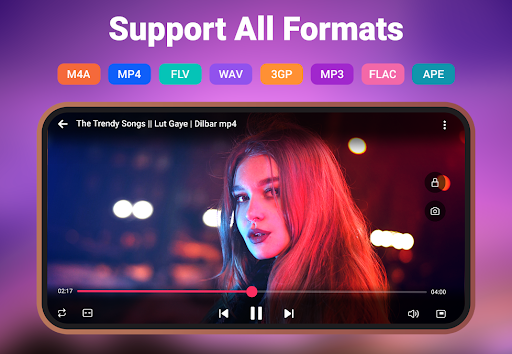
The Video Player - Media Player excels in supporting a vast array of video formats including MKV, MP4, M4V, FLV, and more. This inclusivity ensures you never encounter unplayable files and eliminates the need for downloading additional codecs. Whether your videos are in HD, 4K, or standard resolutions, the app guarantees smooth and high-quality playback, making it your go-to media solution.
Thanks to its powerful yet lightweight design, the app runs efficiently without draining your device’s resources or battery life, providing a reliable entertainment experience wherever you are.
Features Enhancing Your Viewing Experience
Versatile Playback Options
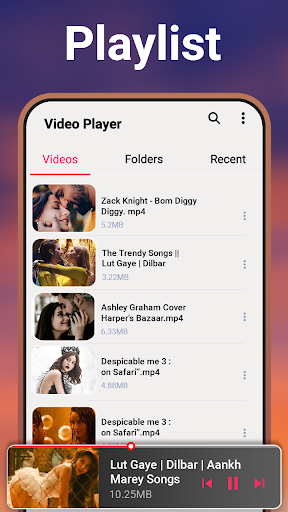
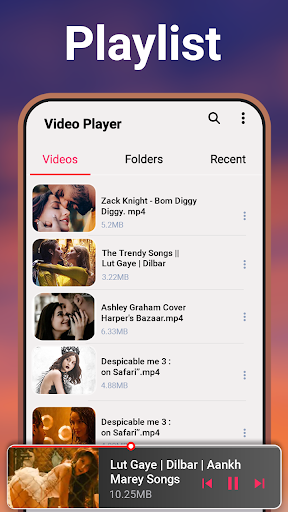
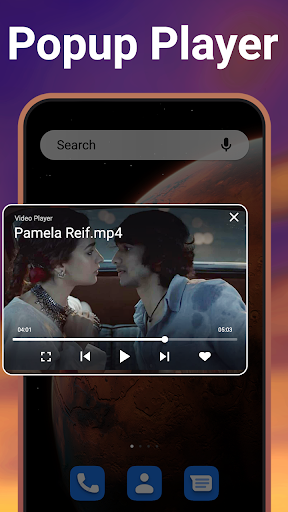
Enjoy flexible viewing options such as background play and floating window mode, allowing multitasking while watching videos. Manage multiple playlists, organize your media library with auto-detect features, and quickly access favorite content with ease.
Media Customization and Privacy
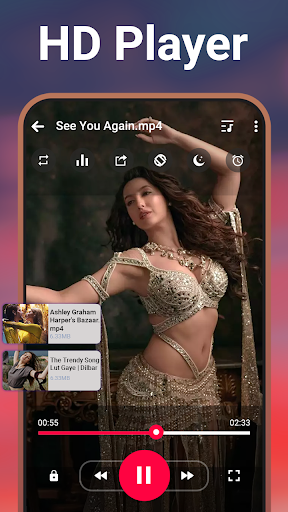
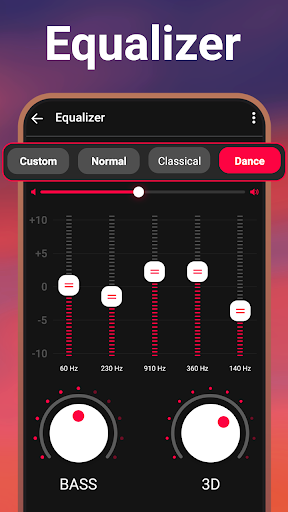
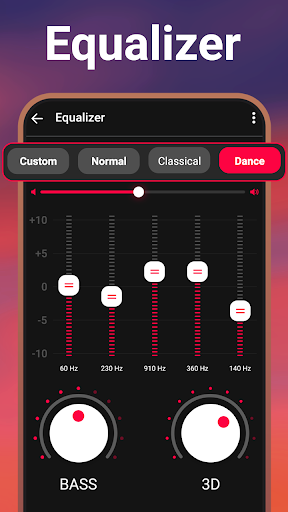
The built-in sound equalizer lets you fine-tune audio settings for the best sound experience, whether through headphones or speakers. The sleep timer feature helps you fall asleep to your preferred videos without worries about battery drain or playback continuation. Protect your private videos with the folder-hiding feature, ensuring your sensitive content stays confidential.
Enhanced User Controls
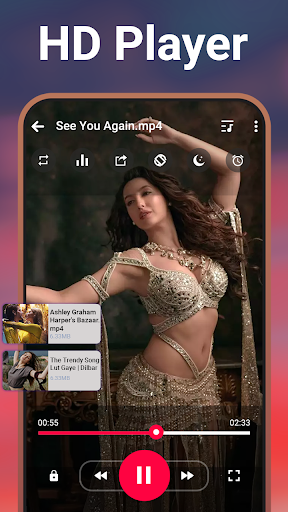
Navigate seamlessly with a sleek interface and gesture controls for adjusting volume and brightness. Switch between light and dark modes to suit your environment. Moreover, you can adjust video speed for slow-motion or fast-forward viewing, giving you total control over your media experience.
Additional Functionalities for Optimal Media Management
The app automatically detects and organizes your video files, making it simple to locate, rename, delete, or share content. With a robust search feature, finding specific videos is effortless, saving time and streamlining your media workflow.
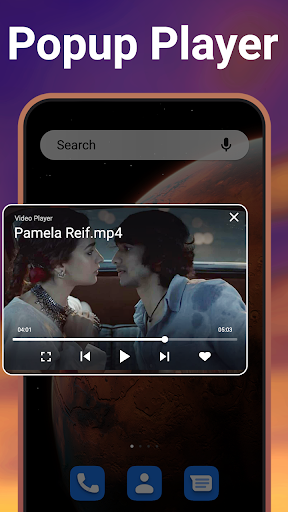
One of the standout features is the Pop-up Player, which allows inline viewing in a floating window—perfect for multitasking. You can manage the playback directly from your notification bar, ensuring continuous control without interrupting your other activities.
Create Your Ideal Media Environment
Looking to elevate your video-watching experience? The Media Player for Android combines versatility, performance, and user-friendliness, making it an essential app for media lovers. Whether you want to enjoy movies offline, share videos with friends, or set custom playback options, this app covers all bases.
Download the Video Player - Media Player today and indulge in high-quality, hassle-free video playback across all formats and resolutions. Experience crystal-clear visuals, configurable audio, and private file protection — all within a lightweight and responsive app designed to adapt to your entertainment needs.
Pros
- Supports a wide range of video formats.
- High-quality video playback.
- User-friendly interface.
- Offers subtitle customization.
- Efficient battery usage.
Cons
- Contains ads in the free version.
- Limited features without premium access.
- May experience occasional lag on older devices.
- Does not support offline mode.
- Needs frequent updates.











