
Discover the Incredible Features of Nomad Sculpt
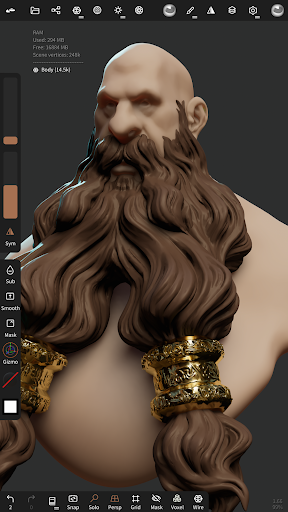
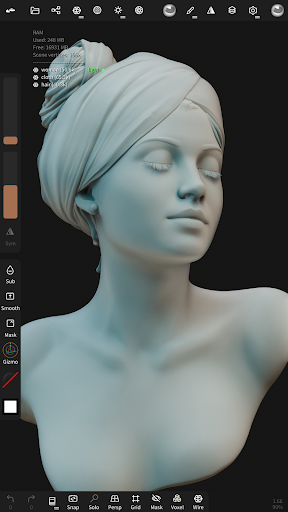
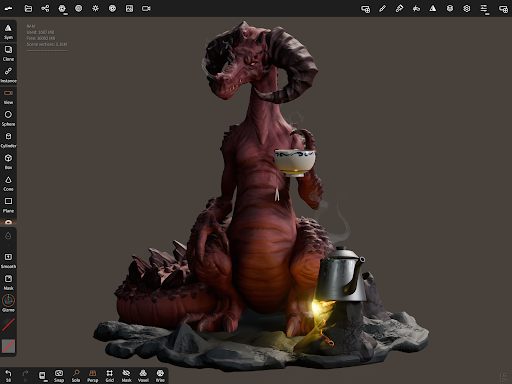
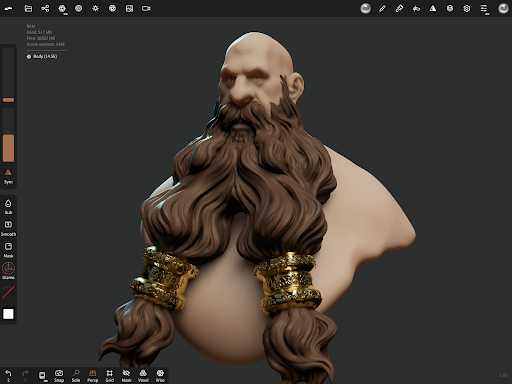
Nomad Sculpt is a powerful and intuitive 3D modeling application designed for artists and digital creators who want to craft high-quality sculptures on their mobile devices. Whether you're a beginner or a professional, this app offers a versatile set of tools that make digital sculpting accessible, fun, and highly productive. From detailed toolkits to advanced rendering options, Nomad Sculpt brings the art of 3D modeling right into your pocket.
Comprehensive Sculpting Tools for Every Need
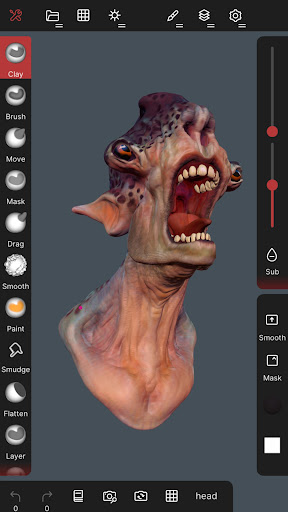
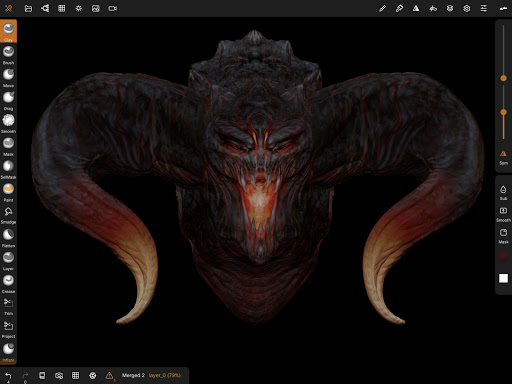
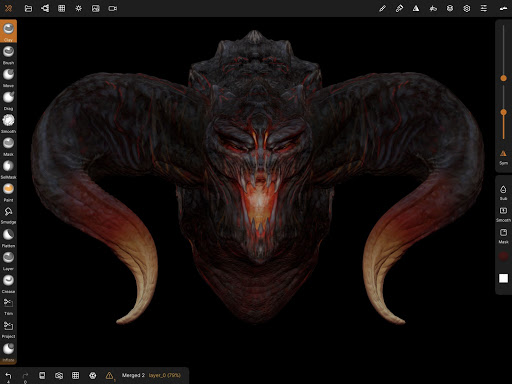
At the heart of Nomad Sculpt are its extensive sculpting tools that mimic traditional modeling instruments. Users have access to brushes such as clay, flatten, smooth, and mask, enabling precise shaping and detailing of your creations. Need to perform hard-surface modeling? The trim boolean cutting tool, combined with lasso, rectangle, and other shape-based options, empowers you to create complex geometric forms effortlessly.
Customizable Stroke Parameters
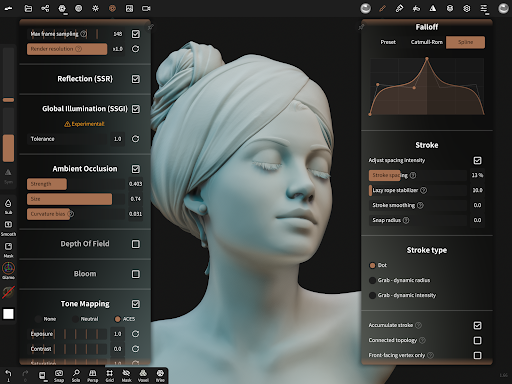
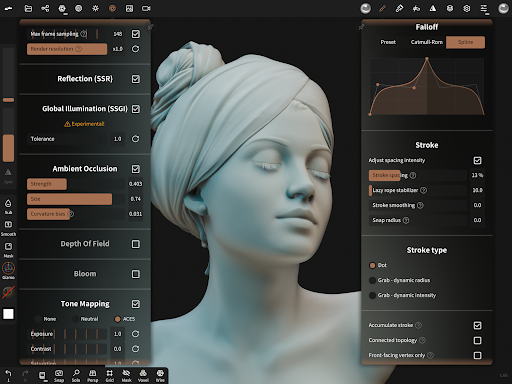
Creating natural and expressive strokes is simple thanks to the app's stroke customization features. Adjust falloff, alphas, tilings, and pencil pressure to get your perfect line quality. You can save your customized brush presets for quick access during your creative sessions.
Painting and Material Management
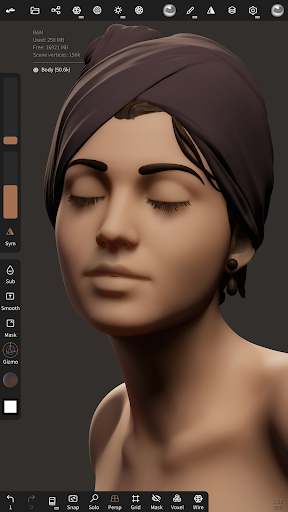
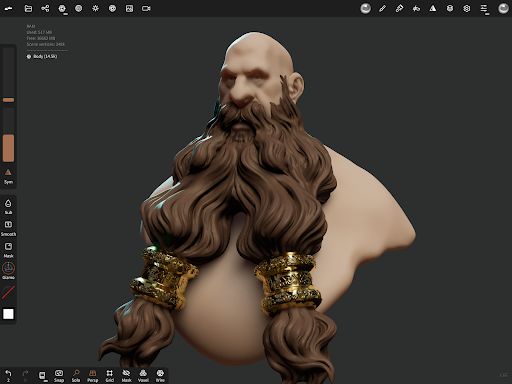
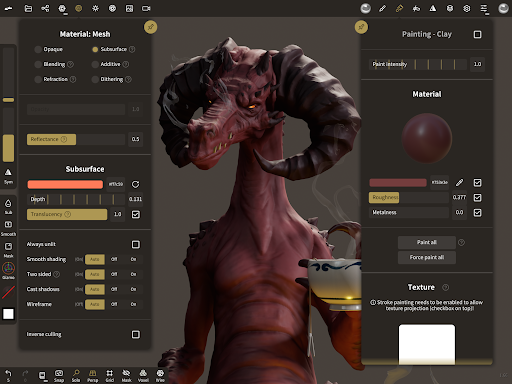
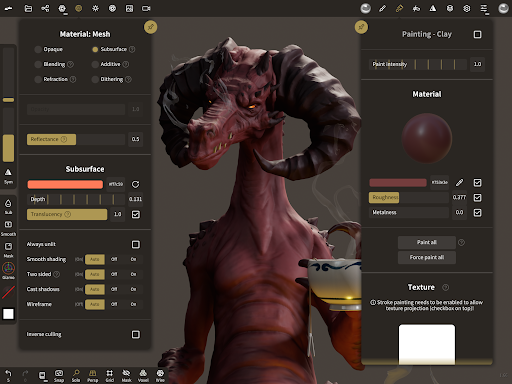
Beyond sculpting, Nomad Sculpt supports vertex painting with options for color, roughness, and metalness. Managing your material presets is straightforward, allowing for cohesive texturing workflows. The app facilitates painting directly onto your models, enhancing visual realism.
Layer-Based Workflow and Multiresolution Support
Organize your creative process with multiple layers, which record sculpting and painting actions separately. This system enables non-destructive editing and easier iteration. The app's multiresolution sculpting feature allows you to switch between different mesh resolutions, providing both high-detail refinement and low-poly modeling for efficient workflows.
Remeshing and Mesh Refinement
Use voxel remeshing to quickly reconfigure your mesh, creating a uniform level of detail that’s ideal for initial sketching or cleanup. Additionally, dynamic topology refinement allows for local mesh detail enhancement under your brush, keeping your layers updated automatically.
Polygon Reduction and Face Grouping
The decimate feature helps reduce polygon count without sacrificing details, optimizing models for export or real-time rendering. Face group segmentation organizes your mesh into subgroups, facilitating targeted operations and better UV unwrapping.
UV Unwrapping and Texture Baking
The automatic UV unwrap feature simplifies the texturing process by efficiently mapping your model’s surface, utilizing face groups for precise control. You can also bake detailed vertex data—such as color, roughness, and small-scale details—into textures, or transfer textures back into vertex data or layers, enhancing the realism of your models.
Primitive Shapes and Rendering Options
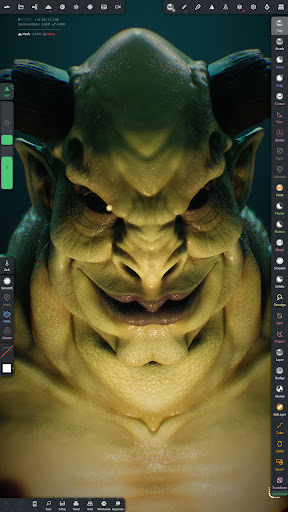
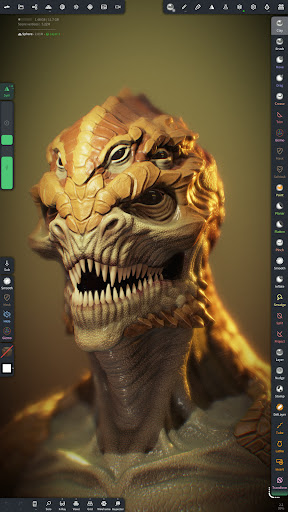
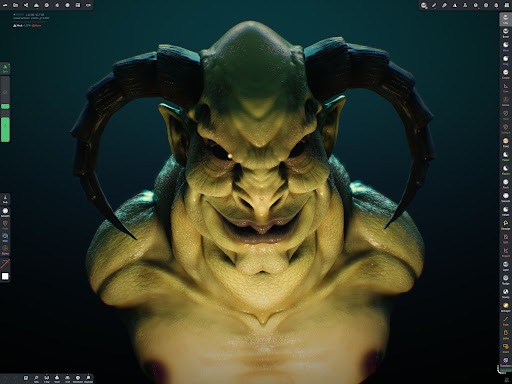
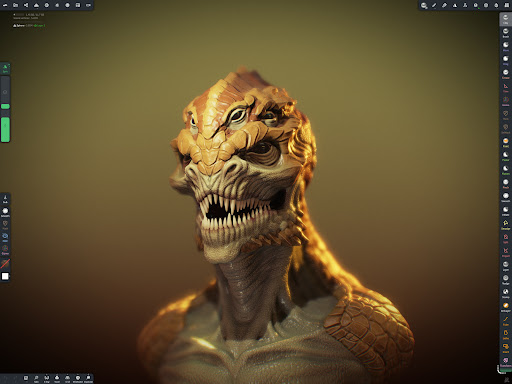
Start your models quickly with a variety of primitive shapes such as cylinders, toruses, and tubes. For rendering, Nomad Sculpt provides stunning PBR rendering with built-in lighting and shadows. For a more traditional look during sculpting, switch to matcap shading. Post-processing effects like Screen Space Reflection, Depth of Field, Ambient Occlusion, and Tone Mapping are also available to enhance your final output.
Export, Import, and Compatibility
The app supports multiple file formats including glTF, OBJ, STL, and PLY, making it easy to export your sculptures for 3D printing, rendering, or further editing in other software. Import your existing models to continue work or refine your projects seamlessly.
User-Friendly Interface for Mobile Creativity
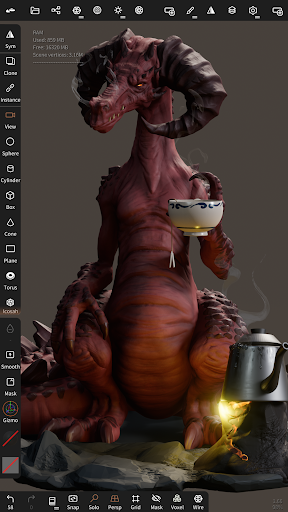
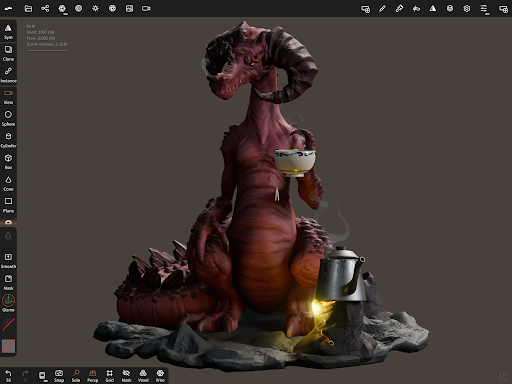
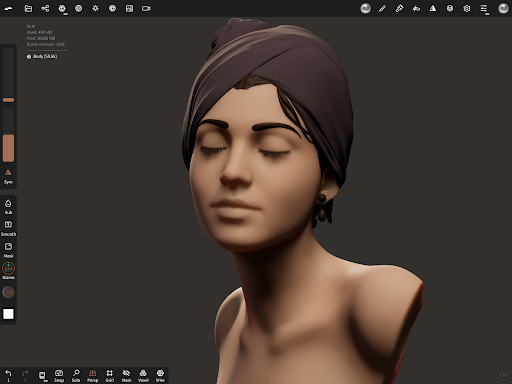
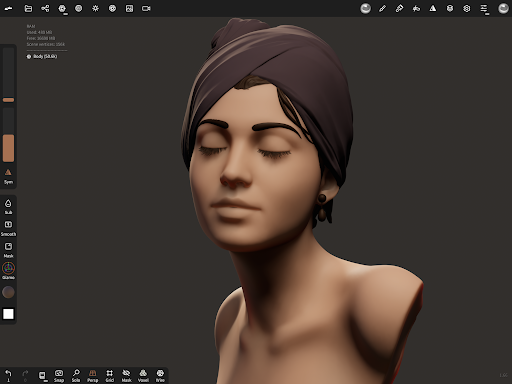
Designed with an easy-to-use interface, Nomad Sculpt ensures a smooth experience on smartphones and tablets. The interface can be customized to suit your workflow, minimizing distractions and maximizing productivity—perfect for creating wherever inspiration strikes.
Optional Advanced Remeshing (Quad Remesher)
For users seeking even more professional results, the Quad Remesher is available as a separate in-app purchase. It automatically produces quad-dominant meshes that follow surface curvature, supporting guides, face groups, and density painting to prepare models for animation or detailed texturing.
Why Creatives Love Nomad Sculpt
Imagine having a digital sculpture studio right in your pocket. Nomad Sculpt offers unparalleled freedom for artists to sketch, sculpt, paint, and refine models anytime and anywhere. Its powerful yet accessible features empower both newcomers and experts to explore their creative potential. Whether you're designing characters, prototypes, or artistic concepts, the app's versatility makes it an invaluable tool.
Conclusion
In summary, Nomad Sculpt is a comprehensive 3D sculpting app that combines intuitive controls with advanced features like multiresolution sculpting, dynamic topology, and texture baking. Its support for popular formats and high-quality rendering options ensures that your artwork is ready for professional use or personal projects. Perfect for mobile artists eager to transform their ideas into stunning 3D sculptures, Nomad Sculpt is a true game-changer in the world of digital modeling.
Pros
- Intuitive user interface design.
- Supports multi-resolution sculpting.
- Exports in various file formats.
- Responsive customer support.
- Provides regular updates and bug fixes.
Cons
- Limited features in the free version.
- Requires a high-performance device.
- Can experience lag with large files.
- No direct option for 3D printing.
- Steep learning curve for newcomers.











