

Introducing BILT: 3D Instructions – Your Ultimate Guide for Easy Assembly
What Makes BILT: 3D Instructions a Game Changer?
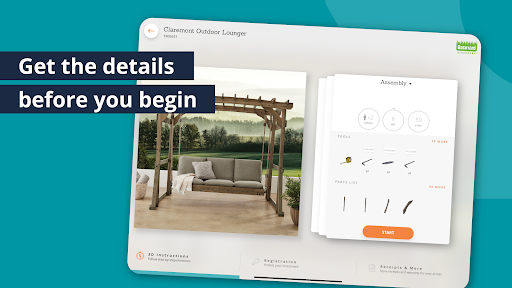
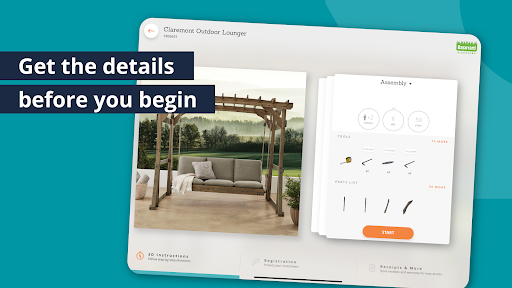
Key Features of BILT
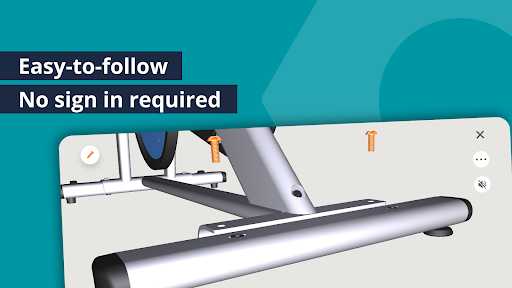
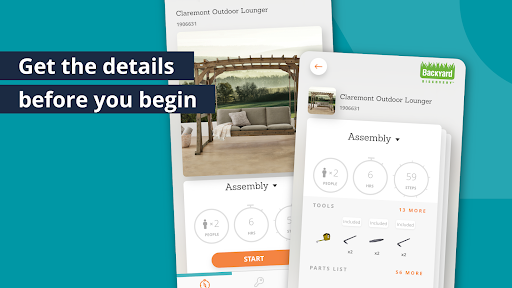
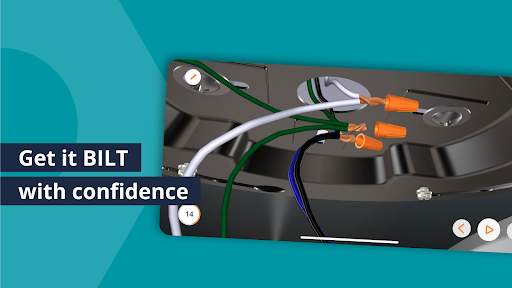
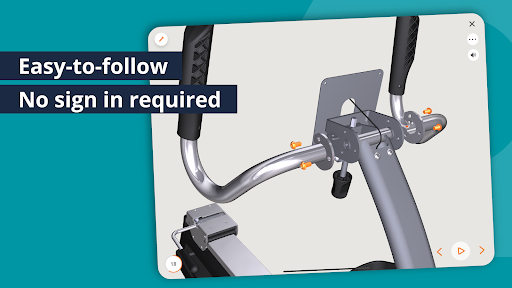
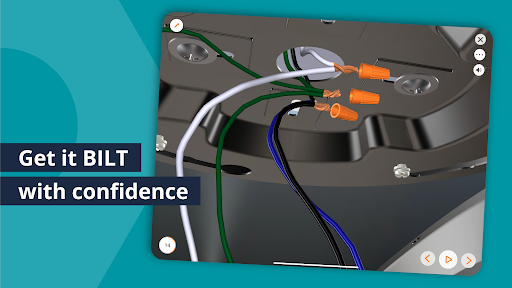
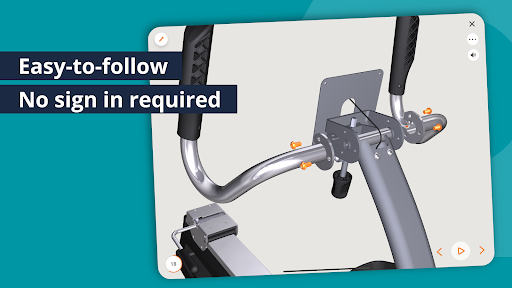
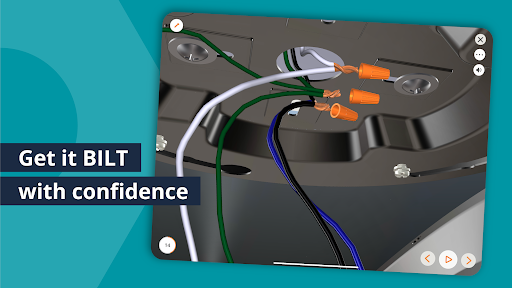
- Follow interactive 3D animation on each step for visual clarity
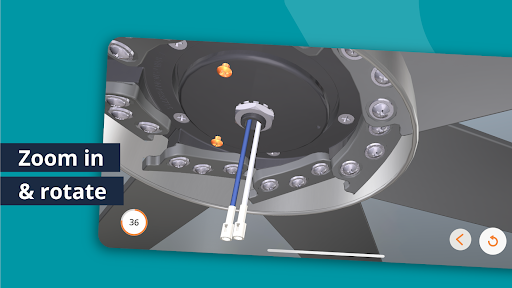
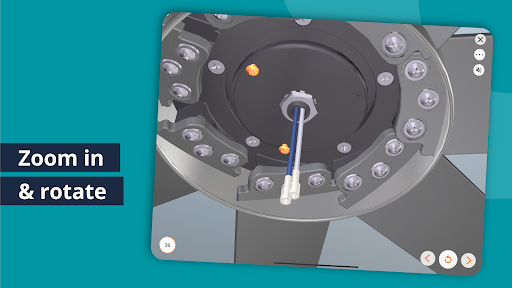
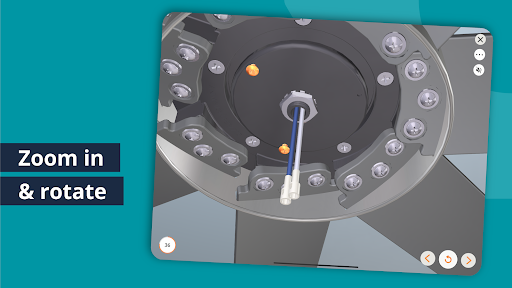
- Zoom in and out for close-up views on specific parts
- Rotate 3D models for the perfect viewing angle
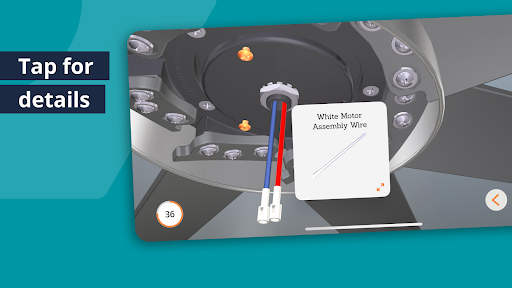
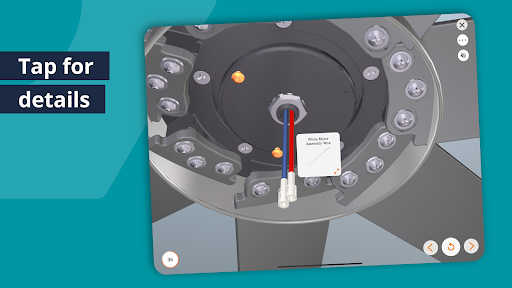
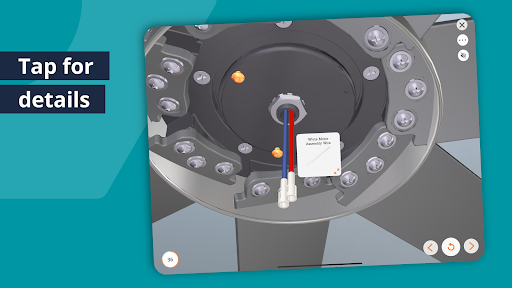
- Tap on any component for detailed information
- Choose optional voice narration & text guides for a hands-free experience
- Skip ahead, go back, or replay steps instantly to stay in control
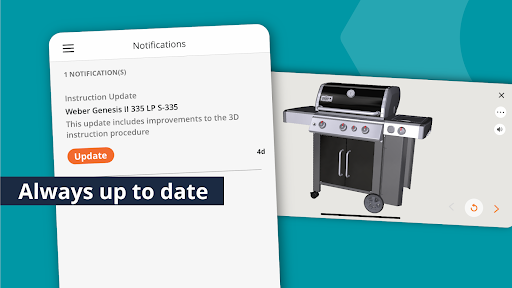
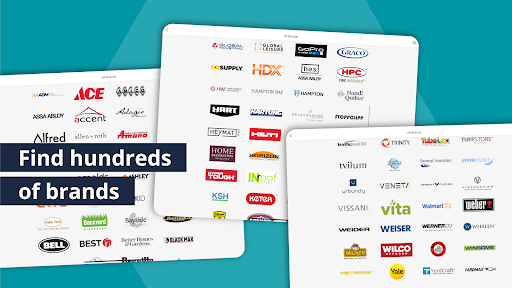
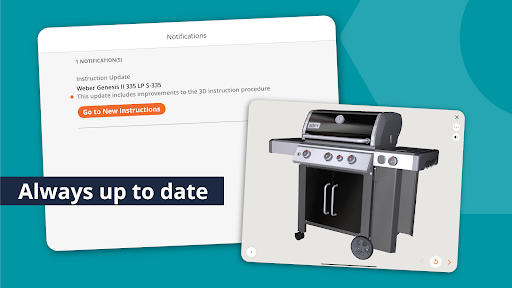
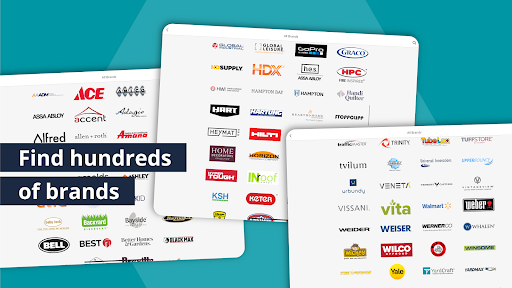
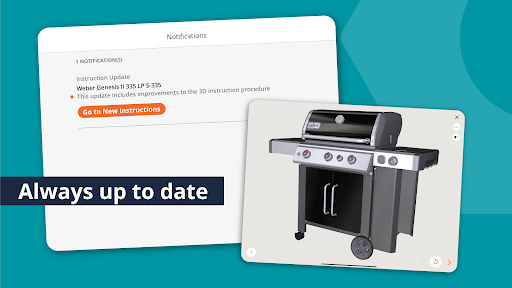
- Access official, brand-approved, and up-to-date instructions
- Download instructions to use offline without WiFi connection
Benefits of Using BILT
Compared to traditional paper manuals or online videos, BILT offers a much more intuitive and easy-to-understand experience. It significantly reduces the need for extensive reading or rewinding videos, saving you time and mental effort. Additionally, this app helps reduce paper waste and promotes eco-friendly practices. Most importantly, mit’s designed to give you confidence that you’re doing the job correctly the first time. This is why DIY enthusiasts, homeowners, handymen, and even professionals trust BILT for their home improvement and repair projects.
Why Is BILT Free and User-Friendly?
One of the most attractive aspects of BILT is that it’s completely free for everyone. Unlike other instruction platforms riddled with ads or pop-ups, BILT maintains a clean, ad-free experience. It’s funded by leading brands that believe consumers deserve better guidance, leading to happier purchases and fewer product returns—a true win-win scenario. Plus, you don’t need to create an account or share personal information to access instructions, making the app incredibly easy to use.
However, creating a free BILT account unlocks additional benefits like saving your receipts, registering products, accessing warranty info, storing downloaded instructions in “My Stuff,” and leaving reviews to help brands improve.
Awards and Recognitions
BILT has been recognized with several industry awards, including:
- Most Innovative Construction Tool by the National Association of Home Builders
- Gold Winner at the User Experience Awards
- Pro Tool Innovation Award Winner
The BILT Toolbox: Your Go-To for Home & Auto Projects
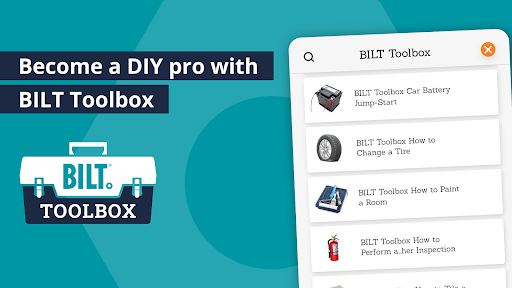
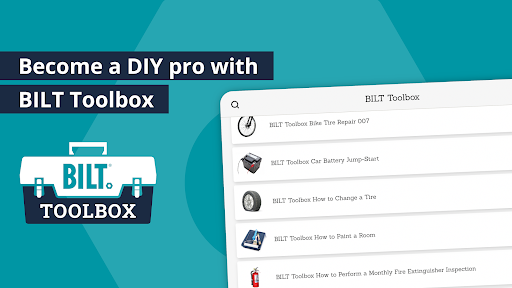
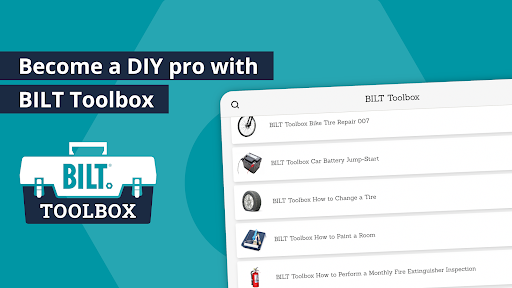
The BILT Toolbox extends the app’s capabilities beyond furniture assembly. It provides step-by-step instructions for a variety of projects, such as repairing a toilet, laying tiles, painting a room, jumping a car battery, changing a tire, and operating power tools. Designed to help with everyday tasks, the Toolbox ensures you're never stuck without guidance when dealing with home repairs, auto maintenance, or safety projects. Many users recommend downloading critical instructions, like “How to Jump a Car Battery,” ahead of time to ensure quick access in case of spotty internet—because being prepared makes all the difference.
Prioritizing Data Privacy
BILT respects your privacy. The app only collects personal data when you choose to create an account, register a product, or leave a review. Aggregate data, such as download counts and average step completion times, is collected anonymously to improve the app experience—no individual tracking involved.
User Feedback and Success Stories
Real users love the convenience and clarity of BILT. Comments highlight how the app simplifies complex projects:
- “This app is pretty wonderful! The 3D instructions and 360-degree view made assembly so easy.” – Aisha R.
- “Best app for DIY projects. The animated guides and audio instructions eliminated confusion.” – Daron H.
- “Made assembly SO easy! Being able to zoom, replay, and pause was fantastic.” – Erin S.
Get Started with BILT Today!
If you’re ready to make your DIY projects smoother and more enjoyable, download BILT now. Enjoy accurate, interactive 3D instructions that ensure you get projects done right the first time. Say goodbye to frustration and hello to confidence with BILT: your personal guide for a variety of home improvement, auto, and repair tasks. It’s like having a professional instructor right in your pocket—waiting to assist you whenever you need it!
Pros
- Easy to follow 3D instructions.
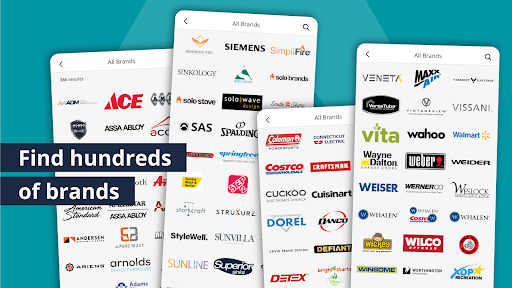
- Wide range of supported products.
- Interactive and user-friendly interface.
- Significantly reduces assembly time.
- Free to download and use.
Cons
- Requires internet connection for full functionality.
- Limited offline access.
- Not all products are available in the app.
- Occasional app crashes have been reported.
- Advertisements can be intrusive.











