

Incognito Browser - Go Private: Secure & Private Web Browsing for Android
In today's digital age, maintaining online privacy is more important than ever. The Incognito Browser - Go Private app offers a seamless and secure way to surf the internet anonymously on your Android device. With features designed to protect your privacy, block ads, and support emerging Web3 technologies, this browser stands out as a top choice for users who prioritize security and simplicity. Whether you're checking sensitive sites, managing social media discreetly, or exploring new internet innovations, this app aims to keep your online activities private and protected.
Key Features of Incognito Browser - Go Private
Absolute Privacy & Security
One of the primary reasons users choose Incognito Browser - Go Private is its commitment to privacy. The app automatically activates incognito mode, ensuring all data—including browsing history, cookies, and sessions—are instantly wiped when you exit the browser. This guarantees that no digital footprints are left behind, making your browsing sessions completely anonymous. Beyond just privacy, the browser offers options for password or fingerprint protection, adding an extra layer of security against unauthorized access.
Private & Sensitive Browsing
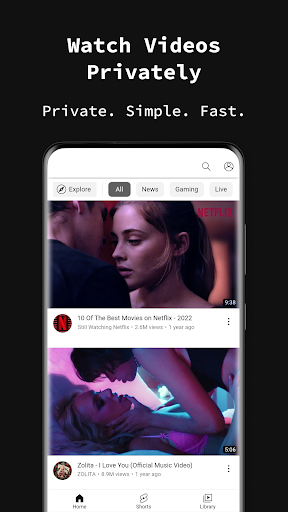
Designed with discretion in mind, the browser is perfect for sensitive tasks like visiting dating sites, social media, or conducting private research without leaving traces on your device. No cache, no browsing history, and no trackers means your activities stay confidential, even if someone else gains access to your device.
Ad Blocking and Speed
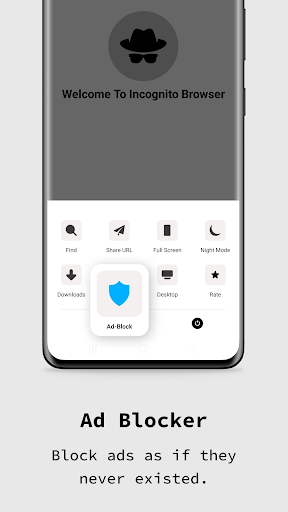
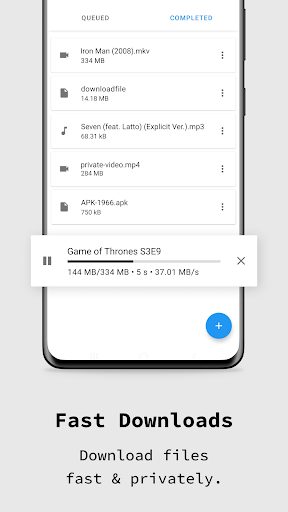
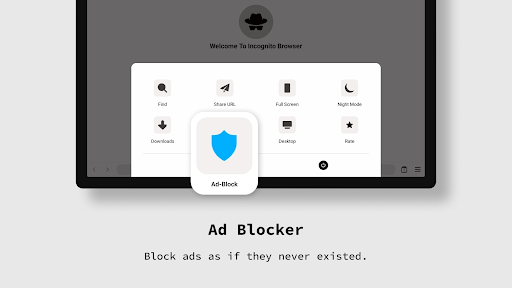
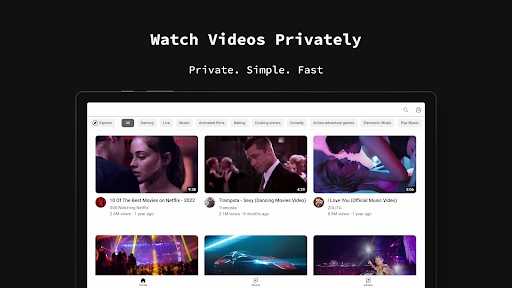
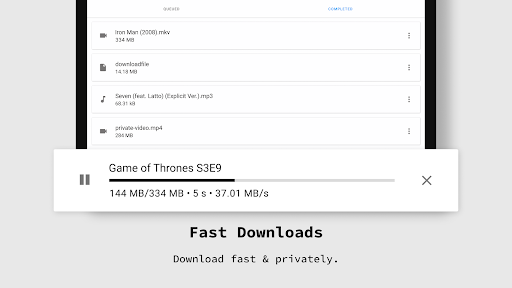
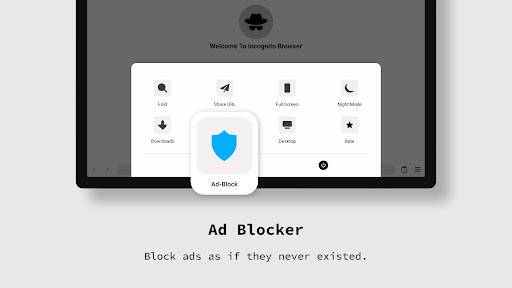
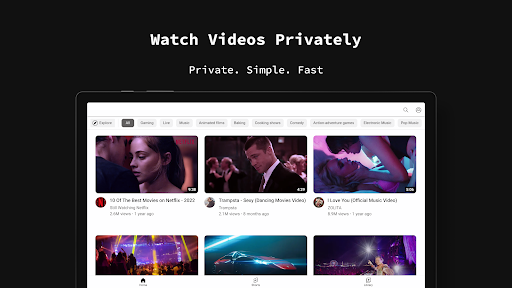
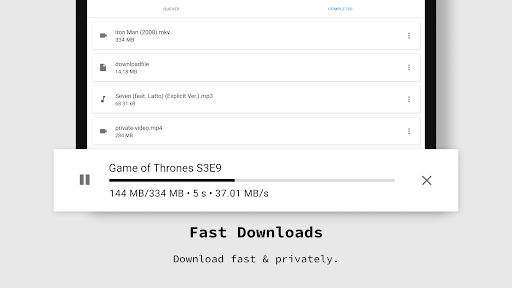
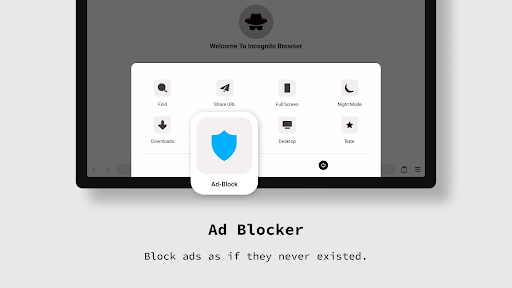
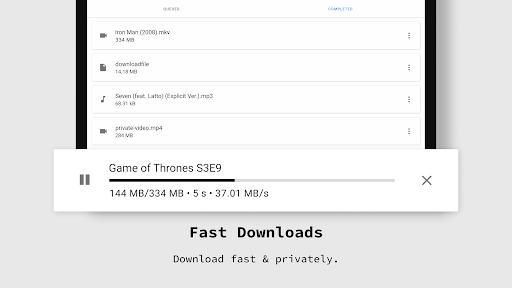
Robust AdBlocker technology ensures that ads do not interrupt your browsing experience, allowing you to focus on the content that matters. Despite the advanced privacy features, the browser remains fast—supporting quick downloads and smooth page loading, even with multiple tabs open. This efficiency ensures a productive yet private browsing experience.
Support for Web3 & IPFS
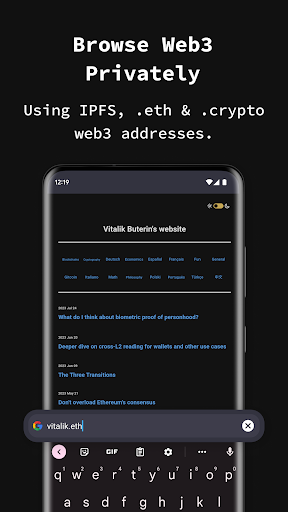
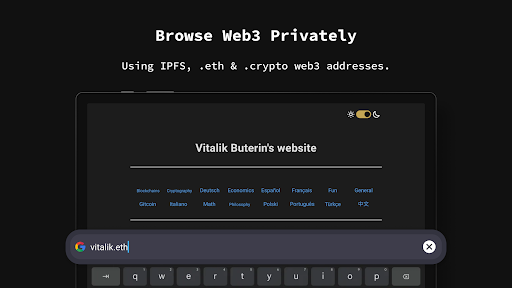
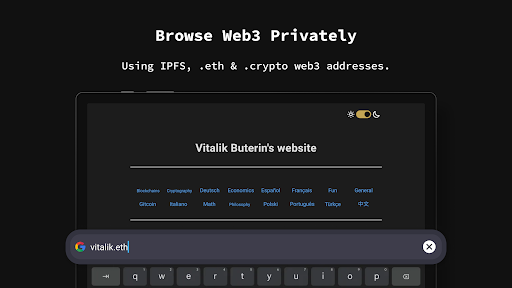
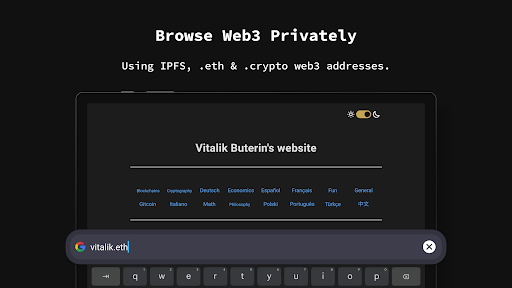
The browser now supports Web3 and IPFS protocols, including .eth and .crypto addresses. This feature allows users to explore decentralized web content seamlessly, making Incognito Browser not just a private browsing tool but also a gateway to future internet protocols.
Dark Mode & Customization
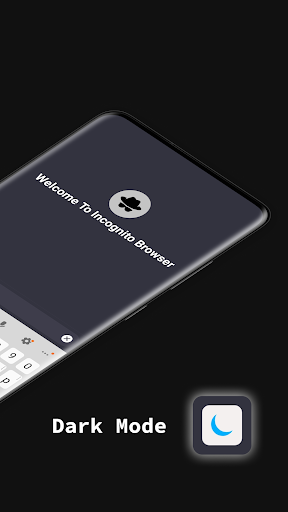
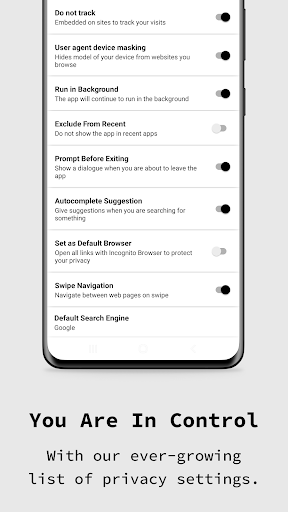
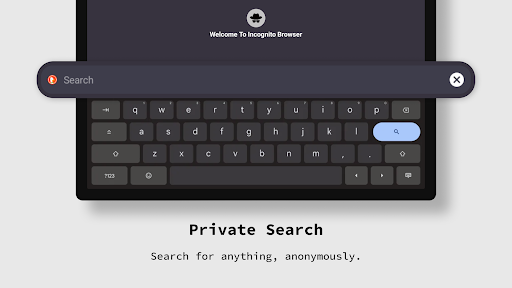
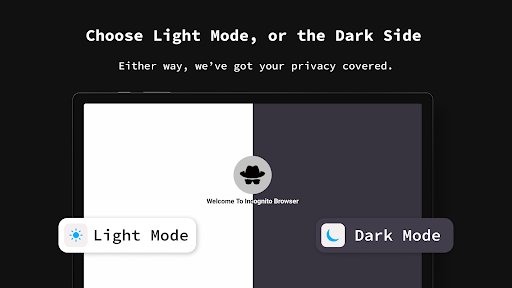
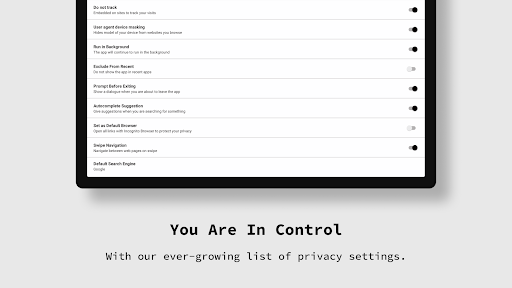
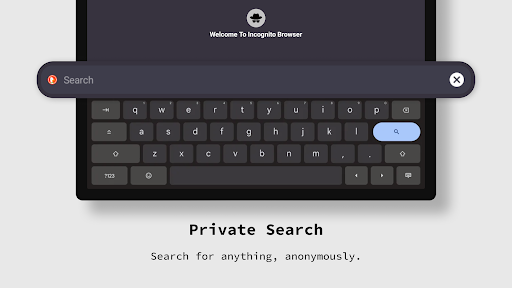
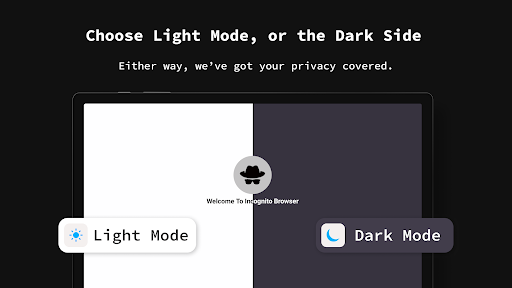
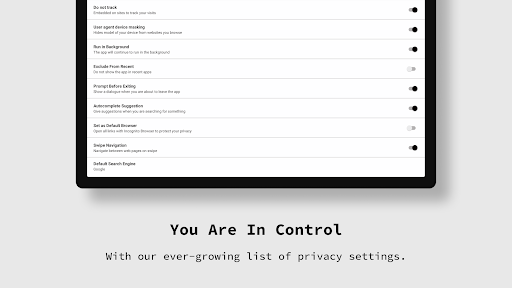
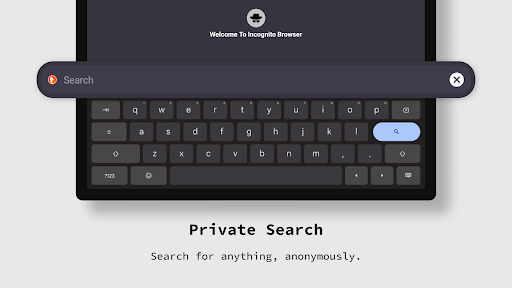
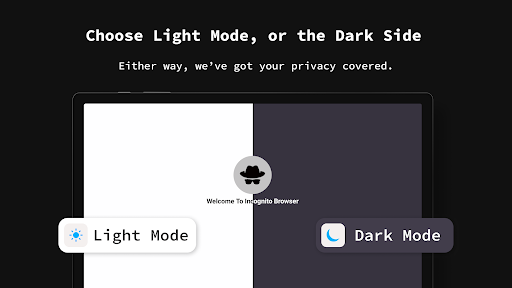
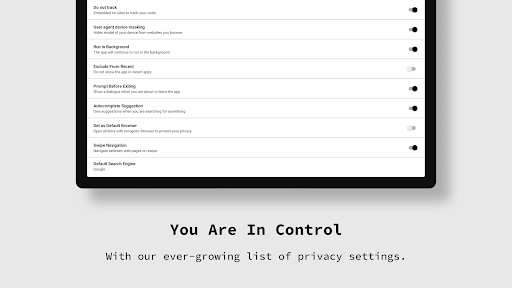
Enjoy nighttime browsing with the built-in Dark Mode, reducing eye strain during late-night sessions. The app offers customizable settings for images, JavaScript, and cookies, enabling you to tailor your browsing experience according to your preferences. Support for multiple search engines, including Google, DuckDuckGo, and Bing, adds to its versatility.
Tab Management & User-Friendly Interface
The minimalist design provides a clean UI with easy tabbed browsing—perfect for multitasking. You can swiftly switch between open pages, and the simple layout maximizes your screen space. Additionally, support for 13 different languages ensures accessibility for users worldwide.
Why Choose Incognito Browser - Go Private?
This browser is an excellent choice for anyone looking to enhance their online privacy while enjoying fast and reliable browsing. Unlike many browsers that track user data or bombard you with ads, Incognito Browser - Go Private raises the bar by integrating advanced privacy features, modern Web3 support, and a lightweight, intuitive interface. It's ideal for users who want to surf anonymously, conduct private searches, or explore decentralized content without compromise.
Built with transparency in mind, the open-source nature of this browser fosters trust and community oversight. Its ease of use, combined with powerful privacy tools, makes it suitable for both tech-savvy users and those new to private browsing.
If security, speed, and anonymity are your top priorities, then Incognito Browser - Go Private might just become your go-to mobile browser. Download it today to experience a new level of online privacy and freedom on your Android device.
Pros
- Fast and responsive browsing experience.
- No registration required for use.
- Supports multiple tabs for multitasking.
- Built-in ad blocker enhances privacy.
- Compact and user-friendly interface.
Cons
- Limited customization options available.
- No built-in VPN for extra security.
- Occasional crashes on older devices.
- Lacks advanced features like desktop mode.
- Some ads bypass the ad blocker.











