


Introduction to NOAA Weather Unofficial
Key Features of NOAA Weather Unofficial
User-Friendly Interface and Design
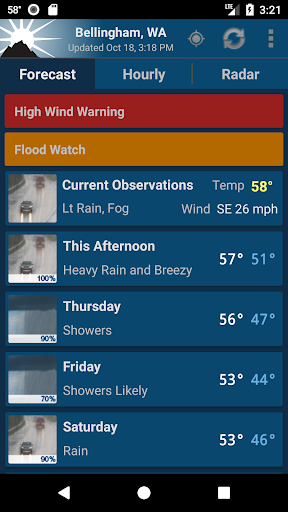
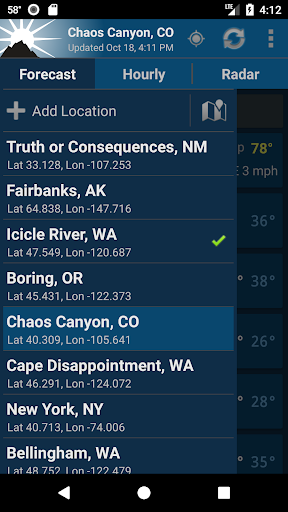
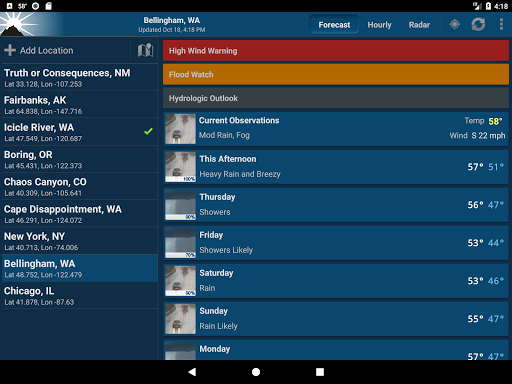
The app boasts a no-nonsense design that emphasizes ease of use. As reviewed by Android Central, it provides a "great looking" interface focused solely on delivering weather data without unnecessary distractions. Whether you're checking weather updates before heading out or planning outdoor activities, the app's intuitive layout ensures you can find the information you need within just a few taps.
Localized Weather Forecasts
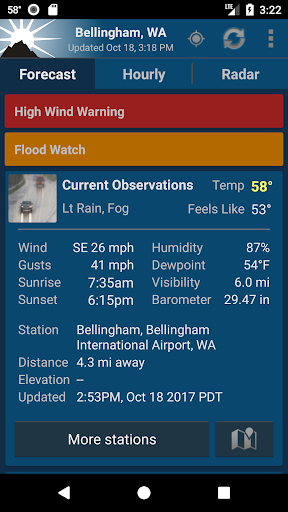
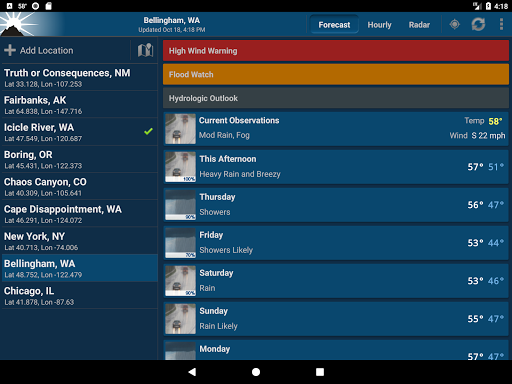
One of the standout qualities of NOAA Weather Unofficial is its use of point forecasts derived from your GPS location. These deliver highly localized weather predictions, which are particularly beneficial for outdoor activities like climbing, hiking, skiing, or camping—where weather conditions can vary significantly from nearby city forecasts. The app intelligently utilizes your GPS, Wi-Fi, or nearby cell towers to determine your location accurately, though manual location entry is also supported. Please note that this feature is limited to locations within the United States.
Real-Time Data and Radar Imagery
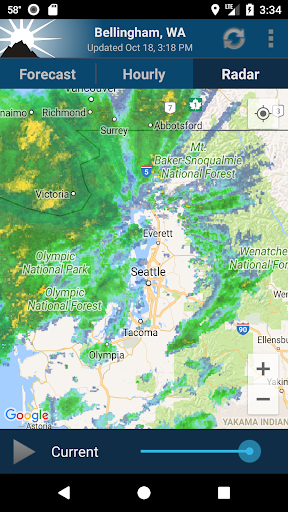
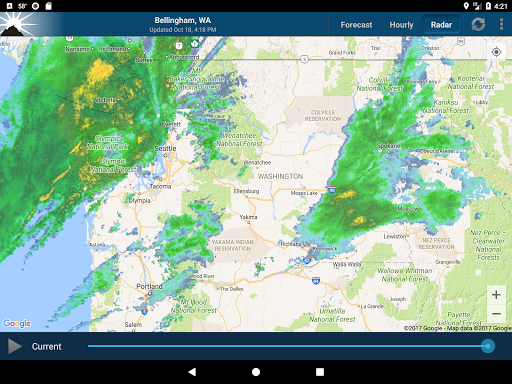
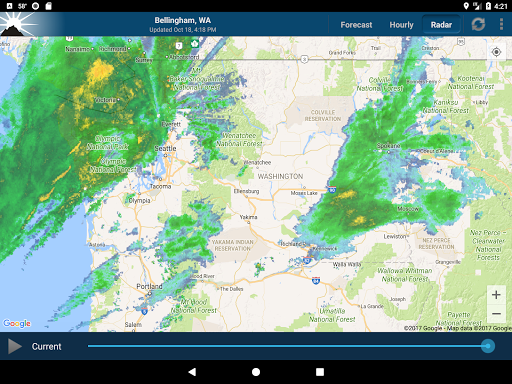
The app provides real-time weather updates, detailed forecasts, and animated radar images. It displays severe weather alerts at the top of the forecast when necessary, keeping you informed about dangerous conditions. However, currently, the app does NOT support push notifications for severe weather alerts; instead, it offers the most critical information within the forecast itself.
Widgets and Additional Tools
For quick access, NOAA Weather Unofficial offers several differently sized widgets that can be placed directly on your home screen, providing basic weather information at a glance without opening the app. Additionally, a forecast discussion can be accessed via the menu, offering more in-depth weather insights.
Permissions and Usage
The app requires location access to provide the most accurate weather data. It also requests permission to access your Photos, Media, and Files—primarily for caching map tiles via Google Maps. Rest assured, these permissions do not mean your personal files are accessed; they are strictly necessary for the app's functionality.
Performance and Reliability
Accuracy is paramount for a weather app, and NOAA Weather Unofficial excels here. During testing, forecasts aligned closely with actual weather conditions, providing confidence in its predictions. The app runs smoothly, with quick loading times and responsive radar imagery, ensuring you receive timely updates when you need them most. The animated radar and detailed forecasts make it easier to anticipate weather changes and plan accordingly.
Limitations and Upgrades
This free version is supported by ads and limits users to 3 saved locations. If you prefer an ad-free experience and unlimited saved places, upgrading to the premium version is recommended. While the current iteration does not support severe weather notifications, NOAA's official services, accessible through cell carriers, provide dedicated alerts for emergencies. For those interested in the latest updates and features, the app also offers access to a Beta Channel.
User Experience and Final Thoughts
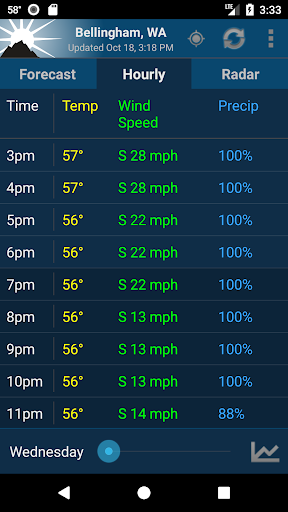
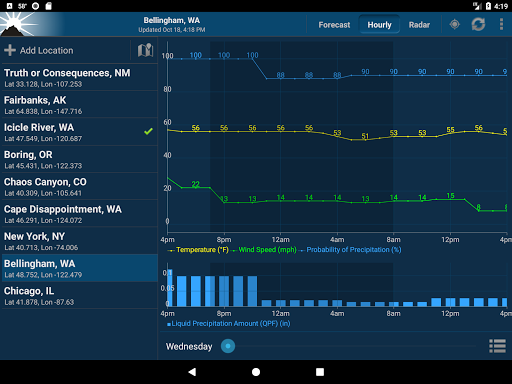
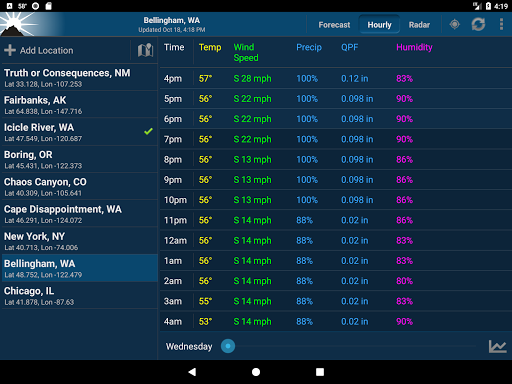
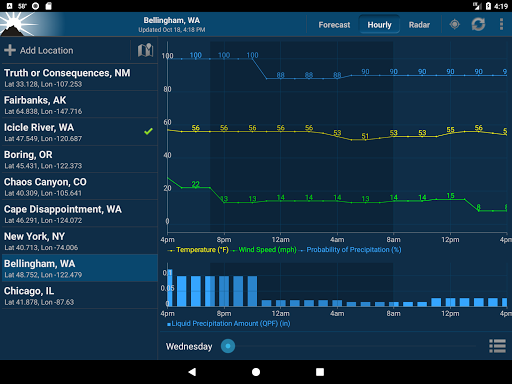
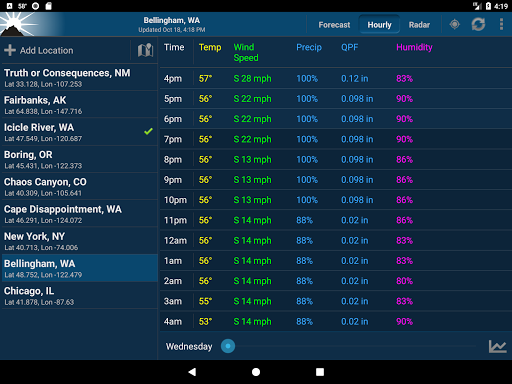
Based on personal experience, NOAA Weather Unofficial offers a reliable, straightforward weather tracking solution that prioritizes accurate data over flashy graphics. Its simplicity makes it an ideal choice for users who want quick, precise weather information without unnecessary clutter. The ability to customize alerts and the inclusion of hourly and radar views further enhance its utility. While it lacks some advanced features like push notifications for severe weather, it remains a highly effective tool to stay prepared for the outdoors or daily commutes. Overall, if you value accurate local weather forecasts powered by NOAA data, this app is definitely worth installing on your device. It ensures you won't be caught off guard by unpredictable weather changes, helping you plan your day with confidence.
Pros
- Highly accurate weather forecasts
- Comprehensive radar maps
- Customizable alerts
- User-friendly interface
- Covers a wide range of locations
Cons
- Contains ads in the free version
- Some features require a premium subscription
- App size may be large
- Occasional delays in data updates
- Limited access when offline











