


Introduction to the All-in-One Email App for Outlook and Hotmail
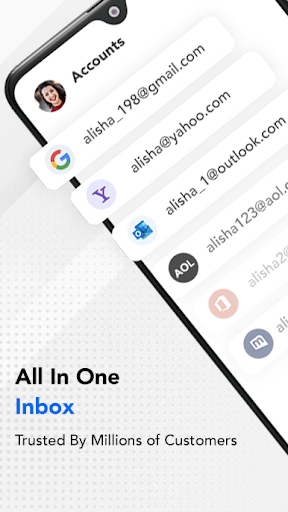
Managing multiple email accounts can often be a hassle, especially when juggling personal, work, and other important emails across various platforms. Email for Outlook, Hotmail emerges as a sophisticated solution designed to streamline your email management. This premium app consolidates all your Outlook Mail and Hotmail accounts into a single, efficient interface, providing a seamless experience across all your devices. Whether you're using a phone, tablet, or smartwatch, this app ensures quick and easy access to your emails with just a few taps.
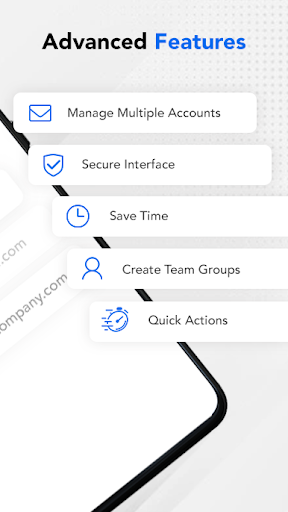
The app boasts a beautiful design and intuitive actions, making routine email tasks like checking messages, replying, sending photos, and viewing attachments both simple and enjoyable. Enhanced with advanced security features, it prioritizes the safety of your sensitive data. Its lightning-fast performance and organizational tools make managing your inbox more productive than ever, whether you're on the go or at your desk.
Key Features of Email for Outlook, Hotmail
Unified Account Management
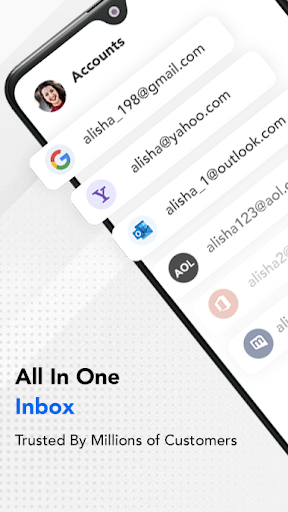
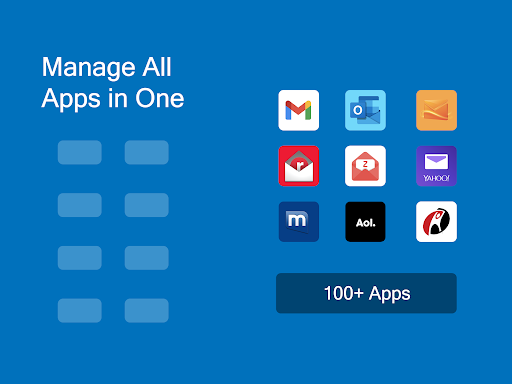
This app enables users to add and access multiple email accounts—including Microsoft Outlook, Hotmail, MSN Mail, and more—all in one place. The integration allows for effortless switching between accounts, ensuring you stay connected without the need to open multiple applications.
Personalized Notifications
Stay informed with timely custom push notifications for each email account. For example, you can set your Work email to ‘Do Not Disturb’ mode during non-working hours, helping you maintain focus without missing critical messages.
User-Friendly Interface
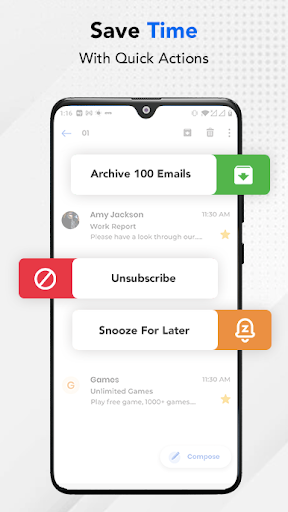
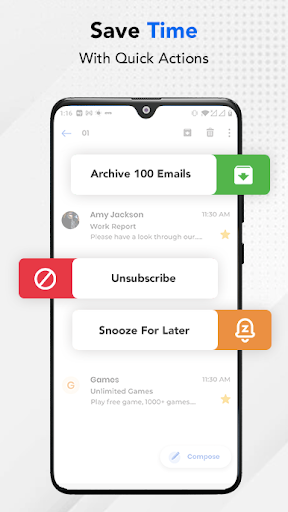
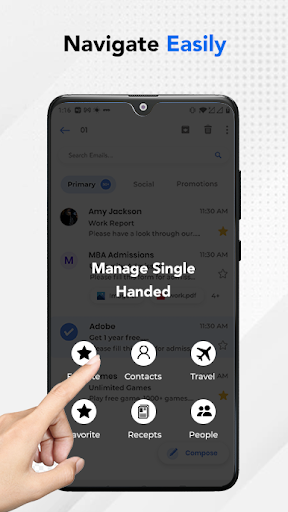
The app’s design simplifies email management, allowing you to flag, mark as spam, or delete emails either individually or in bulk with just a few taps. Creating organized folders and managing your inbox has never been easier, promoting a clean and clutter-free email experience.
Advanced Search & Filters
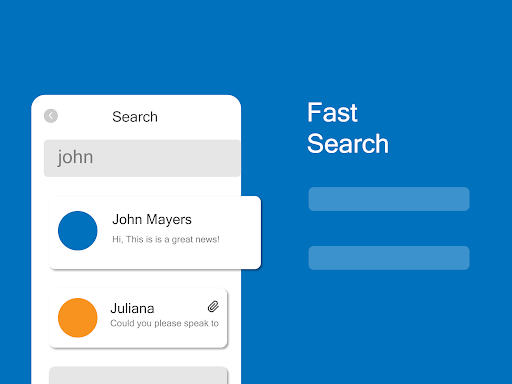
Find your emails swiftly with search by date, recipient, subject, attachments, or unread/flagged messages. Moreover, the personalized filters enable automatic sorting of incoming emails into specific folders or marking them as read, helping you stay organized effortlessly.
Enhanced Security
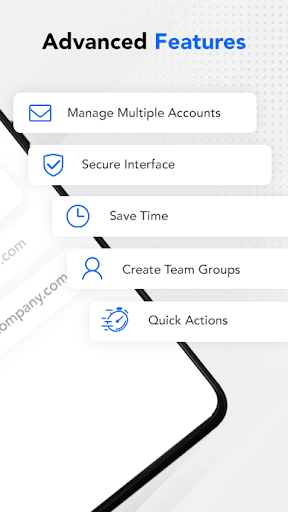
Your privacy is paramount. The app offers enhanced security features like PIN setups and encryption protocols, protecting your account from unauthorized access and ensuring your emails remain confidential.
Performance and Compatibility
The app runs smoothly, with quick email loading and attachment handling. It is optimized for minimal battery consumption, making it suitable for daily use on the move. Compatible with all major email services, it consolidates your Microsoft Outlook and Hotmail accounts along with others, offering a comprehensive email management solution.
Additional Benefits and Support
Despite being an unofficial app, the developers have prioritized user experience by providing reliable support and regular updates. If any issues arise, users can contact support via email for prompt assistance. The app aims to serve as a free and efficient tool, designed to help users organize their mail with ease.
Note that this app is part of Apps by A1, an entity of Rhophi Analytics LLP, and is independent of any other brand.
Conclusion
If managing multiple email accounts has become overwhelming, Email for Outlook, Hotmail is a powerful tool worth considering. Its combination of a clean design, robust features, and advanced security makes it an ideal choice for anyone seeking a reliable, all-in-one email app. Whether for personal use or professional correspondence, this app helps keep your inbox organized and accessible, anywhere you go.
Pros
- Seamless integration with Microsoft services.
- User-friendly interface with customizable views.
- Efficient email organization and categorization.
- Robust security features for data protection.
- Supports multiple email accounts in one place.
Cons
- Limited offline functionality.
- Occasional sync issues with calendar events.
- Ads can be intrusive for free users.
- Lacks advanced email filtering options.
- Some features require a subscription.











