
Introduction to Password Safe and Manager
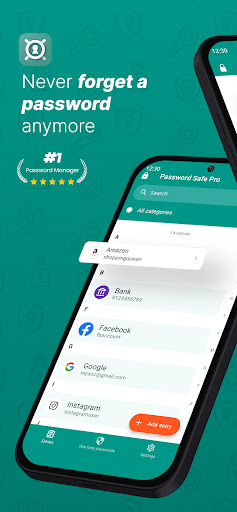
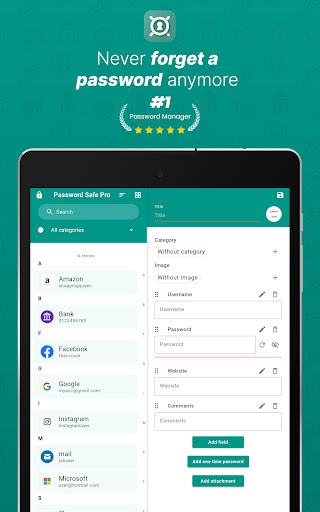
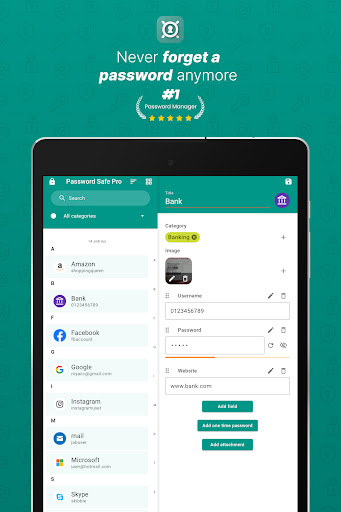
Are you tired of the confusion and hassle that comes with managing countless passwords across various services and applications? Do you find it risky and inconvenient to write down your access data on paper or keep them unsorted in notes? Password Safe and Manager is the ultimate solution for securely storing and organizing all your passwords and sensitive data. This innovative password manager simplifies your digital life by offering a encrypted storage system, allowing you to only remember a single master-password. It is designed to help users keep track of their passwords, pins, accounts, and access data without sacrificing security or convenience.
Key Features of Password Safe and Manager
The core function of this app is to store and manage your confidential data in a safe, encrypted environment. Using Advanced Encryption Standard (AES) 256bit, your data vault remains protected from unauthorized access, giving you peace of mind. One of the standout advantages is that the app operates entirely offline—it does not connect to the internet, enhancing your privacy and security by eliminating external vulnerabilities. For sharing your vault, you can easily export or backup your database and import it on different devices via cloud services like Dropbox or other storage solutions. The process is straightforward and supports seamless data transfer.
Essential Functions at a Glance
- Secure storage and management of passwords, pins, accounts, and access data
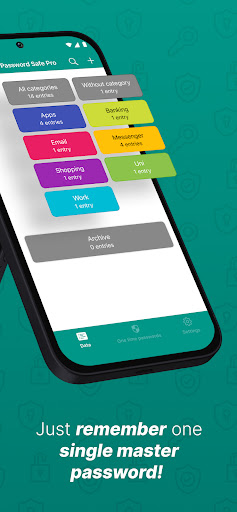
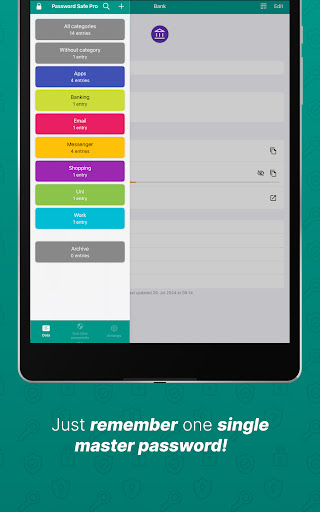
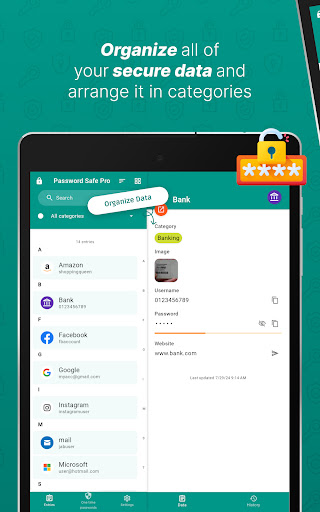
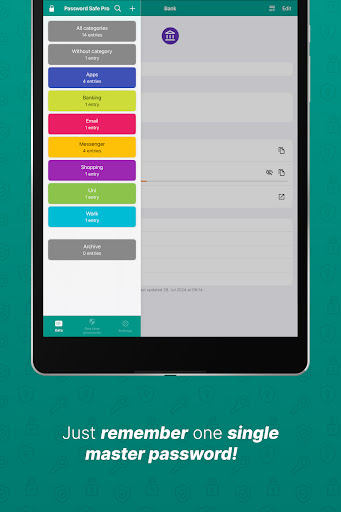
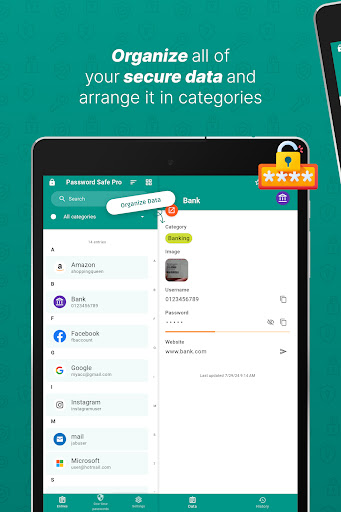
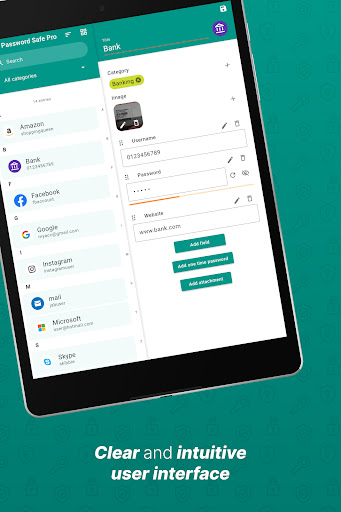
- Organize entries with categories and tags for easy retrieval
- Access your vault using a single master-password
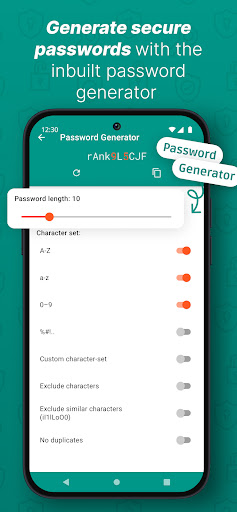
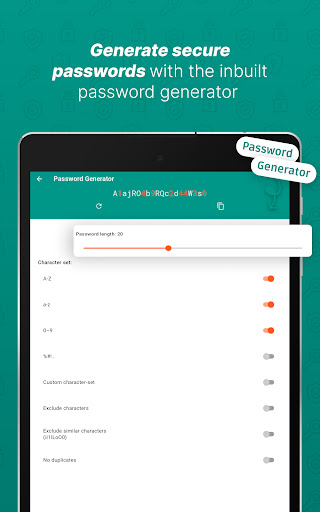
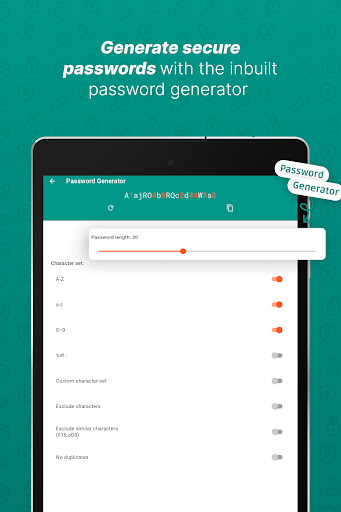
- Password Generator for creating strong, random passwords
- Backup and restore your encrypted database effortlessly
- Customization options for the user interface
- View statistics like most-used entries and password strengths
- Automatic clipboard clearing to enhance security (device restrictions may apply)
- Widgets for quick password generation
- Support for local auto-backup and CSV import/export
- Visual password strength indicator
- No unnecessary Android permissions required
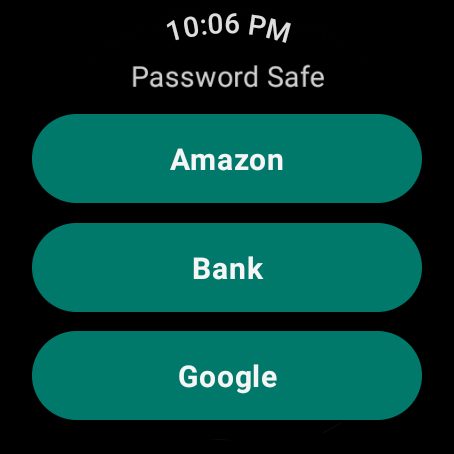
- Wear OS compatibility for convenient access on smartwatches
Pro Version Additional Features
- Biometric login options such as fingerprint and face recognition
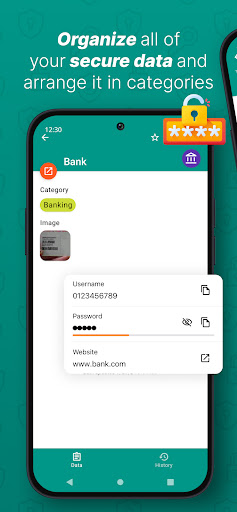
- Attach images and other files to entries
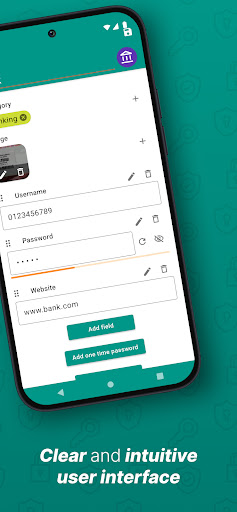
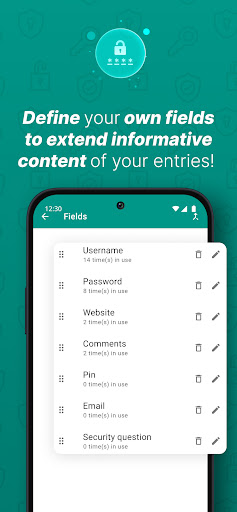
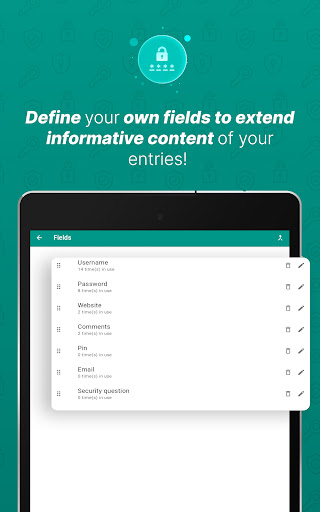
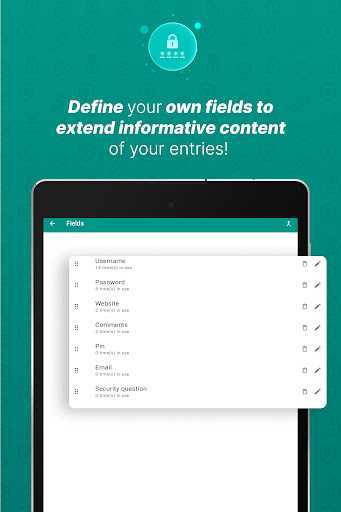
- Define, reorder, and use custom entry fields
- Archive old entries for better organization
- Assign multiple categories to a single entry
- View password history
- Batch assign entries to categories
- Import/export data from/to Excel and PDF formats
- Automatic logout after a set period or when the screen turns off
- Various design themes and options
- Self-destruction feature for added security
Ease of Use and Security
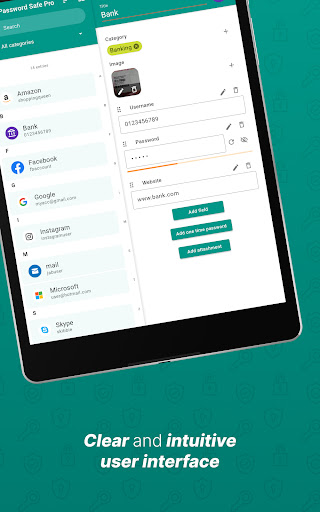
This app is designed with user-friendliness in mind. Remember just one master password to access all your stored credentials. Its intuitive interface makes organization straightforward—categories help you swiftly locate your passwords, and biometric login options provide quick and secure access. The security backbone is provided by 256bit AES encryption. If you ever need to generate a new password, the built-in password generator creates strong, unpredictable passwords without hassle.
Customization and Personalization
Tired of static interfaces? Password Safe and Manager offers a variety of customization options to alter the look and feel to suit your preferences. From interface themes to personalized entry fields, you can tailor the app to your needs, ensuring a more comfortable user experience.
Insights and Data Sovereignty
Want to analyze your password usage? The app provides statistics, such as the most frequently used passwords or ones that are too weak. Plus, rest assured that your data remains under your control—since the app is entirely offline, there’s no risk of data leaks or server breaches. However, this also means that if you forget your master password, data recovery is impossible due to the encryption. Therefore, it’s crucial to remember your master-password or securely store your backup.
Final Thoughts
Password Safe and Manager is an excellent choice for anyone seeking a secure, efficient, and customizable password management solution. Its strong encryption, offline operation, and user-centric design make it ideal for both casual users and security-conscious individuals. Say goodbye to password juggling and privacy worries—embrace a safer digital life. Try out this app today and experience how easy managing your credentials can be!
Pros
- User-friendly interface.
- Robust encryption protocols.
- Enables cloud backups.
- Includes auto-fill feature.
- Allows customization of categories.
Cons
- Restricted features available in free version.
- Lacks biometric authentication options.
- Occasional synchronization problems.
- Does not support password sharing.
- Contains advertisements in the free version.











