





Discovering Obsidian: The Powerful Knowledge Management Tool
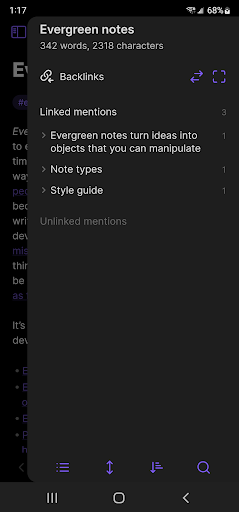
Obsidian is an innovative knowledge base application that operates seamlessly on your local folder of plain text Markdown files. Designed to serve as a true second brain, Obsidian helps you organize, connect, and access your ideas effortlessly, ensuring your data is always accessible and private. Recently expanded to Android devices, Obsidian now allows users to stay productive and organized on the go.
Key Features of Obsidian
Obsidian offers a rich array of features tailored for dedicated knowledge enthusiasts and productivity seekers:
- Customizable toolbar: Personalize your workspace to suit your workflow.
- Pull down quick actions: Access essential functions swiftly.
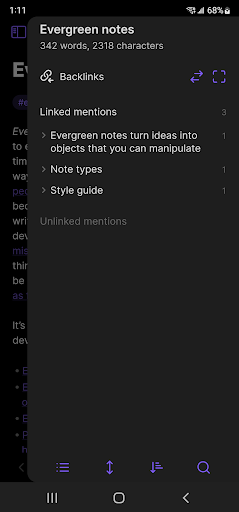
- Graph view: Visualize your notes and their interconnections, aiding in idea mapping and project planning.
- Share to and from Obsidian: Effortlessly exchange content between your apps and Obsidian.
- Community plugins: Extend functionality with various plugins such as calendars, task managers, or timers.
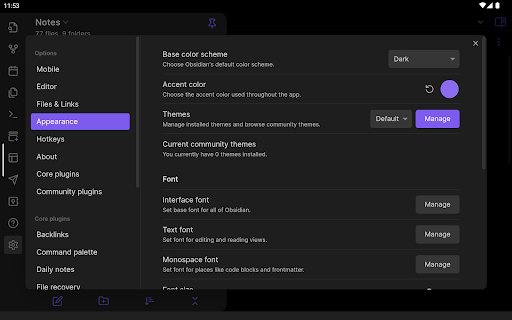
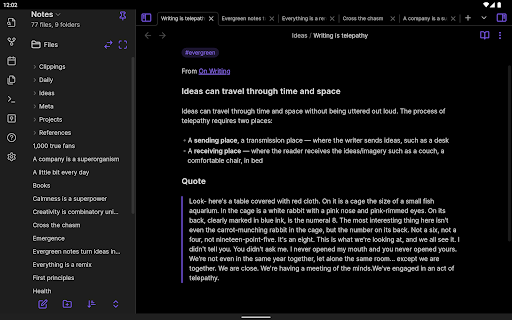
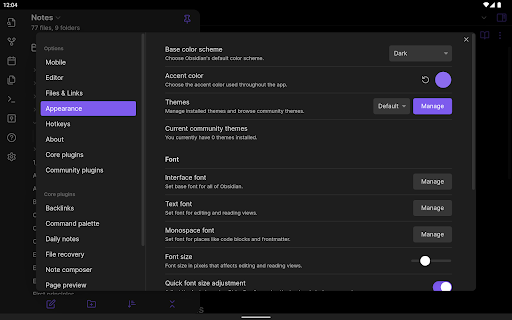
- Themes: Customize the visual appearance of your workspace for a personalized feel.
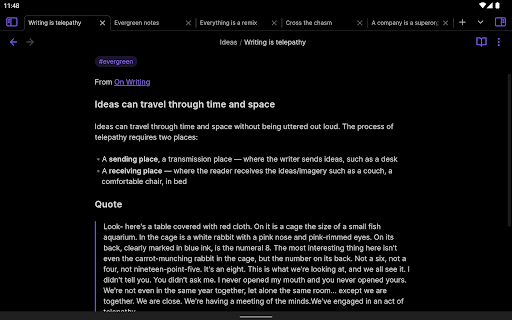
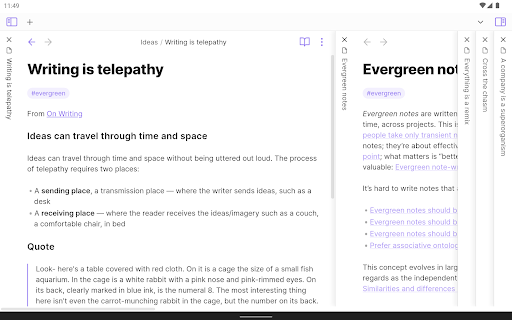
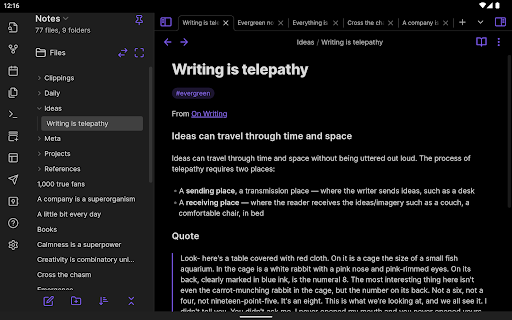
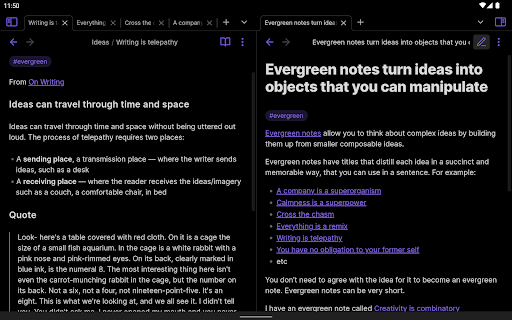
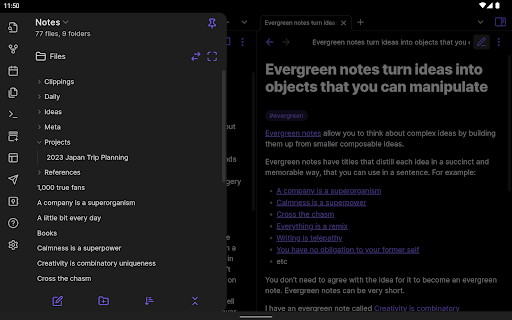
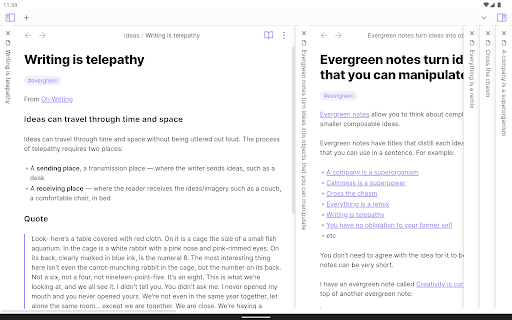
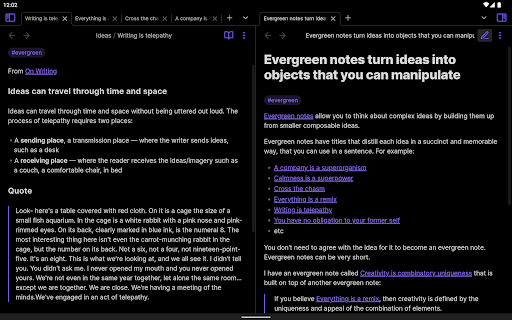
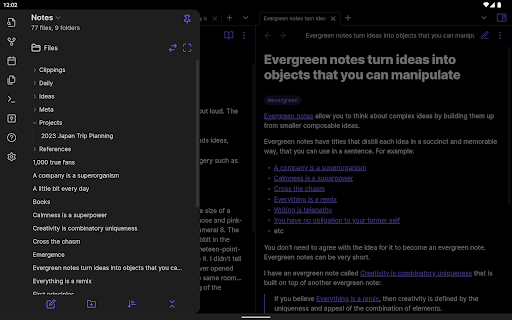
- Sidebar pinning for tablet content: Simplify navigation on larger screens, making multitasking easier.
The Ultimate Note-Taking and Knowledge Management Experience
Navigating through the world of digital note-taking apps can be daunting, but Obsidian stands out with its unique approach. If you’re someone who values organization and loves connecting ideas like a web spider, this app might quickly become your favorite tool. Unlike traditional note apps, Obsidian functions as a powerful knowledge management system—think of it as turning your collection of notes into a dynamic personal Wikipedia.
Intuitive Interface and User Experience
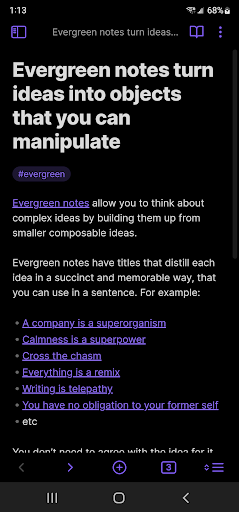
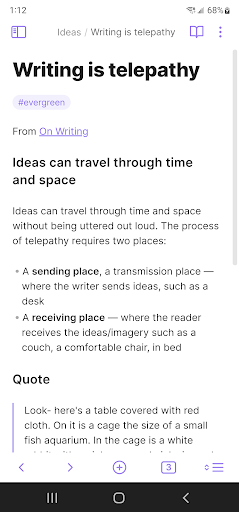
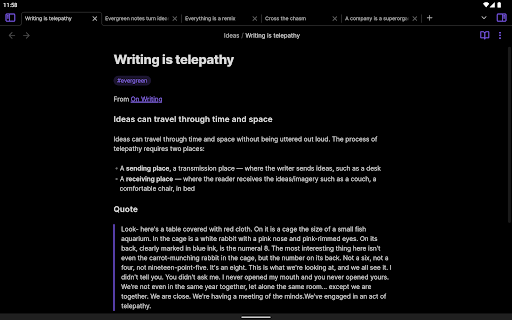
Upon launching Obsidian, you'll be greeted by a clean, minimalistic interface that prioritizes ease of use. Despite its simple appearance, it packs a robust, flexible system beneath that allows for quick navigation and effortless linking of ideas. This balance of simplicity and depth makes the app suitable for both beginners and advanced users, enabling smooth workflows and quick context switching.
Features That Elevate Your Productivity
One of Obsidian's standout features is the graph view. This visual mind map displays your interconnected notes, providing a comprehensive overview of your knowledge network. It’s perfect for revisiting past projects or planning new endeavors. Additionally, Markdown support enhances your ability to format notes with bold, italic, and lists, making your notes both functional and visually appealing.
Customization and Community Integration
The vast ecosystem of community plugins transforms Obsidian into a customizable productivity hub. Whether you need a calendar, task manager, Pomodoro timer, or other tools, plugins expand the app's capabilities to meet your unique needs. The availability of multiple themes allows you to tailor the visual style, creating a workspace that feels truly yours.
Privacy and Data Control
One of the core strengths of Obsidian is its focus on privacy. Your notes are stored locally on your device, giving you full control over your data. In a digital age where cloud privacy concerns are prevalent, Obsidian offers peace of mind, allowing you to keep your thoughts and ideas private unless you choose to share them.
Final Thoughts
After exploring all that Obsidian offers, it’s clear that this app is more than a simple note-taking tool; it’s a comprehensive knowledge management system that evolves with you. Whether you're a student, a professional, or an avid organizer, Obsidian helps create a dynamic, interconnected web of knowledge tailored to your needs. Its emphasis on linking ideas, privacy, and customization makes it a standout choice for those serious about managing information effectively. Ready to elevate your digital organization? Give Obsidian a try—perhaps it’ll become your new favorite digital companion.
Pros
- Highly customizable with plugins
- Supports markdown for note-taking
- Works offline seamlessly
- Cross-platform synchronization
- Robust community support and tutorials
Cons
- Steep learning curve for beginners
- No built-in task management features
- Limited mobile app functionalities
- Requires manual setup for sync
- Can be overwhelming with plugins











