

Smartsheet: Projects & Teams - Comprehensive Work Management Platform
Are you searching for an efficient solution to streamline your project management and team collaboration? Smartsheet: Projects & Teams is a powerful work execution platform designed to boost productivity, enhance collaboration, and simplify task organization. Whether you're managing a small team or overseeing large-scale enterprise projects, Smartsheet offers versatile tools to help you plan, track, automate, and deliver results seamlessly.
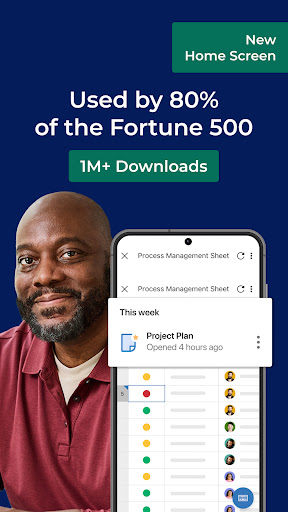
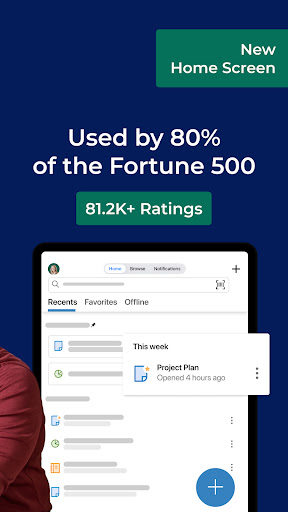
Getting started is straightforward: you can sign in with your existing Smartsheet account or enter your email to initiate a free 30-day trial. Once onboard, you'll join a global community of over 80,000 leading brands—including 75% of the Fortune 500—that leverage Smartsheet's capabilities to accelerate innovation in more than 190 countries. This platform empowers teams to work smarter and faster, anytime and anywhere, making it an indispensable tool for modern project execution.
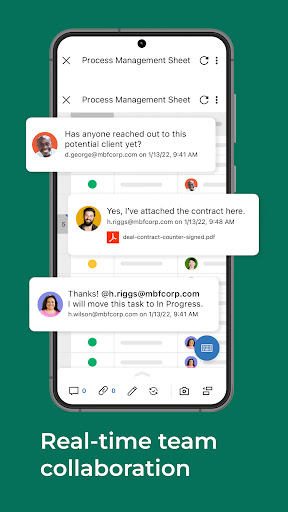
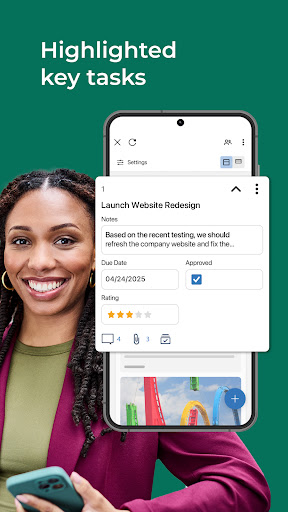
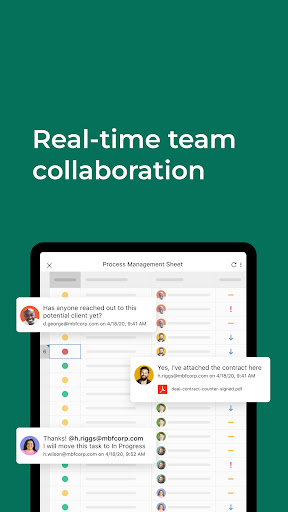
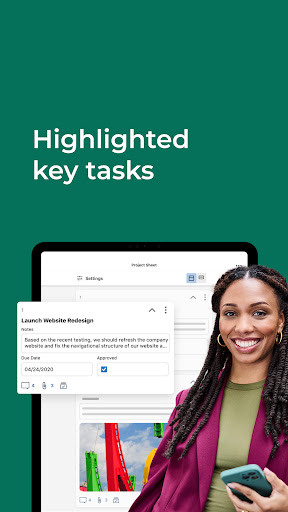
The core features of Smartsheet make it an adaptable all-in-one solution. You can create multiple views—including grid, card, Gantt, and calendar—to visualize your tasks and project timelines effectively. Its rich suite of templates simplifies setup, whether you're planning a marketing campaign, product launch, or event. Plus, extensive collaboration features—such as sharing sheets, assigning tasks, setting automatic reminders, and real-time updates—ensure your team stays aligned and engaged throughout the project lifecycle.
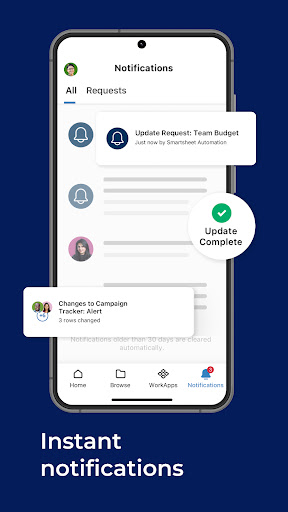
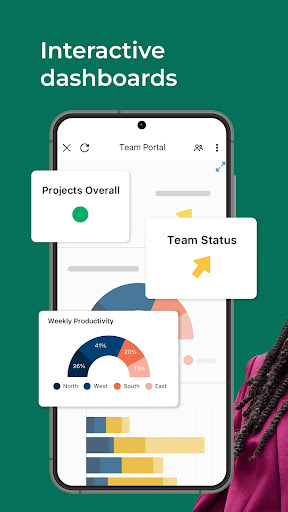
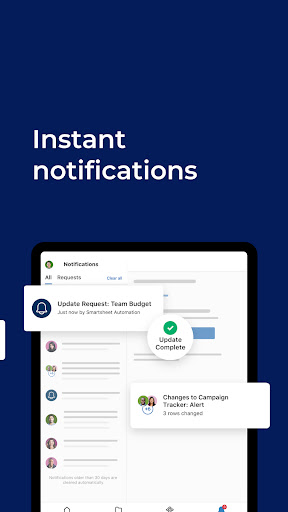
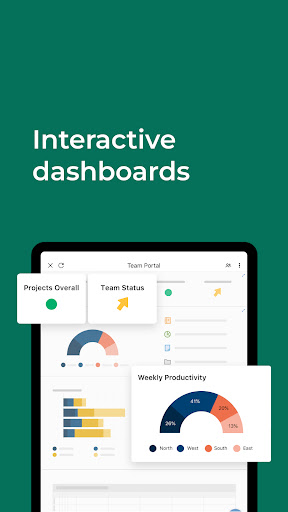
Automation plays a crucial role in enhancing workflow efficiency. With Smartsheet, you can implement automated processes—like sending alerts, requesting approvals, and updating statuses—all within minutes. This reduces manual effort, minimizes errors, and frees up your team to focus on strategic activities. Dashboards, reports, and visual charts provide clear insights into project progress and key metrics, helping you identify potential bottlenecks and adapt quickly to changing conditions.
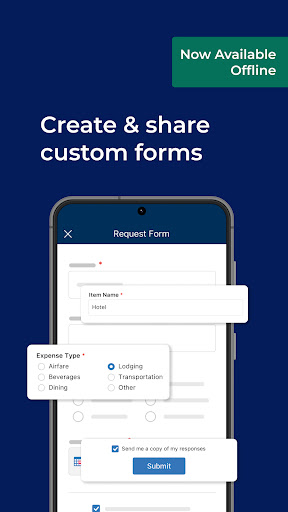
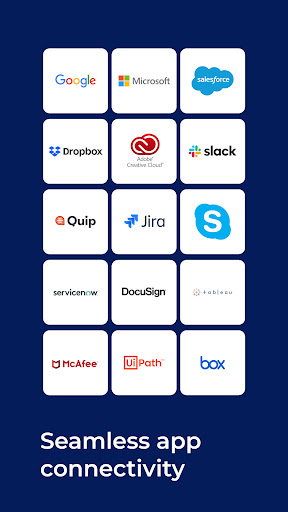
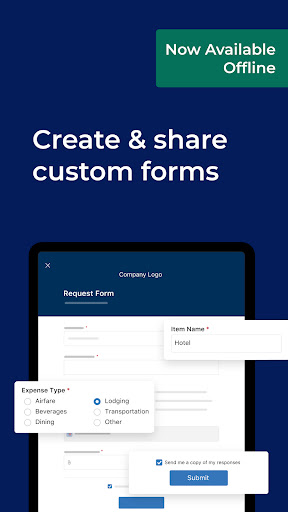
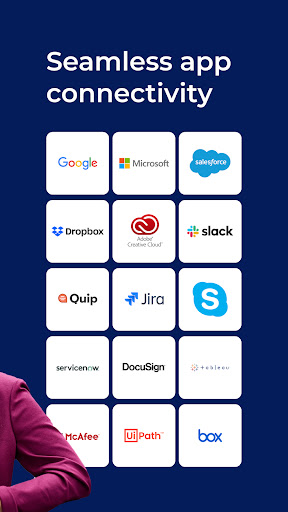
Additionally, Smartsheet seamlessly integrates with popular applications such as Google Workspace, OneDrive, and Microsoft Office. This synchronization ensures your data remains consistent across platforms and facilitates easier task management. Collecting information is also streamlined through customizable forms, which allow stakeholders to submit data, upload images, or scan barcodes—ideal for capturing information in low-connectivity environments or on the go. Forms can be embedded into dashboards or websites, making data collection accessible and efficient.
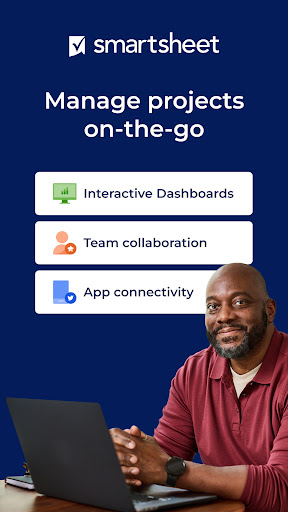
Mobile access is another highlight. Smartsheet's mobile app enables project managers and team members to monitor work status, approve tasks, or update information in real-time, no matter where they are. This flexibility ensures that your team remains productive and responsive, even when working remotely or in the field.
To enhance your project management capabilities further, Smartsheet offers WorkApps, a no-code platform that allows you to build custom web and mobile apps. These tailored solutions can automate specific business processes or streamline workflows, all without requiring programming skills. This helps organizations adapt Smartsheet to their unique needs and scale operations effectively.
In summary, Smartsheet: Projects & Teams is more than just a task tracker—it’s a dynamic platform designed to foster collaboration, streamline workflows, and provide real-time visibility into your projects. Its versatility makes it suitable for a variety of industries and team sizes, from small startups to Fortune 500 companies. If you're ready to enhance team productivity, improve project transparency, and automate routine tasks, Smartsheet is an excellent choice to elevate your project management experience.
Discover the Power of Smartsheet: Projects & Teams for Better Project Management
Ever felt like your project management skills could use a boost? Smartsheet: Projects & Teams might just be the solution you've been searching for. This innovative platform transforms the way teams plan, collaborate, and execute projects, making complex workflows more manageable and transparent.
Getting started with Smartsheet is incredibly simple. Upon downloading, you'll find an intuitive, sleek interface designed for ease of use. The platform offers a wide array of customizable templates tailored for different projects—be it marketing, events, product development, or operations. These templates serve as a perfect starting point and can easily be modified to fit your specific requirements, saving you time and effort from the outset.
One standout feature is its collaboration tools. Sharing sheets with team members, assigning tasks, setting deadlines, and sharing comments become effortless. Real-time updates ensure everyone stays informed, reducing misunderstandings and keeping projects on track. Furthermore, the platform integrates well with tools like Google Workspace, Microsoft Office, and cloud storage services including Google Drive, Dropbox, and OneDrive, enabling a seamless flow of information across your favorite apps.
The automation features of Smartsheet are particularly impressive. You can automate repetitive tasks—such as notifying team members about upcoming deadlines or requesting approvals—allowing your team to focus on high-value activities. The comprehensive reporting and analytics tools generate insightful visuals, helping you monitor progress, detect bottlenecks, and make informed decisions in real time.
Another significant aspect is how Smartsheet makes data collection easy. You can create custom forms for stakeholders to submit data, upload images, or scan barcodes, even in environments with limited connectivity thanks to offline form capabilities. These forms automatically map to your sheets, streamlining data capture and reducing errors.
Mobile access ensures you can manage your projects on the go. The Smartsheet mobile app provides real-time updates, task management, and approvals, so you're never out of the loop—whether you're in the office, on site, or traveling.
For organizations looking to customize their tools further, WorkApps offers a no-code platform to develop custom web and mobile applications. These apps help automate and streamline specific business processes without needing technical expertise, empowering your team to build tailored solutions efficiently.
Overall, Smartsheet: Projects & Teams is more than a project management app; it's a robust ecosystem that promotes collaboration, enhances productivity, and provides comprehensive visibility into ongoing work. Its versatility and user-friendly design make it an ideal choice for teams aiming to foster innovation, increase efficiency, and deliver projects successfully. If you're ready to take your project management to the next level, Smartsheet could be the platform that transforms your workflow and delivers measurable results.
Pros
- User-friendly interface simplifies project management.
- Real-time collaboration boosts productivity.
- Customizable templates enhance workflow efficiency.
- Mobile app ensures accessibility on-the-go.
- Integrates with popular tools like Google Workspace.
Cons
- Limited offline functionality.
- Steep learning curve for new users.
- Subscription cost may be high for small teams.
- Occasional sync issues with mobile app.
- Advanced features reserved for premium plans.











