

Discover the Power of AirPlay: Seamless Wireless Streaming and Screen Mirroring
AirPlay is a revolutionary wireless streaming technology that transforms the way you enjoy media on your TV and audio devices. Whether you're an Apple aficionado or use an Android device, AirPlay TV Cast brings compatibility and convenience right to your fingertips. With its robust features, easy setup, and excellent performance, this app seamlessly bridges the gap between multiple devices, delivering an enhanced streaming experience across your home entertainment system.
What Is AirPlay? A Simple Solution for Wireless Streaming
AirPlay enables users to effortlessly mirror screens and cast content wirelessly from their devices to compatible TVs, speakers, and other media devices. Originally developed by Apple, AirPlay allows iPhone, iPad, Mac, and even Apple Watch users to display their screens on larger displays or audio systems with just a few taps. This technology is praised for its intuitive interface, reliable connection, and high-quality audio and video transmission, making it an essential feature for home entertainment, professional presentations, or sharing memories with friends and family.
Effortless Setup and Compatibility
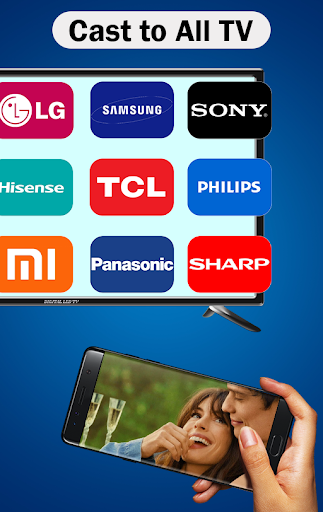
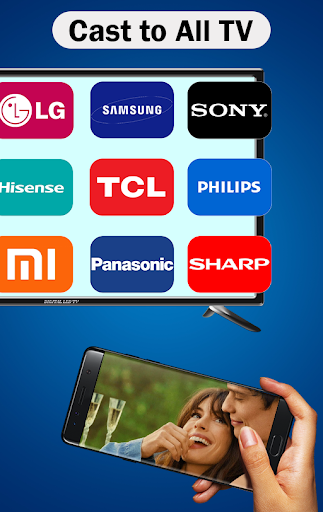
Getting started with AirPlay is incredibly straightforward. Since it is built into the latest iOS and macOS devices, there’s no need for complicated downloads or configurations. Simply locate the AirPlay icon on your device, select your target device, and start streaming. Compatibility extends to a wide range of smart TVs, including Samsung TVs with AirPlay, AirPlay 2 receivers, and various speakers that support wireless audio streaming. This broad compatibility ensures that users can connect their devices easily, regardless of the brand or model.
Key Features That Elevate Your Streaming Experience
Content Streaming Made Easy
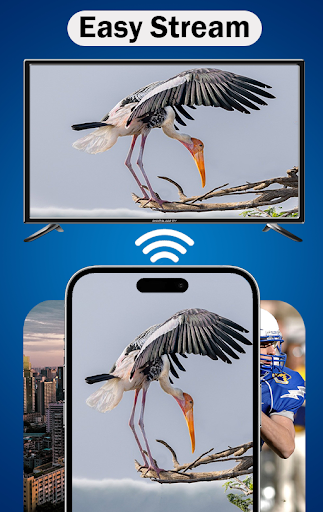
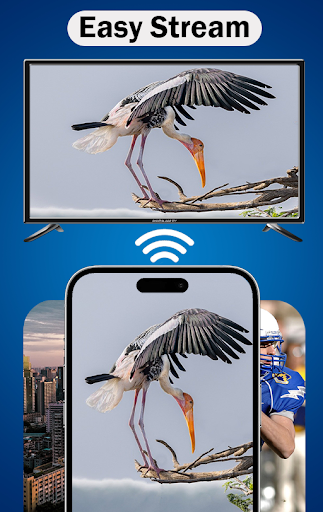
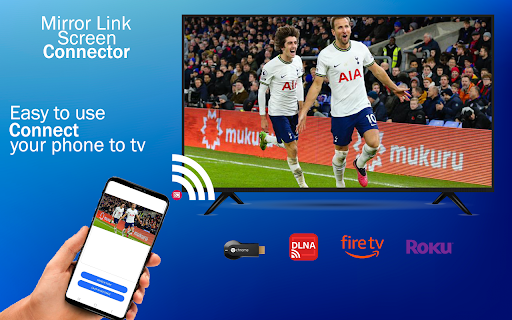
With AirPlay, you can cast your favorite videos, photos, and music to any AirPlay-enabled TV or speaker in your home. Whether you're watching a movie on your Apple TV, sharing vacation photos on a Samsung TV, or listening to music through multi-room AirPlay speakers, the process is smooth and reliable. Supported technologies like DLNA and Chromecast further expand its versatility, ensuring seamless media transfer across multiple platforms.
Sound and Screen Mirroring
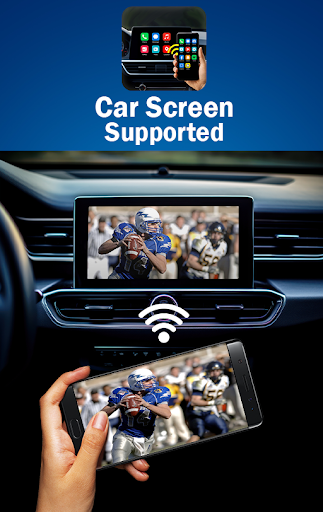
Enjoy effortless screen mirroring from your device to your TV or projector. Whether you're giving a presentation, gaming, or just browsing, AirPlay offers a stable connection and high-quality display. This makes it ideal for home entertainment, professional uses, or sharing content with friends during gatherings.
Simple and User-Friendly Operation
Using AirPlay feels natural and intuitive. Just open the app, select your media, and choose your compatible device from the list. Within seconds, your content begins streaming without any complicated configuration. Additionally, multi-room audio support allows you to play different songs in different rooms or synchronize audio across your entire home—perfect for parties or background music.
How to Use AirPlay with the App
To start streaming with the AirPlay TV Cast app, open the app and pick the media you wish to share—be it photos, videos, or music. Ensure that both your Android device and the target device (like a Samsung TV with AirPlay, AirPlay speakers, or Apple TV) are connected to the same Wi-Fi network. Then, select your preferred device from the list and tap “Connect” to enjoy high-quality media sharing, media playback, or even AirPlay gaming. This simple process makes it easy for anyone to enjoy wireless streaming without hassle.
Why Choose AirPlay? The Benefits
Whether you're streaming content from an iOS device or an Android device using the AirPlay TV Cast app, the benefits are clear. Users enjoy reliable connections, high-quality audio and video transmission, and broad device compatibility. The seamless integration with Apple’s ecosystem makes controlling media straightforward, while the ability to cast to various devices ensures versatile usage scenarios—from cozy movie nights to professional presentations. The convenience of wireless streaming means fewer cables and clutter, allowing you to enjoy your media effortlessly.
Final Thoughts
In summary, AirPlay is a must-have feature for anyone who values effortless media sharing and high-quality streaming. Its integration into Apple devices guarantees a smooth experience, and with compatible apps like AirPlay TV Cast, Android users are also well-equipped to enjoy similar functionality. From casting movies and music to mirroring your screen for presentations or entertainment, AirPlay offers flexibility and reliability. Elevate your home entertainment setup today by embracing the power of AirPlay—the ultimate solution for wireless media streaming.
Pros
- Smooth streaming of video and audio
- Simple integration with iOS devices
- Supports connection to multiple devices
- High-quality streaming without delays
- Intuitive and easy-to-use interface
Cons
- Limited to Apple ecosystem
- Requires a stable Wi-Fi connection
- Not compatible with Android devices
- Some features require a subscription
- Periodic connection stability issues











