
Introduction to the signNow App
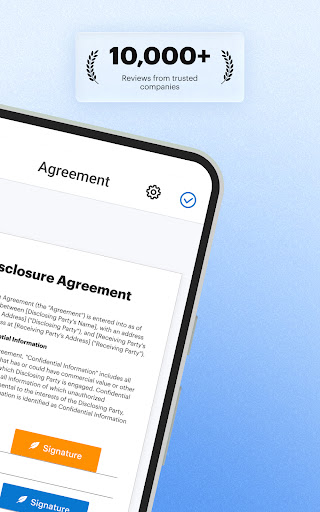
The signNow app is a versatile and user-friendly solution designed to streamline the signing and management of digital documents. Available for Android devices, it empowers users to sign, fill, and send PDF documents anytime and anywhere, significantly enhancing efficiency and security in document workflows.
Key Features and Functionality
Seamless Document Signing and Editing
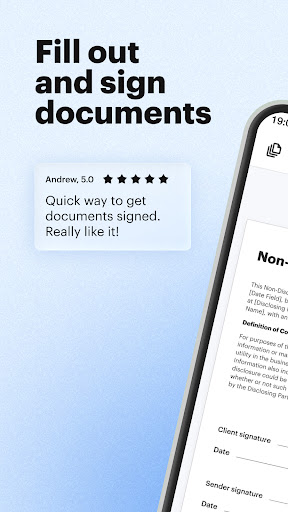
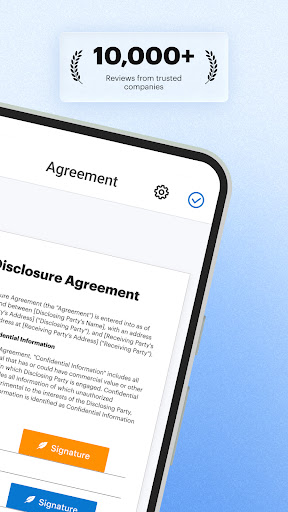
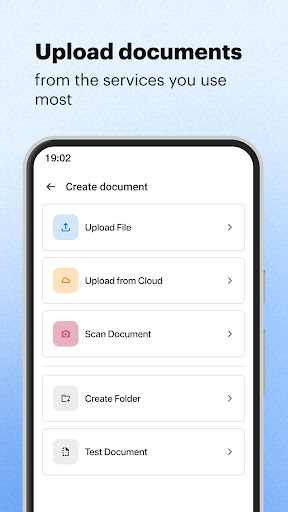
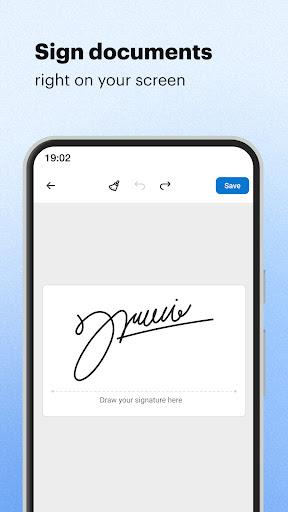
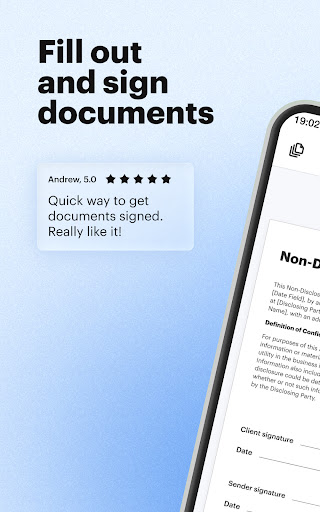
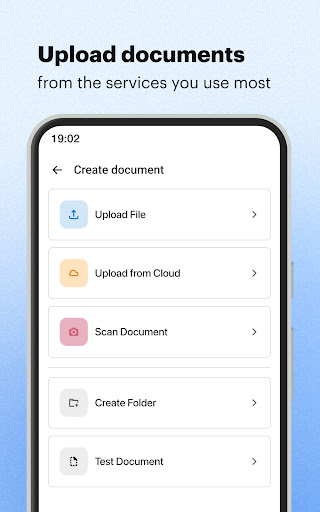
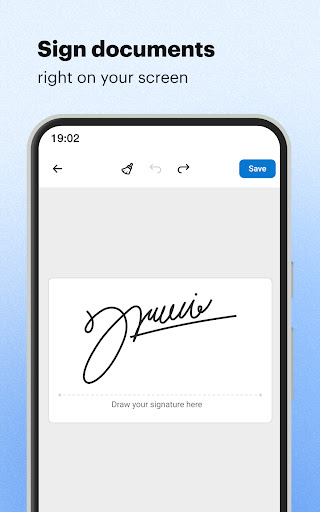
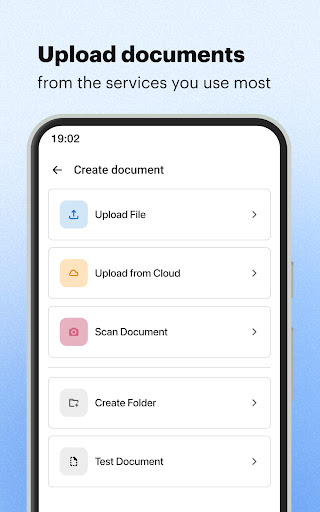
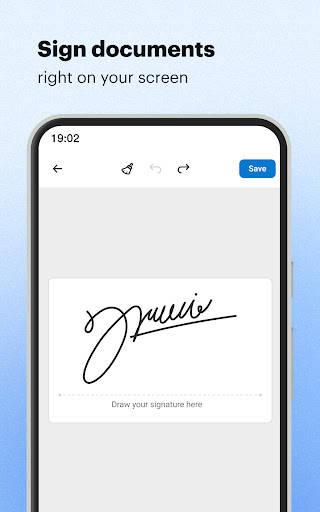
With signNow, you can sign PDF forms, contracts, and a wide range of documents directly from your Android device. The app allows you to upload files, create fillable templates from scratch in PDFs and other formats, and import documents from email or cloud services like Google Drive. You can also sign documents by drawing your signature or uploading a pre-saved image, making the process quick and intuitive.
Collaborative Workflows and Templates
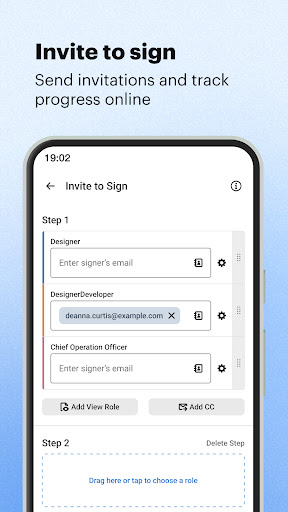
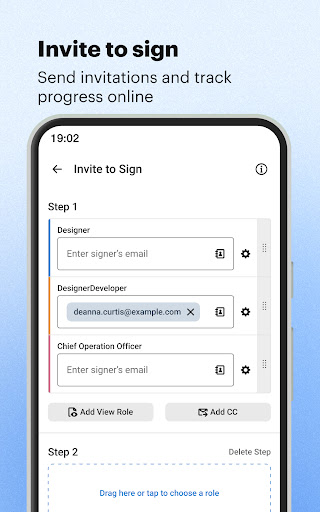
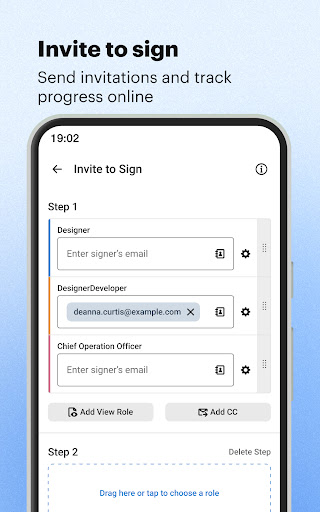
Designed for teamwork, signNow enables collaboration on templates, assigns signing roles, and sets a signing order. You can create reusable templates, organize documents in special folders for easy access, and archive past forms for future use. These features ensure a structured, efficient document management system suitable for businesses of all sizes.
Advanced Security and Data Protection
Security is a priority with signNow. The app offers robust encryption, password protection, and secure cloud storage options to safeguard sensitive information. Additionally, features like in-person signatures through Kiosk mode and signature collection notifications help maintain control over your digital signing processes.
Automation and Integration
Enhance productivity with features like setting signing orders, role assignment, automatic notifications, and real-time tracking of document statuses. signNow integrates seamlessly with popular cloud services such as Google Drive, Dropbox, and OneDrive, allowing you to import and export documents effortlessly across platforms.
User-Friendly Experience
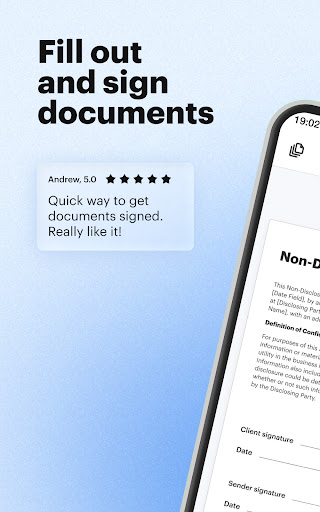
The app’s intuitive interface guides users smoothly through the signing process, whether on a smartphone or tablet. It also provides options to print files, upload images and logos, and create signing links, making it a comprehensive tool for digital document management on the go.
Benefits for Businesses and Individuals
Regardless of your organizational size or industry, signNow offers clear advantages. It promotes team collaboration, simplifies document workflows, and enhances security. The ability to send files to multiple recipients through various methods ensures flexibility, while features like archive storage and reusable templates save time and reduce errors.
Use Cases and Industry Applications
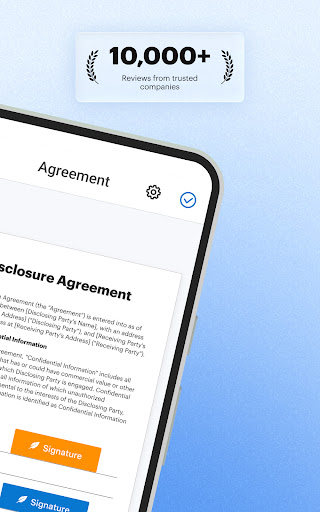
This application is remarkably effective for signing and filling in PDF forms, contracts, and templates across diverse sectors, including real estate, legal, healthcare, and business services. Its mobile nature makes it ideal for professionals on the move—whether signing agreements during meetings, collecting electronic signatures remotely, or managing document workflows in the field.
Getting Started with signNow
Try the signNow app free for the first seven days and experience its robust features firsthand. Whether you need to sign documents, send them for signatures, create reusable templates, or track document statuses, signNow provides a comprehensive solution to simplify your digital workflow. By joining over 6 million users worldwide, you can enjoy a secure, efficient, and user-friendly platform for all your document signing needs.
Learn more about signNow at https://www.signnow.com/ or explore how e-signature technology is transforming industries at http://blog.signnow.com.
Pros
- Intuitive and user-friendly interface.
- Supports a variety of file formats.
- Enables editing of documents within the app.
- Provides secure and legally recognized signatures.
- Can be integrated with leading cloud storage services.
Cons
- Free version has limited features.
- Occasional issues with syncing files.
- Customer support requires improvements.
- Some features require payment.
- In-app advertisements can be disruptive.











