

Introducing Jotform - Form, Sign & Survey: The Ultimate Mobile Form Builder
Are you frequently in need of creating quick forms, gathering signatures, or conducting surveys on the go? Look no further than Jotform - Form, Sign & Survey. This powerful mobile app has revolutionized the way individuals and businesses approach data collection by offering an intuitive, feature-rich platform that works seamlessly even offline. Whether you're managing an event, collecting feedback, or processing payments, Jotform provides a versatile solution tailored to your needs.
Seamless Form Creation with a User-Friendly Interface
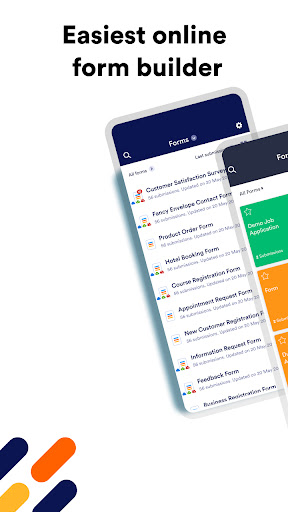
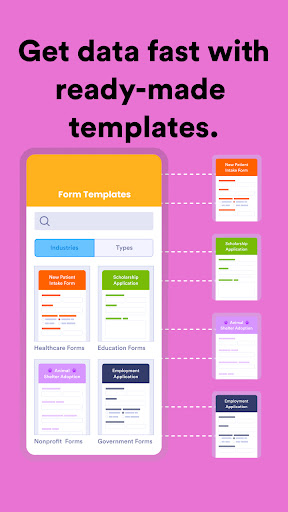
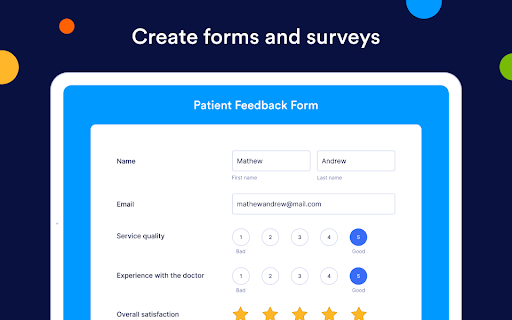
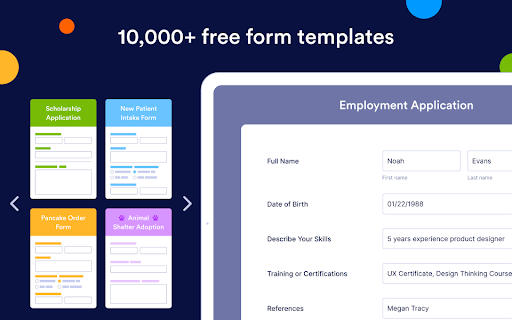
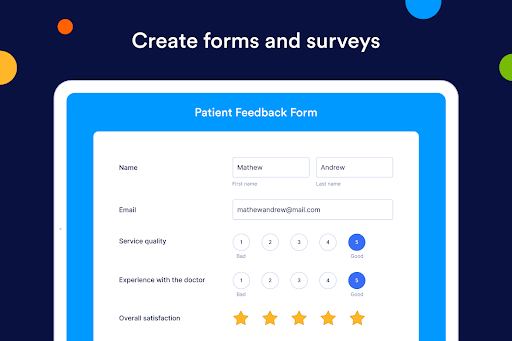
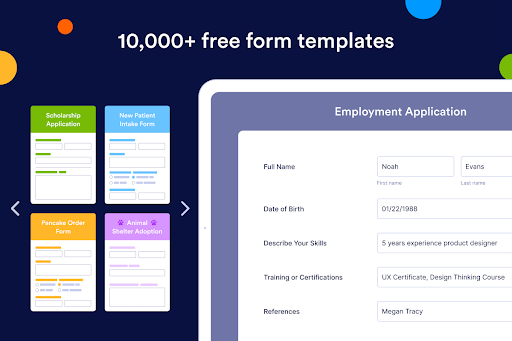
Creating forms with Jotform - Form, Sign & Survey is remarkably straightforward. Its drag-and-drop interface caters to users of all skill levels, eliminating the need for coding expertise. The platform boasts an extensive library of over 10,000 free templates, allowing you to craft everything from simple contact forms to comprehensive surveys effortlessly. This vast selection ensures that you can quickly find a design that fits your specific purpose, saving you valuable time and resources.
Features That Elevate Your Data Collection Experience
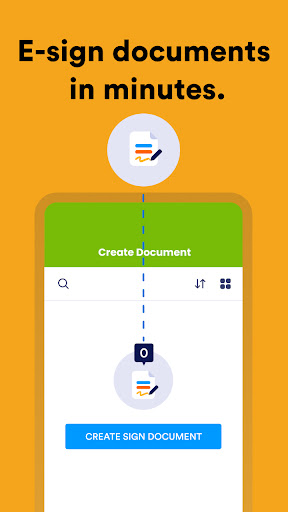
One of the standout features of Jotform is its e-signature capability. It transforms your device into a digital signing pad, making it simple to capture legally binding signatures instantly. This is especially useful for contracts, consent forms, and agreements where immediacy is essential.
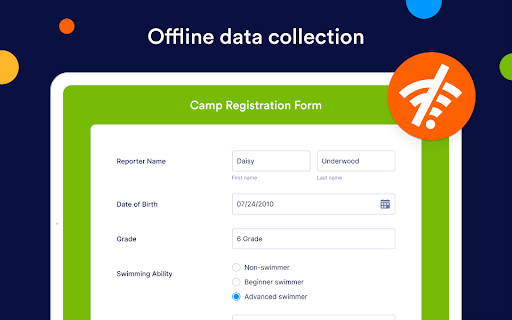
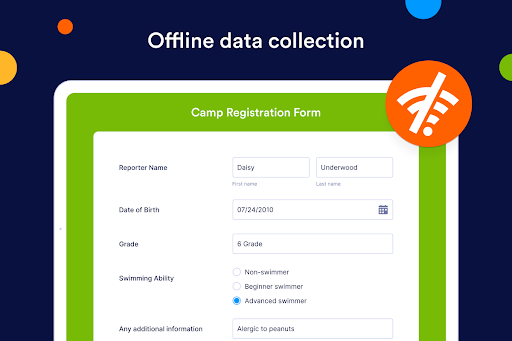
Another impressive feature is the offline mode. You can create, edit, and complete forms without internet access. Once you reconnect, Jotform automatically syncs your data, ensuring your workflow remains uninterrupted. This flexibility is perfect for remote locations, field workers, or situations with unreliable internet.
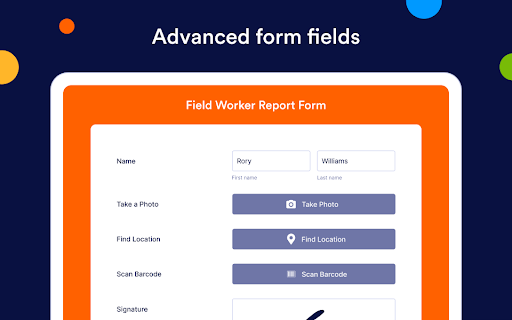
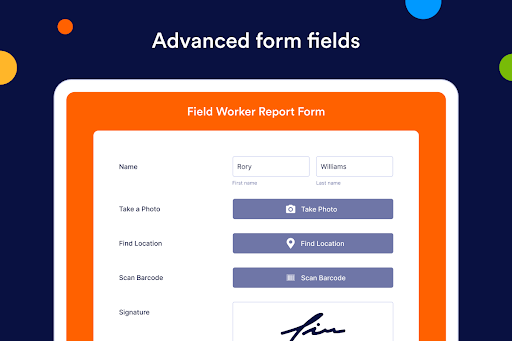
The app also offers advanced form fields such as GPS location tracking, QR code and barcode scanning, voice recording, file uploads, and photo capture. These tools enrich your forms and surveys, enabling you to gather comprehensive data instantly.
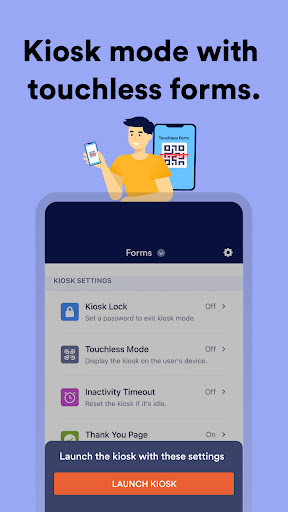
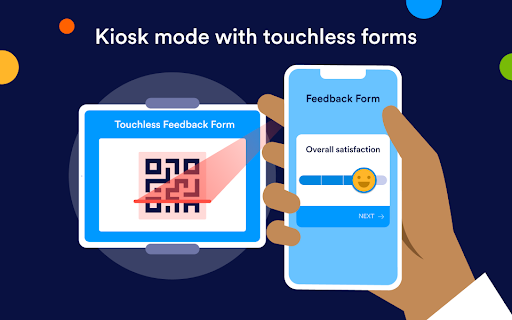
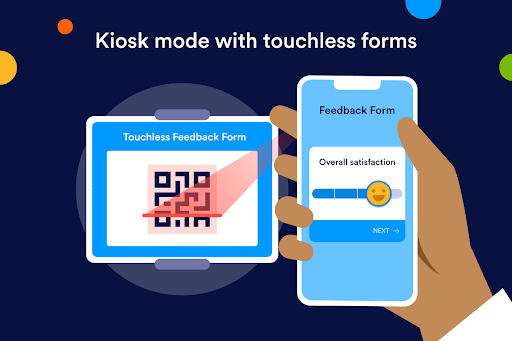
Additionally, Jotform provides the ability to run kiosk mode, turning devices into dedicated survey stations—ideal for trade shows, conferences, or public events. Lockdown features ensure data collection remains secure and efficient, fostering contactless and streamlined interactions.
Collaborate and Share with Ease
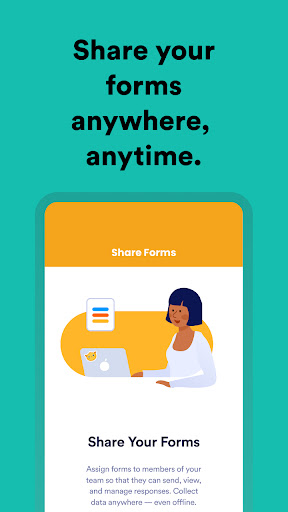
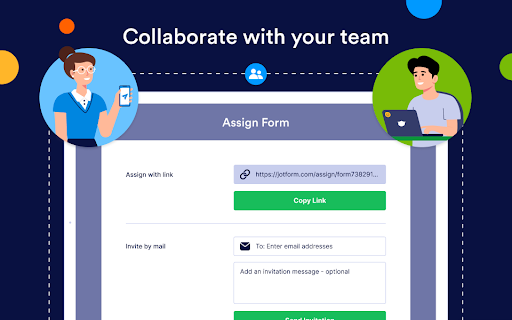
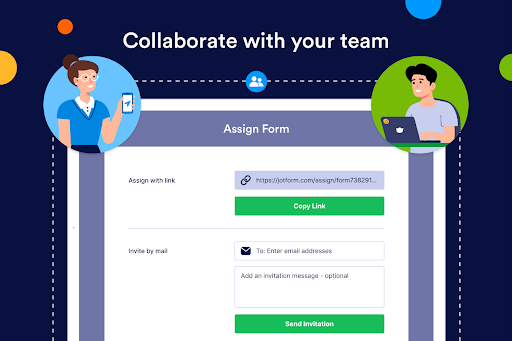
Share your forms seamlessly via email, messaging apps, or social media platforms like Facebook, Slack, LinkedIn, and WhatsApp. You can assign forms to team members, who can access responses without needing a Jotform account, promoting smooth collaboration. The app also enables you to take appropriate actions based on responses, making team management even more efficient.
Build Any Form in Minutes – No Coding Required
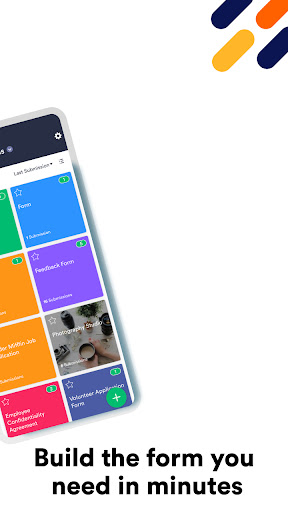
Thanks to its drag-and-drop Form Builder and extensive template collection, you can craft exact forms tailored to your needs in seconds. Add conditional logic, calculations, and widgets to automate responses, streamline workflows, and generate insightful analytics reports—all within a user-friendly environment.
Integrate with Popular Apps and Payment Gateways
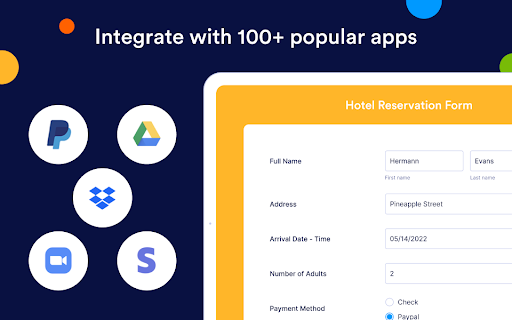
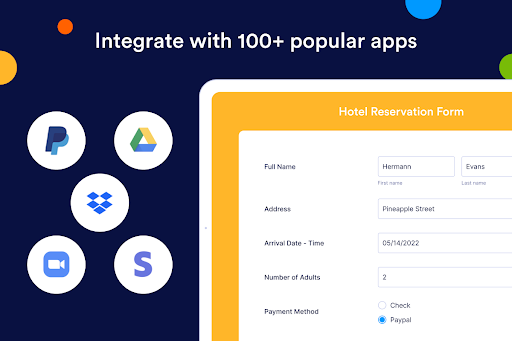
Jotform easily connects with leading CRM solutions, email marketing platforms, cloud storage services, and spreadsheet tools such as Google Sheets, Dropbox, Mailchimp, Salesforce, and more. Its integrations with popular payment processors like PayPal, Square, Stripe, and Authorize.Net allow you to accept credit card payments, handle donations, or process transactions securely—all without extra fees.
Secure Data and Publish Anywhere
Security is a top priority, with 256-bit SSL encryption and compliance with standards such as PCI DSS and GDPR. You can embed forms directly into your website, whether it's WordPress, Wix, Squarespace, Blogger, or other platforms, by simply copying and pasting a short embed code. This flexibility ensures your forms are accessible everywhere.
Why Choose Jotform - Form, Sign & Survey?
For anyone who needs an all-in-one mobile form builder that combines ease of use, extensive features, and robust integrations, Jotform stands out as the best choice. Its ability to operate offline, facilitate electronic signatures, and customize forms without coding makes it ideal for businesses, event organizers, field professionals, and educators alike. Save time, reduce paper usage, and digitize your workflows effortlessly with this versatile app. Whether you're collecting feedback, managing registrations, or processing payments, Jotform is designed to streamline your data collection process with efficiency and security.
Pros
- User-friendly interface for easy form creation.
- Extensive template library for quick setup.
- Seamless integration with third-party apps.
- Robust data analysis and reporting tools.
- Mobile-friendly forms for on-the-go access.
Cons
- Limited features in the free version.
- Occasional sync issues with integrations.
- Advanced features require a learning curve.
- Customization options can be overwhelming.
- Data export options are somewhat limited.











